Sodium Minecraft Mod: Download and Install Guide (26.3)
Sodium: the FPS mod that was ready for Minecraft 26.3 on day one
More frames, less stutter, same Minecraft look. My FPS results with Sodium 0.9.2 on Minecraft 26.3, the settings worth knowing, what it works with, fixes for common problems and how to install it on Fabric or NeoForge.
Tested on Minecraft 26.3 (Fabric), Sodium 0.9.2, October 20, 2026, RTX 4070 Ti SUPER, render distance 32. How I test
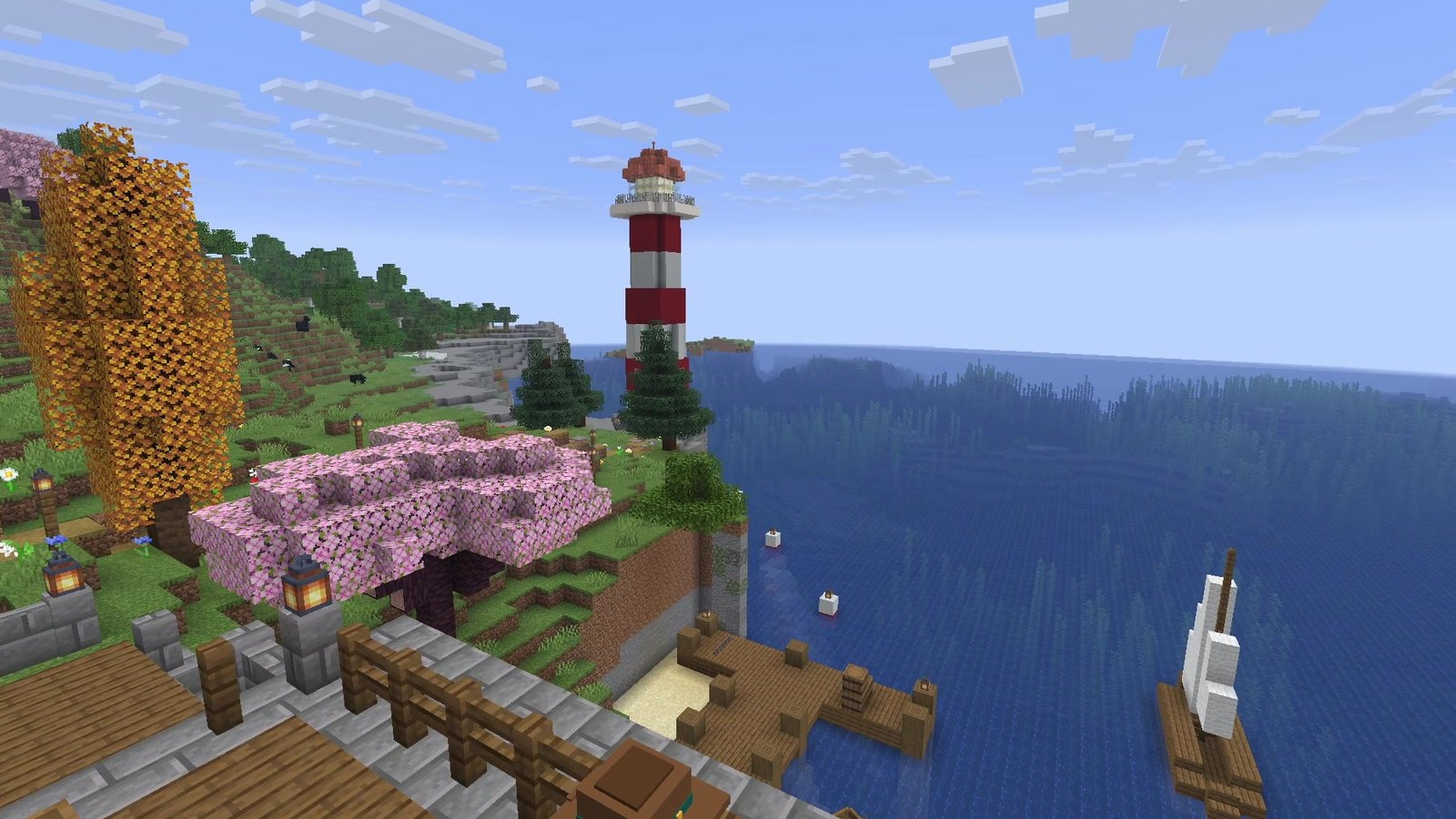
Sodium is the performance mod I install first in every world. It replaces the way Minecraft renders the world, keeps the vanilla look, and in my test on Minecraft 26.3 it was the only single mod that raised the frame rate in every scene: +12 to +39 percent. Version 0.9.2 came out for 26.3 on September 15, 2026, the same day as the update.
 1:28
The short version
Sodium for Minecraft 26.3
Playing loads the video from YouTube (privacy-enhanced mode), which may set cookies and process your data. Details.
What Sodium does
Minecraft’s own renderer leaves a lot of performance on the table. Sodium rebuilds how the game draws the world, and by default it simply turns on every optimization your system supports. You don’t need to configure anything.
It also fixes graphical issues the game has had for years:
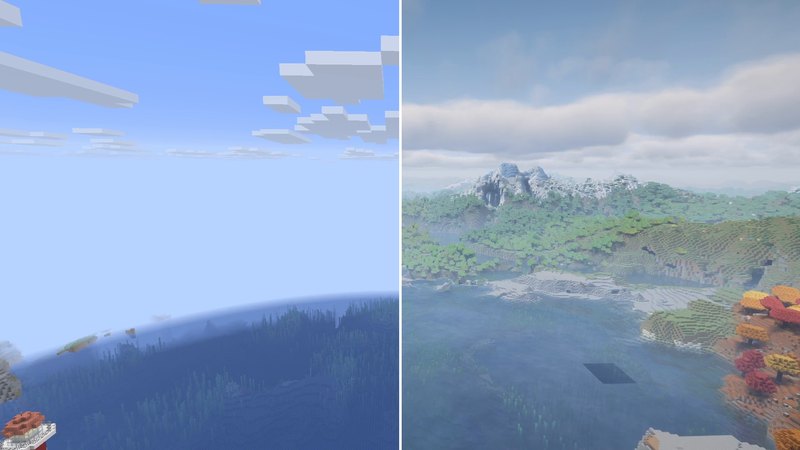
- Smoother biome blending with gradients across each block instead of hard steps (you can see it in the gallery below).
- Smooth lighting on fluids like water and lava.
- Cleaner block shading with more consistent shadows.
- Better smooth lighting underwater.
Sodium 0.9 moved all of its rendering onto Mojang’s Blaze3D and added asynchronous occlusion culling: the check for which parts of the world the camera can’t see, and therefore don’t need to be drawn, now runs in the background. It’s also the first Sodium that can run on Vulkan, as an experimental option under Graphics API in your Video Settings.
My test results
I measured Sodium 0.9.2 on October 20, 2026 on my test PC with an NVIDIA GeForce RTX 4070 Ti SUPER: Minecraft 26.3 on Fabric, render distance 32, simulation distance 8, no frame cap, V-Sync off. Every run flew the same four scenes in my channel world, and the frame rate came from the F3 screen once per second. I ran vanilla at the start and at the end of the session, and both runs landed within 5 percent of each other, so I count anything below 5 percent as noise.
| Scene | Vanilla | Sodium | Gain |
|---|---|---|---|
| Bay | 207 | 241 | +16% |
| Meadow (1,024 villagers hidden below) | 175 | 243 | +39% |
| Red forest | 194 | 217 | +12% |
| Empty sky | 275 | 346 | +26% |
Average FPS per scene. Three things stood out:
- Stacking didn’t add much. Sodium plus six more performance mods (Lithium, Entity Culling, ImmediatelyFast, MoreCulling, FerriteCore, BadOptimizations) scored 247, 234, 222 and 357 FPS. Sodium alone scored 241, 243, 217 and 346.
- Lithium on top barely moved the frame rate: 244, 252, 207 and 368 FPS, within 5 percent of Sodium alone in three scenes and 6 percent higher in the empty sky. That fits, Lithium works on game logic, not on drawing.
- The only bigger jump came from an add-on: Nvidium, a beta for NVIDIA cards only, pushed the meadow to 269 FPS (+54% on vanilla), but was slower than Sodium alone in the empty sky.
For my tier list I also recorded a separate flight with the game’s graphics preset, which set the render distance to 16 for both runs: vanilla averaged 305 FPS, Sodium 358. On a second flight over the bay it was 339 against 443.
All nine mods, every number and the method are in my FPS mod test for 26.3. Sodium is #1 in S tier in my Minecraft 26.3 tier list.
Settings worth changing
The short answer: you don’t have to change anything. The developers write that Sodium enables every optimization your system supports and that you should only change performance settings if you run into problems. If you want to tweak, these are the ones the in-game descriptions explain:
- Video Settings → Quality → Biome Blend: the area in which biome colors are blended, default 5x5. Higher values greatly increase the time it takes to load or update chunks, for diminishing improvements in quality.
- Video Settings → Performance → Chunk Updates: “Immediate” waits for chunk updates so blocks never lag behind, “Soon” allows at most one frame of visual lag, and “Deferred” never waits. Deferred can greatly improve frame rates in some scenarios, but blocks may take a while to appear or disappear.
- Video Settings → Performance → Chunk Update Threads: more threads load and update chunks faster but can hurt frame times. The in-game description recommends the default.
- Video Settings → Performance → Use No Error Context: slightly faster rendering, but sudden crashes become much harder to debug.
- Video Settings → General → Graphics API: the experimental Vulkan option. Stay on OpenGL if you use Iris shaders.
Compatibility
- Loaders: the 26.3 files are for Fabric and NeoForge. The developers recommend Fabric Loader. No other mods are required.
- Client only: Modrinth lists Sodium as required on the client and unsupported on the server. Servers don’t need it.
- OptiFine: doesn’t work together with Sodium, according to the Iris team.
- Iris: the shader loader runs on top of Sodium and needs it. See my Iris guide.
- Fabric Rendering API mods: since Sodium 0.6 the support is built in. The old add-on Indium is no longer needed and isn’t compatible with Sodium 0.6 or newer, so don’t install it.
- Other performance mods: in my FPS test Sodium ran in one instance together with Lithium, Entity Culling, ImmediatelyFast, MoreCulling, FerriteCore and BadOptimizations.
- Hardware: official support covers desktop graphics cards with up-to-date drivers for OpenGL 4.5 or newer. That includes Intel HD Graphics 500 Series, NVIDIA GeForce 400 Series and AMD Radeon HD 7000 Series or newer. Android devices that run Minecraft through OpenGL translation layers are not supported.
Troubleshooting
- Not sure it’s installed? Open Video Settings. If you see Sodium’s own screen with its logo and version number (like in my screenshot), it works.
- Crashes, black screens or rendering bugs: update your graphics driver, and get it from NVIDIA, AMD or Intel directly. The Sodium team says never to use Windows Update or Device Manager for this.
- NVIDIA card and the game won’t start: you need driver 536.23 or newer. With an older driver the game refuses to launch, and that check can’t be turned off.
- Extreme lag or a crash with MSI Afterburner installed: RivaTuner Statistics Server 7.3.3 or older is incompatible, and Sodium crashes the game on purpose when it detects it. Close or uninstall RivaTuner. Adding javaw.exe to its exclusion list is not enough.
- ASUS GPU Tweak III installed: add your Java runtime’s javaw.exe to its blacklist, or uninstall it. It slows Minecraft down even without Sodium.
- Holes in blocks with a resource pack: turn off Use Block Face Culling under Performance.
- Some textures stopped animating: turn off Animate Only Visible Textures under Performance.
- Crashes after changing settings: delete sodium-options.json in your config folder. Sodium creates it again with default settings at the next start.
- Still broken? Report it on the issue tracker linked on the Modrinth page, with your mod list and your crash or log files.
Alternatives
There isn’t a second rendering replacement in my test that does the same job. What exists:
- OptiFine was the old all-in-one answer, but it can’t run together with Sodium, and the Iris shader loader needs Sodium.
- Add-ons on top of Sodium: Nvidium (beta, NVIDIA GTX 16 series or newer) gave the biggest single jump in my test. Sodium Extra adds OptiFine-style toggles for animations, particles and fog, according to the Iris FAQ.
- Mods with a different job: Lithium speeds up game logic, Entity Culling skips mobs you can’t see (+34% on my meadow without Sodium, but that gain disappeared once Sodium was installed), and Distant Horizons adds view distance.
How to install Sodium
- Install Fabric Loader for Minecraft 26.3 (or NeoForge).
- Download Sodium for 26.3 and your loader from Modrinth or CurseForge. Version 0.9.2 is the current stable release.
- Put the file into your
modsfolder. Nothing else is required. - Open Video Settings to check that Sodium’s screen shows up.
Step by step, with fixes for the common errors: How to install Fabric mods in Minecraft 26.3.
Verdict
Sodium is for everyone who plays Minecraft Java 26.3, on a fast PC or a slow one.
- Pro: the only single mod that raised the frame rate in every scene of my test, by 12 to 39 percent.
- Pro: keeps the vanilla look and fixes old flaws like blocky biome blending.
- Pro: no dependencies, client only, ready for 26.3 on release day.
- Con: rendering only. Lag from big farms and lots of mobs is a job for Lithium.
- Con: not compatible with OptiFine, and the known problems mostly come from old drivers or overlay tools like RivaTuner.
Sodium is made by the CaffeineMC team and licensed under Polyform Shield 1.0.0: the source is open to read on GitHub, but it isn’t an OSI open-source license.
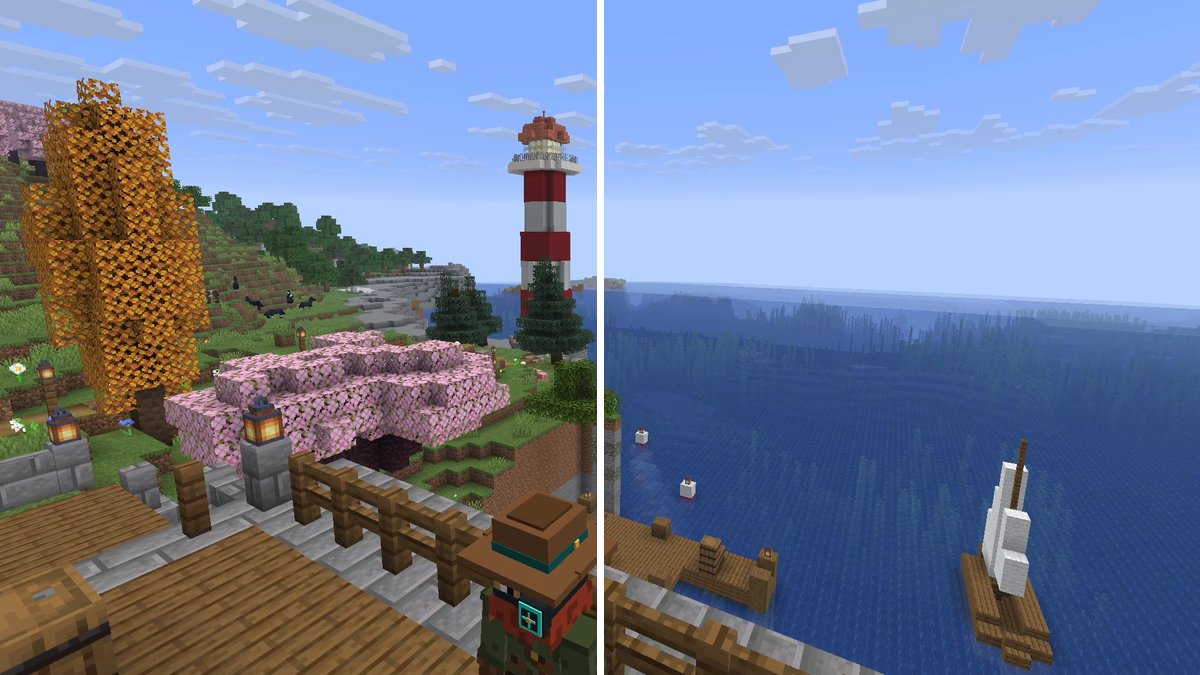
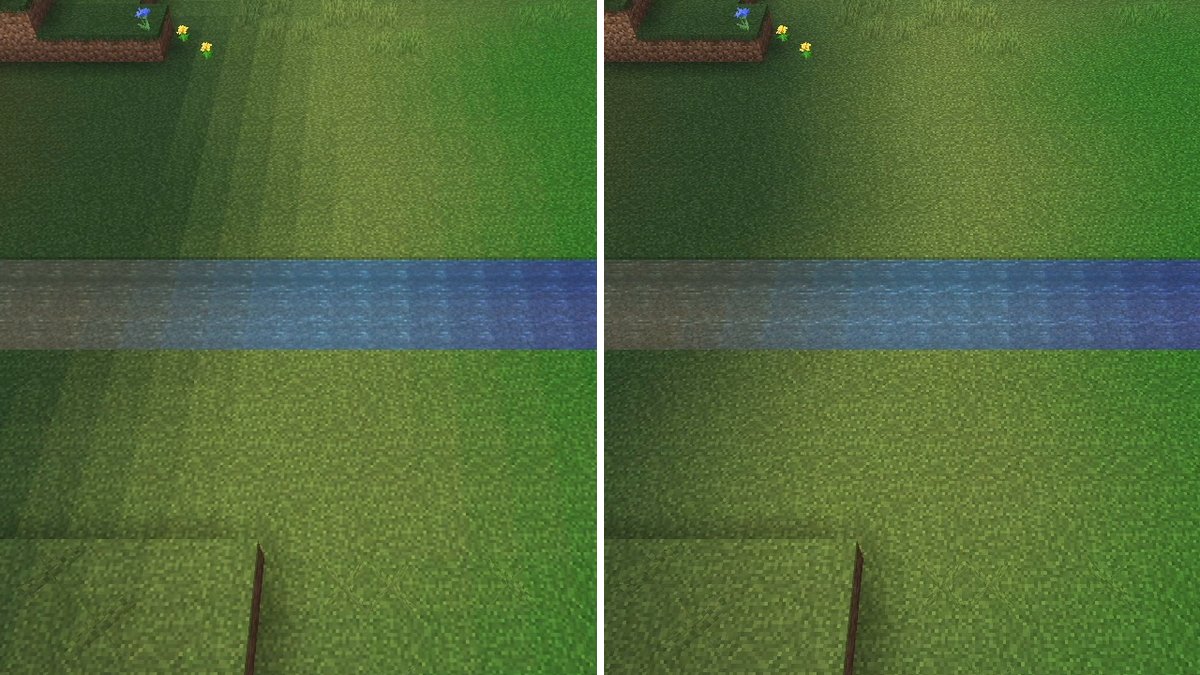
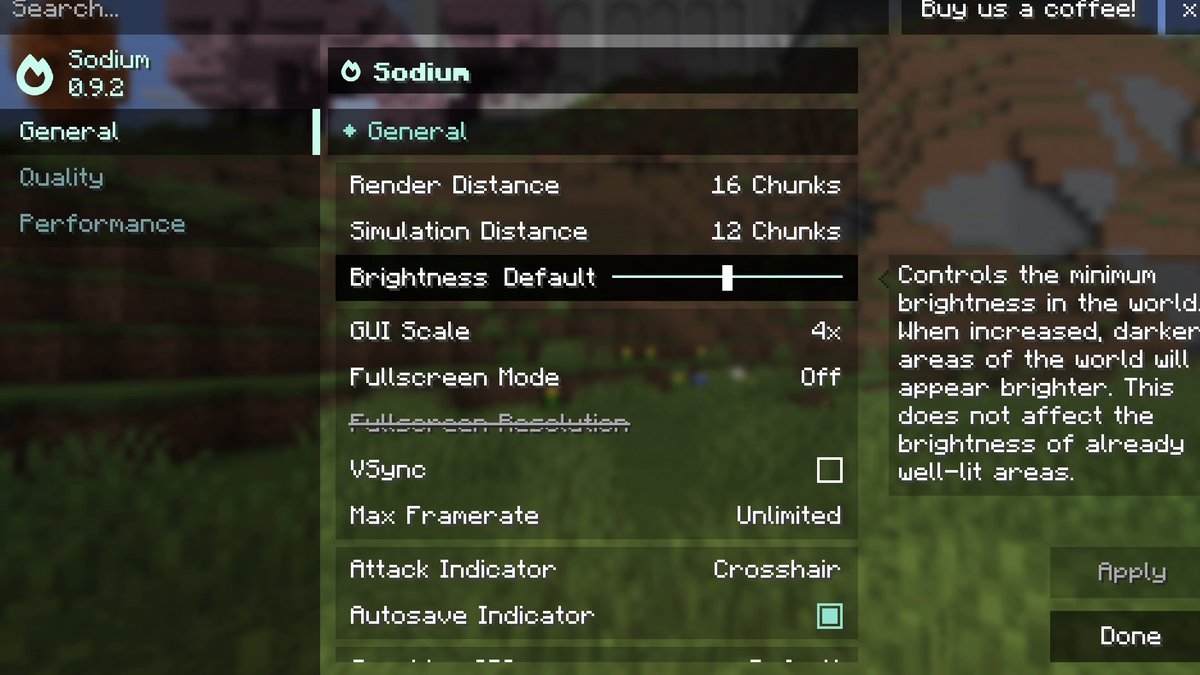
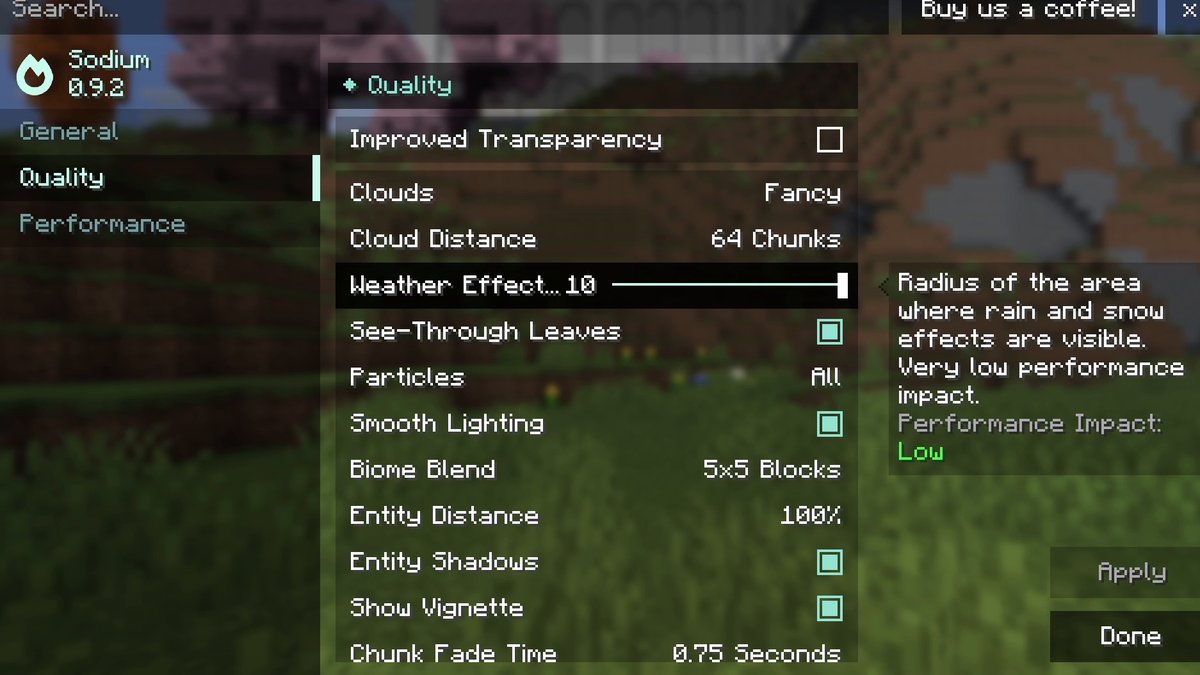
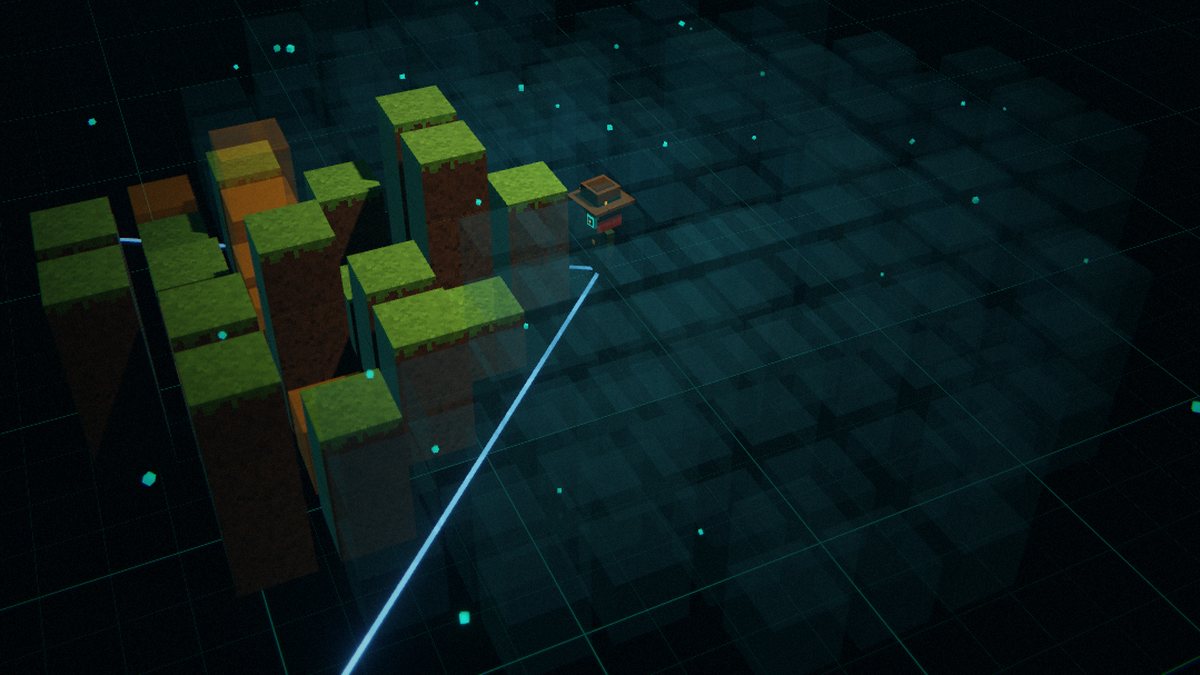
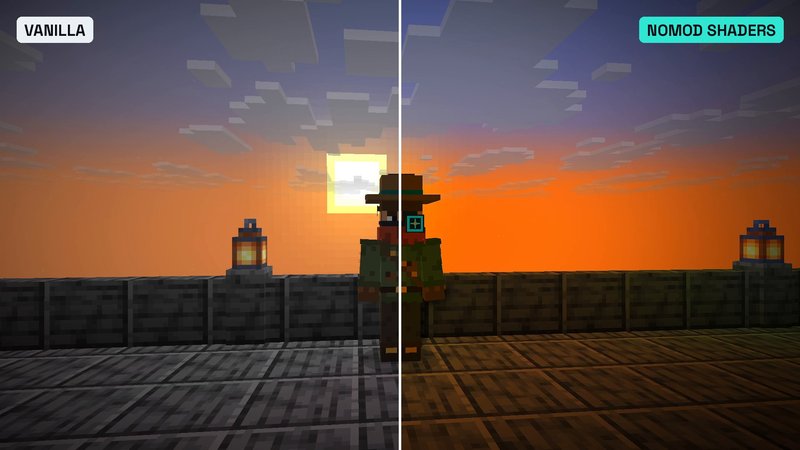
Real in-game screenshots from Minecraft 26.3 with Sodium 0.9.2 (Fabric, October 20, 2026), plus one illustration from my first Sodium video. Each caption says which.
FAQ
Does Sodium change how Minecraft looks?
No, that’s the point. It keeps the vanilla look and only fixes a few long-standing graphical issues, like blocky biome blending, missing smooth lighting on fluids and odd lighting underwater. In my side-by-side screenshots of the same flight you can’t tell vanilla and Sodium apart.
How much FPS does Sodium give?
In my test on Minecraft 26.3 (RTX 4070 Ti SUPER, render distance 32) Sodium added 12 to 39 percent, depending on the scene. Your numbers depend on your hardware. The developers made their own comparisons on a computer with integrated graphics.
Do I need Fabric API for Sodium?
No. Sodium 0.9.2 for Minecraft 26.3 has no required dependencies. You only need a mod loader: Fabric Loader (recommended by the developers) or NeoForge.
Does Sodium work with shaders?
Sodium itself doesn’t add shaders. For that you install Iris, which runs on top of Sodium. For Minecraft 26.3, Iris is available for Fabric and NeoForge.
Can I use Sodium together with OptiFine?
No. According to the Iris team, OptiFine and Sodium are mutually incompatible. For OptiFine features there are separate mods: Iris for shaders, and the Iris FAQ names Continuity for connected textures and LambDynamicLights for dynamic lights.
Do I need Sodium on my server?
No. Sodium is client-side only. Every player can install it or not, the server doesn’t care.
Is there a newer version than 0.9.2?
Only as a test build: 0.9.3-beta.1 for Minecraft 26.3 came out on October 15, 2026. My test used the stable release 0.9.2, which is the one I recommend for normal play.
What is the Vulkan option in Sodium?
Since Sodium 0.9, you can experimentally run the game on Vulkan through the Graphics API option in Video Settings. It’s marked experimental, so switch back if you run into problems. Iris shaders don’t support Vulkan.
Sources
- Sodium on Modrinth (description, hardware compatibility, versions)
- Sodium wiki: Known Issues (RivaTuner, ASUS GPU Tweak III)
- Sodium wiki: Driver Compatibility
- Sodium wiki: Configuration File
- Sodium 0.9.2 option descriptions (language file)
- Sodium 0.9.2 source: where sodium-options.json is stored
- Iris README (OptiFine and Sodium)
- Iris FAQ (Sodium Extra and other OptiFine replacements)
- Indium on Modrinth (no longer needed since Sodium 0.6)
What changed
- Added my FPS results from the 26.3 benchmark, real in-game screenshots, the settings worth changing, compatibility notes, troubleshooting and alternatives.
- First published.