Best FPS Mods for Minecraft 26.3: Tested on One PC
I tested every popular FPS mod for Minecraft 26.3
Nine of the most popular FPS mods for Minecraft 26.3, measured on the same PC, in the same world, on the same camera flight. Five did nothing I could measure, two only help in the right place, and the winner added 54 percent, with a catch.
Tested on Minecraft 26.3 (Fabric), October 21, 2026, AMD Ryzen 9 3900X, RTX 4070 Ti SUPER, render distance 32. How I test
I tested nine of the most popular FPS mods for Minecraft 26.3, one at a time, on the same PC, in the same world, on the same camera flight. Five of them did nothing I could measure. Seven of them together were no faster than one. And the winner added 54 percent, with a catch.
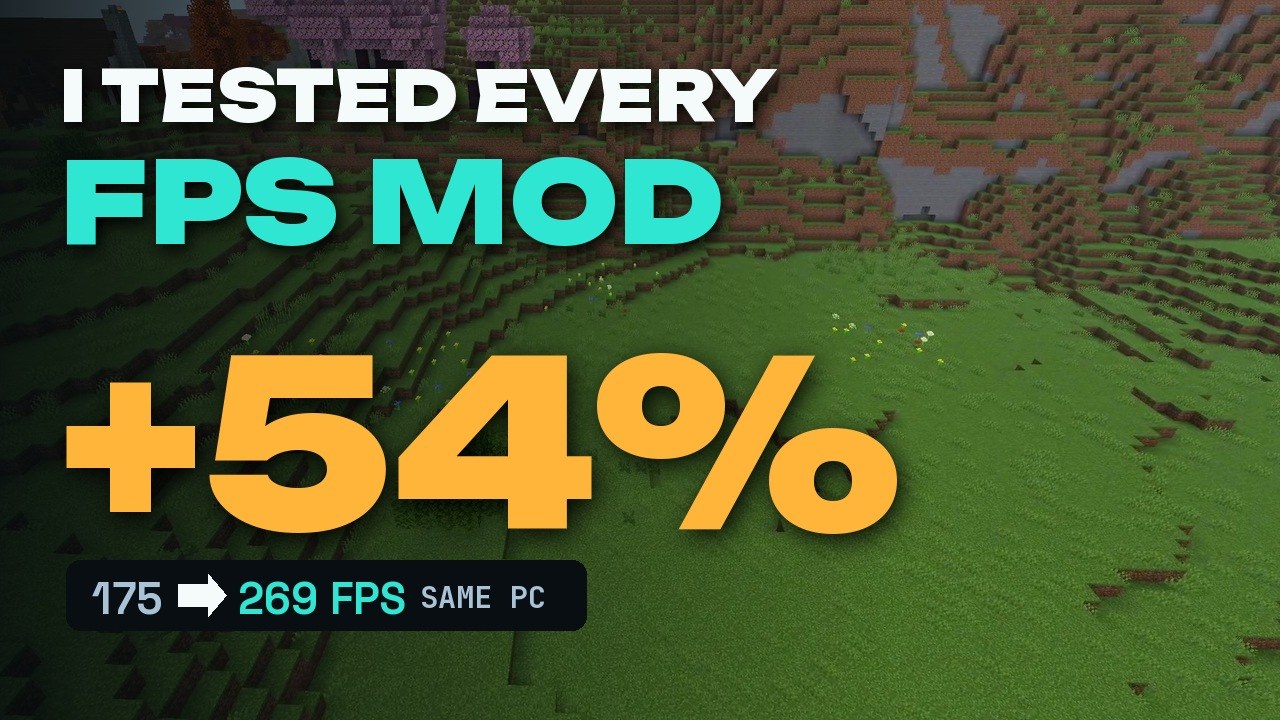 8:21
8:21 The short version
I Tested Every Popular FPS Mod for Minecraft 26.3
Playing loads the video from YouTube (privacy-enhanced mode), which may set cookies and process your data. Details.
How I tested
The full setup is on How I test. For this test:
One PC with an AMD Ryzen 9 3900X and an NVIDIA GeForce RTX 4070 Ti SUPER. Minecraft 26.3 on Fabric, render distance 32, simulation distance 8, no frame cap, V-Sync off. Every run flies the same four scenes:
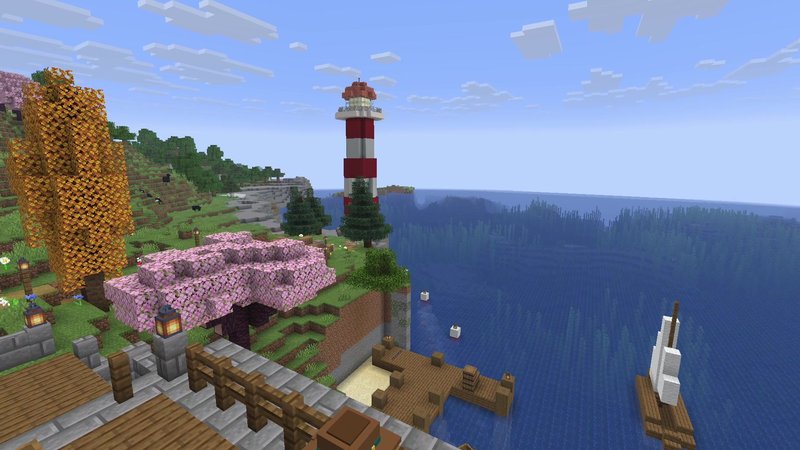
- Bay: a flight over the water and the coast.
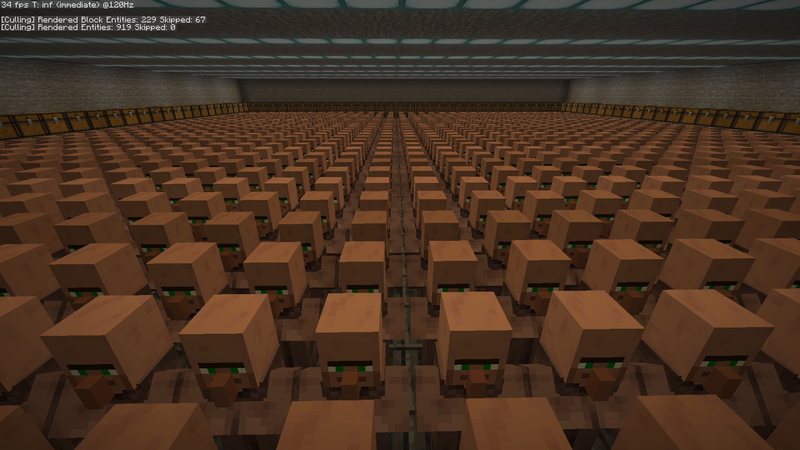
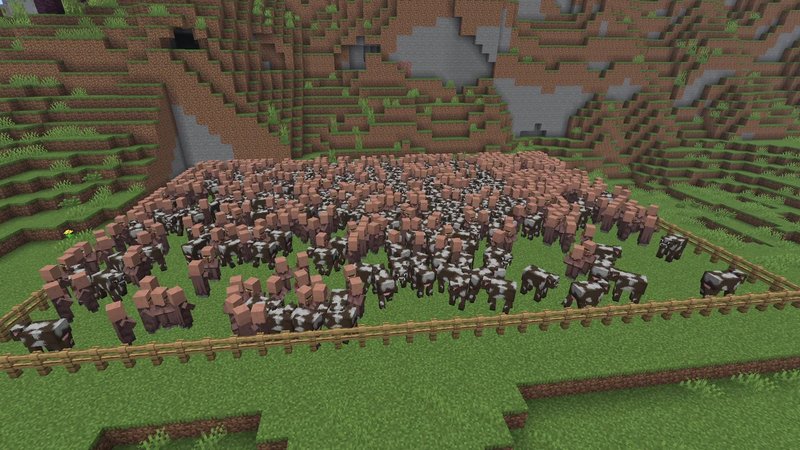
- Meadow: a meadow with 1,024 villagers hidden in the rock below it.
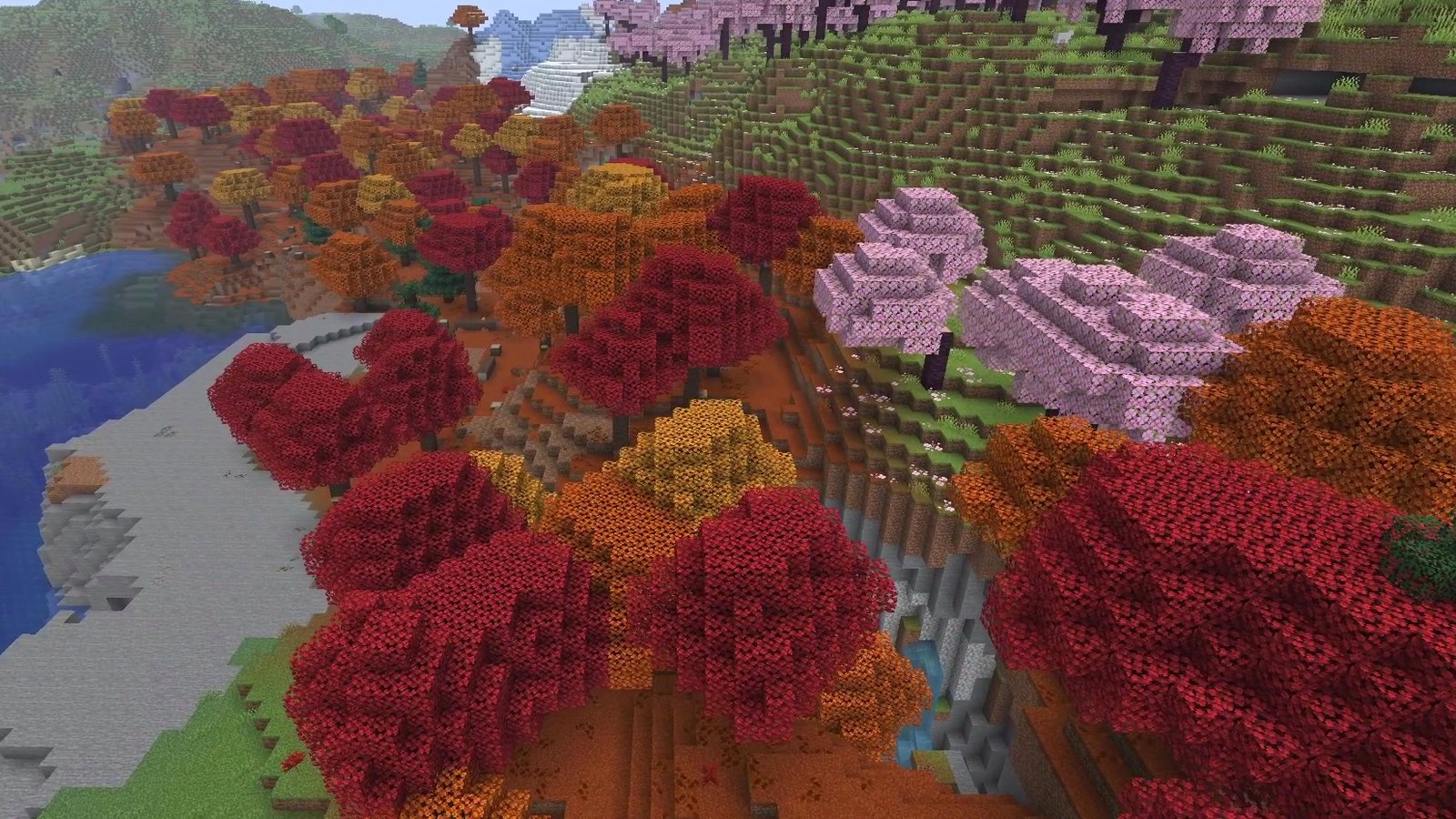
- Forest: a dense red forest.
- Sky: the empty sky, which shows how fast the PC could go with nothing to draw.
The frame rate comes straight from the F3 screen, once per second, averaged per scene. I ran vanilla at the start and again at the end of the session, and the two runs landed within 5% of each other. So anything under 5% is noise, not a win.
Vanilla: 207 FPS over the bay, 175 on the meadow, 194 in the forest, 275 in the sky.
The results
| Mod | Bay | Meadow | Forest | Sky |
|---|---|---|---|---|
| Vanilla | 207 | 175 | 194 | 275 |
| Cull Leaves | 203 | 175 | 202 | 272 |
| BadOptimizations | 207 | 178 | 192 | 278 |
| FerriteCore | 199 | 169 | 189 | 263 |
| ImmediatelyFast | 206 | 178 | 195 | 276 |
| Lithium | 200 | 172 | 185 | 274 |
| MoreCulling | 201 | 177 | 189 | 284 |
| Entity Culling | 198 | 234 (+34%) | 179 | 271 |
| Sodium | 241 (+16%) | 243 (+39%) | 217 (+12%) | 346 (+26%) |
| Sodium + Lithium | 244 | 252 | 207 | 368 |
| Stack of 7 mods | 247 | 234 | 222 | 357 |
| Sodium + Nvidium | 297 (+43%) | 269 (+54%) | 250 (+29%) | 295 (+7%) |
Average FPS per scene. The stack of 7 is Sodium, Lithium, Entity Culling, ImmediatelyFast, MoreCulling, FerriteCore and BadOptimizations.
Mods that did nothing in this test
Cull Leaves
Promises a boost by hiding leaf faces you can’t see. In the red forest it scored 202 against 194 in vanilla, inside the noise. Download on Modrinth
BadOptimizations
Says itself that it focuses on things other than rendering, and that’s what I measured: every scene within 2% of vanilla. Download on Modrinth
FerriteCore
A memory mod, not an FPS mod. Frame rates stayed within 5%. I also logged the memory: in plain vanilla the game used about 1.4 GB after garbage collection, with or without FerriteCore. With a pack of 14 content mods (the Macaw’s series, Rechiseled, Promenade, Storage Drawers and Terralith) it went up to about 2.5 GB, and with FerriteCore it was also about 2.5 GB. No difference I could measure. Download on Modrinth
ImmediatelyFast
Speeds up the way Minecraft draws text, item frames and the HUD. So I built it the perfect test: a wall with 408 signs and 256 item frames. In front of the wall and behind it, ImmediatelyFast landed right on top of vanilla. Download on Modrinth
Lithium
Optimizes game logic: mobs, redstone, hoppers, everything that ticks in the background. That’s not what limits your frame rate, and every scene stayed within 5%. Keep Lithium for servers and big farms. Lithium guide
Mods that only help in the right place
MoreCulling
Skips drawing things hidden behind other blocks: signs, item frames, leaves. In the open it changed nothing. Behind the sign wall, where all of it was hidden, it went from 145 to 181 FPS, +25%. And it stacks: with Sodium installed, the same spot went from 161 without MoreCulling to 201 with it, again +25%. Needs Cloth Config. Download on Modrinth
Entity Culling
Does the same for mobs and block entities: it traces what you can actually see. Over the bay and in the forest it was no faster, but over the meadow with the 1,024 hidden villagers it went from 175 to 234 FPS, +34%. With Sodium installed that gain disappeared, because Sodium alone already reached 243 there. Needs Fabric API. Entity Culling guide
Mods that change everything
Sodium
Replaces Minecraft’s entire rendering engine, and it was the only single mod that went up in every scene: +16% over the bay, +39% on the meadow, +12% in the forest, +26% in the sky. If you install one mod from this test, it’s this one. Sodium guide
Seven mods stacked
Sodium plus Lithium, Entity Culling, ImmediatelyFast, MoreCulling, FerriteCore and BadOptimizations: 247, 234, 222 and 357 FPS. Sodium alone: 241, 243, 217 and 346. In these scenes, seven mods were no faster than one.
#1 Nvidium (beta, NVIDIA only)
An add-on for Sodium that swaps in a different way of drawing the world, using mesh shaders on NVIDIA cards. Over the bay: 297 FPS, +43% on vanilla. On the meadow: 269, +54%, the biggest jump in the whole test. In the forest: +29%.
The catch: Nvidium is a beta (0.4.4-beta7 for 26.3), it needs an NVIDIA card with mesh shaders (GTX 16 series or newer, according to its Modrinth page), and in the empty sky it was slower than Sodium alone (295 against 346). Try it if you have a supported card, keep a backup of your world, and switch it off if you see glitches. Download on Modrinth
Averages hide stutters
For every run I also kept the worst single second. Single seconds can still drop hard with any of these mods: Sodium plus Lithium had the worst moment of the whole test, one second in the forest at 35 FPS. If your game stutters, look at the worst seconds, not just the average.
What I’d install
- Always: Sodium.
- Walls full of signs and item frames: add MoreCulling.
- NVIDIA card, GTX 16 series or newer: try Nvidium on top of Sodium.
- Servers, big farms, big modpacks: Lithium and FerriteCore have their own jobs there. Just don’t expect frames from them.
How to install
- Install the Fabric Loader for Minecraft 26.3.
- Download the 26.3 Fabric version of each mod from its Modrinth page. Add Fabric API (and Cloth Config for MoreCulling) when a mod lists it as a requirement.
- Drop the files into your
modsfolder. - Start the Fabric profile in the launcher.
Mod versions in this test (October 21, 2026): Sodium mc26.3-0.9.2, Lithium mc26.3-0.26.2, Entity Culling 1.11.3, ImmediatelyFast 1.17.1+26.3, MoreCulling 1.9.0, FerriteCore 9.0.0, BadOptimizations 2.4.1, Cull Leaves 4.1.2+26.3, Nvidium 0.4.4-beta7.
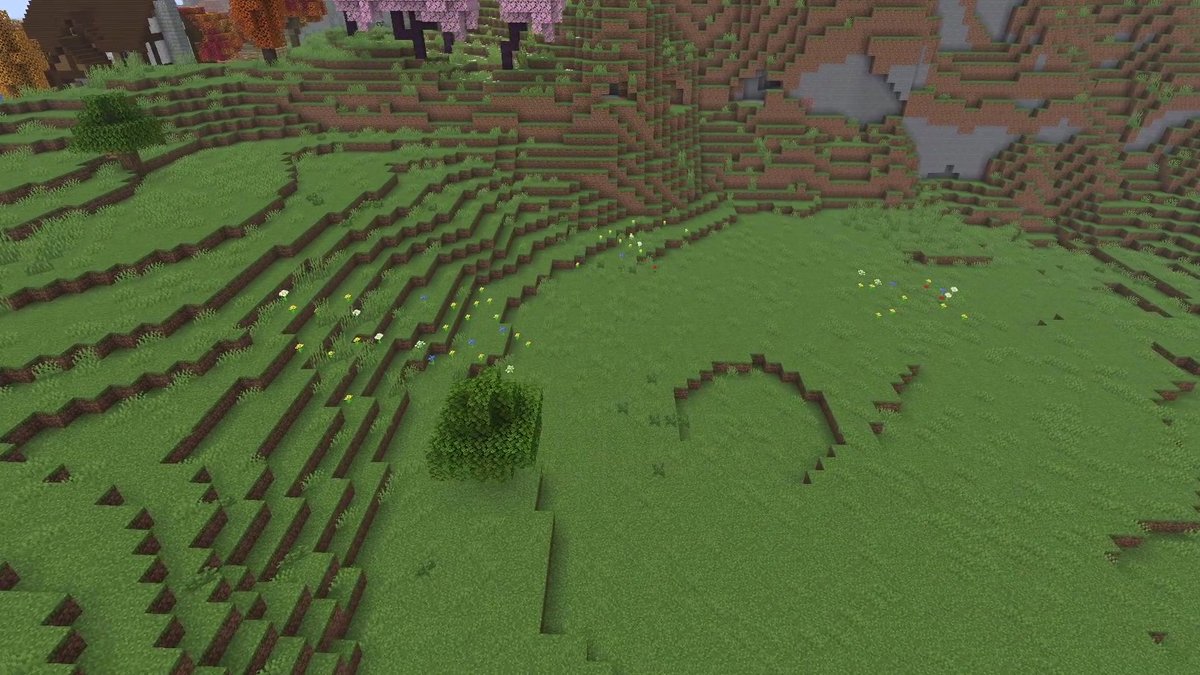
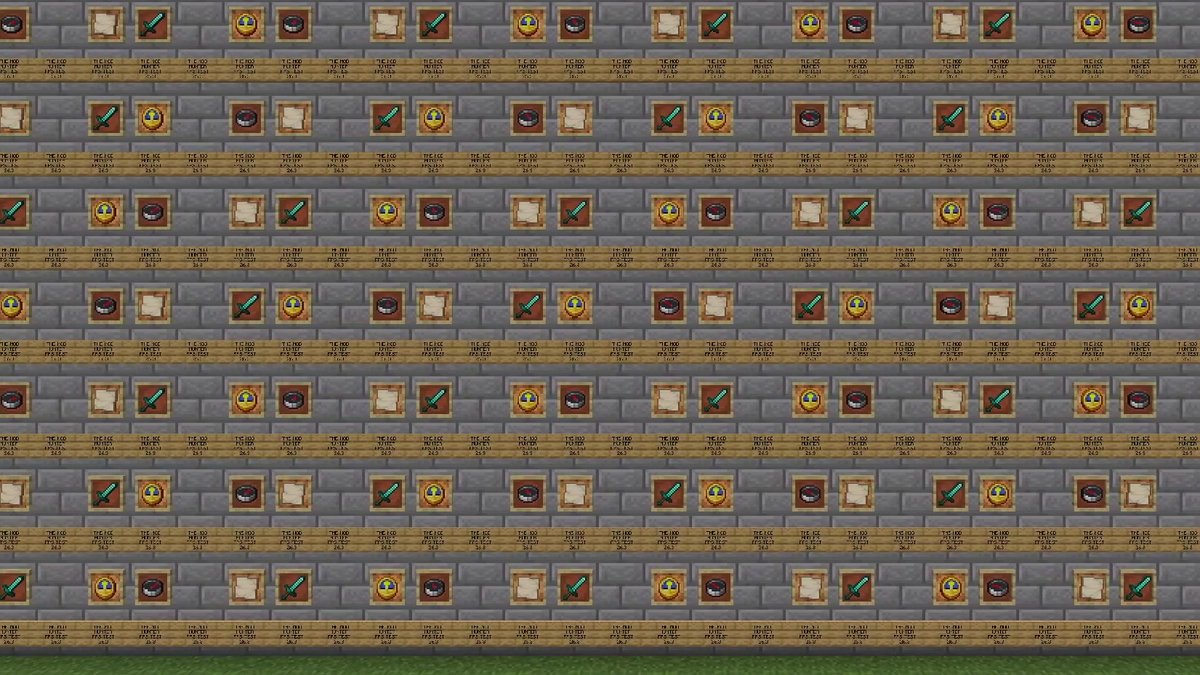
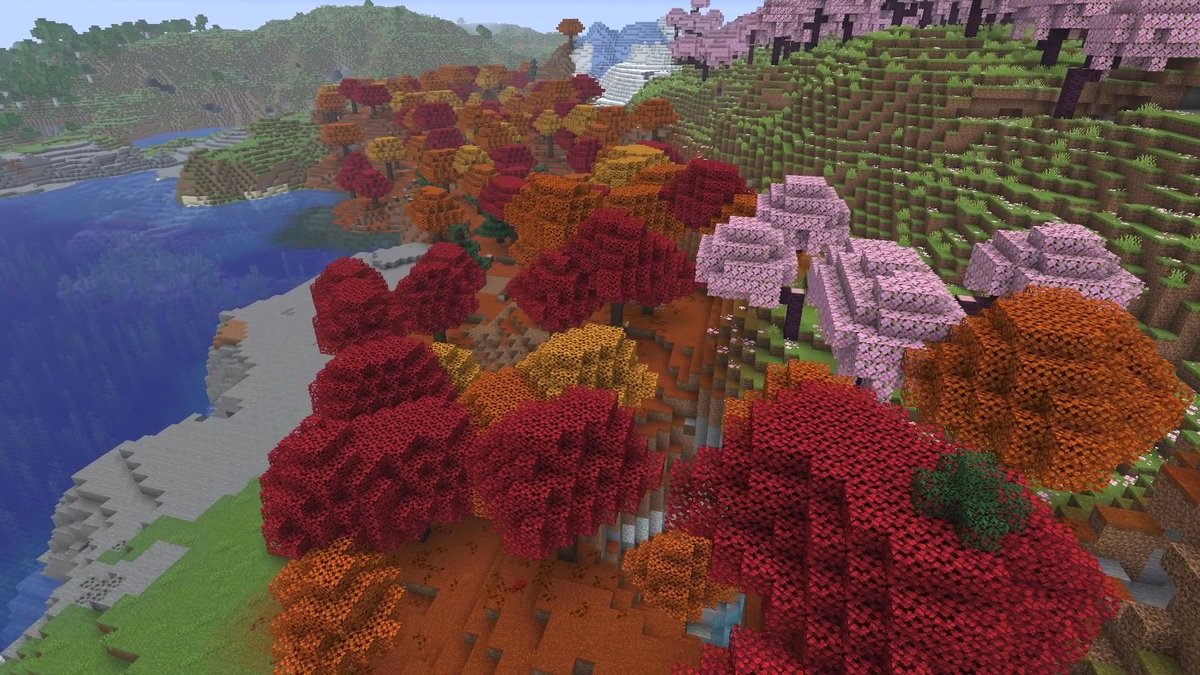
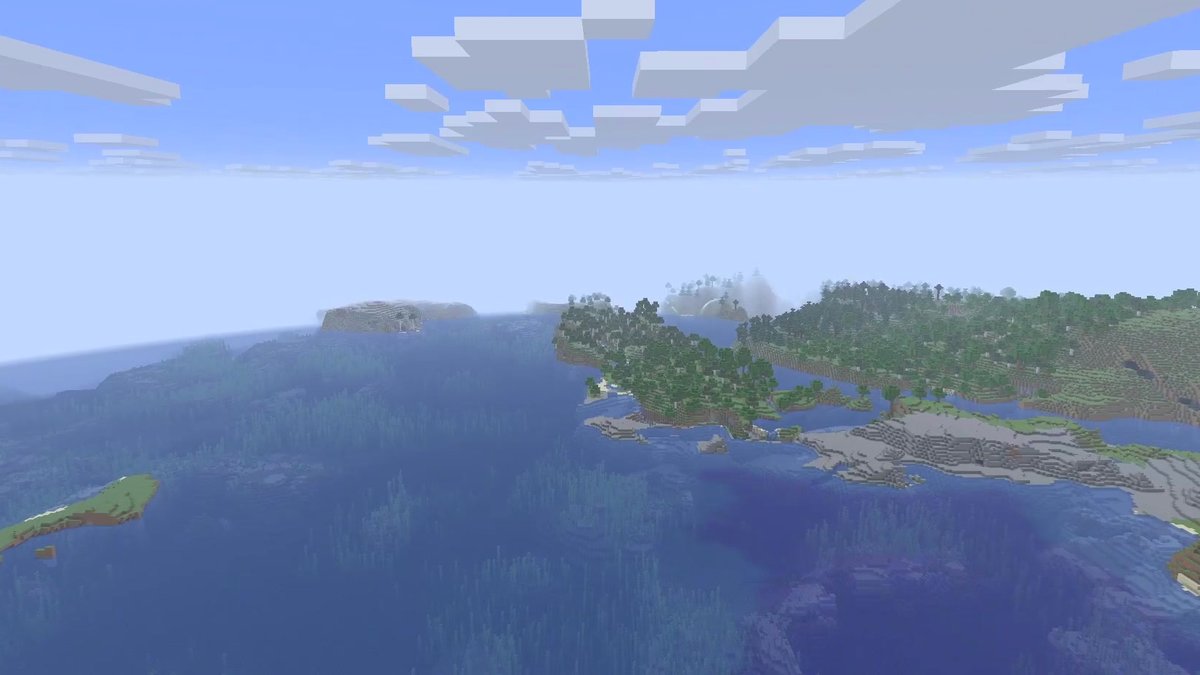
Real in-game screenshots from the test runs in Minecraft 26.3 (Fabric), recorded in October 2026 in copies of The Mod Hunter's world Valley of Mods.
FAQ
What is the best FPS mod for Minecraft 26.3?
Sodium. It was the only single mod that went up in every scene of the test: +16% over the bay, +39% on the meadow, +12% in the forest and +26% in the sky. If you have an NVIDIA card from the GTX 16 series or newer, Nvidium on top of Sodium went even higher in three of the four scenes.
Should I install Lithium or FerriteCore for more FPS?
Not for FPS. In this test both stayed within 5% of vanilla in every scene. Lithium speeds up game logic (mobs, redstone, hoppers) and is great for servers and big farms; FerriteCore is a memory mod. In my memory test it didn’t change the heap after garbage collection, neither in vanilla nor with 14 content mods.
Does stacking many performance mods help?
Not in these scenes. Sodium, Lithium, Entity Culling, ImmediatelyFast, MoreCulling, FerriteCore and BadOptimizations together scored 247, 234, 222 and 357 FPS; Sodium alone scored 241, 243, 217 and 346. The differences are inside the 5% noise.
Does Nvidium work on AMD or Intel graphics cards?
No. Nvidium needs an NVIDIA card with mesh shaders, which its Modrinth page lists as the GTX 16 series or newer. It is an add-on for Sodium and still a beta for 26.3 (0.4.4-beta7).
Why are your numbers different from my PC?
FPS depend on the graphics card, the CPU, the render distance and the scene. The test used an RTX 4070 Ti SUPER at render distance 32. What carries over is the pattern: which mods help in which kind of scene.