Lithium Mod: Download and Install Guide (26.3)
Lithium: faster game logic for Minecraft 26.3, without changing vanilla
Lithium optimizes game physics, mob AI and block ticking without changing any vanilla mechanic. What it does in singleplayer and on servers, plus how to install version 0.26.2 on Minecraft 26.3.
 1:34
1:34 The short version
Lithium for Minecraft 26.3
Playing loads the video from YouTube (privacy-enhanced mode), which may set cookies and process your data. Details.
Sodium makes Minecraft draw faster. Lithium makes it think faster: it optimizes the systems the game runs every tick, without changing a single vanilla mechanic. Version 0.26.2 is out for Minecraft 26.3.
What Lithium does
Lithium is a general-purpose optimization mod by CaffeineMC, the team behind Sodium. It improves a number of systems such as game physics, mob AI and block ticking, with the strict goal of keeping exact vanilla behavior. That’s why it has even been officially allowed in Minecraft speedrunning.
Singleplayer and servers
- Singleplayer: your game runs an internal server that ticks the world. Lithium optimizes that server, which frees up your processor and can mean better frame rates and a more responsive game.
- Servers: admins can expect a sizeable improvement to tick times, so the same hardware can handle more loaded entities, chunks and players.
- One side is enough: Lithium works on a server without players installing it, and on a client without the server having it.
Lithium and Sodium
The two complement each other: Sodium speeds up rendering, Lithium the game logic. Many players run both.
Lithium for Minecraft 26.3
The current release is 0.26.2 for Minecraft 26.3, for Fabric and Quilt and for NeoForge since September 28, 2026. Lithium has more than 130 million downloads on Modrinth.
How to install Lithium
- Install your mod loader for Minecraft 26.3: Fabric, Quilt or NeoForge.
- Download Lithium for 26.3 from Modrinth, filtered by your loader. It needs no other mods.
- Put it into your mods folder (
.minecraft/modsfor the vanilla launcher, or your instance’smodsfolder in Prism, the CurseForge app or the Modrinth App), or into the server’smodsfolder.
One tip
If another mod ever clashes with Lithium, you don’t have to remove it: its config file lets you switch off single optimizations.
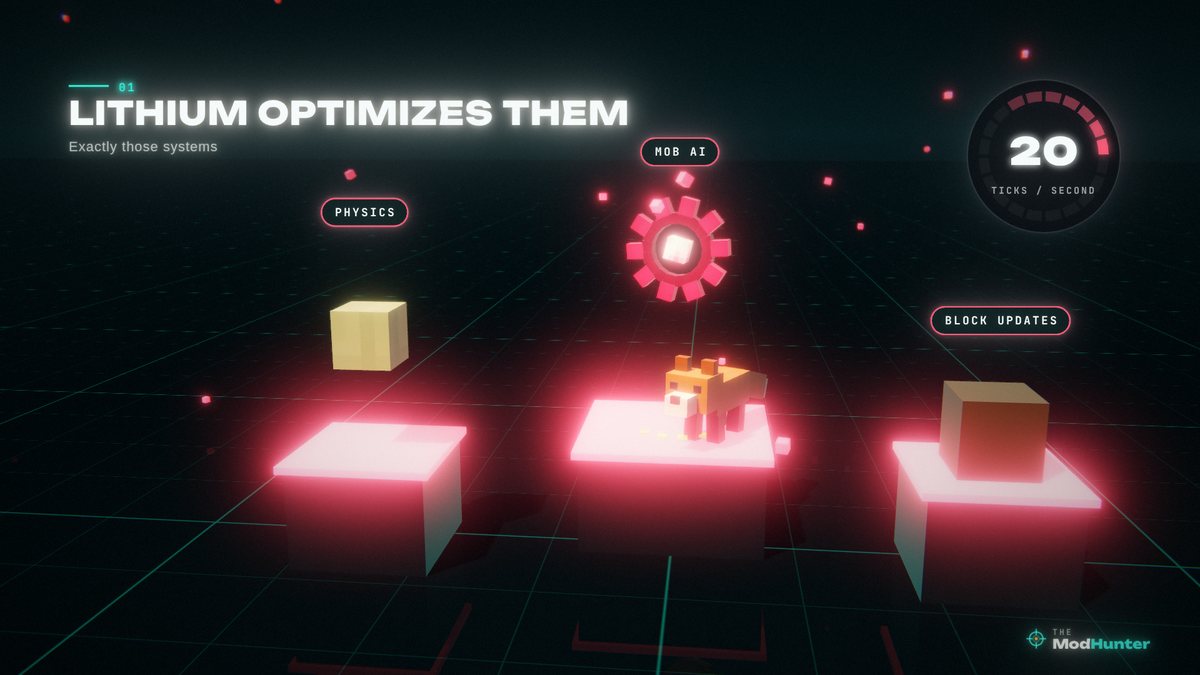
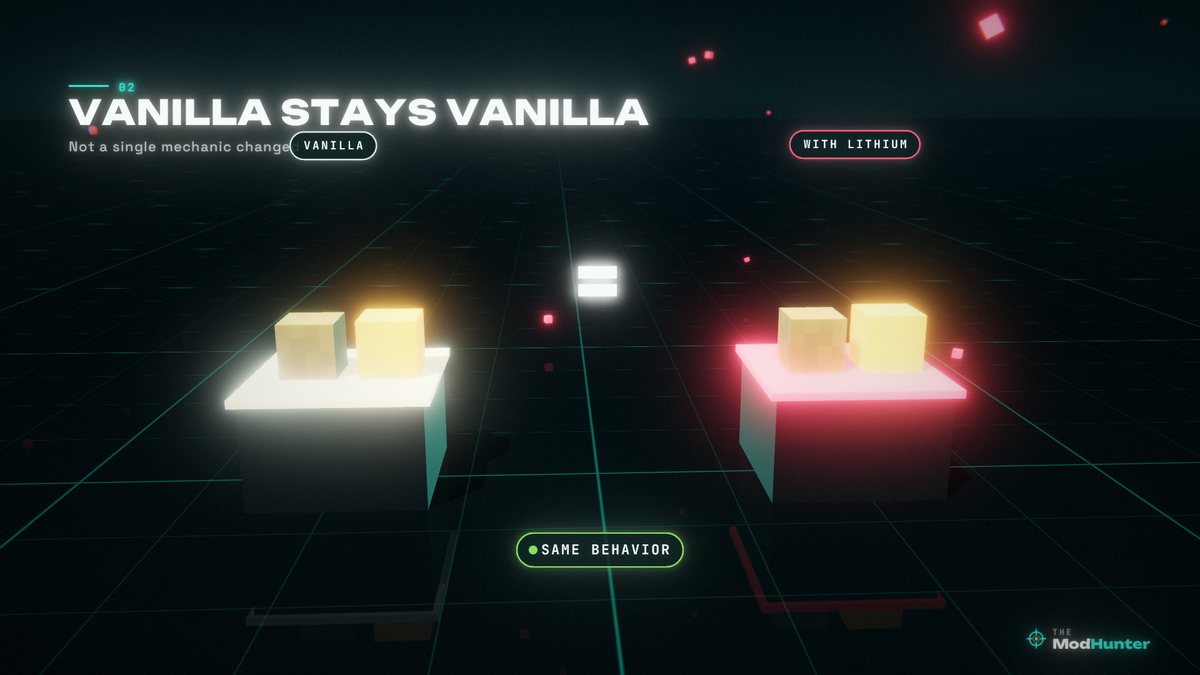
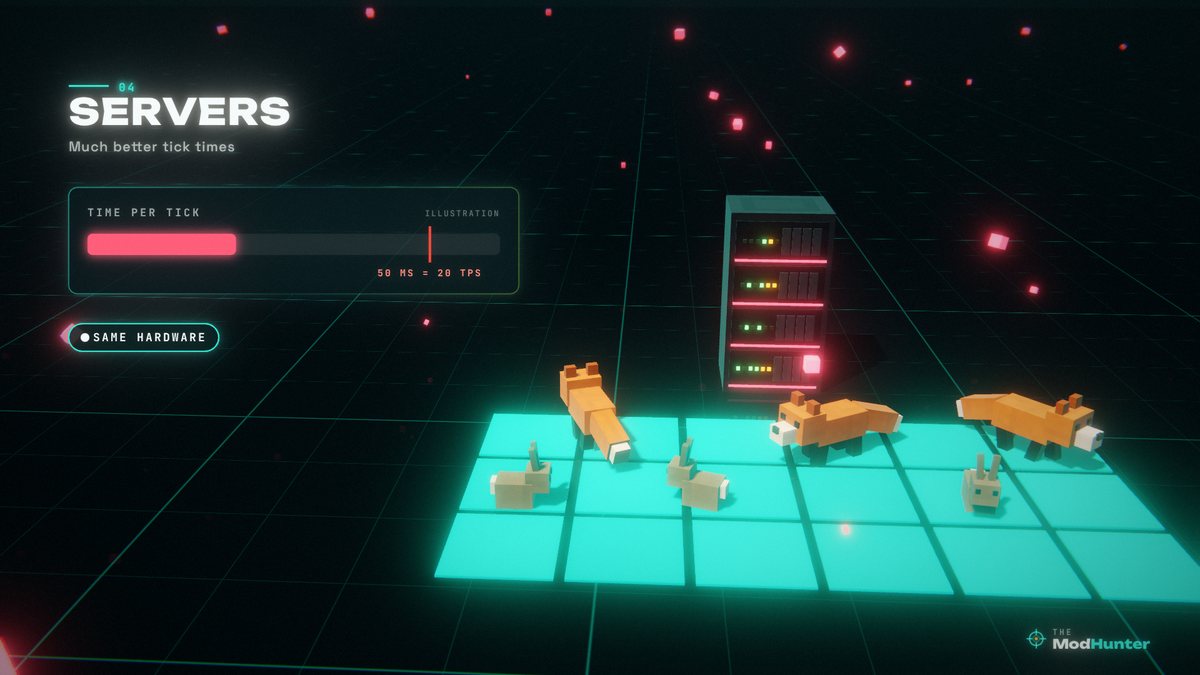
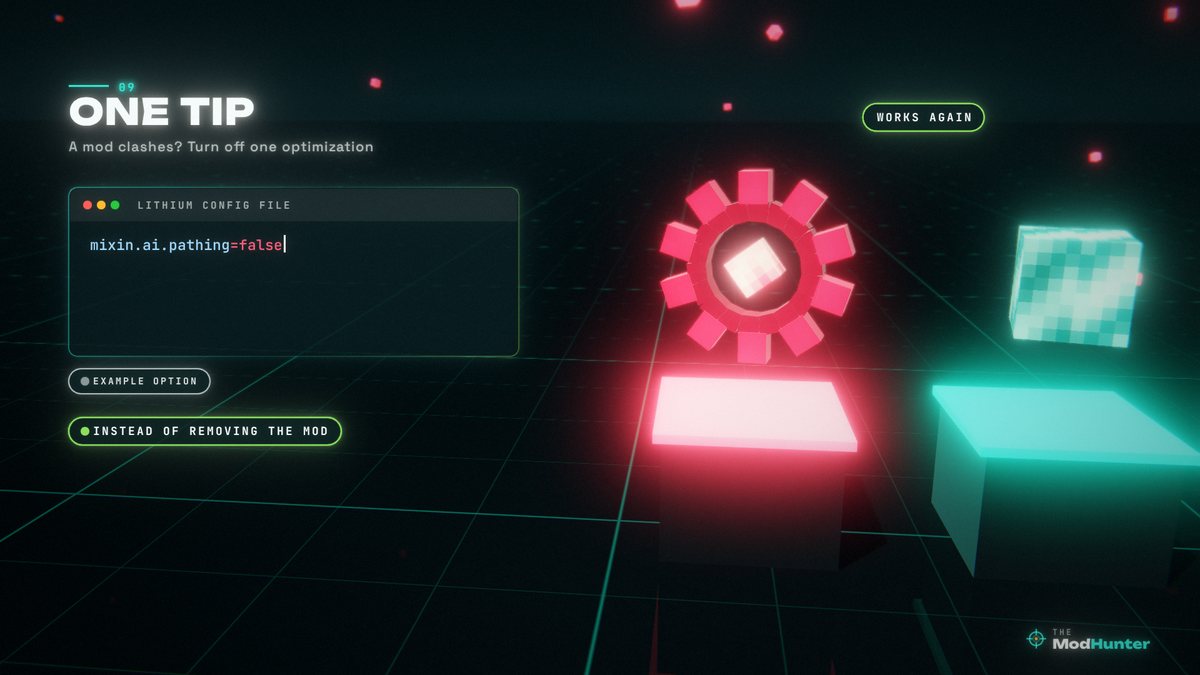
Stills from my Lithium video, rebuilt in a voxel renderer. Not in-game screenshots.
FAQ
Is Lithium available for Minecraft 26.3?
Yes. Version 0.26.2 is a release for Minecraft 26.3 on Fabric and Quilt and on NeoForge (September 28, 2026).
Does Lithium change how the game works?
No. Its strict goal is to keep exact vanilla behavior, which makes it suitable even for highly complex gameplay scenarios and creations. It has even been officially allowed in Minecraft speedrunning.
Does Lithium give me more FPS?
Indirectly. Lithium optimizes the game logic, not the graphics. In singleplayer it makes the internal game server lighter, which frees up your processor and can improve frame rates and responsiveness. For rendering, use Sodium.
Do players need Lithium if the server has it?
No. Lithium can be installed on a server without clients having it, and the other way round.
Does Lithium need Fabric API?
No. The 26.3 versions have no dependencies, just your mod loader.
A mod conflicts with Lithium. What can I do?
Lithium has a configuration file that lets you turn off individual optimizations, so you can disable the one that clashes instead of removing the whole mod. An empty config file is normal and means the defaults are active.