Iris Shaders Minecraft Mod: Download and Install Guide (26.3)
Iris Shaders: real shaders for Minecraft 26.3, built on Sodium
Real-time shadows, water reflections, glowing light. What Iris does, why it runs on top of Sodium, and how to install Iris and a shader pack on Minecraft 26.3.
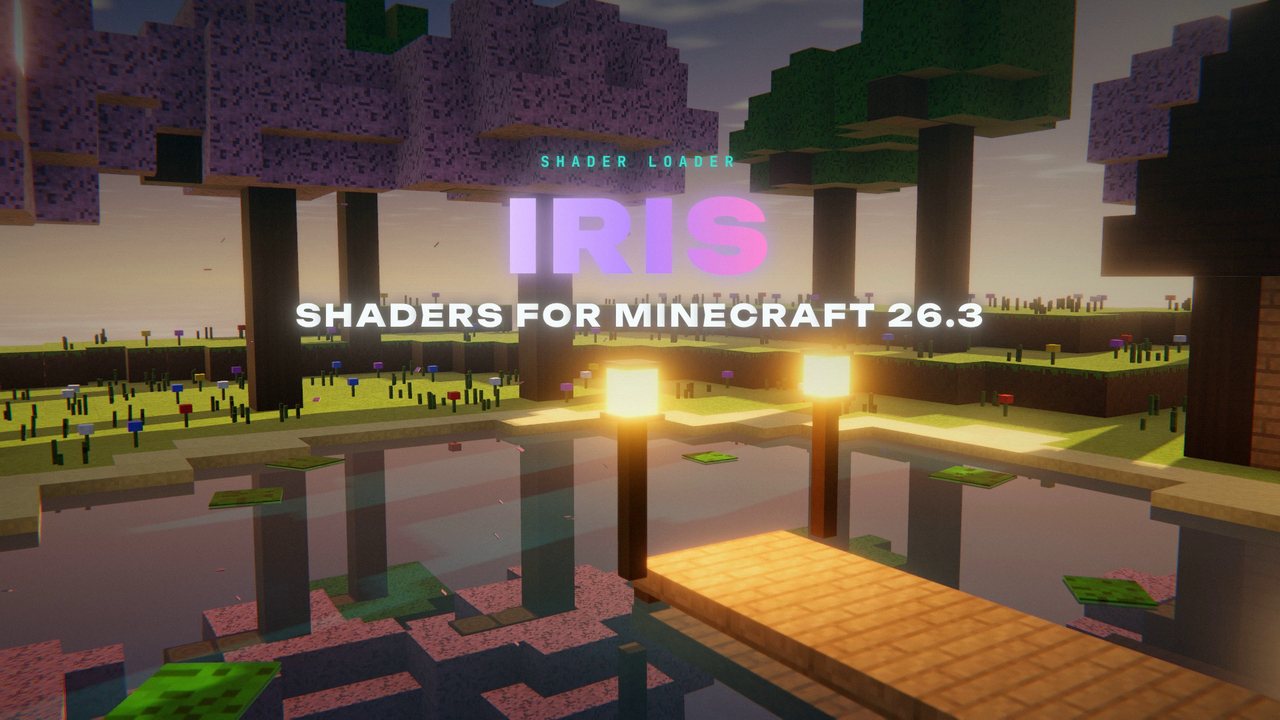 1:29
1:29 The short version
Iris Shaders for Minecraft 26.3
Playing loads the video from YouTube (privacy-enhanced mode), which may set cookies and process your data. Details.
Iris is the mod that brings shaders to modern Minecraft. It loads shader packs, the add-ons that give the game real-time shadows, reflections on water, glowing light and waving leaves, and it does that on top of Sodium, so your frame rate doesn’t fall apart. For Minecraft 26.3, Iris was updated on release day, September 15, 2026, just like Sodium.
What Iris actually does
Iris itself doesn’t change how Minecraft looks. It’s a shader pack loader: you pick a pack, and the pack decides the look. Iris is built to run existing OptiFine shader packs, and according to the Iris team it supports almost all of them. Packs made for Iris can use extra features on top.
What you get depends on the pack. Popular packs add:
- Real-time shadows from the sun and the moon.
- Reflections on water.
- Glowing light with bloom around torches, lanterns and lit windows.
- Waving leaves and plants.
Why Iris runs on Sodium
The Iris team started Iris because OptiFine has restrictive licensing and compatibility issues, and because OptiFine doesn’t work with Sodium. Iris pairs with Sodium instead: Sodium handles the fast rendering, Iris loads the shader pack on top. That’s also why Iris needs Sodium installed. My Sodium guide covers what Sodium does on its own.
Iris for Minecraft 26.3
The current release is Iris 1.11.6 for Minecraft 26.3, available for Fabric. Version 1.11.5 brought the update to 26.3 on September 15, 2026, and 1.11.6 followed the same day with a fix for macOS. It requires Sodium 0.9.2 for Fabric. A NeoForge version for 26.3 isn’t out yet.
How to install Iris
- Install Fabric Loader for Minecraft 26.3 from fabricmc.net. Most third-party launchers can do this for you.
- Download Sodium and Iris for 26.3. On Modrinth or CurseForge, filter by Minecraft 26.3 and Fabric, and get Sodium the same way.
- Put both files into your mods folder. That’s
.minecraft/modsfor the vanilla launcher, or your instance’smodsfolder in Prism, the CurseForge app or the Modrinth App. - Get a shader pack and put it into the
shaderpacksfolder. You can also drag it straight into the Shader Packs screen, or open the folder from there. - Turn it on. In Video Settings, open Shader Packs, pick your pack and click Apply.
The official Iris Installer from irisshaders.dev can set up Iris and Sodium for you as well, if it lists your Minecraft version.
Shader packs to try
- Complementary Reimagined keeps the vanilla look and makes it prettier. It has profiles from Potato to Ultra, so it’s the easy pick if your PC isn’t the fastest.
- BSL is one of the most downloaded shader packs on Modrinth and a long-time classic.
Both list Iris and Minecraft 26.3 support on Modrinth. More packs are in the shaders section on Modrinth.
Keys and tips
- O opens the shader menu with a live preview, K turns shaders on and off, R reloads the pack.
- Weaker PC? Pick a lower profile in the pack’s settings.
- Using Sodium’s Vulkan option? Switch Graphics API back to OpenGL. Iris doesn’t support Vulkan.
For the curious
Iris is open source under the LGPL-3.0 license, with the code on GitHub. It has more than 180 million downloads on Modrinth. For support, the Iris team points to their FAQ and their Discord server.
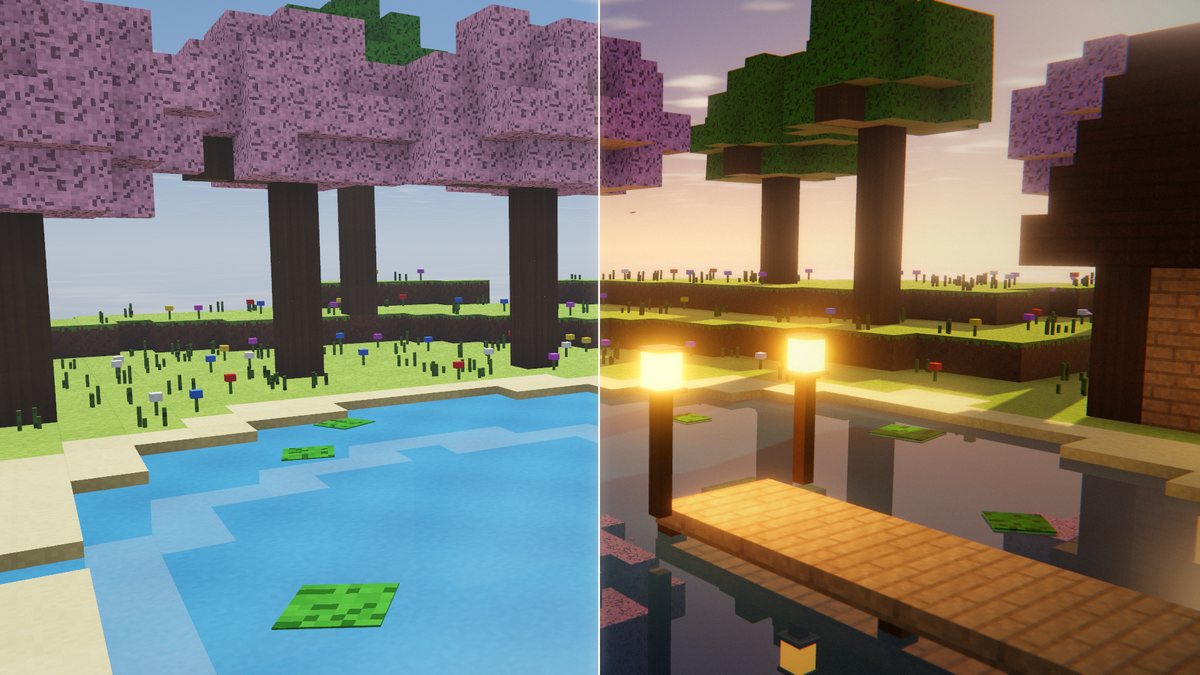
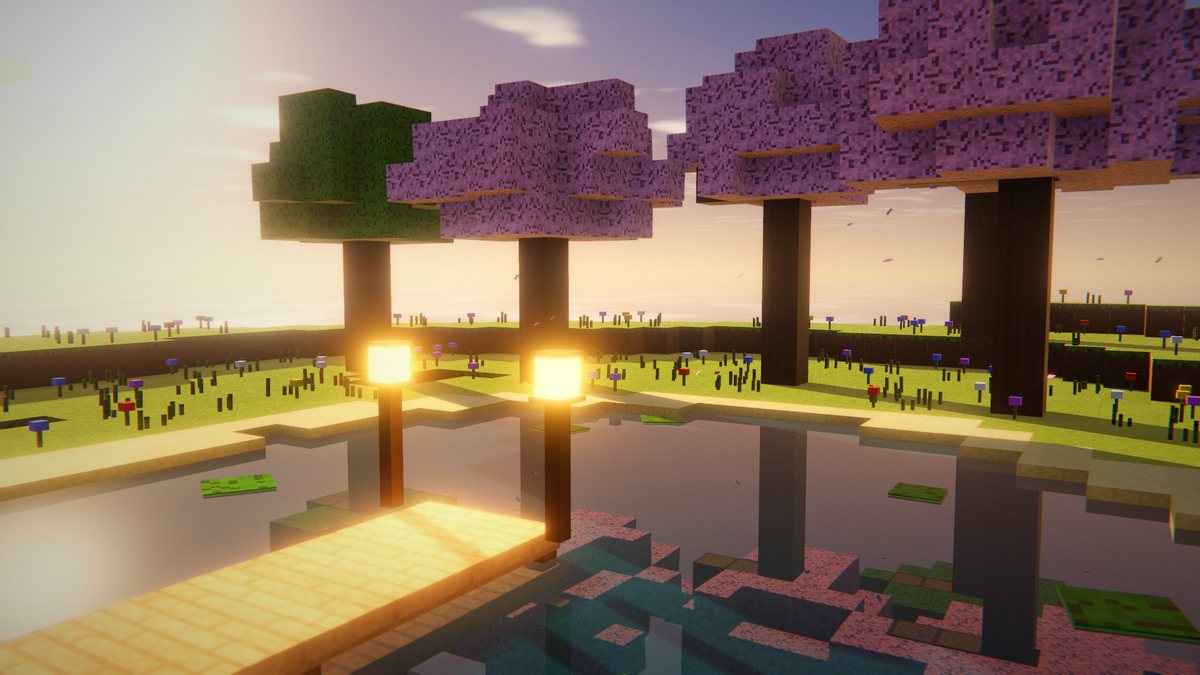
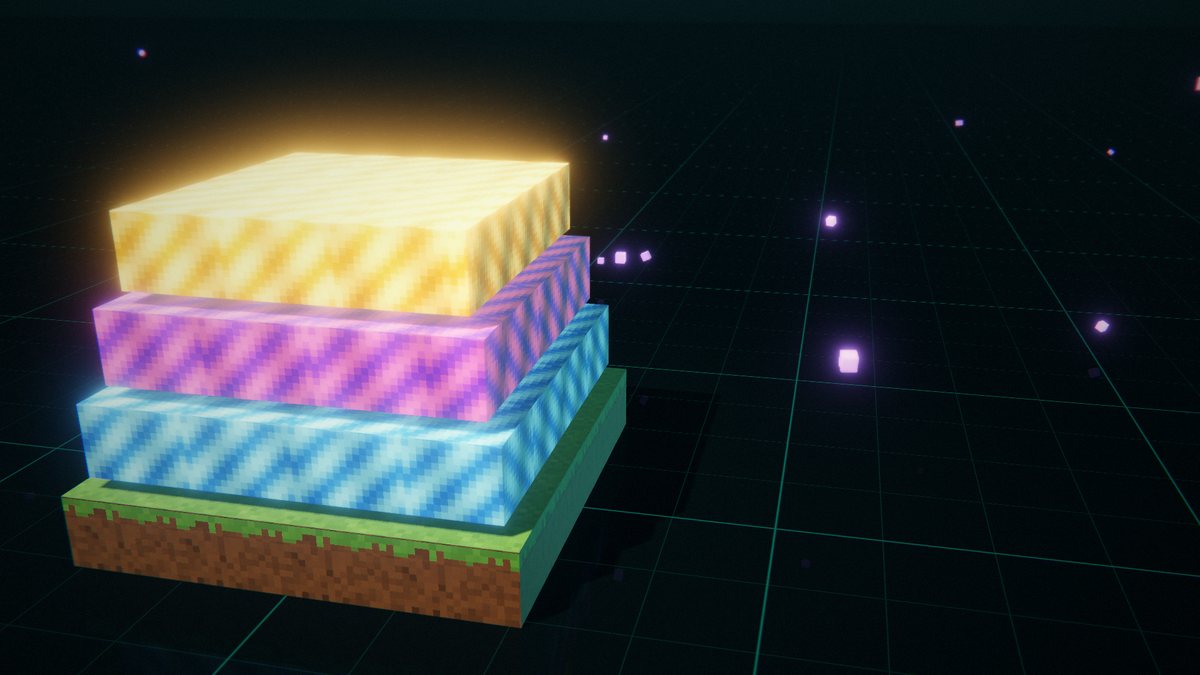
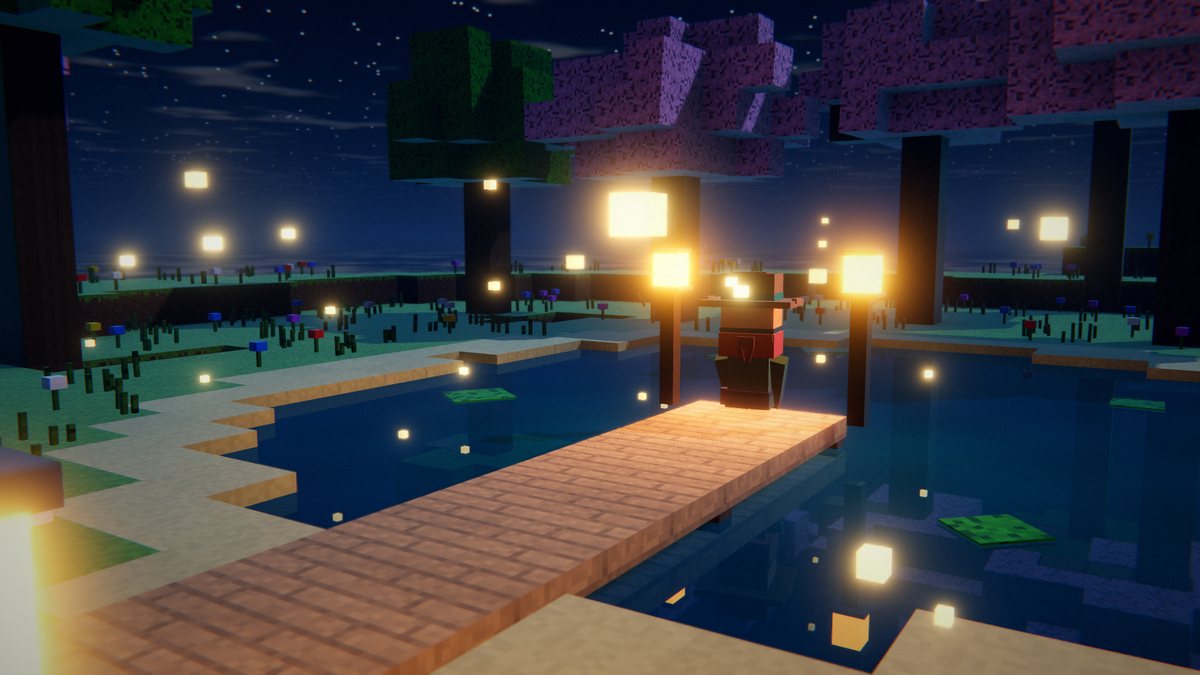
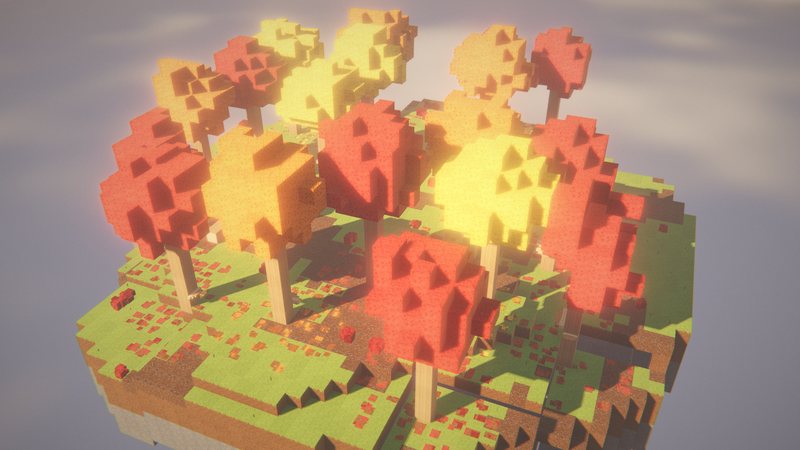
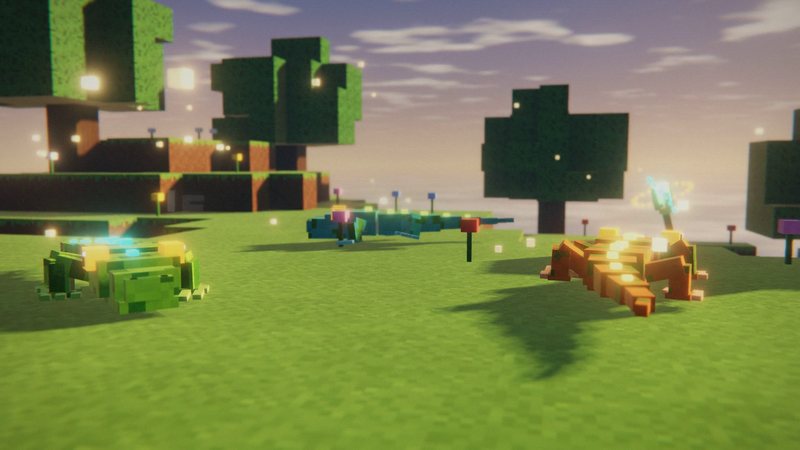
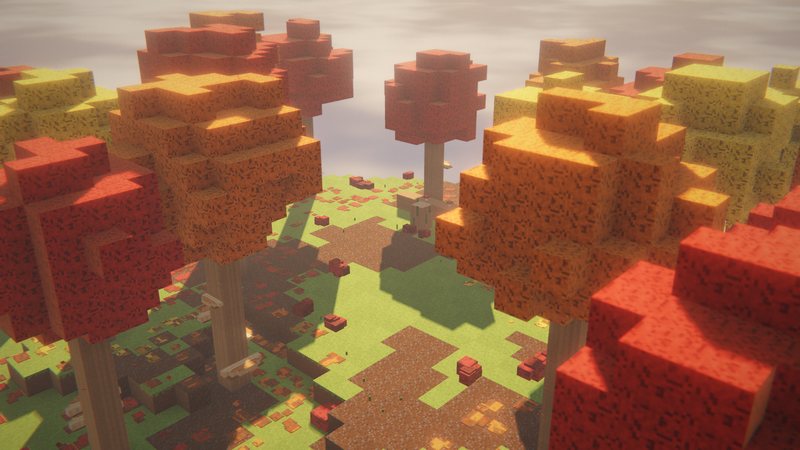
Stills from my Iris video, rebuilt in a voxel renderer. Not in-game screenshots.
FAQ
Does Iris need Sodium?
Yes. Iris runs on top of Sodium and won’t work without it. For Minecraft 26.3, Iris 1.11.6 lists Sodium 0.9.2 for Fabric as a required dependency on Modrinth.
Is Iris available for NeoForge on Minecraft 26.3?
Not yet. For Minecraft 26.3, Iris is currently available for Fabric only (as of September 28, 2026). The Iris team does support NeoForge on other Minecraft versions, so check the Modrinth page for updates.
Can I use my OptiFine shader packs?
Yes. Iris is built to run existing OptiFine shader packs and supports almost all of them. The Iris team keeps a list of the few unsupported packs on GitHub.
Can I use Iris together with OptiFine?
No. OptiFine doesn’t work with Sodium, and Iris needs Sodium. The Iris team also lists Canvas and Vulkan mods as incompatible.
Does Iris work with Sodium's Vulkan option?
No. Iris doesn’t support Vulkan. If you switched Graphics API to Vulkan in Sodium’s Video Settings, switch it back to OpenGL to use shaders.
Which shader pack should I start with?
Complementary Reimagined is a good first pick: it keeps the vanilla look and has profiles from Potato to Ultra, so it runs on weaker PCs too. BSL is another popular pack. Both list Iris and Minecraft 26.3 on Modrinth.
What are the Iris keybinds?
O opens the shader menu with a live preview, K turns shaders on and off, and R reloads the current shader pack. You can change them in Controls.
Do I need Iris on my server?
No. Iris is client-side only. Every player decides for themselves, the server doesn’t care.