Best Minecraft Texture Packs for 26.3
5 texture packs for Minecraft 26.3, tested on 407 blocks
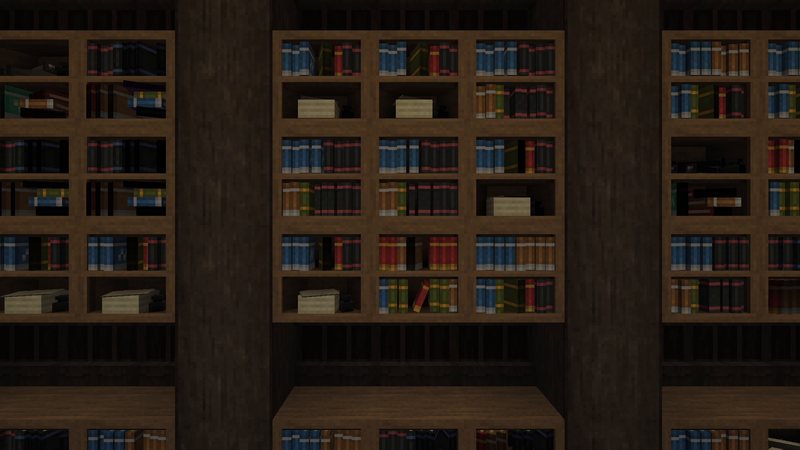
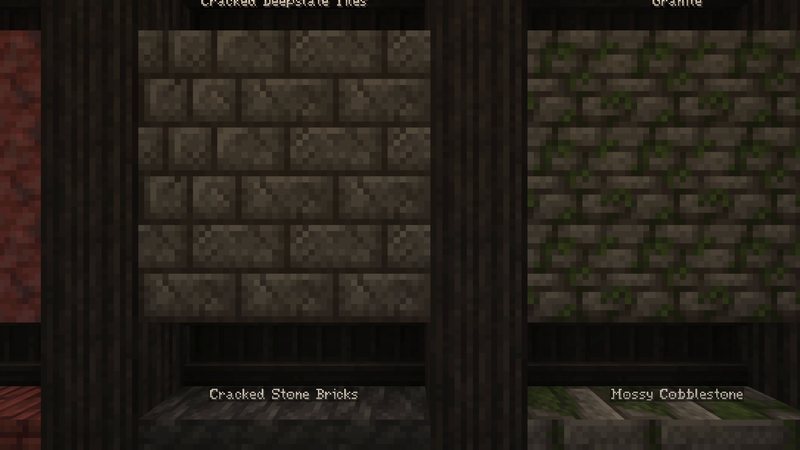
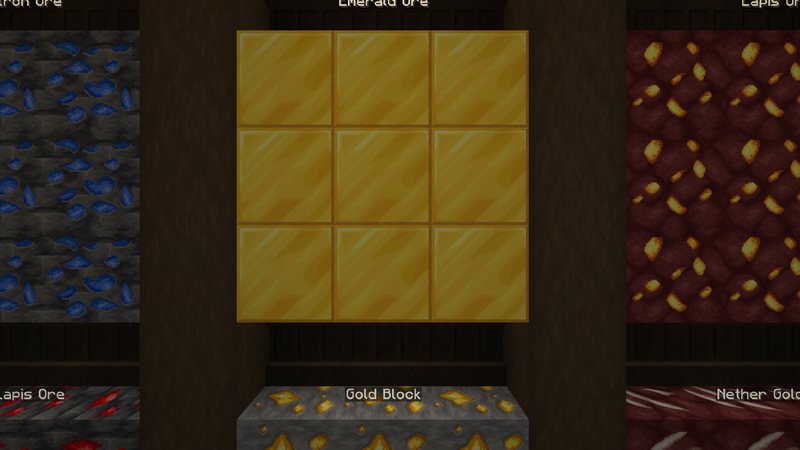
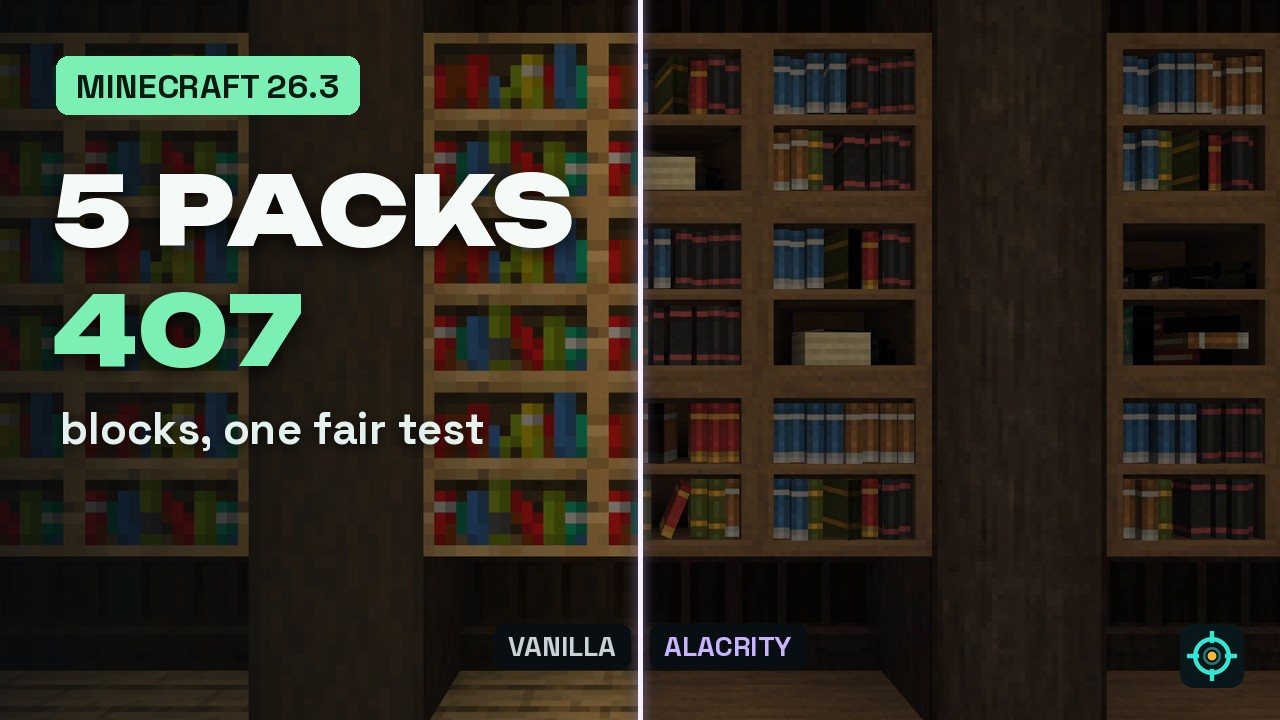
Five complete texture packs for Minecraft 26.3, tested in my Block Archive with 407 blocks: Excalibur, Whimscape, Golden Days, Alacrity and Faithful 64x. Same camera path for vanilla and every pack, no mods needed.
 1:27
1:27 The short version
5 Texture Packs Tested on 407 Blocks
Playing loads the video from YouTube (privacy-enhanced mode), which may set cookies and process your data. Details.
Five complete texture packs for Minecraft 26.3. All five have a stable release for 26.3 and none of them needs a mod. To compare them fairly I built a library in my world that shows 407 blocks on ten walls, and filmed every shot twice on the same camera path: vanilla first, then the pack.
#5 Excalibur
Built for adventure: Excalibur replaces almost every texture (the author says 99%) but keeps the charm of the default 16x resolution, with random alternate blocks and a custom font. Version 26.3_01, almost 900,000 downloads. Excalibur: what it changes and how to install it
#4 Whimscape
Crisp, fresh pixel art with a little extra color. Whimscape is completely retextured, stays close to the default colors and adds custom models for many blocks and items. Version 26.1-26.3_r2, over 1 million downloads. Whimscape: what it changes and how to install it
#3 Golden Days
Golden Days brings back textures, lighting and names from the old versions of Minecraft, including the classic cobblestone. One thing to know: it has to sit on top of Minecraft’s built-in Programmer Art pack, otherwise many blocks keep their modern look. Version 16.4, over 1.2 million downloads. Golden Days: what it changes and how to install it
#2 Alacrity
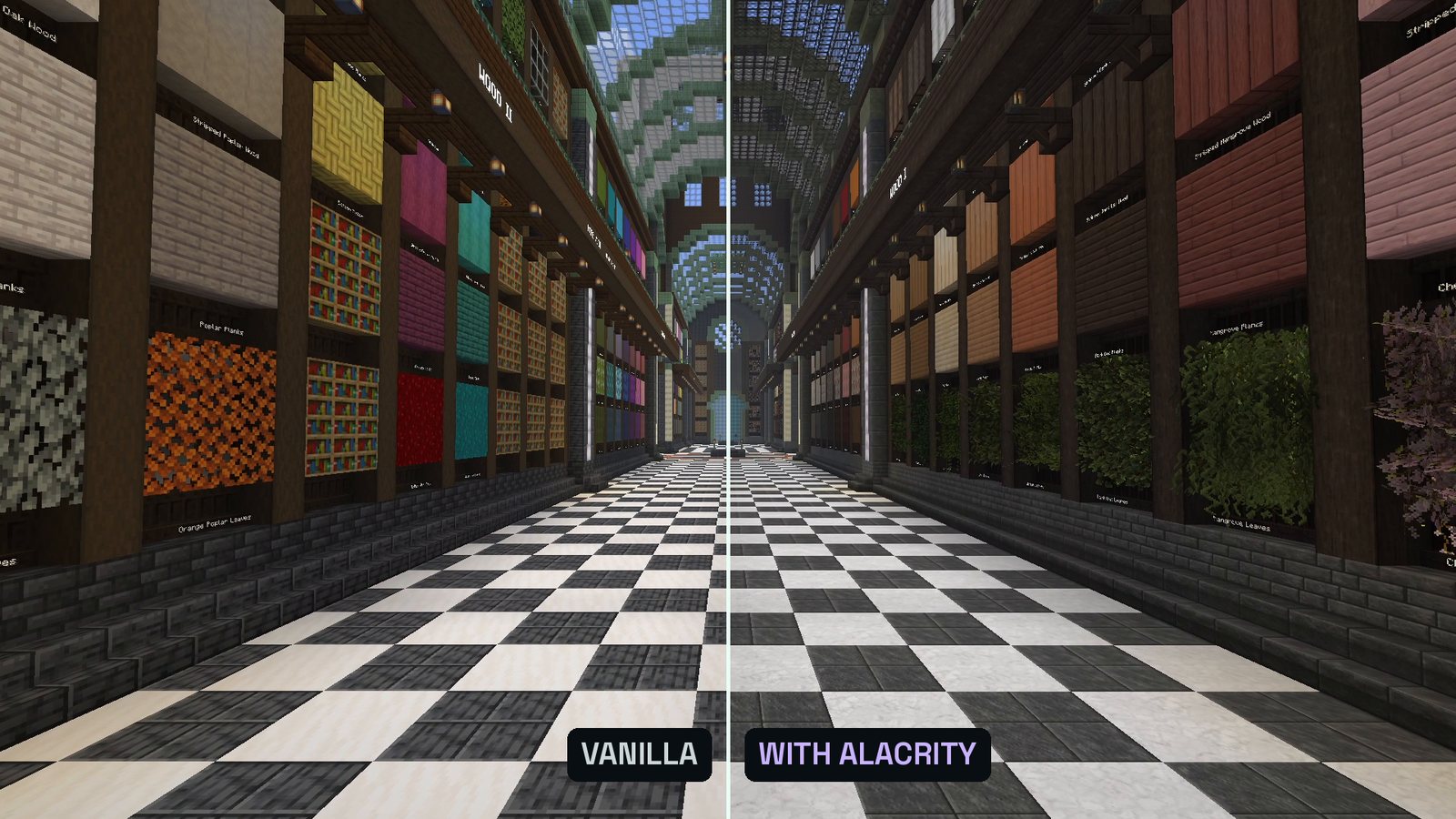
Every texture redrawn at 32x, inspired by role-playing games, medieval worlds and magic, with detailed vegetation and lots of custom 3D block models. Update #39, over 1.7 million downloads. Alacrity: what it changes and how to install it
#1 Faithful 64x
The vanilla style at four times the resolution: every texture redrawn at 64 by 64 pixels. Up close the difference is huge, from a distance it still looks like Minecraft. Release 15, over 7.4 million downloads, the most downloaded pack on this list. Faithful 64x: what it changes and how to install it
How to install a texture pack
- Download the zip from the official page (links above). Don’t unpack it.
- In Minecraft, open Options, then Resource Packs, and click Open Pack Folder.
- Drop the zip into that folder.
- Back in the game, move the pack to the right (Selected). If you combine it with smaller packs like Fast Better Grass, keep the complete texture pack at the bottom.
- Golden Days only: move the built-in Programmer Art pack to the right as well and keep Golden Days above it.
Also worth a look
Looking for smaller tweaks instead of a whole new look? My 5 resource packs that make Minecraft 26.3 look better keep the vanilla style and fix single things like grass sides or tree trunks.
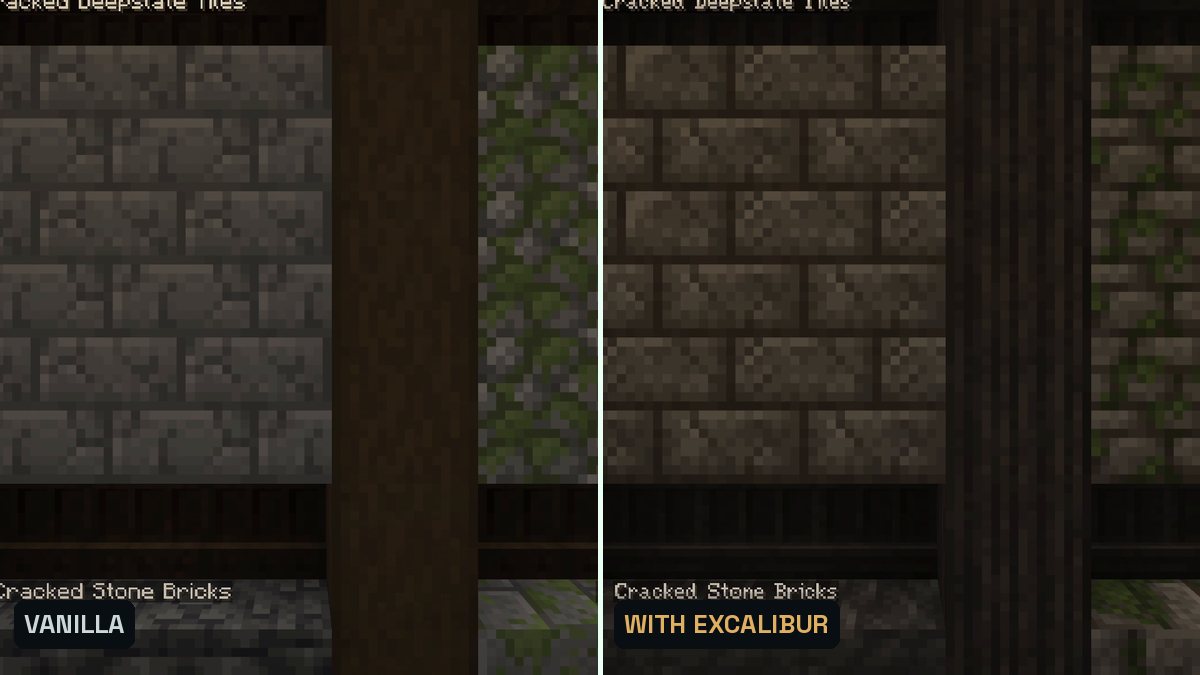
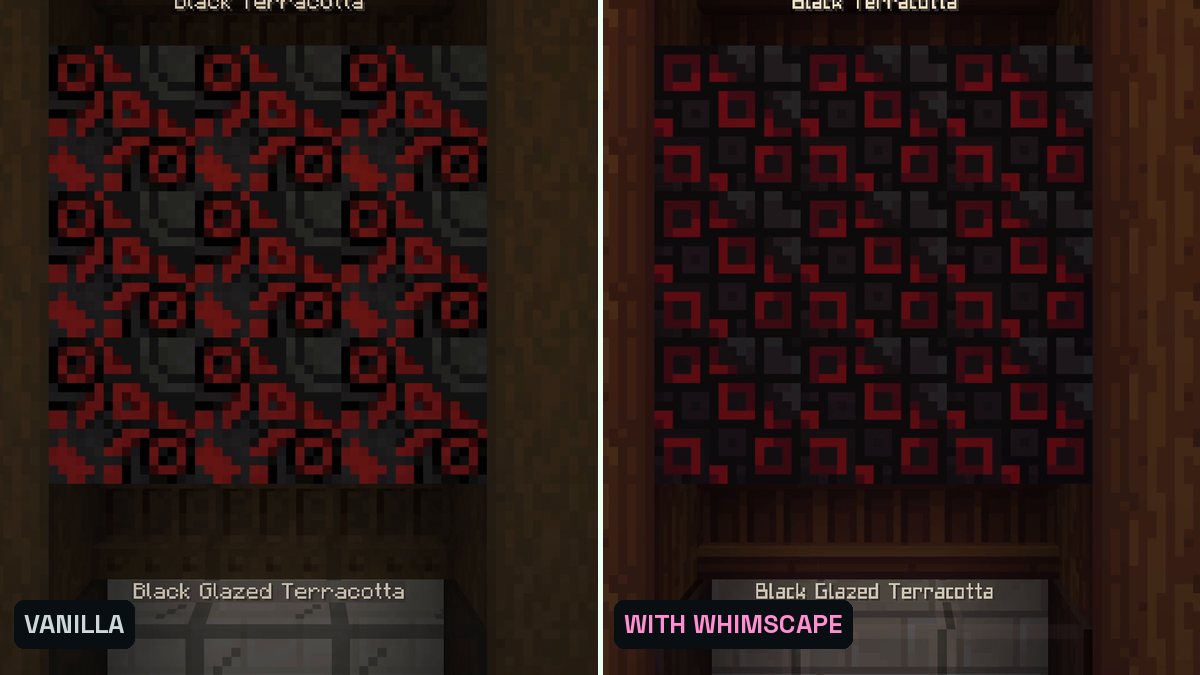
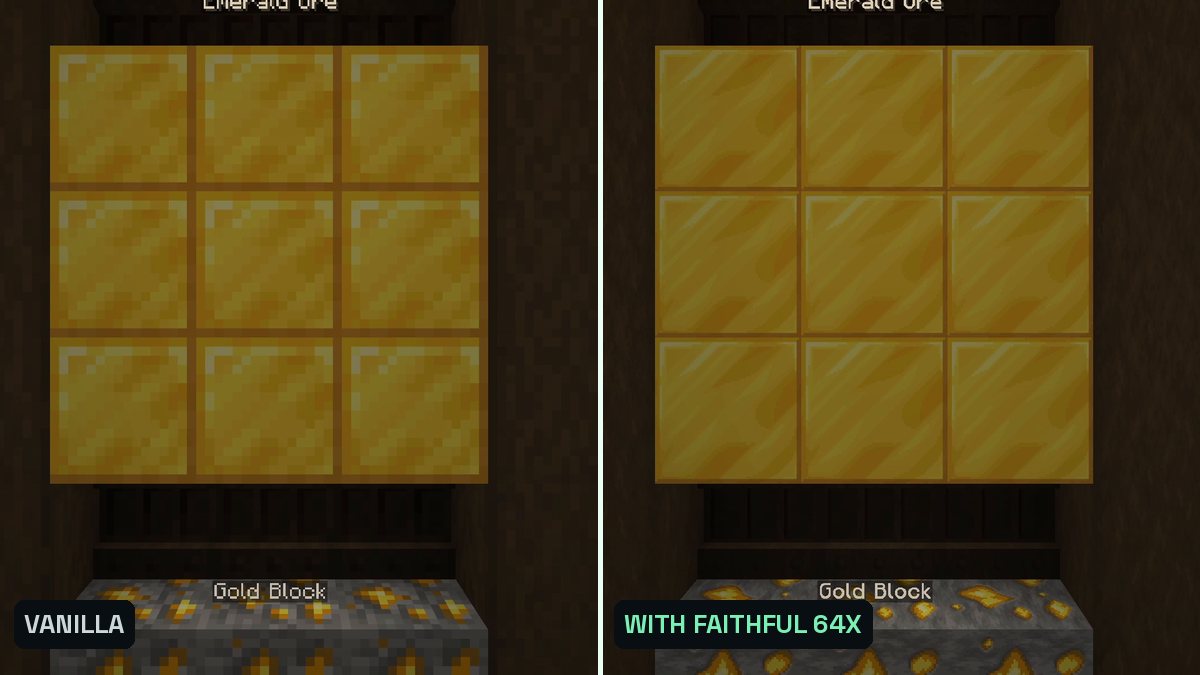
Real in-game screenshots (Minecraft 26.3, recorded in The Mod Hunter's Block Archive on October 9, 2026). Left vanilla, right with the pack.
FAQ
Do these texture packs need OptiFine or mods?
No. All five work in vanilla Minecraft 26.3 (Golden Days needs Minecraft’s built-in Programmer Art pack below it, which comes with the game). Some of them have extra features that only work with OptiFine or similar mods (for example random mobs in Excalibur or emissive textures in Whimscape), but the textures themselves load without anything.
How did you pick and rank them?
I looked for complete texture packs on Modrinth, packs that retexture blocks, items and mobs, with a stable release for Minecraft 26.3 and no required mods. The order follows their downloads on Modrinth, from number 5 up to number 1.
Why are Clayful and Default HD not on the list?
Both are popular, but on Modrinth they are demo versions with only a handful of textures; the fuller versions are on the author’s Patreon. In my library most blocks stayed vanilla, so they don’t fit a list of complete packs. The same goes for Prime’s HD Textures: on Modrinth it is the free version, and most mobs keep their vanilla look.
Why is Ashen not on the list?
Ashen is tagged for 26.3 on Modrinth, but its pack file only declares support for older versions. Minecraft 26.3 therefore marks it as incompatible and doesn’t load it unless you confirm a warning, so I left it out.
Which packs need a little extra setup?
Golden Days: put it on top of Minecraft’s built-in Programmer Art pack. The other four just go to the right side of the Resource Packs screen.
What is the Block Archive?
A library I built in my own Minecraft world to test texture packs fairly: 407 blocks on ten walls, sorted by category and labeled. Every shot is filmed twice on the same camera path, once in vanilla and once with the pack.
How do I install a texture pack?
Download the zip from the official page, open Options, then Resource Packs, click Open Pack Folder and drop the zip in. Back in the game, move it to the right side (Selected).