Golden Days Texture Pack: Download and Install (26.3)
Golden Days: old Minecraft textures, lighting and names in 26.3
Brings back old textures, lighting, names and sounds from early Minecraft versions like Beta, without removing new features. Updated for Minecraft 26.3. Needs the built-in Programmer Art pack, no mods.
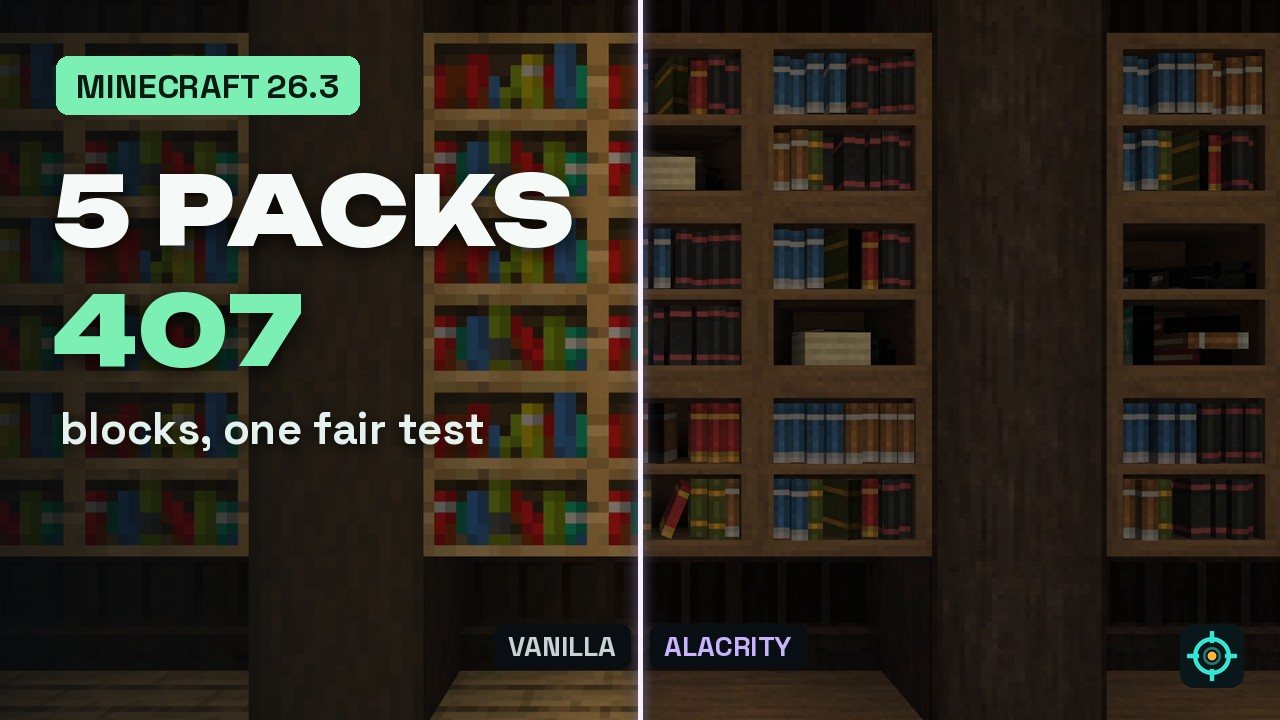 1:27
1:27 Golden Days is #3 in this video
5 Texture Packs Tested on 407 Blocks
Playing loads the video from YouTube (privacy-enhanced mode), which may set cookies and process your data. Details.
Golden Days is a time machine for Minecraft: it brings back the textures, the lighting, the names and the sounds from older versions like Beta. The Base pack is made for survival and doesn’t remove any newer features, so 26.3 blocks still work, they just look like they belong in the old game. In my texture pack video it is number 3.
What Golden Days changes
- Old textures: blocks, items, mobs and even GUI elements are inspired by the early versions, including the classic cobblestone.
- Old lighting and sounds for a more authentic feeling.
- Old names: items and blocks get the names they had back then.
- Nothing removed: newer blocks and features stay in the game with matching textures.
- Optional extras: with PolyTone you get config options, custom particles and colors, with Entity Model Features the old entity models.
Golden Days for Minecraft 26.3
The current release is Golden Days Base 16.4 from September 28, 2026, for Minecraft 1.20 to 26.3, about 6 MB. It has over 1.2 million downloads on Modrinth. All rights are reserved by the author, so I link only the official page.
How to install Golden Days
- Download the zip from the official Modrinth page. Don’t unpack it.
- In Minecraft, open Options, then Resource Packs, and click Open Pack Folder.
- Drop the zip into that folder.
- Back in the game, move Programmer Art to the right (it comes with Minecraft), then move Golden Days to the right above it. Without Programmer Art underneath, many blocks keep their modern look.
The rest of my top 5
Excalibur, Whimscape, Alacrity and Faithful 64x. The whole list is in 5 texture packs for Minecraft 26.3, tested on 407 blocks.
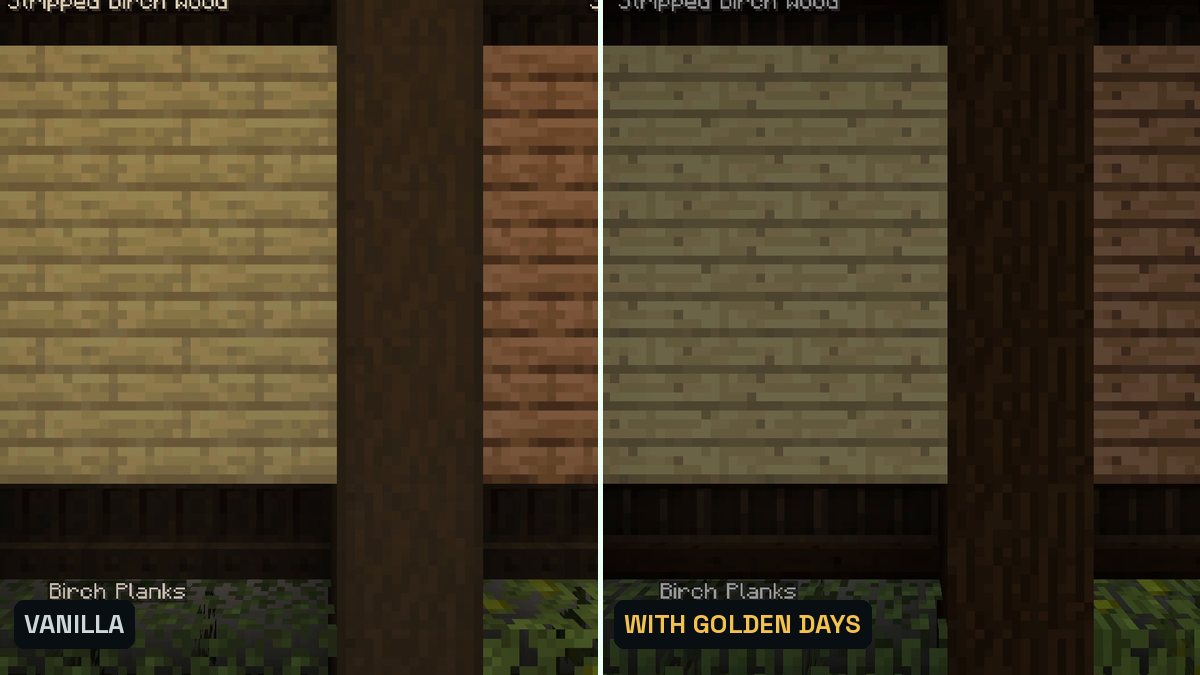
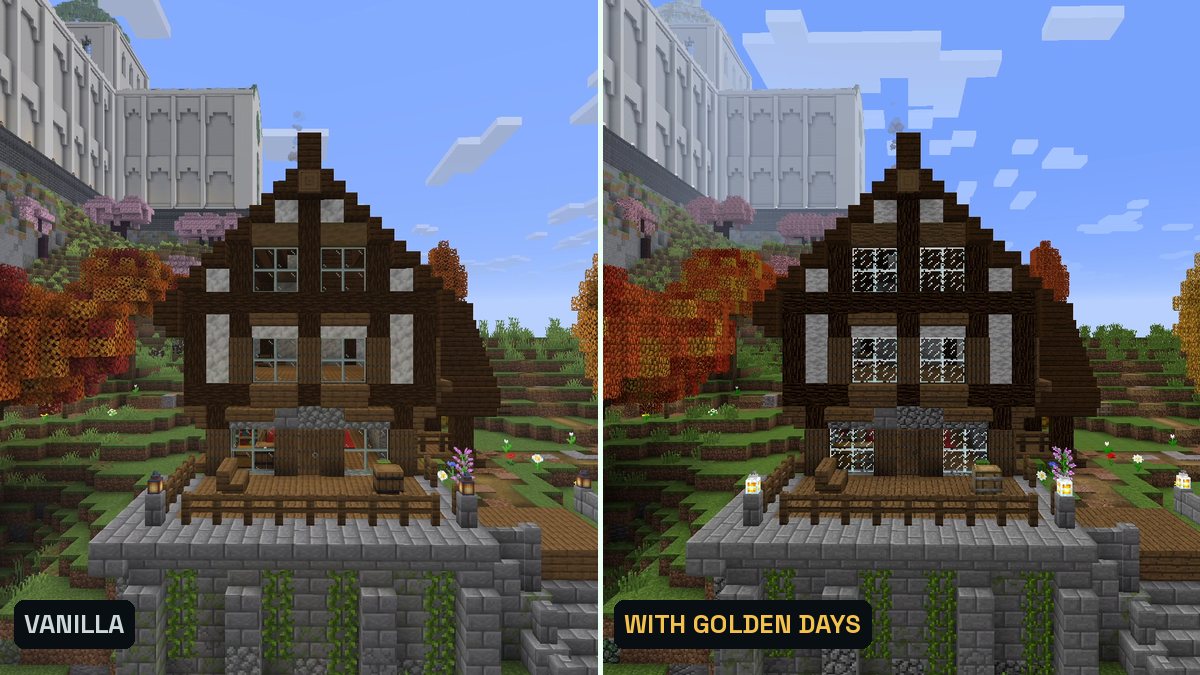
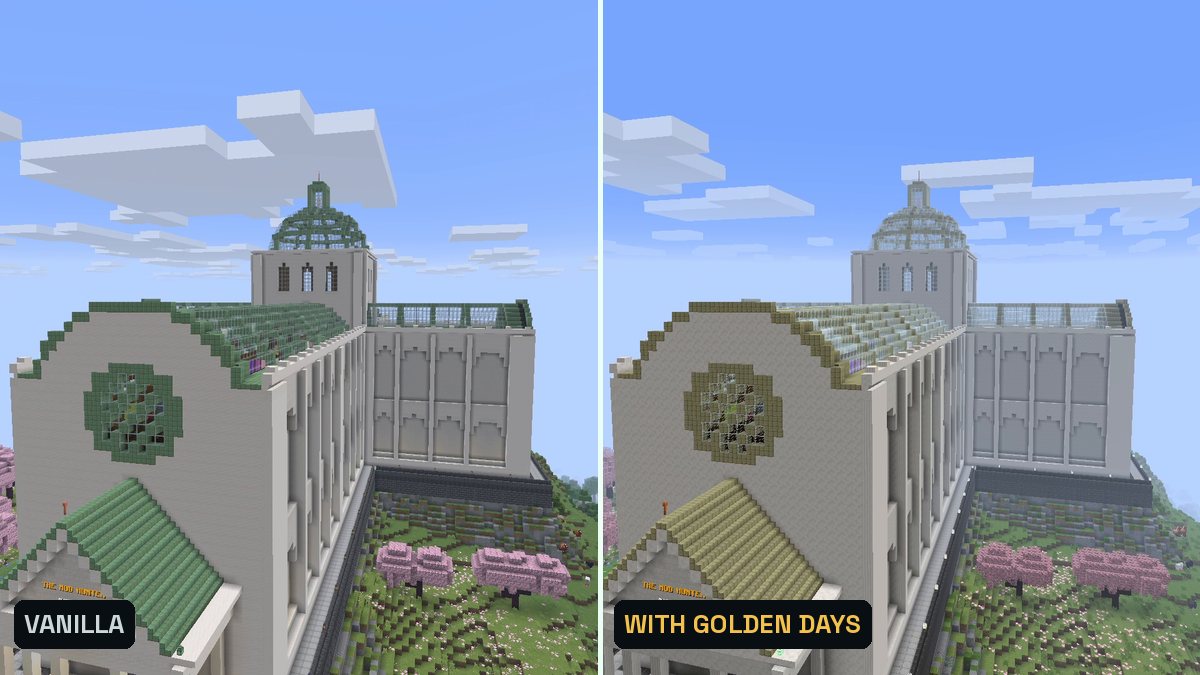
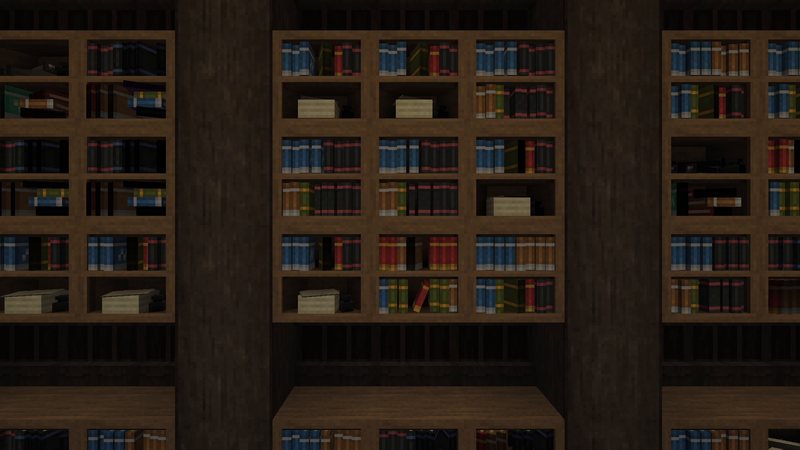
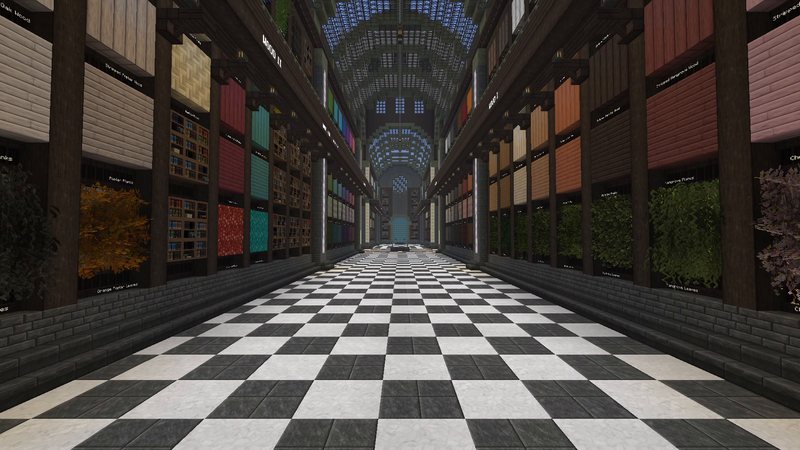
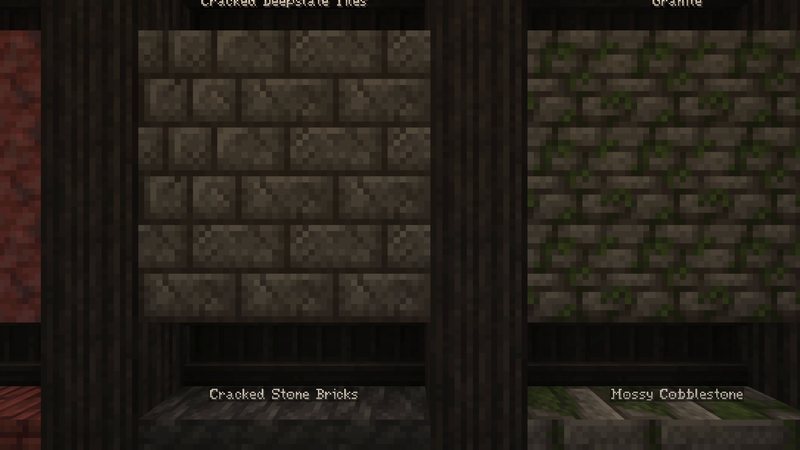
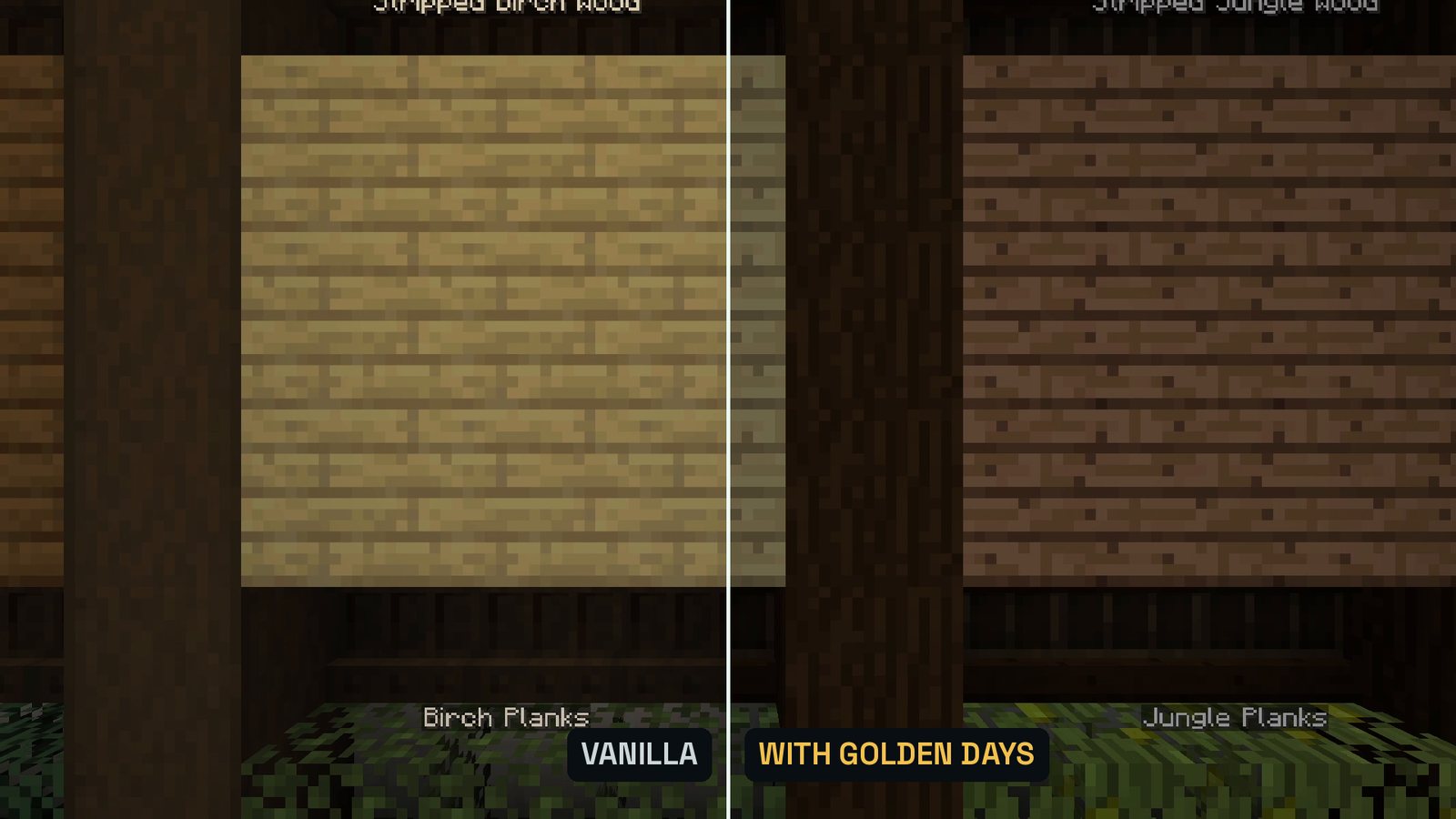
Real in-game screenshots (Minecraft 26.3, vanilla and with Golden Days on top of Programmer Art, recorded in The Mod Hunter's Block Archive). Left vanilla, right with the pack.
FAQ
Is Golden Days available for Minecraft 26.3?
Yes. Golden Days Base 16.4 supports Minecraft 1.20 to 26.3 and was published on Modrinth on September 28, 2026.
Why does Golden Days look wrong in my game?
Golden Days has to sit on top of Minecraft’s built-in Programmer Art pack. In the Resource Packs screen, move Programmer Art to the right as well and keep Golden Days above it.
Do I need OptiFine or a mod for Golden Days?
No. Two optional mods add more: PolyTone (config options like the chest model or the cobblestone texture, custom particles and colors) and Entity Model Features (old entity models). My test shows the pack without them.
Is there an even older look?
Yes, the Golden Days Alpha add-on goes on top of Golden Days Base and brings back things like the Alpha grass color.
What else is in my top 5?
Golden Days is number 3. Excalibur, Whimscape, Alacrity and Faithful 64x complete the list in my article on the best texture packs for Minecraft 26.3.