Excalibur Texture Pack: Download and Install (26.3)
Excalibur: a medieval adventure look at classic resolution for Minecraft 26.3
A medieval fantasy texture pack that replaces almost every texture but keeps the default 16x resolution. Updated for Minecraft 26.3, no mods needed.
 1:27
1:27 Excalibur is #5 in this video
5 Texture Packs Tested on 407 Blocks
Playing loads the video from YouTube (privacy-enhanced mode), which may set cookies and process your data. Details.
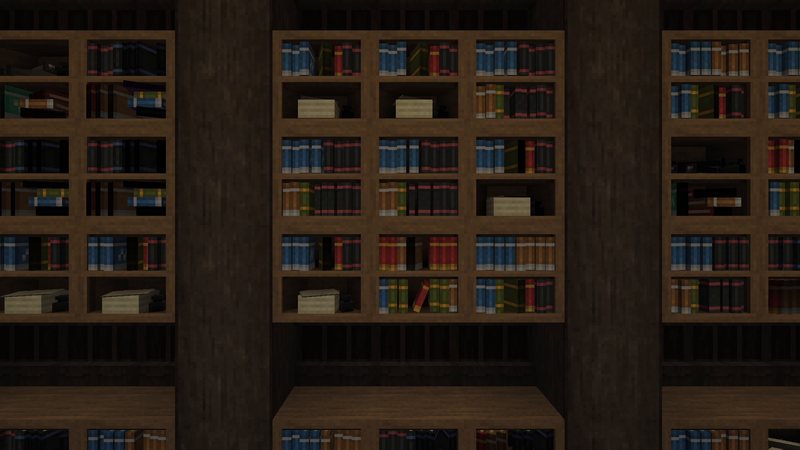
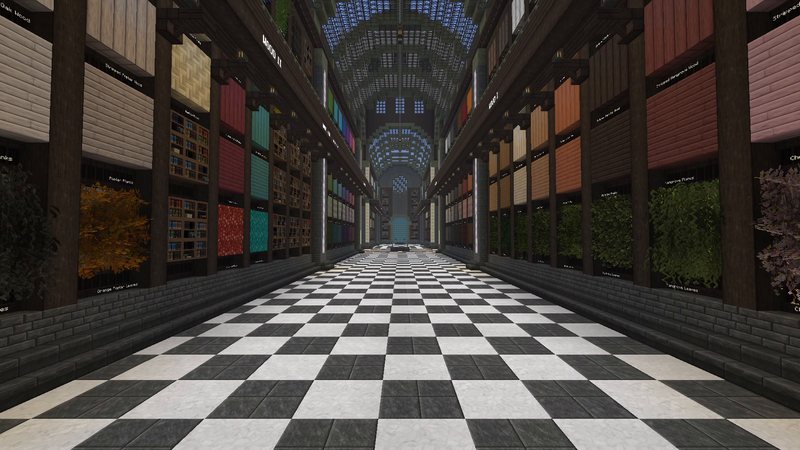
Excalibur gives Minecraft a medieval adventure look without leaving the default resolution. The author calls it a pack “created to enhance the adventure”, and it replaces almost every texture in the game while keeping the familiar 16x pixel style. It works in vanilla Minecraft 26.3 without mods. In my texture pack video it is number 5.
What Excalibur changes
- Almost everything: according to the author it replaces 99% of all textures, from blocks to items and mobs.
- Default charm: the textures stay at 16 by 16 pixels, so the game still feels like Minecraft and runs like vanilla.
- Random, alternate blocks: many blocks get several variants, so large walls and floors look less repetitive.
- 3D block improvements and a custom font.
- Random mobs: mob variants are included, but they only show up with OptiFine.
Excalibur for Minecraft 26.3
The current release is 26.3_01 from September 22, 2026, about 21 MB. Excalibur has almost 900,000 downloads on Modrinth. All rights are reserved by the author, so I link only the official page.
How to install a texture pack
- Download the zip from the official Modrinth page. Don’t unpack it.
- In Minecraft, open Options, then Resource Packs, and click Open Pack Folder.
- Drop the zip into that folder.
- Back in the game, move the pack to the right (Selected). If you combine it with smaller packs, keep Excalibur at the bottom of your selected packs.
The rest of my top 5
Whimscape, Golden Days, Alacrity and Faithful 64x. The whole list is in 5 texture packs for Minecraft 26.3, tested on 407 blocks.
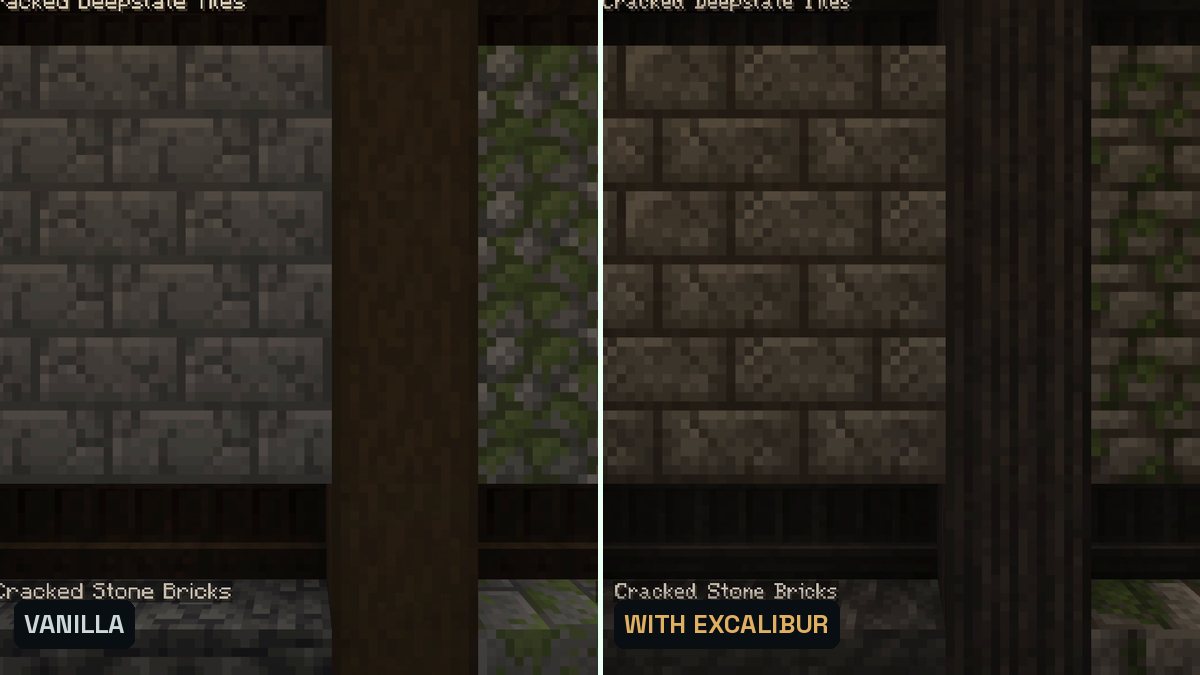
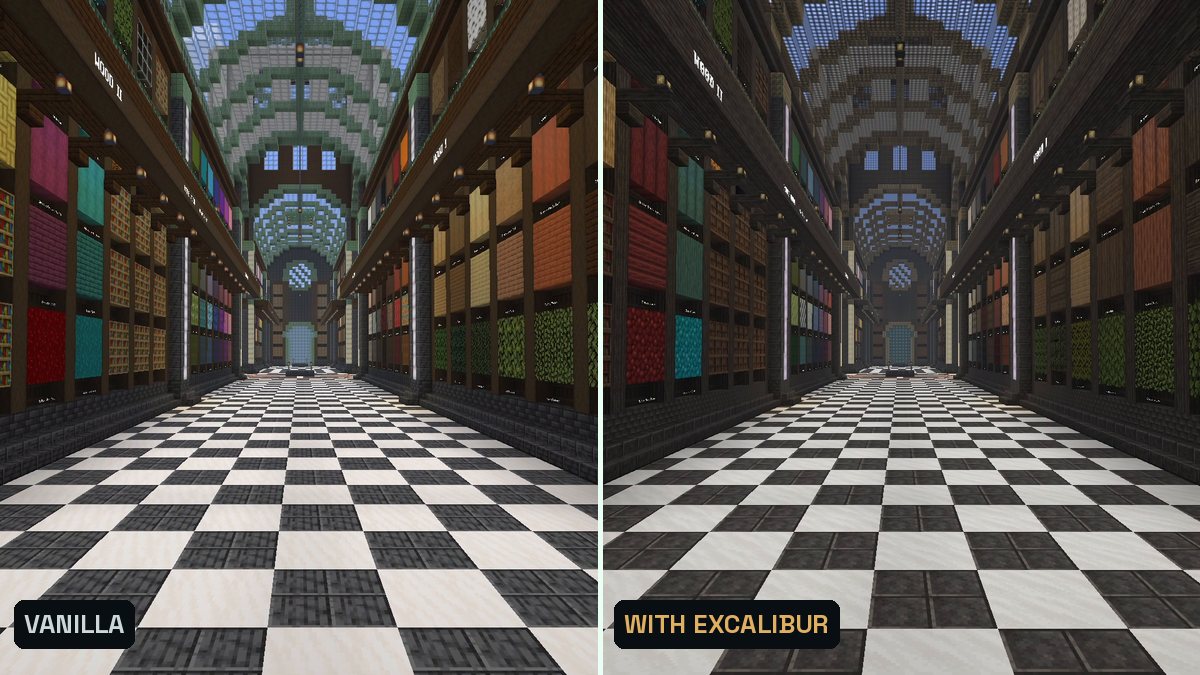
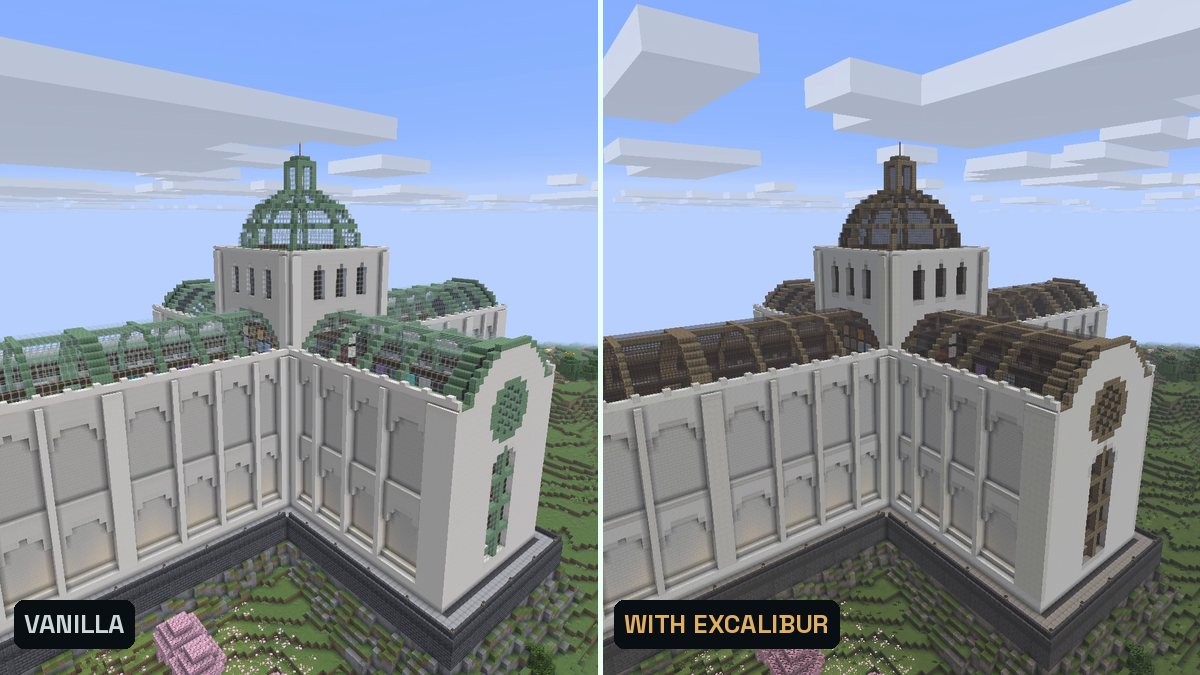
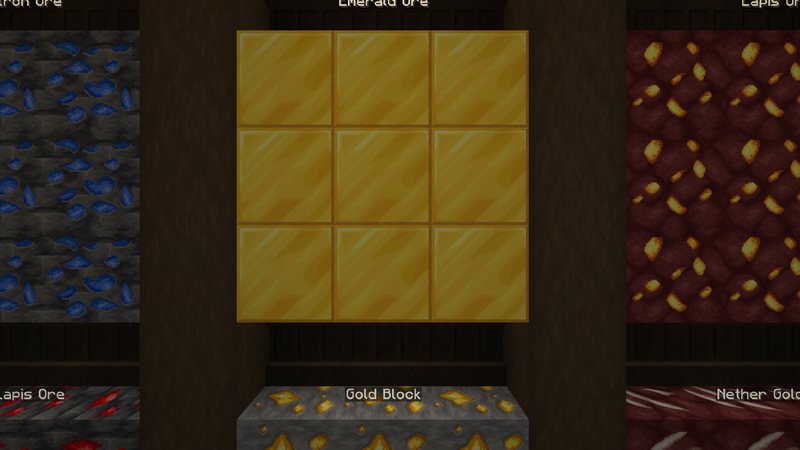
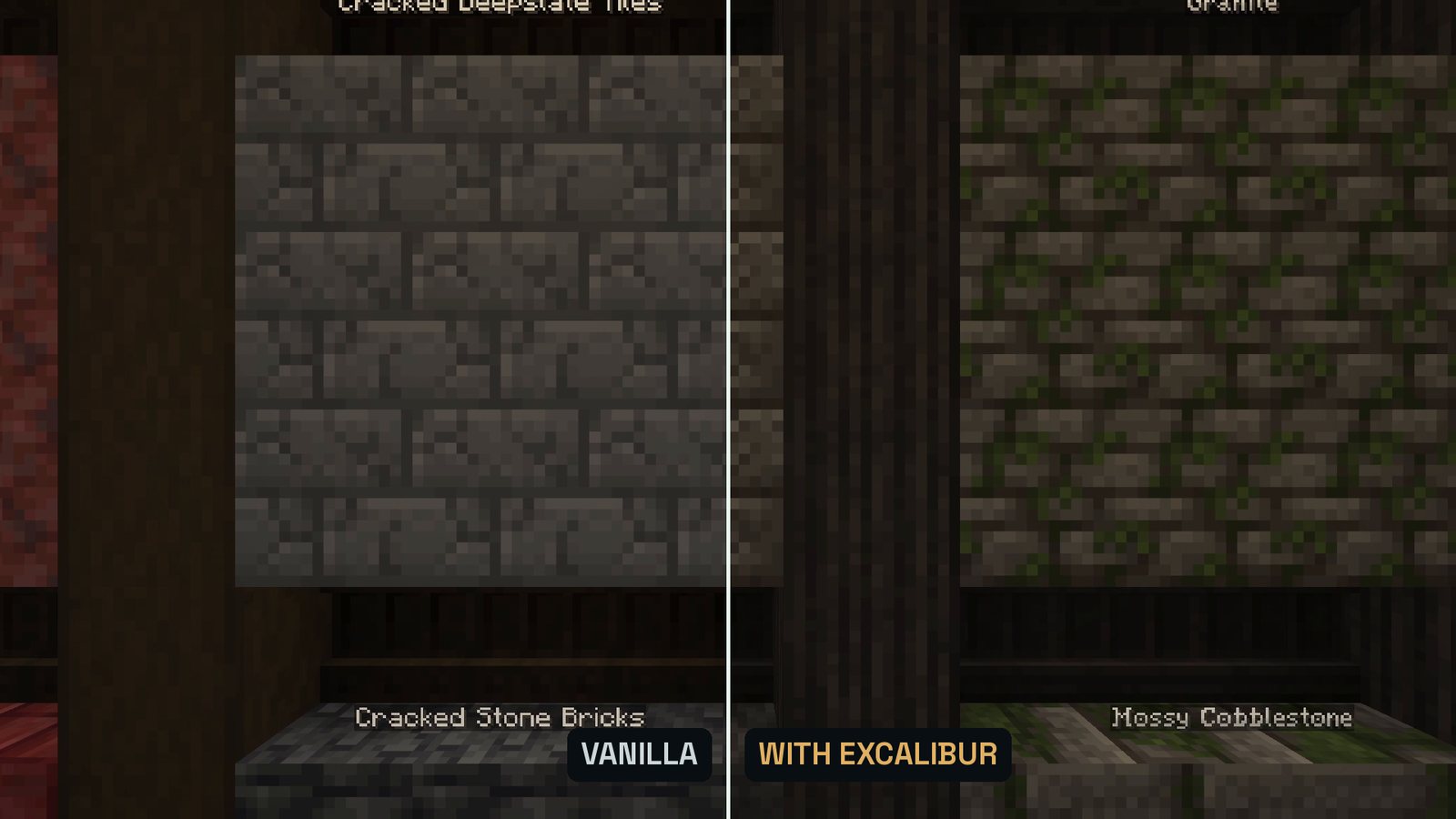
Real in-game screenshots (Minecraft 26.3, vanilla and with Excalibur, recorded in The Mod Hunter's Block Archive). Left vanilla, right with the pack.
FAQ
Is Excalibur available for Minecraft 26.3?
Yes. Version 26.3_01 is for Minecraft 26.3 and was published on Modrinth on September 22, 2026.
Do I need OptiFine or a mod for Excalibur?
No. The textures work in vanilla Minecraft. Only the random mobs feature needs OptiFine.
What resolution is Excalibur?
It keeps the default 16x resolution, so it changes the style without making the game heavier to run.
What else is in my top 5?
Excalibur is number 5. Whimscape, Golden Days, Alacrity and Faithful 64x complete the list in my article on the best texture packs for Minecraft 26.3.