Best Minecraft Resource Packs for 26.3
5 best resource packs for Minecraft 26.3: no mods, no OptiFine
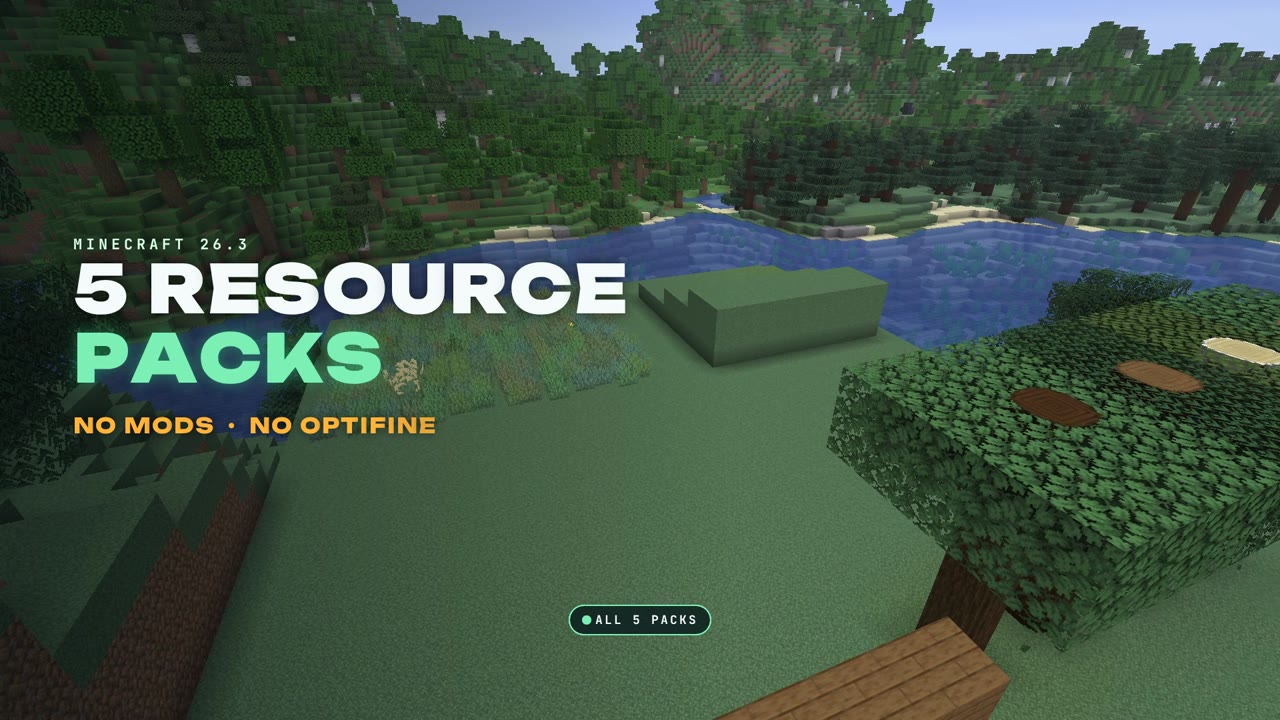
Five resource packs that make vanilla Minecraft 26.3 look better, all with a release for 26.3 and none of them needs a mod or OptiFine: Better Lanterns, Round Trees, OS' Colorful Grasses, Faithful 32x and Fast Better Grass.
 1:25
1:25 The short version
5 Resource Packs for Minecraft 26.3
Playing loads the video from YouTube (privacy-enhanced mode), which may set cookies and process your data. Details.
Five resource packs that make vanilla Minecraft 26.3 look better. All five have a release for 26.3, and none of them needs a mod or OptiFine: download, drop in, done. I tested them on October 6, 2026, each one alone and all five together, at the same spots with the same camera moves, so the screenshots compare like for like.
#5 Better Lanterns
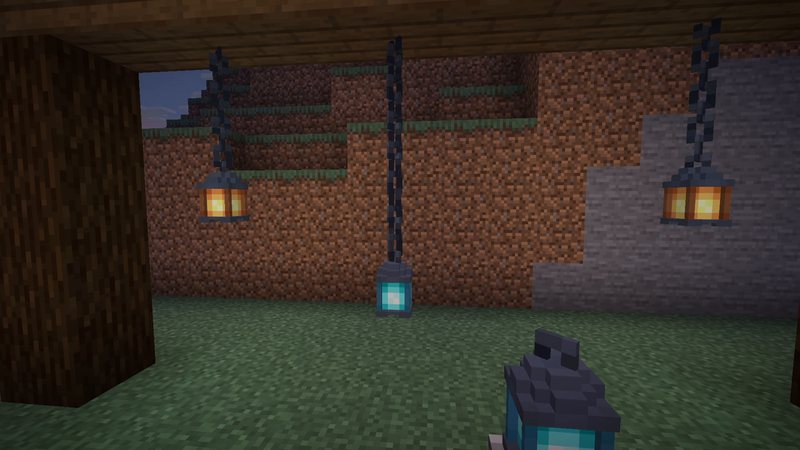
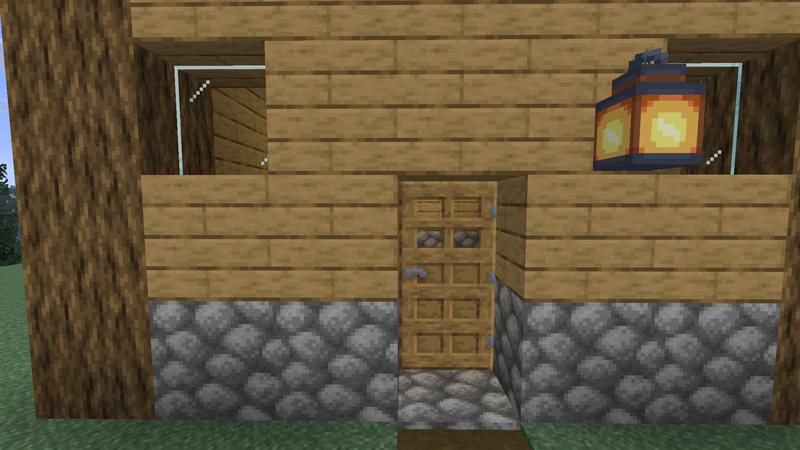
Lanterns and chains get detailed 3D models, soul lanterns included, and copper lanterns are supported too. The difference shows best up close. Version 1.4.0 for 26.2 and 26.3, over 3.7 million downloads. Better Lanterns: what it changes and how to install it
#4 Round Trees
Tree trunks finally turn round, from oak to dark oak, and the bark stays vanilla. Its author wants it at the top of your pack list. Version 8.4, over 4 million downloads. Round Trees: what it changes and how to install it
#3 OS’ Colorful Grasses
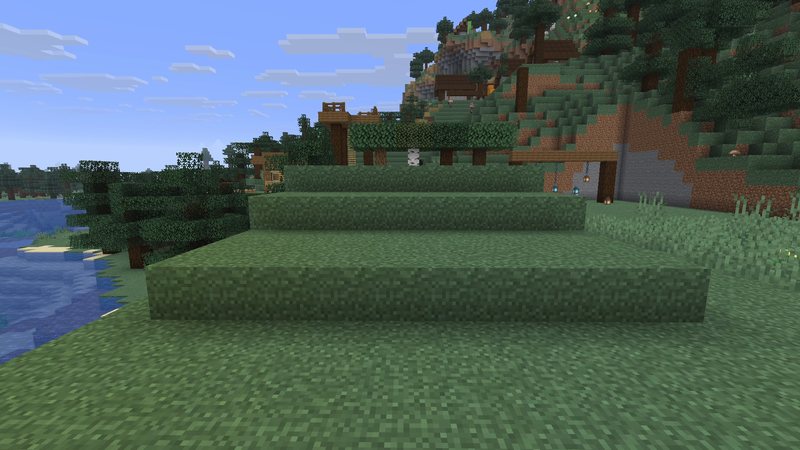
Grass turns into bushy tufts in different shades, with pampas grass in between. Besides the Tall version there is a Short one, a MojangX version with the default X models and a Mix. Over 4.8 million downloads. OS’ Colorful Grasses: what it changes and how to install it
#2 Faithful 32x
The classic Minecraft look at double the resolution, started in 2010 and already updated for 26.3 (September 2026 release). Over 5 million downloads. Faithful 32x: what it changes and how to install it
#1 Fast Better Grass
Grass blocks turn green on the sides, like OptiFine’s Better Grass, built only from vanilla block models. Snowy grass, dirt paths, podzol, mycelium and nylium get the same treatment. With over 13 million downloads the most popular pack on this list. Fast Better Grass: what it changes and how to install it
The right order
In the resource pack menu, the pack at the top wins when two packs change the same thing. This is the order I recommend, following what the pack authors say:
- Fast Better Grass (its pack description says it must be the first)
- Round Trees (its author recommends the top)
- OS’ Colorful Grasses
- Better Lanterns
- Faithful 32x (changes almost everything, so it goes at the bottom)
How to install a resource pack
- Download the zip from the official page of each pack (links above). Don’t unpack it.
- In Minecraft, open Options, then Resource Packs, and click Open Pack Folder.
- Drop the zips into that folder.
- Back in the game, move the packs to the right (Selected) and sort them as above.
Why not Fresh Animations or Dramatic Skys?
Both are great, but for Minecraft 26.3 they don’t fit a no-mods list: Fresh Animations needs extra mods and is only available as a beta for 26.3 so far, and Dramatic Skys needs OptiFine’s custom sky feature. I’ll come back to them once they work on 26.3 the way I want to show them.
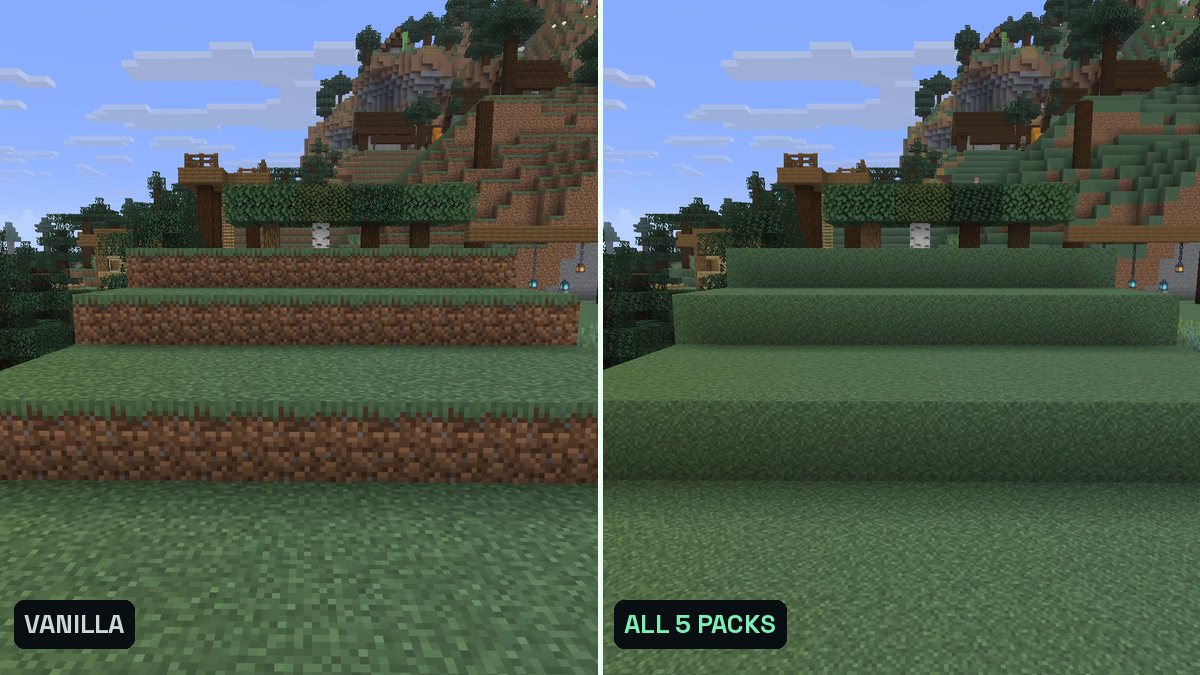
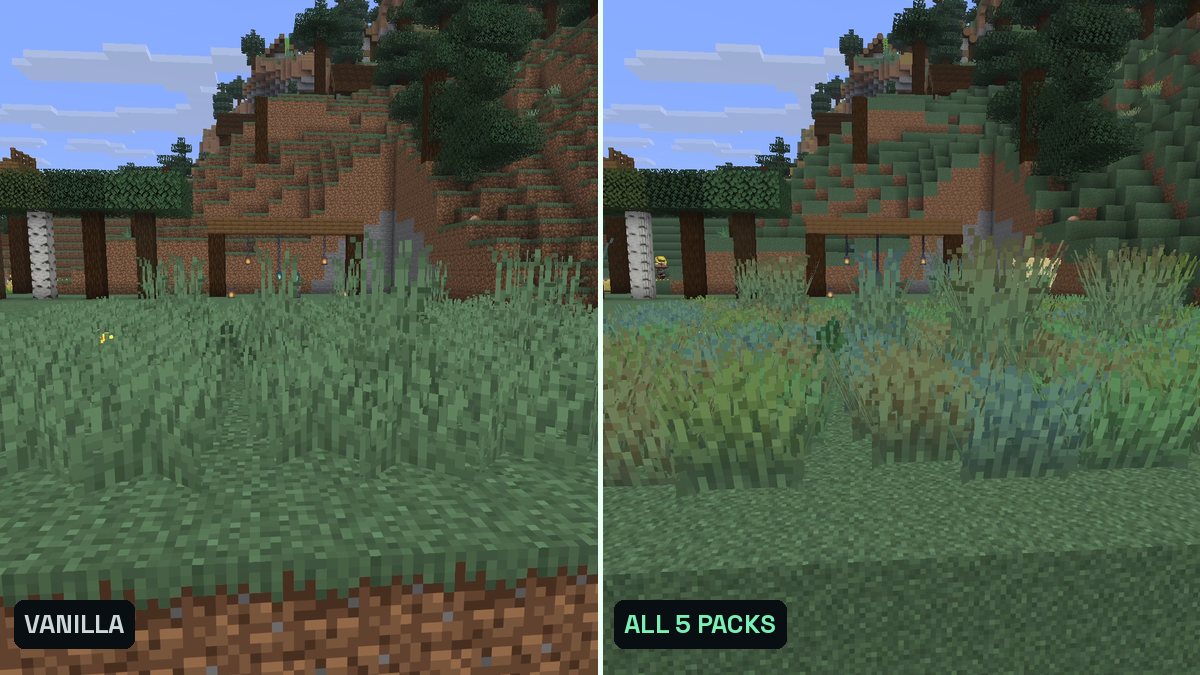
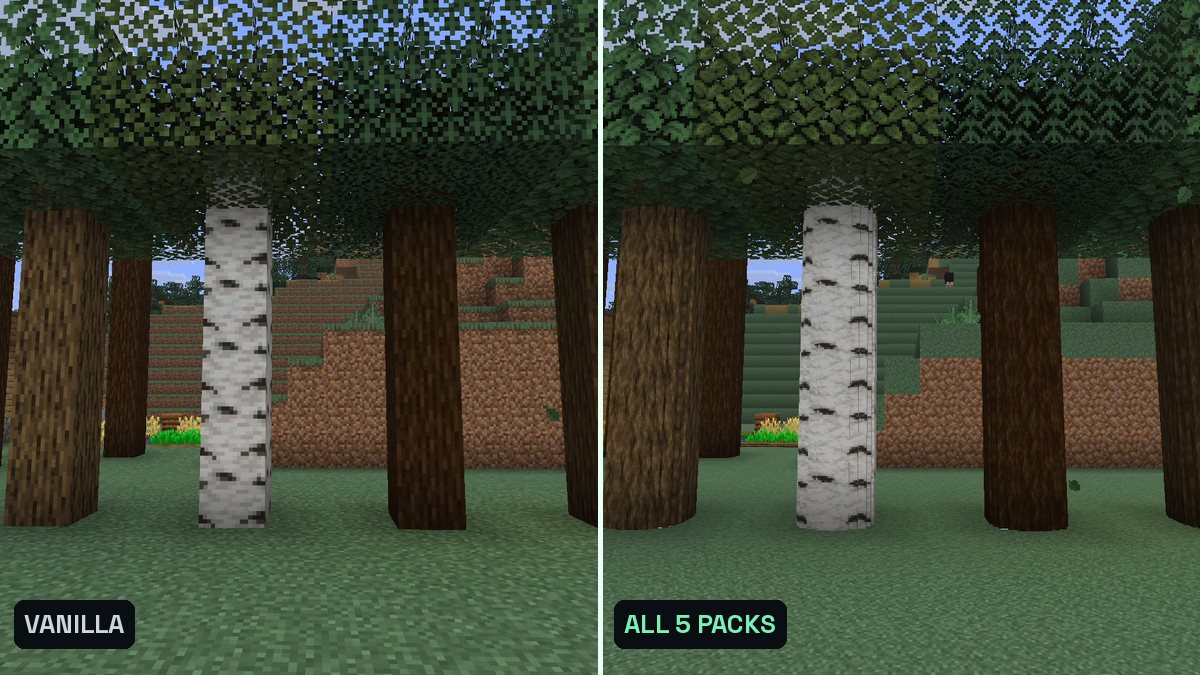
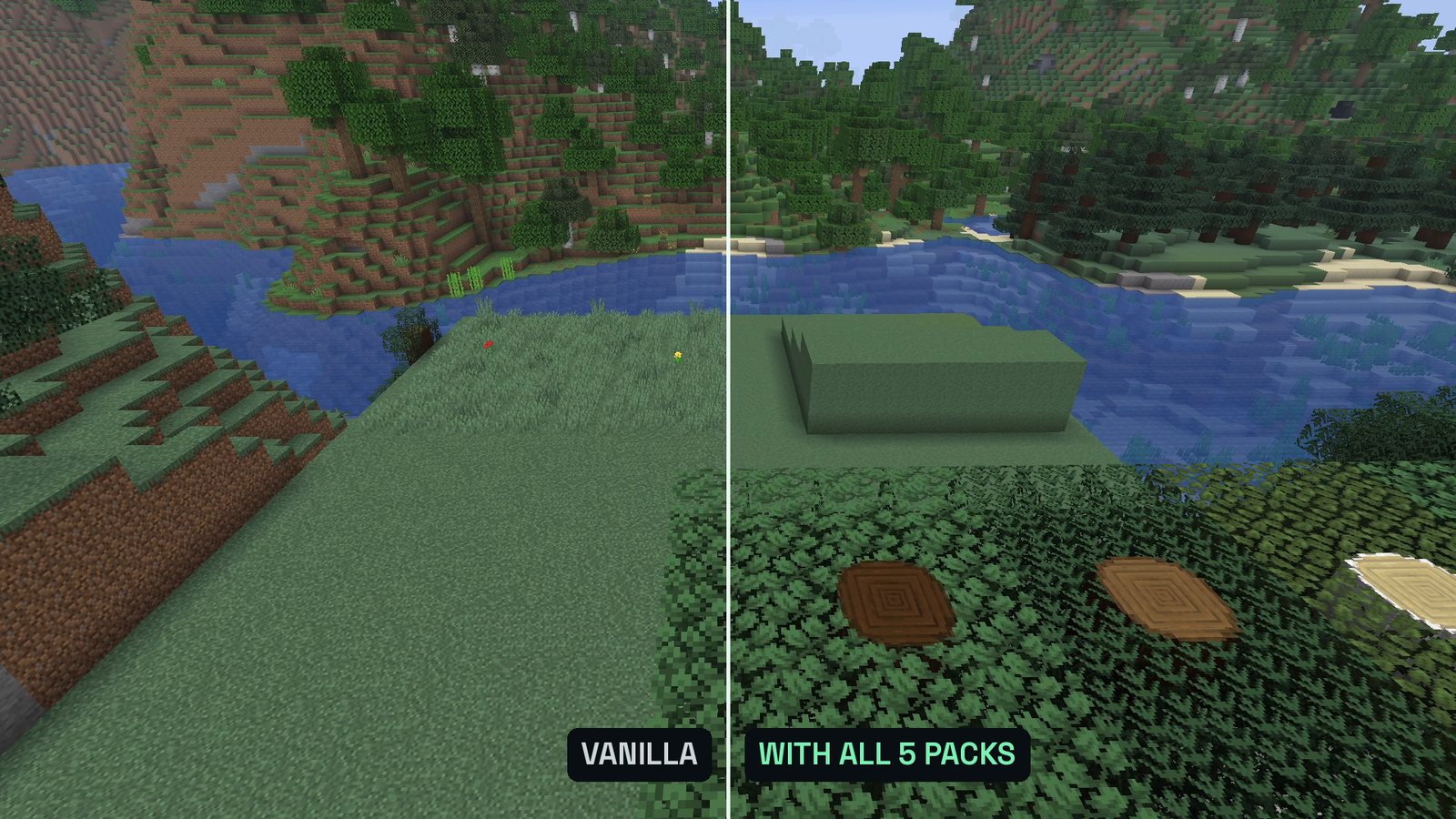
Real in-game screenshots (Minecraft 26.3, recorded at The Mod Hunter's outpost on October 6, 2026). Left vanilla, right with all five packs loaded at the same time.
FAQ
Do these resource packs need OptiFine or mods?
No. All five are plain resource packs that work in vanilla Minecraft 26.3. That’s why packs like Fresh Animations or Dramatic Skys are not on this list: for 26.3 they need extra mods or are only available as a beta.
Can I use all five packs at the same time?
Yes. The comparison shots in this article were recorded with all five loaded at once: green grass sides, colorful grass, round trunks and Faithful’s textures all showed up together. Put Fast Better Grass and Round Trees at the top of your selected packs and Faithful 32x at the bottom.
How did you pick and rank them?
I only took packs with a stable release for Minecraft 26.3 that change how the vanilla world looks and need no mod. The order follows their downloads on Modrinth, from number 5 up to number 1.
How do I install a resource pack?
Download the zip from the official page, open Options, then Resource Packs, click Open Pack Folder and drop the zip in. Back in the game, move it to the right side (Selected).