LambDynamicLights: Download and Install Guide (26.3)
LambDynamicLights: a torch in your hand finally lights up Minecraft 26.3
Hold a torch and the world around you lights up. LambDynamicLights adds dynamic lights for held and dropped items, burning mobs, blazes, glow squids and creepers. What I saw at night in my world, the settings worth changing, what it clashes with and how to install version 4.13.0 for 26.3.
Tested on Minecraft 26.3 (Fabric), LambDynamicLights 4.13.0+26.3. How I test
It’s night, you hold a torch, and nothing around you lights up. LambDynamicLights fixes exactly that: light sources in your hand, on the ground or on fire now light up the world around them. Version 4.13.0 for Minecraft 26.3 is for survival players who explore at night or in caves, and it sits in A tier of my 26.3 tier list.
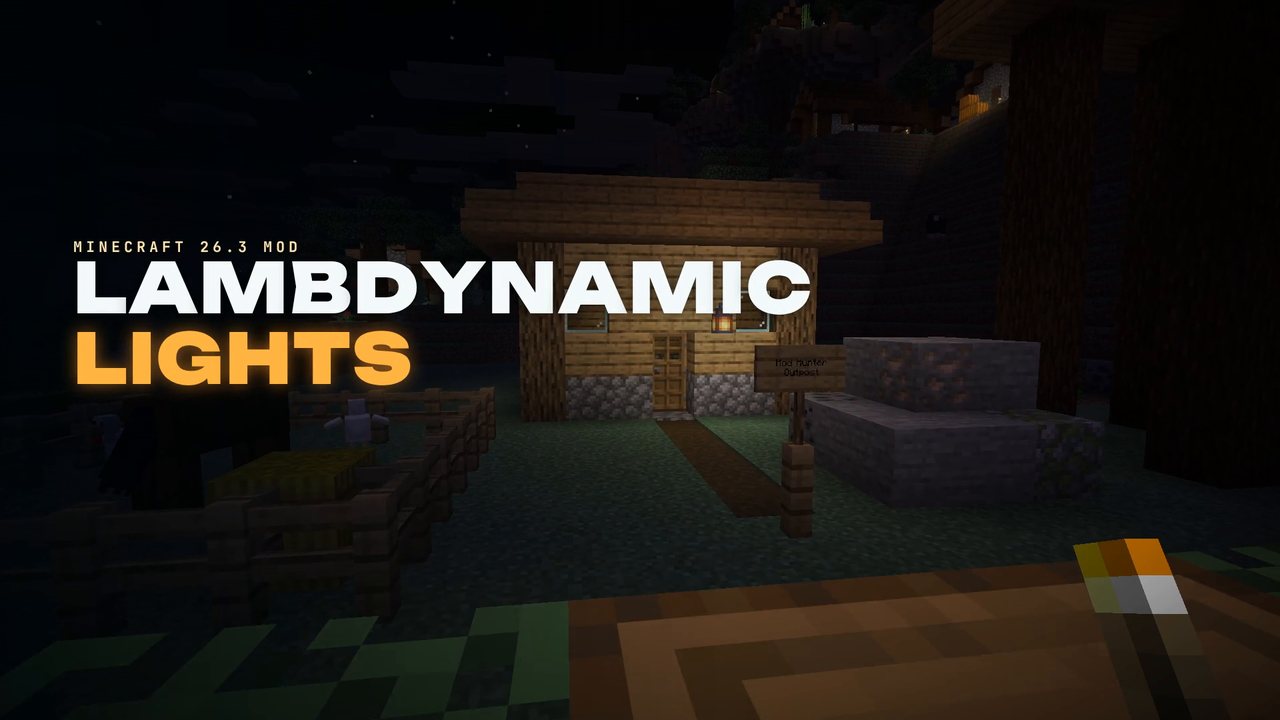 1:26
The short version
LambDynamicLights for Minecraft 26.3
Playing loads the video from YouTube (privacy-enhanced mode), which may set cookies and process your data. Details.
What LambDynamicLights does
- Held light sources: any entity holding an item that gives off light as a block emits light, you and mobs alike.
- Dropped items: a torch on the ground keeps glowing.
- Fire: every burning entity emits light.
- Glowing mobs: allays, blazes, fireballs, glow squids, magma cubes and spectral arrows emit light.
- Creepers: they get progressively brighter just before they explode.
- More: guardian lasers and firefly particles light up as well.
Item lighting can be customized through resource packs and also works with modded items. One rule: torches, soul torches and similar items give no dynamic light in water.
What I saw in my test
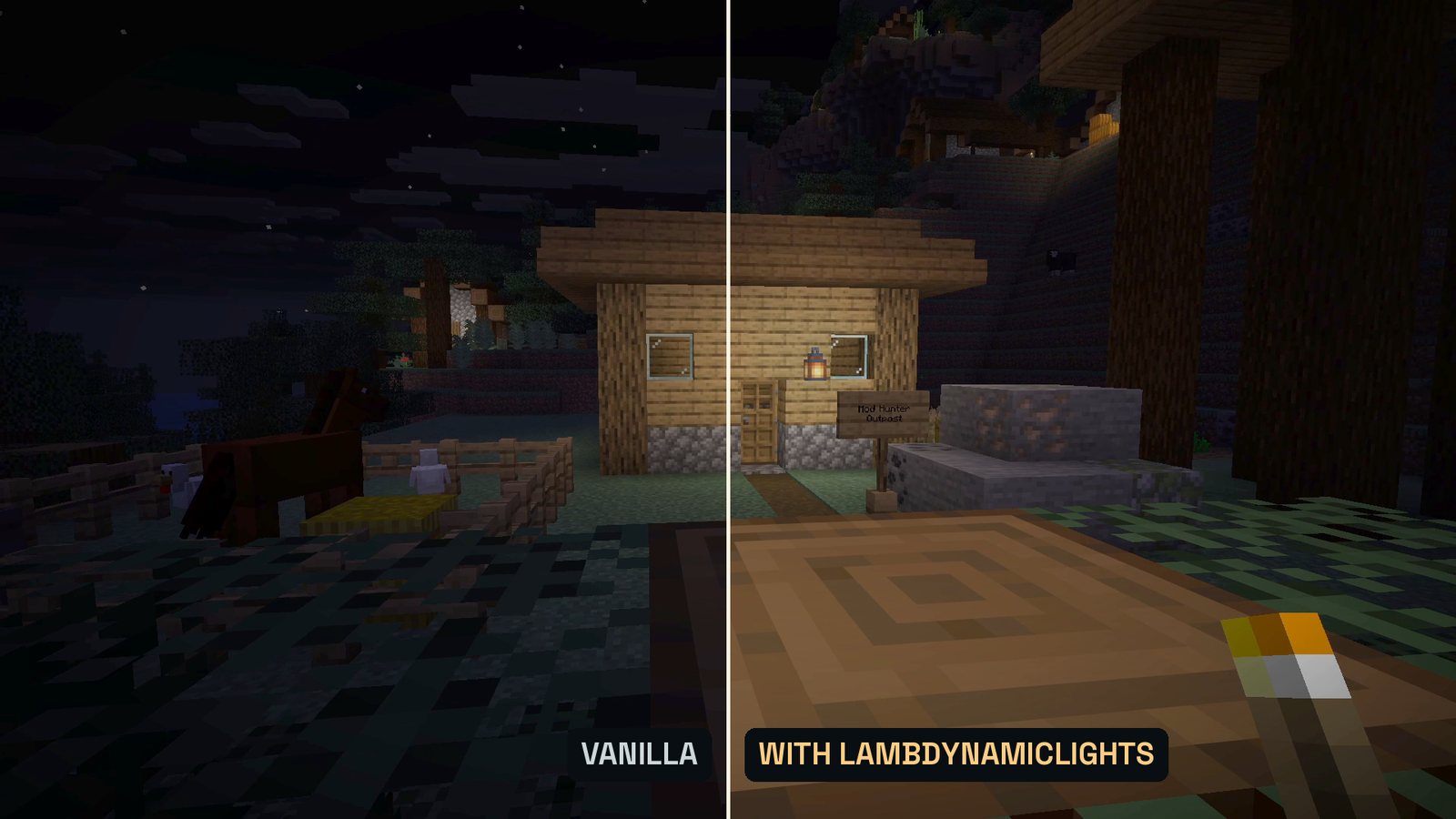
I recorded every feature at night at my outpost, Minecraft 26.3 on Fabric with LambDynamicLights 4.13.0. For the comparison in the hero image I recorded the same camera path twice, once in vanilla and once with the mod, and cut at the same moment.
- Torch in hand: in vanilla the path in front of me stayed dark. With the mod the ground and the front of the house lit up around me.
- A zombie with a torch lit its own way, and a dropped torch kept a small circle of light on the grass.
- A burning skeleton lit the grass and the trees around it, a blaze and a glow squid glowed on their own.
- A creeper got brighter while it swelled up, which is a useful warning in the dark.
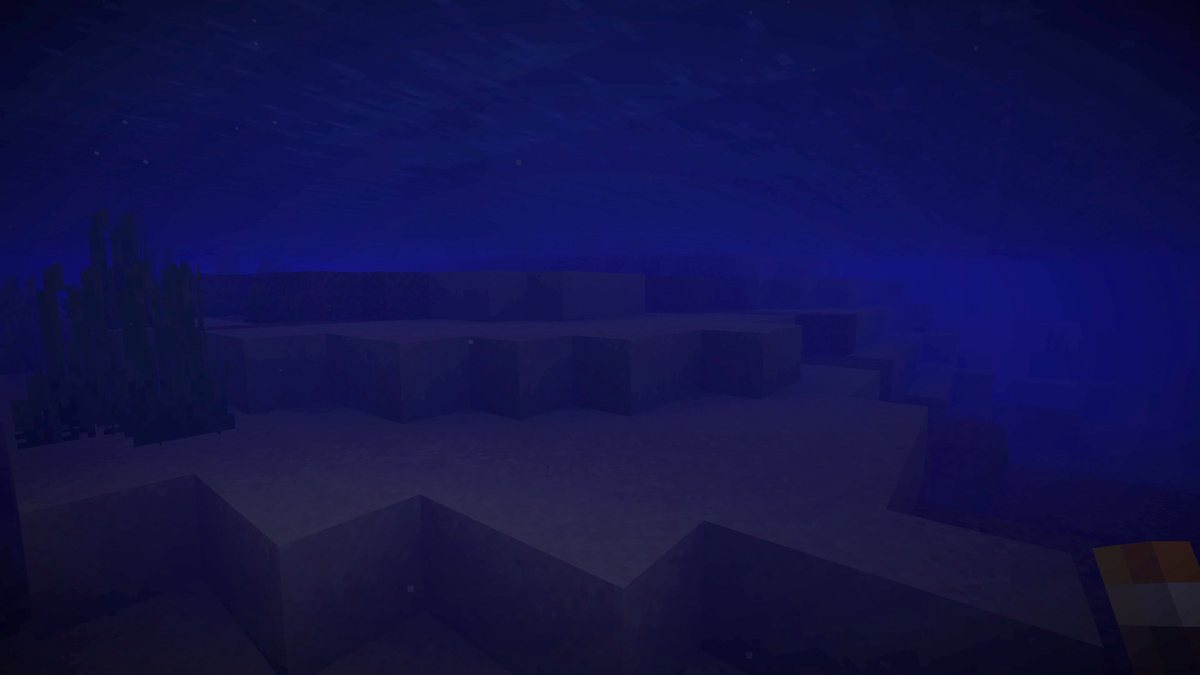
- Under water the torch in my hand gave no light, exactly as the mod describes.
All night screenshots on this page are brightened for the web, vanilla and modded frames by the same amount. LambDynamicLights is #11 in A tier of my Minecraft 26.3 tier list.
Settings worth changing
Open the settings in Video Settings or through the mods list (on Fabric with Mod Menu). The descriptions below come from the mod itself:
- Dynamic Lights: Off, Fastest, Fast or Fancy. Fastest and Fast lag a bit behind but minimize light updates, Fancy is smooth dynamic lighting.
- Entities and Block Entities: turn dynamic lighting for entities or block entities on and off. For players it’s always active.
- First-Person: your own hand light. Turn it off if your shader pack has its own dynamic lighting.
- Water Sensitivity Check: the rule that some items don’t emit light under water.
- Creeper and TNT lighting: Off, Simple (constant light) or Fancy (light that changes).
- Chunk Rebuild Strategy: “Optimized” (recommended) rebuilds chunks only when needed and may cause extremely rare visual glitches, “Immediate” rebuilds right away and may cost performance. This one only takes effect after you save and quit the world.
- Adaptive Ticking: light sources far from the camera refresh less often. The mod recommends about 5 chunks for the first threshold and about 8 for the second, and slower updates for light sources behind you.
- Per-entity list: a searchable list where you switch dynamic lighting on or off for each entity type.
Compatibility
- Loaders: the 4.13.0+26.3 release covers Fabric, Quilt and NeoForge (September 15, 2026). On Fabric it requires Fabric API.
- Client only: Modrinth lists it as required on the client and unsupported on the server.
- Sodium: recommended by the author for better performance. See my Sodium guide.
- Not compatible: Sodium Dynamic Lights and RyoamicLights, according to the 26.3 release on Modrinth.
- Shaders: the Iris FAQ recommends LambDynamicLights to Iris users. If your shader pack brings its own hand light, switch off First-Person in the settings.
- Add-ons: the author lists Beltborne Lanterns (a lantern on your belt as a constant light source) and Illuminated (a flashlight mod) as integrations.
Troubleshooting
- My torch gives no light under water: that’s the Water Sensitivity Check, on purpose.
- The light lags behind when I move: set Dynamic Lights to Fancy. Fastest and Fast trade smoothness for fewer light updates.
- Frame rate drops: try Fast or Fastest, and install Sodium, as the author recommends.
- Light shows up twice with shaders: switch off First-Person.
- Changed Chunk Rebuild Strategy, nothing happened: save and quit the world, then load it again.
- Another dynamic lights mod installed: remove Sodium Dynamic Lights or RyoamicLights, they’re listed as incompatible.
- No settings in the mods list on Fabric: install Mod Menu, or open the settings from Video Settings.
Alternatives
- Sodium Dynamic Lights and RyoamicLights are other dynamic light mods. They can’t run together with LambDynamicLights. I haven’t tested them myself.
- OptiFine had dynamic lights built in. The Iris FAQ names LambDynamicLights as the replacement for that feature, next to Continuity for connected textures.
- Shader packs with their own dynamic lighting, which the mod’s settings take into account.
How to install LambDynamicLights
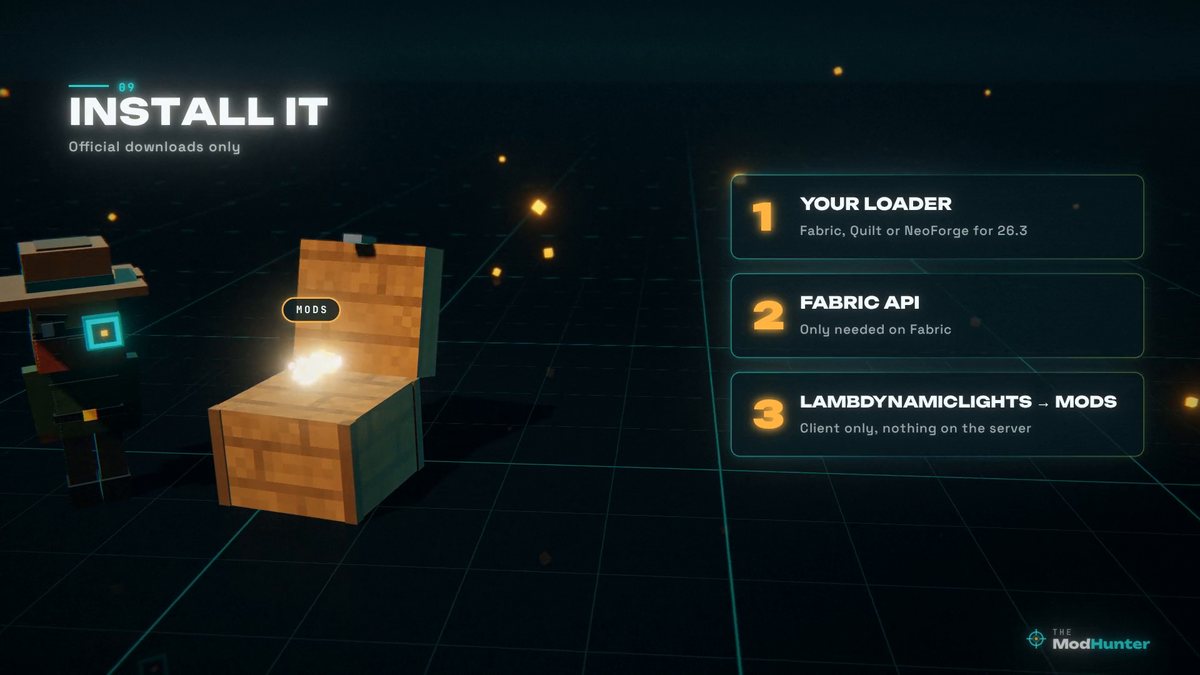
- Install your mod loader for Minecraft 26.3: Fabric, Quilt or NeoForge.
- On Fabric, add Fabric API (and Mod Menu if you want the settings in the mods list). NeoForge needs nothing else.
- Download LambDynamicLights for 26.3 from Modrinth, filtered by your loader, and put it into your
modsfolder.
Step by step, with fixes for the common errors: How to install Fabric mods in Minecraft 26.3.
Verdict
LambDynamicLights is for survival players, cave explorers and anyone who misses OptiFine’s dynamic lights.
- Pro: torches, lanterns, burning mobs and glowing mobs light up the world, as you’d expect.
- Pro: creepers get brighter before they explode, a real warning at night.
- Pro: lots of settings, from smooth to fast, per entity type.
- Con: can’t be combined with other dynamic light mods.
- Con: with shaders you may need to switch off its first-person light.
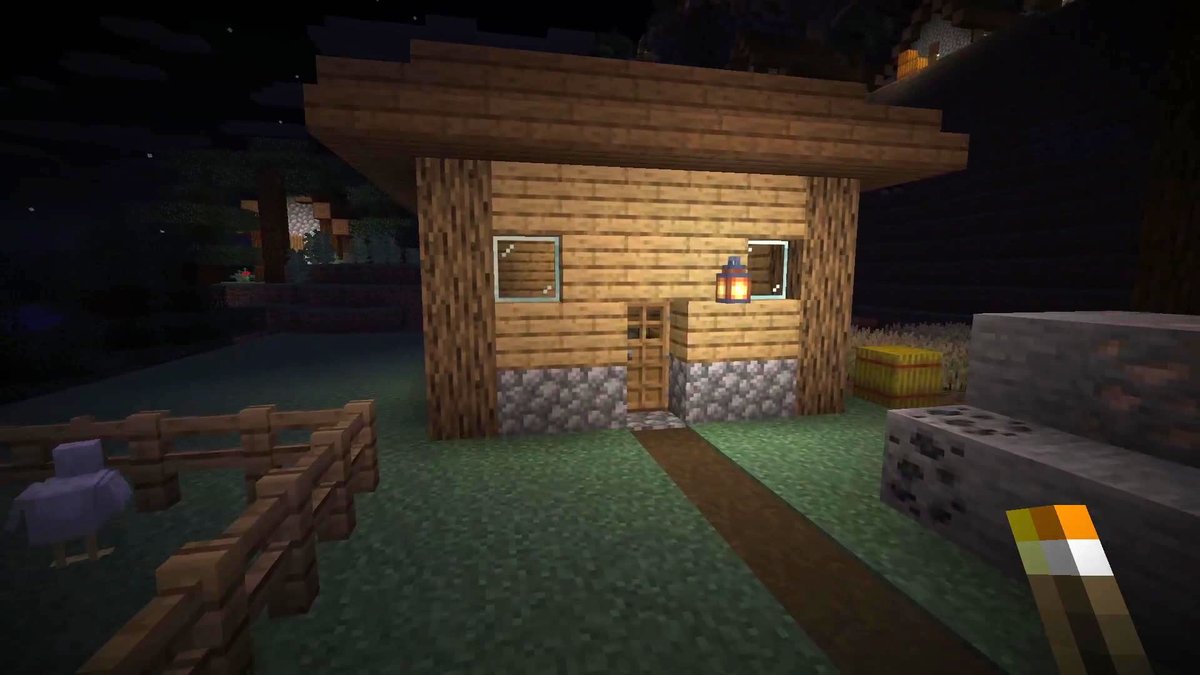
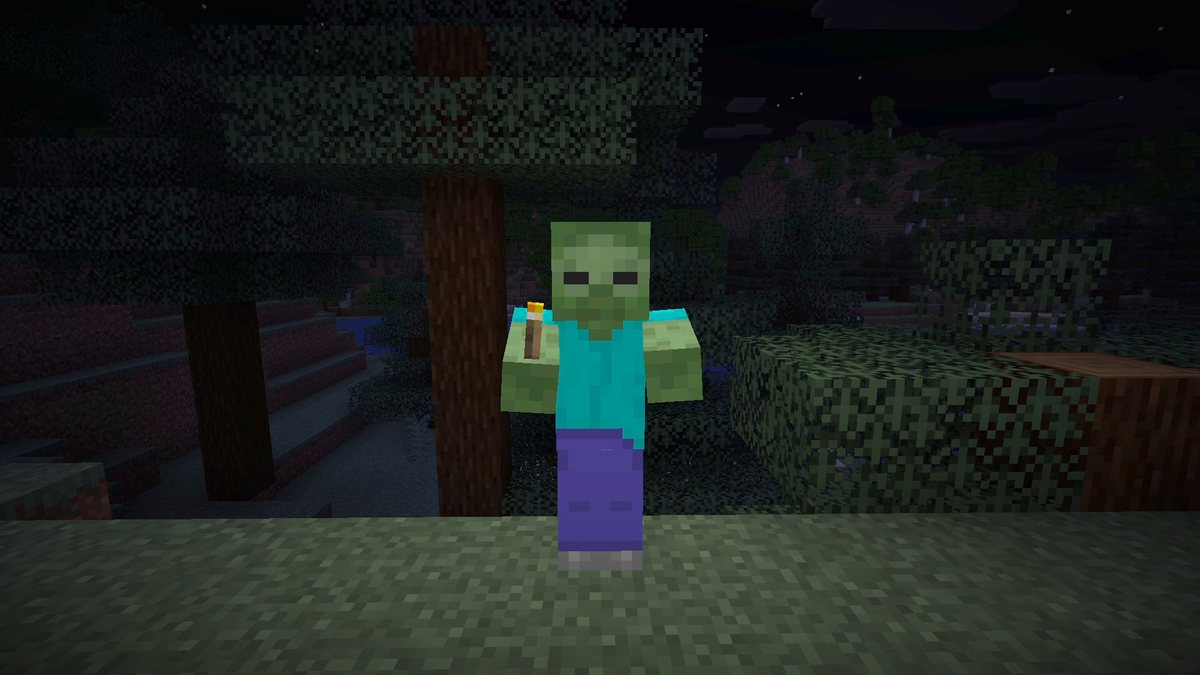
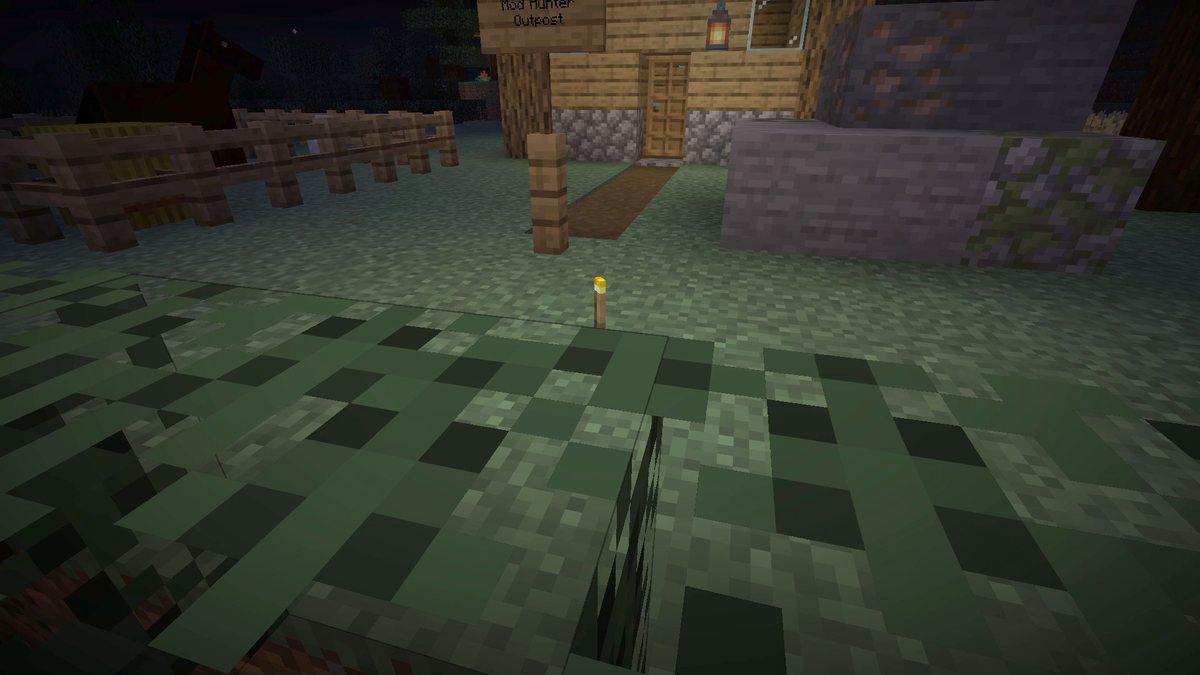
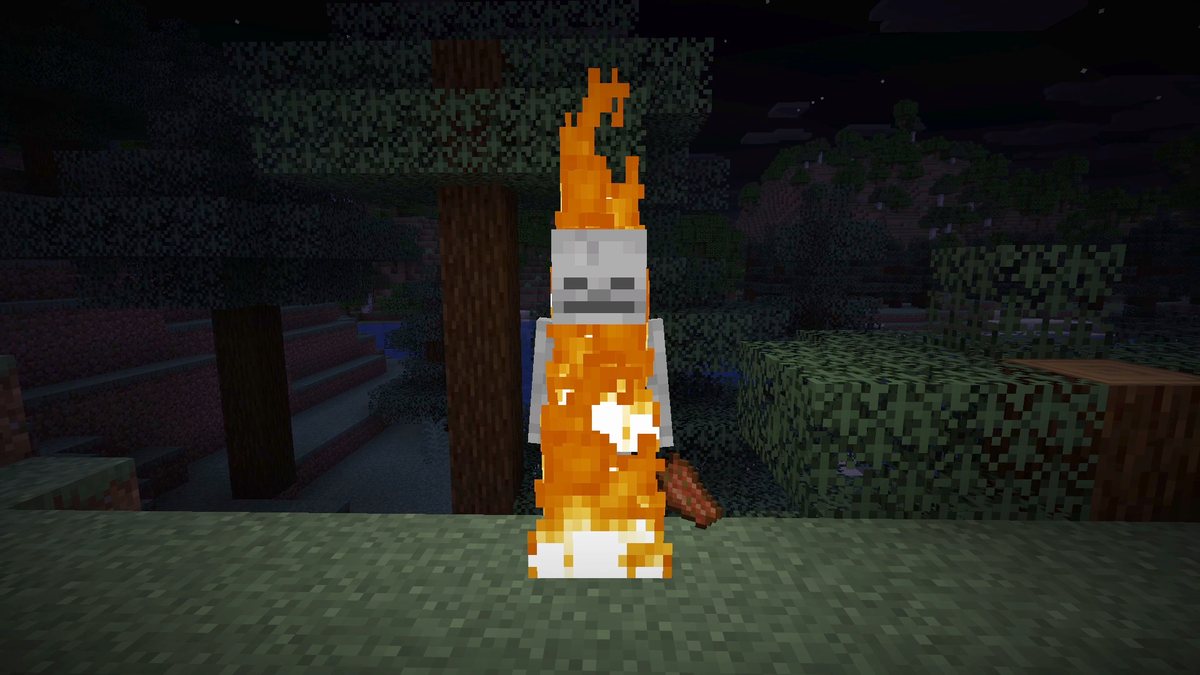
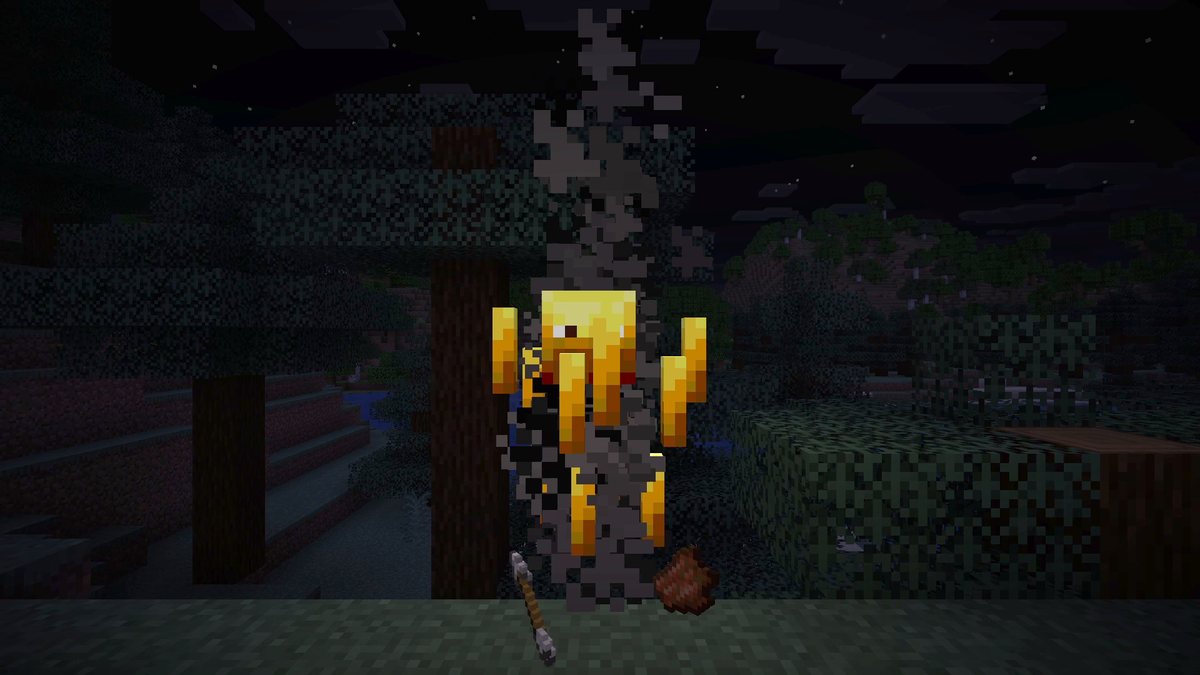
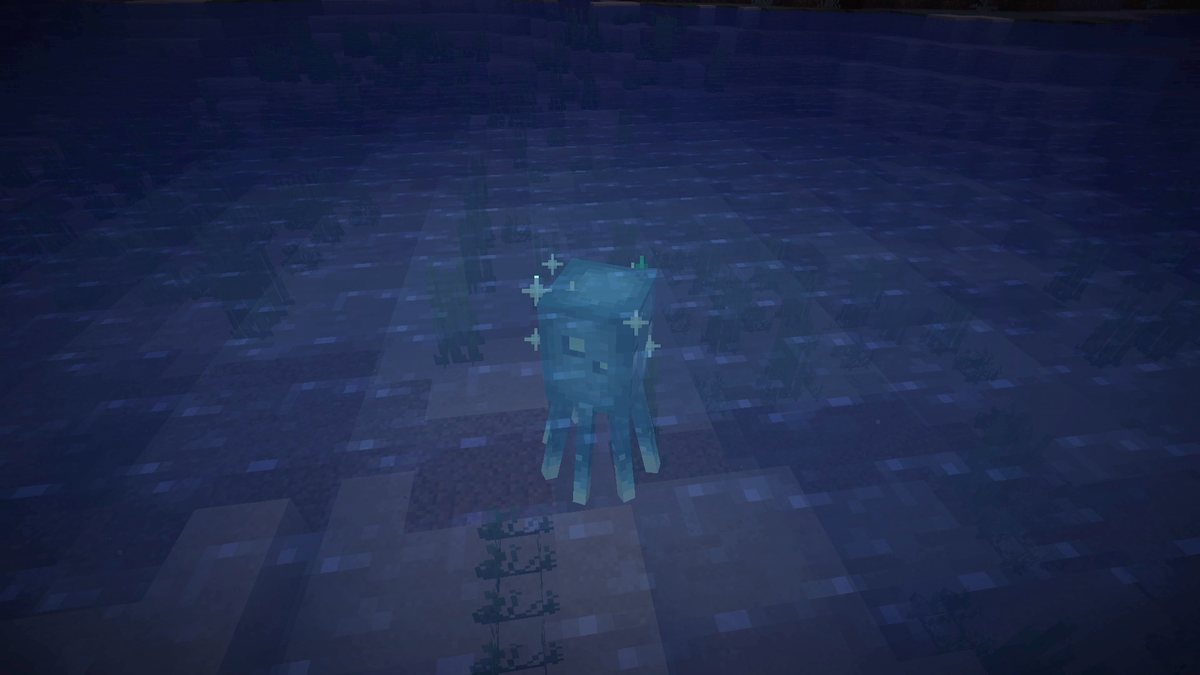
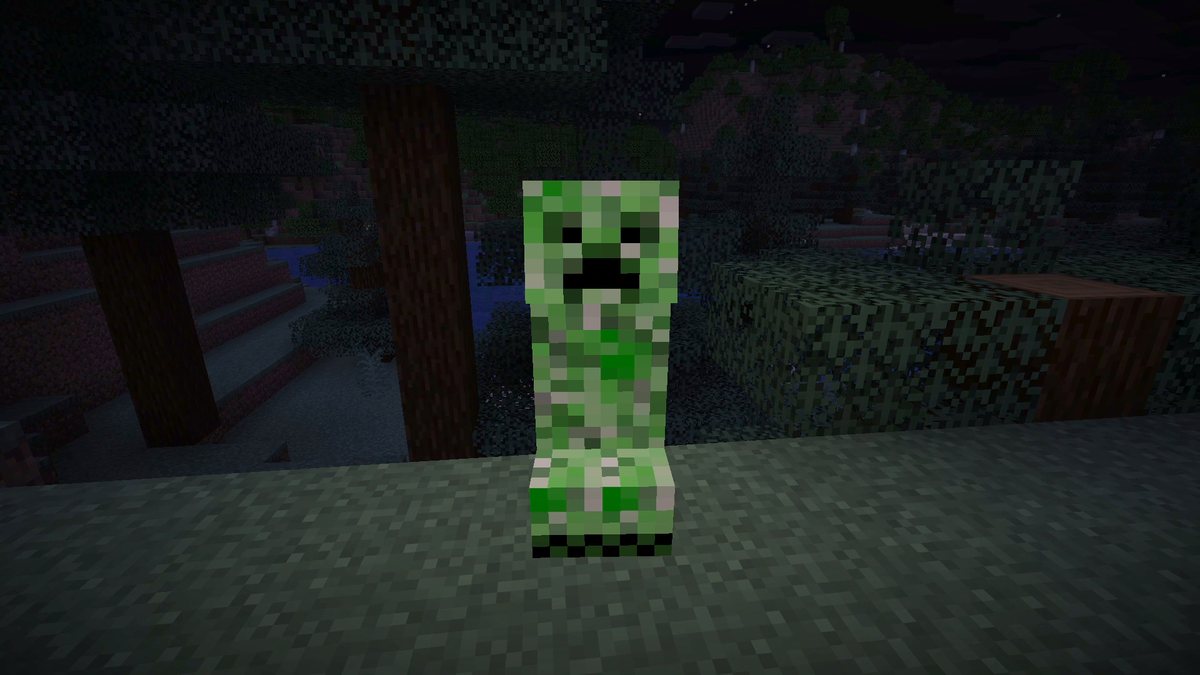
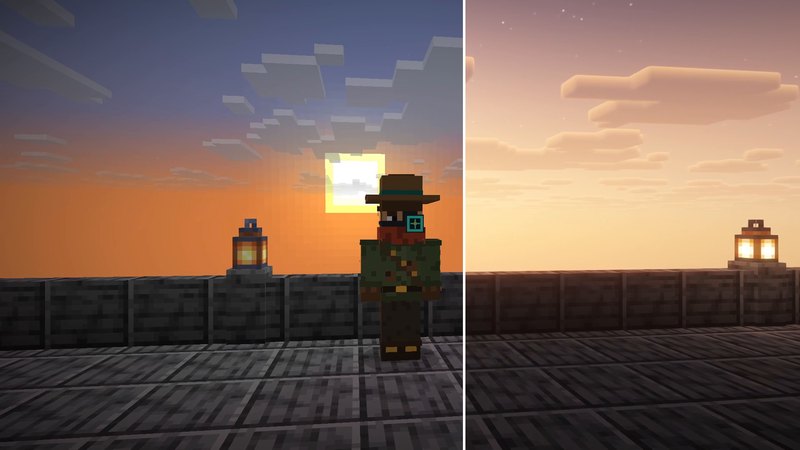
Real in-game screenshots (Minecraft 26.3 with LambDynamicLights 4.13.0, night, recorded at The Mod Hunter's outpost; brightened for the web), plus one still from my video's illustrations. Each caption says which.
FAQ
Is LambDynamicLights available for Minecraft 26.3?
Yes. Version 4.13.0+26.3 is a release for Minecraft 26.3 on Fabric, Quilt and NeoForge (September 15, 2026).
Do I need LambDynamicLights on the server?
No. It is a client-side mod; Modrinth lists it as required on the client and unsupported on the server. The server doesn’t need it.
Does LambDynamicLights need Fabric API?
On Fabric, yes. The author also suggests Mod Menu there, to reach the settings from the mods list. On NeoForge you only need LambDynamicLights itself.
Why doesn't my torch light up under water?
That’s on purpose: some items like torches and soul torches don’t give dynamic light in water. The setting behind it is called Water Sensitivity Check.
Does it work with Sodium?
Yes, the author recommends Sodium for better performance.
Can I use it together with another dynamic lights mod?
No. The 26.3 release lists Sodium Dynamic Lights and RyoamicLights as incompatible on Modrinth. Pick one.
Does it work with shaders?
The mod’s own settings recommend turning off its First-Person light if your shader pack has its own dynamic lighting, so you don’t get your hand light twice.
Sources
- LambDynamicLights on Modrinth (features, usage, integrations)
- LambDynamicLights 4.13.0+26.3 on Modrinth (dependencies and incompatibilities)
- LambDynamicLights documentation
- LambDynamicLights 26.3 language file (settings and their descriptions)
- Iris FAQ (LambDynamicLights as replacement for OptiFine's dynamic lights)
What changed
- Added a new real screenshot, what I saw in my test, the settings worth changing, compatibility notes, troubleshooting and alternatives.
- First published.