Continuity: Download and Install Guide (26.3)
Continuity: connected textures for Minecraft 26.3, glass without the grid
Glass walls without the grid of frames, bookshelves as one long shelf, smooth sandstone. Continuity brings connected textures to Minecraft 26.3 on Fabric, and the effect stays off until you turn on its two built-in packs. What I saw in my world, what it works with and how to fix the usual problems.
Tested on Minecraft 26.3 (Fabric), Continuity 3.0.1+26.3. How I test
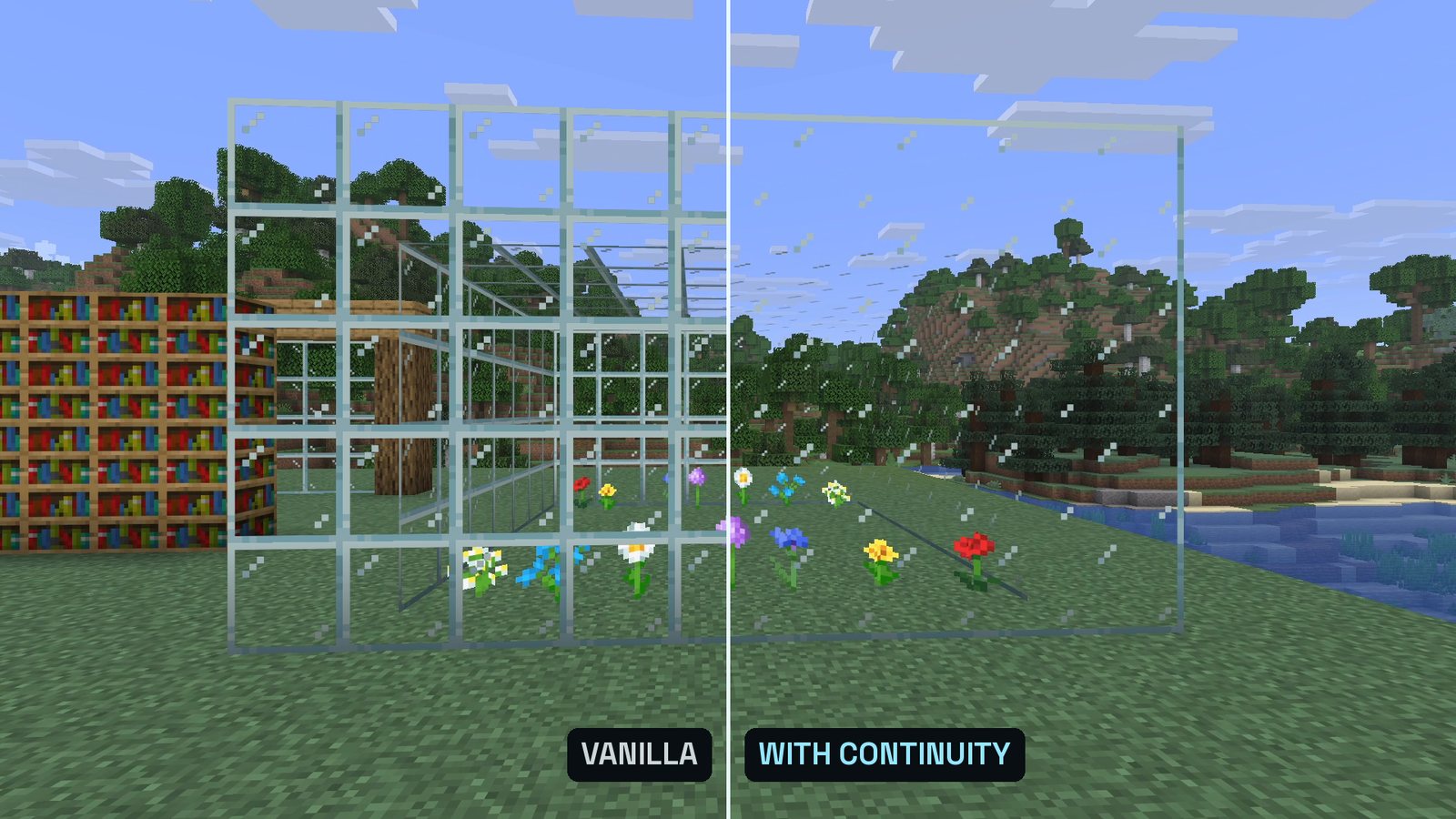
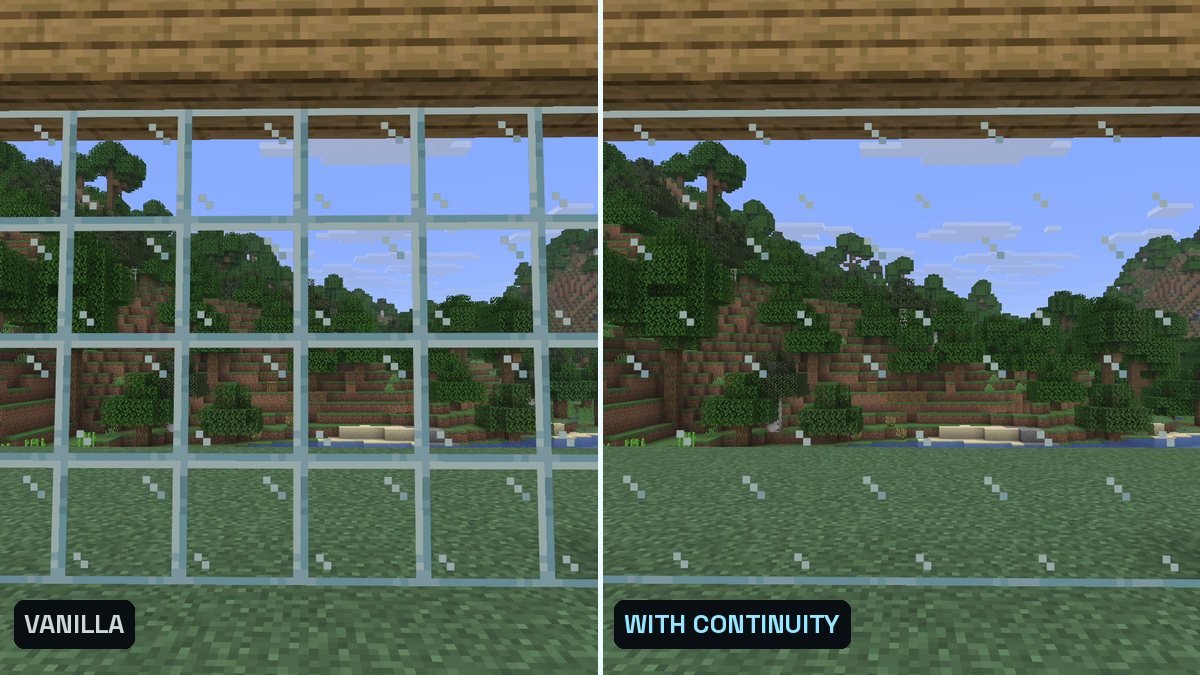
In vanilla Minecraft every glass wall is a grid of frames. Continuity turns it into one clean pane: blocks of the same kind connect, and the borders between them disappear. Version 3.0.1 for Minecraft 26.3 on Fabric is a pure looks mod for anyone who builds with glass, bookshelves or sandstone, and it ranks in A tier of my 26.3 tier list.
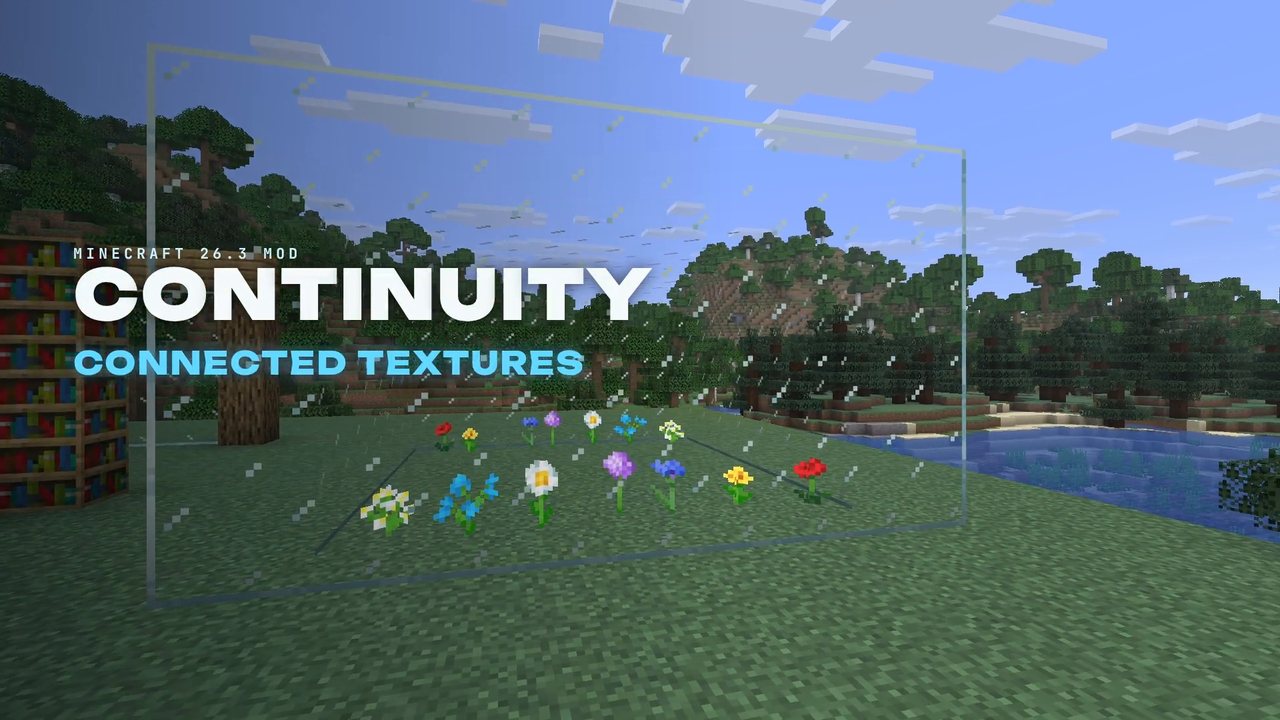 1:31
The short version
Continuity for Minecraft 26.3
Playing loads the video from YouTube (privacy-enhanced mode), which may set cookies and process your data. Details.
What Continuity does
- Glass: a wall of glass blocks becomes one clear pane instead of a grid.
- Glass panes: panes connect too, and the built-in Glass Pane Culling Fix pack hides the faces between vertically stacked panes, so a stack of panes looks like one window.
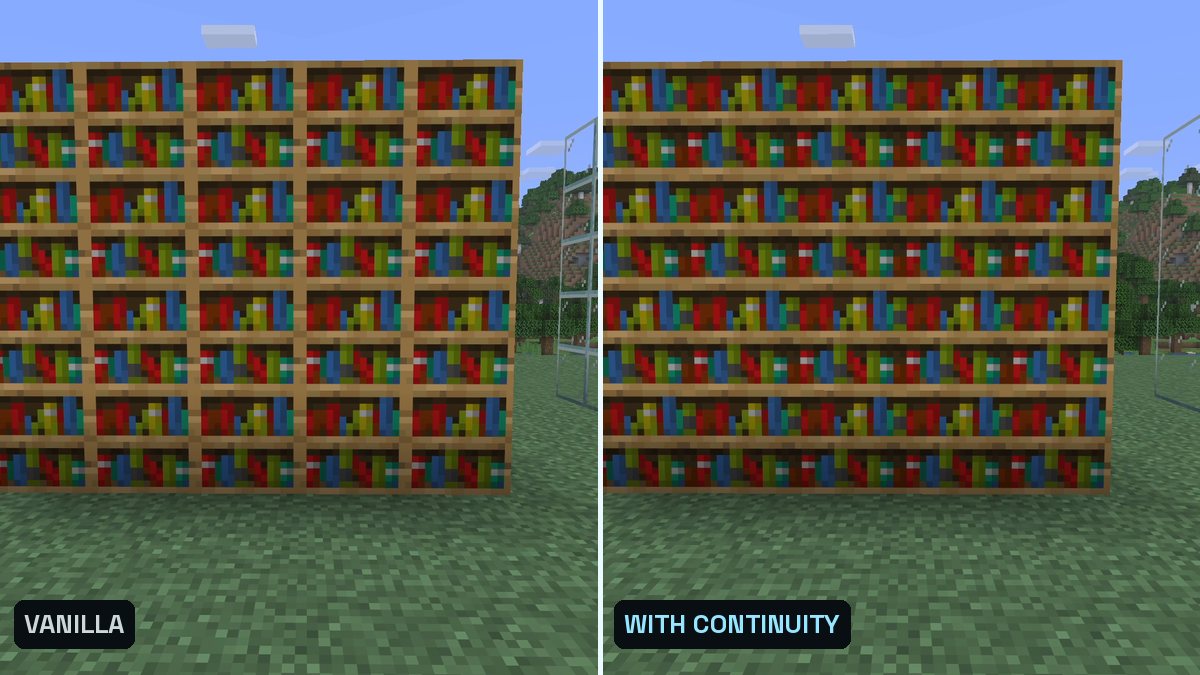
- Bookshelves: they lose their side posts and turn into one long shelf.
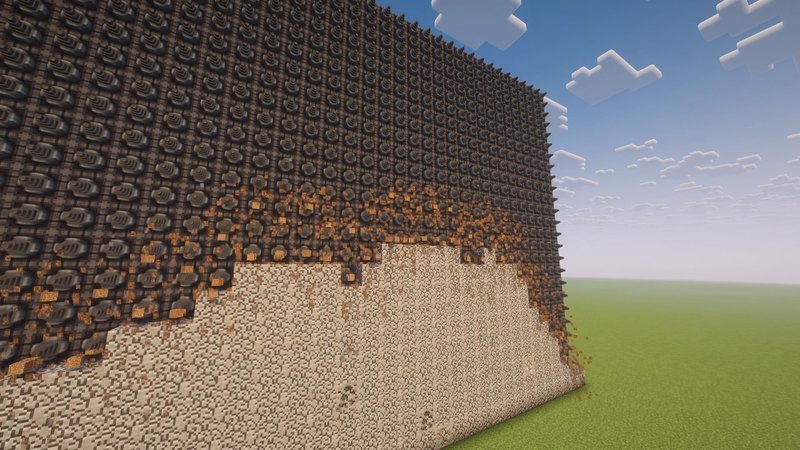
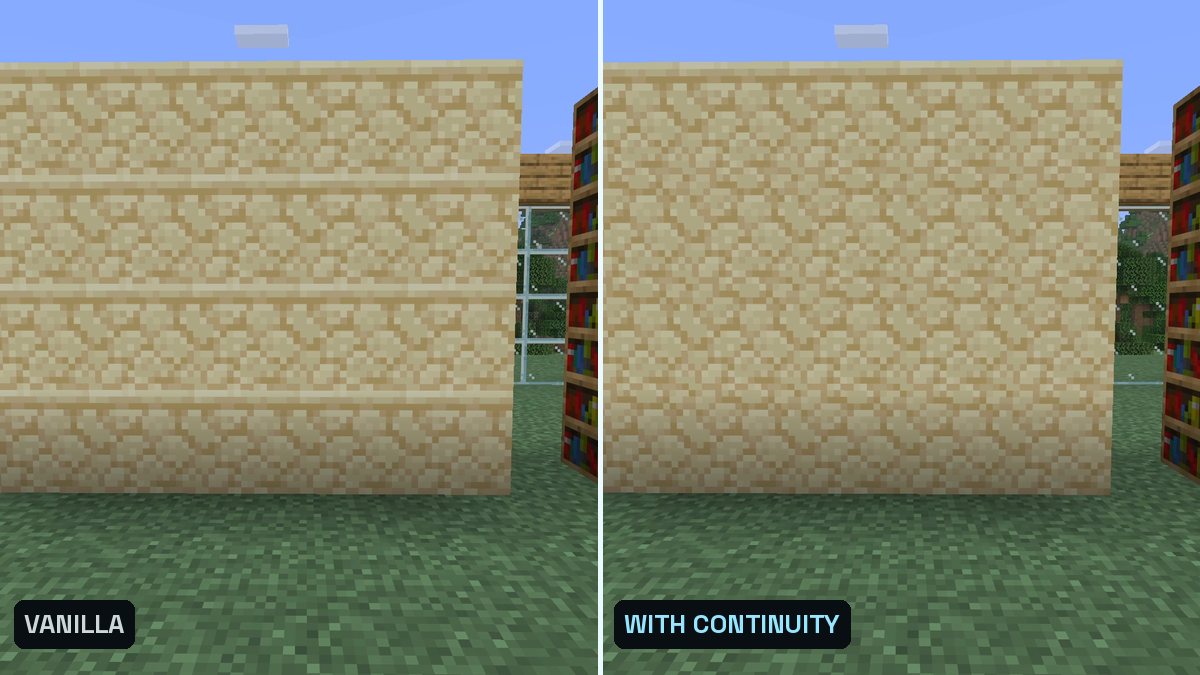
- Sandstone: no more stripes between blocks, a wall looks like one smooth surface.
- OptiFine packs: resource packs made for OptiFine’s connected textures, its emissive textures (blocks and item models only) and its custom block layers work without OptiFine.
What I saw in my test
I built a small glass house, a pane window, a bookshelf wall and a sandstone wall at my outpost and filmed the main spots twice from the same camera position: once in vanilla Minecraft 26.3, once with Continuity 3.0.1 and both built-in packs on (Fabric). The split screenshots in the gallery are those pairs.
- Glass made the biggest difference. From inside the glass house you look at the trees, not at a grid of frames.
- Bookshelves turned into one continuous shelf, which looks good in libraries.
- Sandstone walls lost their horizontal stripes and read as one surface.
- Nothing happened until I switched on the two built-in packs. Installing the mod alone changes nothing.
Continuity is #12 in A tier of my Minecraft 26.3 tier list: a small change you notice every time you look at a window.
Settings worth changing
Continuity’s switches are its two built-in resource packs, both off by default. Open Options → Resource Packs and turn on:
- Default Connected Textures: connected textures for glass, sandstone and bookshelves, similar to the ones built into OptiFine.
- Glass Pane Culling Fix: culls the faces between vertically stacked glass panes, so no lines show between them.
If you use a resource pack with OptiFine connected textures, turn it on in the same screen. Continuity reads its connected-texture data. One example from my tests: Patrix 32x ran with Continuity 3.0.1 in my ranking of 16 resource packs, together with Entity Model Features and Entity Texture Features.
Compatibility
- Loader: the 26.3 release 3.0.1+26.3 is for Fabric and requires Fabric API.
- NeoForge and Forge: according to the author, Continuity works there through Connector and Forgified Fabric API. Those releases contain the same code with extra metadata. An official NeoForge version is not planned, and for 26.3 Modrinth lists only the Fabric file so far.
- Client only: Modrinth lists it as required on the client and unsupported on the server.
- Sodium: Continuity is one of the mods that use the Fabric Rendering API, which Sodium supports on its own since version 0.6. The old Indium add-on is no longer needed and isn’t compatible with Sodium 0.6 or newer.
- Iris: the Iris FAQ recommends Continuity as the replacement for OptiFine’s connected textures, see my Iris guide.
Troubleshooting
- Nothing changed after installing: turn on Default Connected Textures and Glass Pane Culling Fix under Options → Resource Packs.
- Stacked glass panes still show seams: the Glass Pane Culling Fix pack is the one that handles them, check that it’s on.
- An OptiFine pack’s glowing textures don’t glow on items: Continuity supports OptiFine’s emissive format for blocks and item models only.
- Using Sodium and Indium together: remove Indium. It isn’t compatible with Sodium 0.6 or newer, and Sodium doesn’t need it anymore.
- On NeoForge: you need Connector and Forgified Fabric API, and a Continuity file marked for your loader and game version.
- Reporting a bug: the author asks for a log or your mod list, including mod versions. The issue tracker is linked on the Modrinth page.
Alternatives
- OptiFine has connected textures built in, which is what Continuity’s default pack imitates. OptiFine can’t run together with Sodium or Iris, though.
- Same idea, other features: the Iris FAQ lists separate mods for more OptiFine features, for example LambDynamicLights for dynamic lights.
How to install Continuity
- Install Fabric for Minecraft 26.3.
- Add Fabric API to your
modsfolder. - Download Continuity for 26.3 from Modrinth and put it into your
modsfolder. - Turn on the packs: Options → Resource Packs → Default Connected Textures and Glass Pane Culling Fix.
Step by step, with fixes for the common errors: How to install Fabric mods in Minecraft 26.3.
Verdict
Continuity is for builders who use glass, bookshelves or sandstone, and for anyone who misses OptiFine’s connected textures on a Sodium setup.
- Pro: glass walls and windows look like real windows, in my test from inside and outside.
- Pro: loads OptiFine connected-texture packs without OptiFine.
- Pro: client only, works with Sodium without extra add-ons.
- Con: does nothing until you turn on the two built-in packs.
- Con: Fabric only for 26.3, NeoForge needs Connector and Forgified Fabric API.
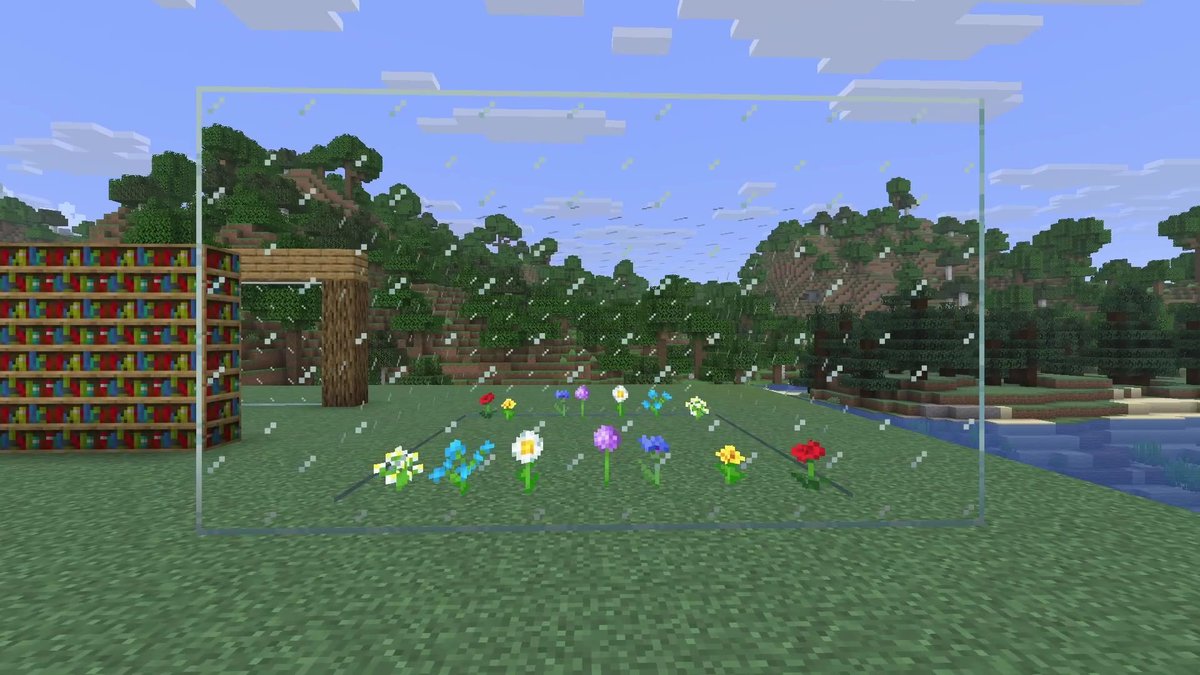
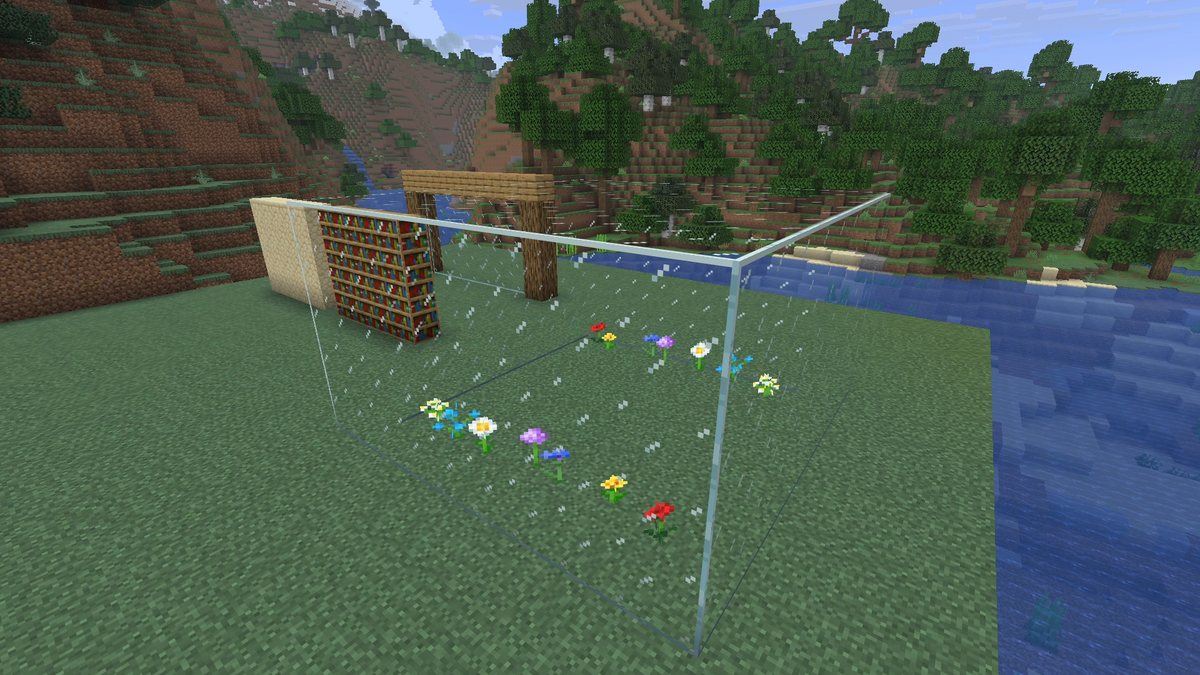
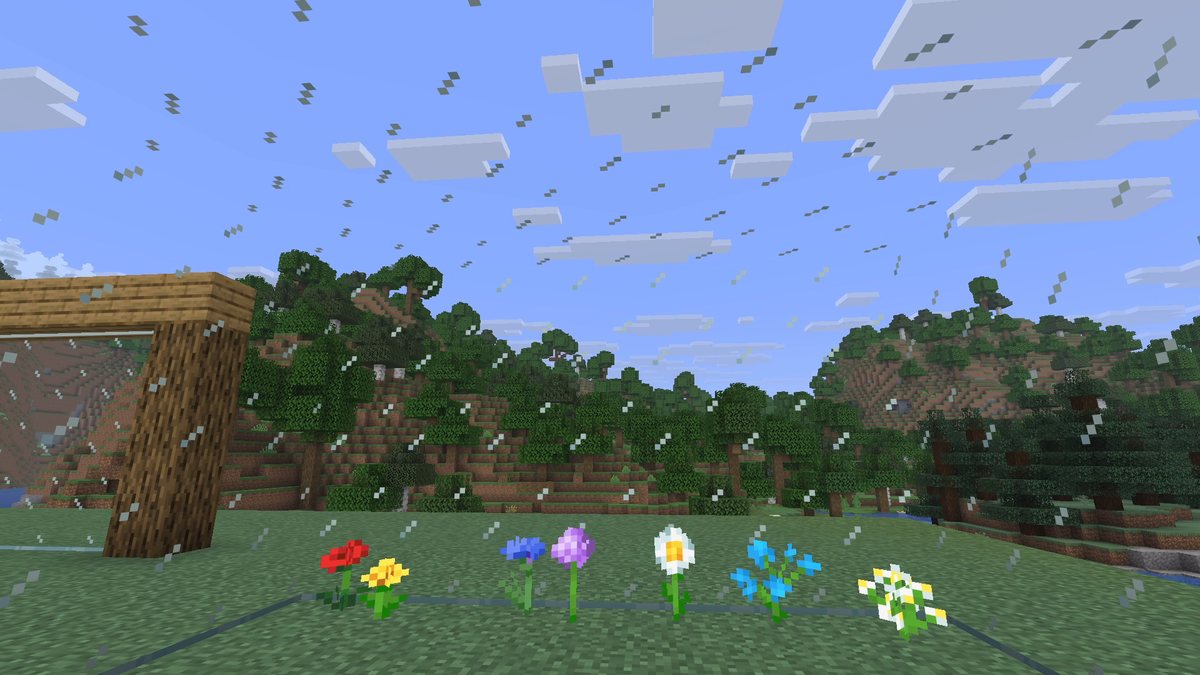
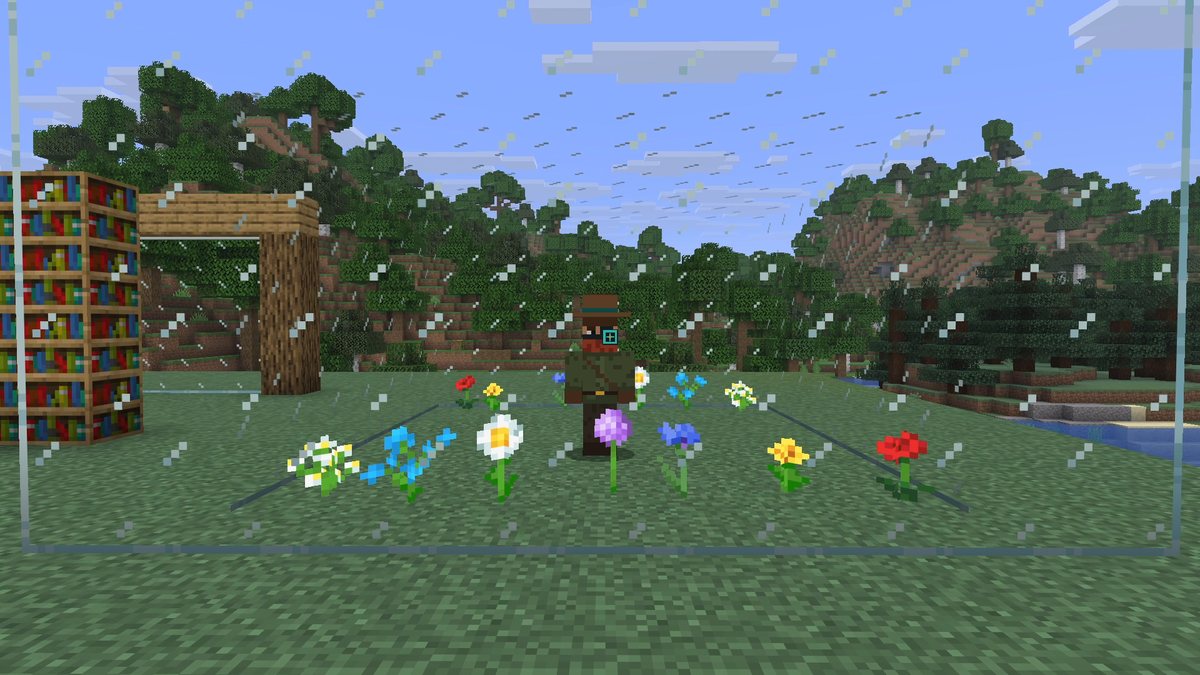
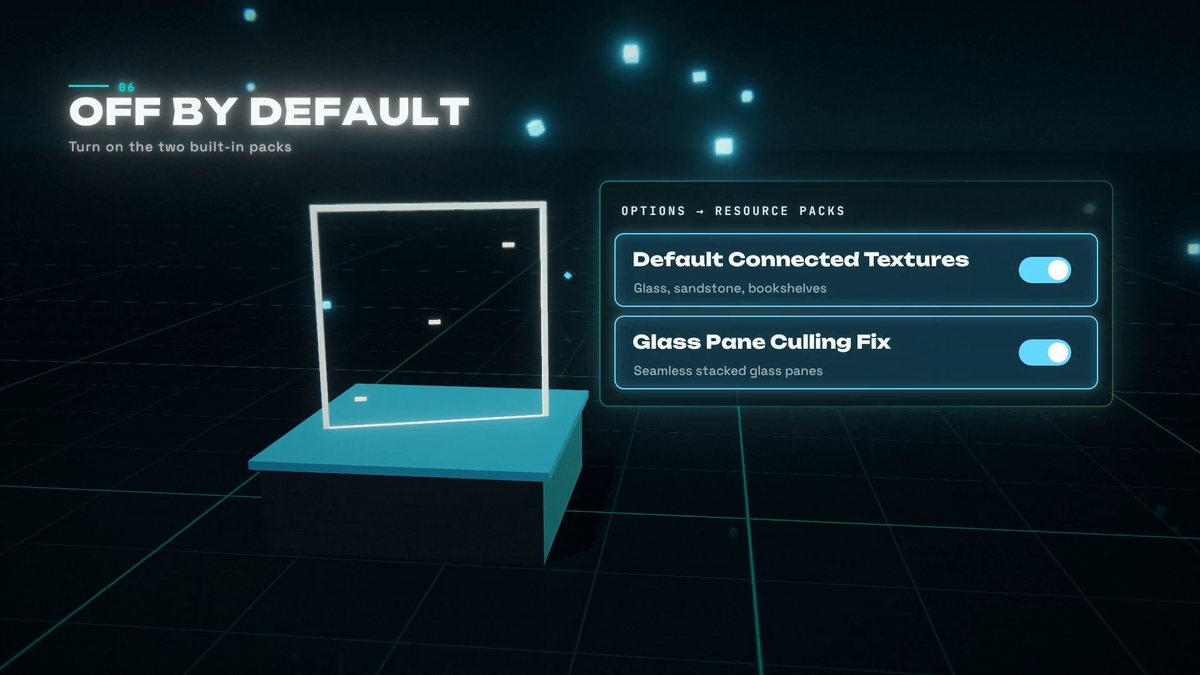
Real in-game screenshots (Minecraft 26.3, vanilla and with Continuity 3.0.1 plus its two built-in packs, recorded at The Mod Hunter's outpost), plus one still from my video's illustrations. Each caption says which.
FAQ
Is Continuity available for Minecraft 26.3?
Yes. Version 3.0.1+26.3 is a release for Minecraft 26.3 on Fabric (September 16, 2026). It requires Fabric API.
I installed Continuity and nothing changed. Why?
The two built-in packs are not active by default. Open Options, then Resource Packs, and turn on Default Connected Textures and Glass Pane Culling Fix.
Can I use OptiFine connected-texture resource packs?
Yes. Continuity loads resource packs that use OptiFine’s connected textures format, its emissive textures format (blocks and item models only) and its custom block layers format, without OptiFine.
Do I need Continuity on the server?
No. It is a client-side mod; Modrinth lists it as required on the client and unsupported on the server.
Does Continuity work with Sodium and Iris?
Continuity uses the Fabric Rendering API, and Sodium has supported that API on its own since version 0.6, so you don’t need the old Indium add-on anymore. The Iris FAQ even recommends Continuity for connected textures.
Is there a NeoForge or Forge version?
Continuity is a Fabric mod. According to its author it can run on NeoForge and Forge through Connector and Forgified Fabric API; an official NeoForge version is not planned. For Minecraft 26.3, Modrinth lists only the Fabric release so far.
Sources
- Continuity on Modrinth (description, loaders, versions)
- Continuity README on GitHub
- Iris guide (mods using the Fabric Rendering API, including Continuity)
- Indium on Modrinth (not needed since Sodium 0.6)
- Iris FAQ (Continuity as OptiFine replacement)
- Continuity issue tracker (what the author asks for in reports)
What changed
- Added a new real screenshot, what I saw in my test, settings, compatibility with Sodium and Iris, troubleshooting and alternatives.
- First published.