Ultra Realistic Minecraft Setup for 26.3
Ultra realistic Minecraft 26.3: Distant Horizons + Iris + Complementary
Three mods and one shader pack: Distant Horizons draws the land out to about 4,000 blocks, Iris and Sodium run the shaders, and Complementary Unbound lights everything right to the horizon. Real flights in Minecraft 26.3 next to vanilla, the FPS on our PC, and the setup step by step.
Tested on Minecraft 26.3 (Fabric), October 15, 2026, RTX 4070 Ti SUPER, Distant Horizons 3.3.4, Iris 1.11.7, Sodium 0.9.2, Complementary Unbound r5.9.3, default settings. How I test
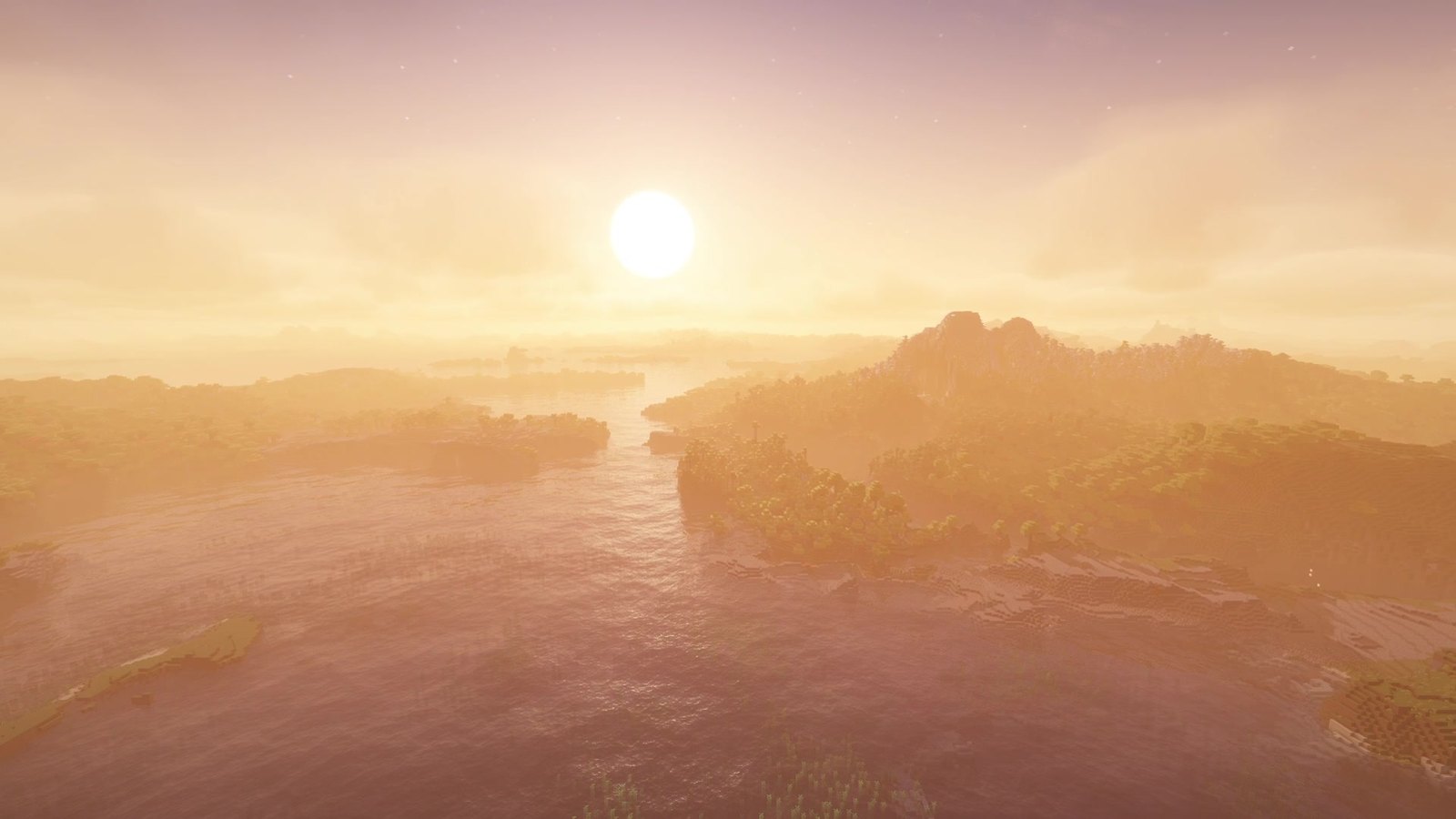
Three mods and one shader pack turn Minecraft 26.3 into something that barely looks like Minecraft. Distant Horizons draws the land out to about 4,000 blocks, Iris and Sodium run the shaders, and Complementary Unbound lights all of it, right to the horizon. I flew the same camera paths as in my Distant Horizons test, once in vanilla and once with the full setup. My short verdict: the best-looking Minecraft I’ve recorded so far, if you can spare the frames (55 to 57 fps on my PC).
 1:35
1:35 The short version
Ultra Realistic Minecraft 26.3
Playing loads the video from YouTube (privacy-enhanced mode), which may set cookies and process your data. Details.
Vanilla against the ultra setup
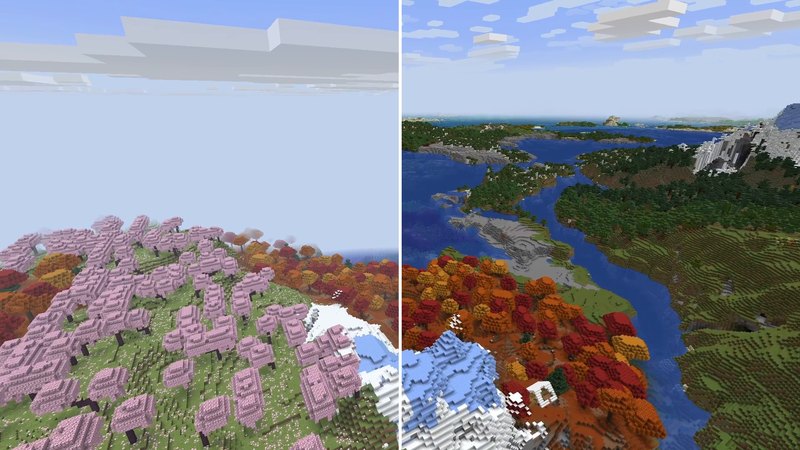
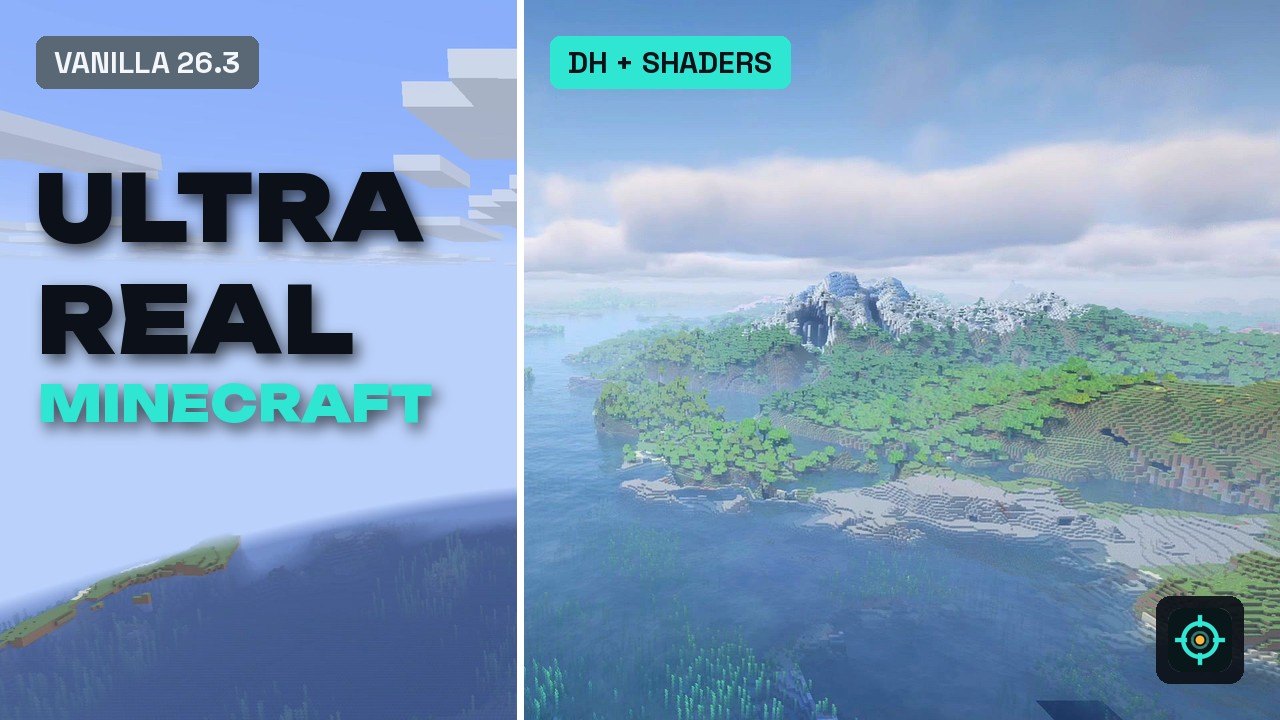
Over the bay, vanilla stops in fog after a couple of hundred blocks. With the setup, the water mirrors the sky and the coast keeps going until it fades into haze. Complementary also gives the far terrain from Distant Horizons shadows and proper water reflections, not just the blocks near you. Even low over the cherry groves, the hills in the distance are already there, and at sunset the whole valley turns gold.
The FPS
On my PC, an RTX 4070 Ti SUPER with a Ryzen 9 3900X and Java 25, the full setup ran at 55 to 57 fps while my screen recorder was running (read from F3, default settings everywhere; F3 showed Complementary on its HIGH profile). Distant Horizons alone, without shaders, stayed mostly between 110 and 120 fps on the same PC.
Two things I have to be honest about: 120 was a frame-rate cap in my graphics driver at the time, which I only found later, so the real number without shaders may be higher. And Minecraft 26.x’s “Fancy” graphics preset can override the render distance, so I can’t promise my vanilla comparison flights really ran at the 12 chunks I set. The full story is in my Distant Horizons test. Either way, shaders are the expensive part, and Complementary’s profiles (from Potato to Ultra) are the first thing to change if you need more frames. For more frames in general, see my FPS test.
What you need
- Distant Horizons 3.3.4 for 26.3: far terrain (LODs) out to 256 chunks by default.
- Iris 1.11.7 for 26.3: loads shader packs and works with Distant Horizons.
- Sodium 0.9.2 for 26.3: the renderer Iris builds on. On October 22, 2026, the newest Sodium file for 26.3 is a beta (0.9.3-beta.1); I recorded with the release 0.9.2.
- Complementary Shaders - Unbound r5.9.3: the shader pack. It has supported Distant Horizons since r5.2.2, and since r5.8 the far terrain also gets shadows and water reflections.
No Fabric API is needed: none of the three mods lists it for 26.3.
Settings worth changing
- Shader profile: Options, Video Settings, Shader Packs, Shader Pack Settings. Complementary’s profiles go from Potato to Ultra; with default settings, my F3 showed HIGH. A lower profile is the biggest FPS lever.
- Iris keys: K turns shaders on and off, O opens the shader menu over the game so you see changes live, R reloads the pack.
- Distant Horizons render distance: 256 chunks by default, adjustable from 32 to 4,096. Lower it if your PC struggles.
- Distant Horizons presets: quality Medium and threads Balanced by default. The developers’ FAQ suggests a lower graphics preset or a lower CPU load in the DH config for weaker PCs.
- Graphics API: stay on OpenGL. Iris doesn’t support Sodium’s experimental Vulkan option.
Compatibility
- Client only: nothing here has to be on a server.
- Loader: I tested on Fabric. Distant Horizons 3.3.4 is one file for Fabric and NeoForge, and Iris 1.11.7 also exists for NeoForge on 26.3.
- Not compatible with Iris: OptiFine, Canvas and Vulkan mods, according to the Iris team. Iris also doesn’t fully work with every driver, notably Apple’s drivers on macOS.
- Shader packs: for far terrain with shaders, the pack has to support Distant Horizons, and you need Iris 1.7 or newer. Complementary Unbound does.
Troubleshooting
- The far terrain is missing: Distant Horizons builds it in the background the first time you load a world. Give it a few minutes.
- Pack selected, nothing changes: shaders may still be off. Press K, or click “Shaders: Disabled” in the Shader Packs menu and Apply.
- Stutter: the Distant Horizons FAQ’s order is a concurrent garbage collector, more RAM, lower CPU load, Distant Generation off, then a lower graphics preset.
- The game crashes after adding Iris: the Iris FAQ names outdated versions of Indium, Sodium Extra or Better Sodium Menu, unsupported shader packs, macOS and incompatible mods as the usual causes.
- Too slow overall: lower the Complementary profile first, then the Distant Horizons render distance.
More details on each mod: Distant Horizons, Iris.
Alternatives
- No shaders, just the view: Distant Horizons alone, which ran at mostly 110 to 120 fps on my PC (capped at 120 at the time).
- Shaders without the far terrain: Iris and Complementary without Distant Horizons.
- A new look without any mods: a texture pack, for example Faithful 64x from my texture pack test.
- Bedrock or Pocket Edition: these mods don’t exist there. The built-in Vibrant Visuals option is the closest thing.
How to install it
- Install Fabric for Minecraft 26.3 (every step is in my Fabric guide).
- Put Sodium, Iris and Distant Horizons into your mods folder.
- Put Complementary Unbound (the zip, don’t unpack it) into the shaderpacks folder of your game directory.
- Start the game, open Options, Video Settings, Shader Packs, and select Complementary Unbound.
- Load your world and give Distant Horizons a few minutes to build the far terrain.
Verdict
- For you if: you want screenshots and videos that barely look like Minecraft, or a cinematic survival world, and you have a strong graphics card.
- Pros: the far terrain and the shader lighting work together right to the horizon, it’s all free, and nothing has to be on the server.
- Cons: it roughly halved my frame rate compared to Distant Horizons alone (55 to 57 against 110 to 120, capped), and far terrain needs a few minutes to build in a new world.
- Tip: start with the default profile, then go down one step at a time until the game feels smooth.
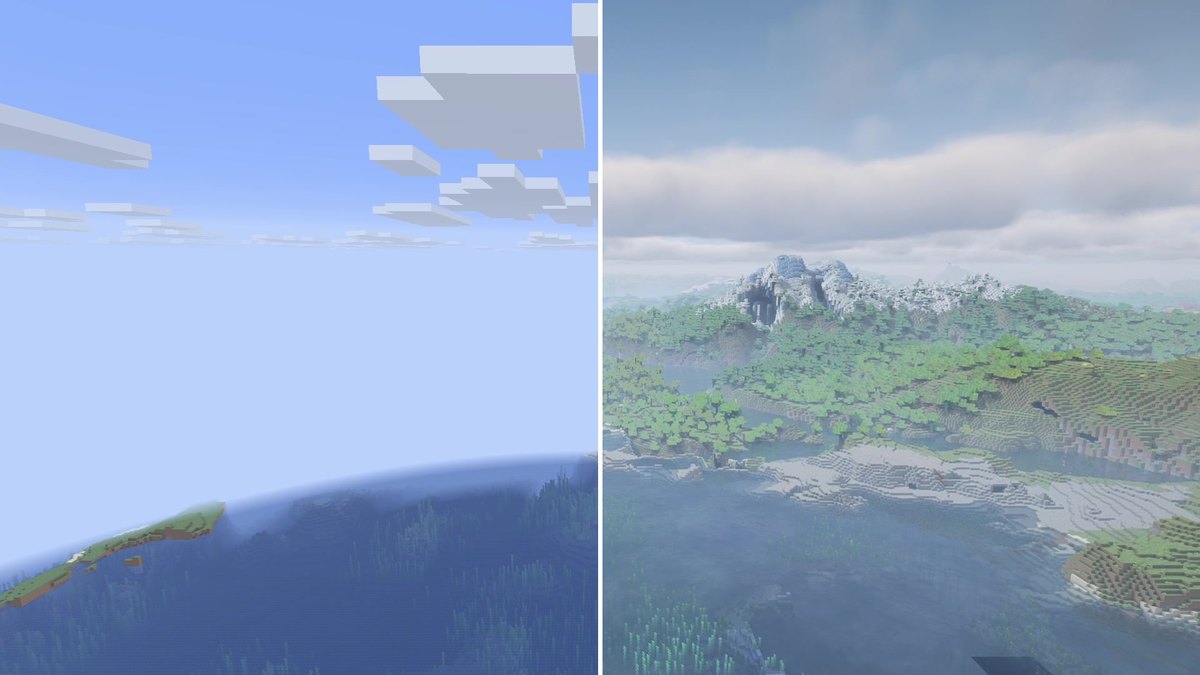
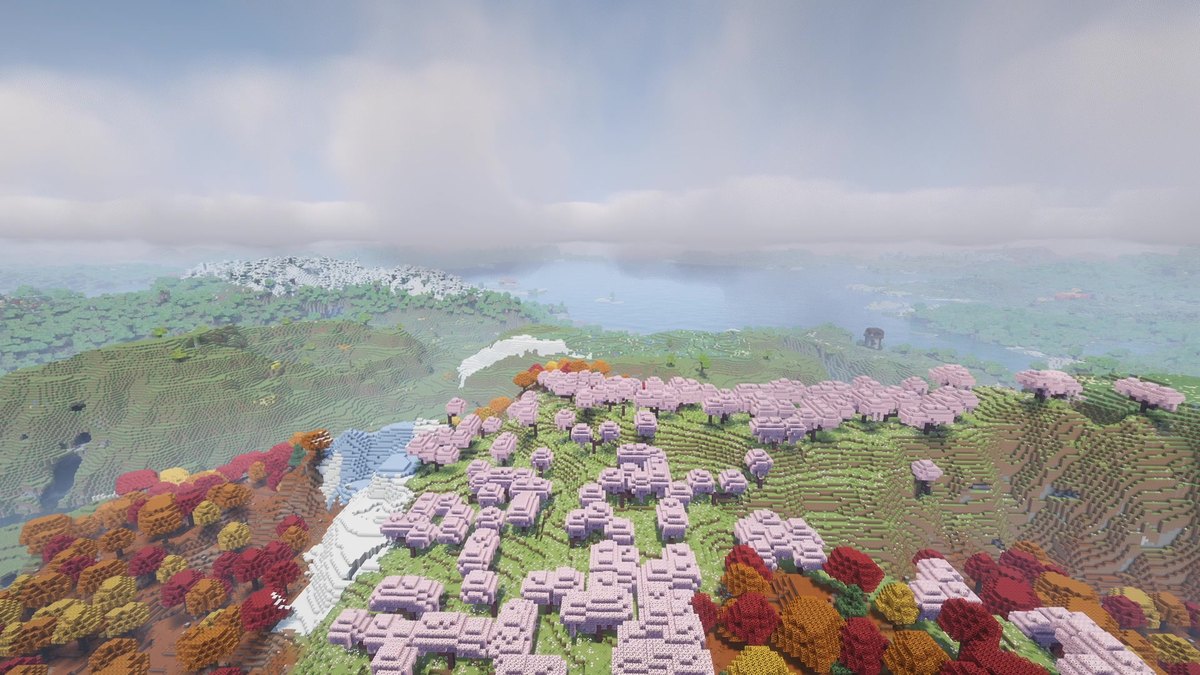
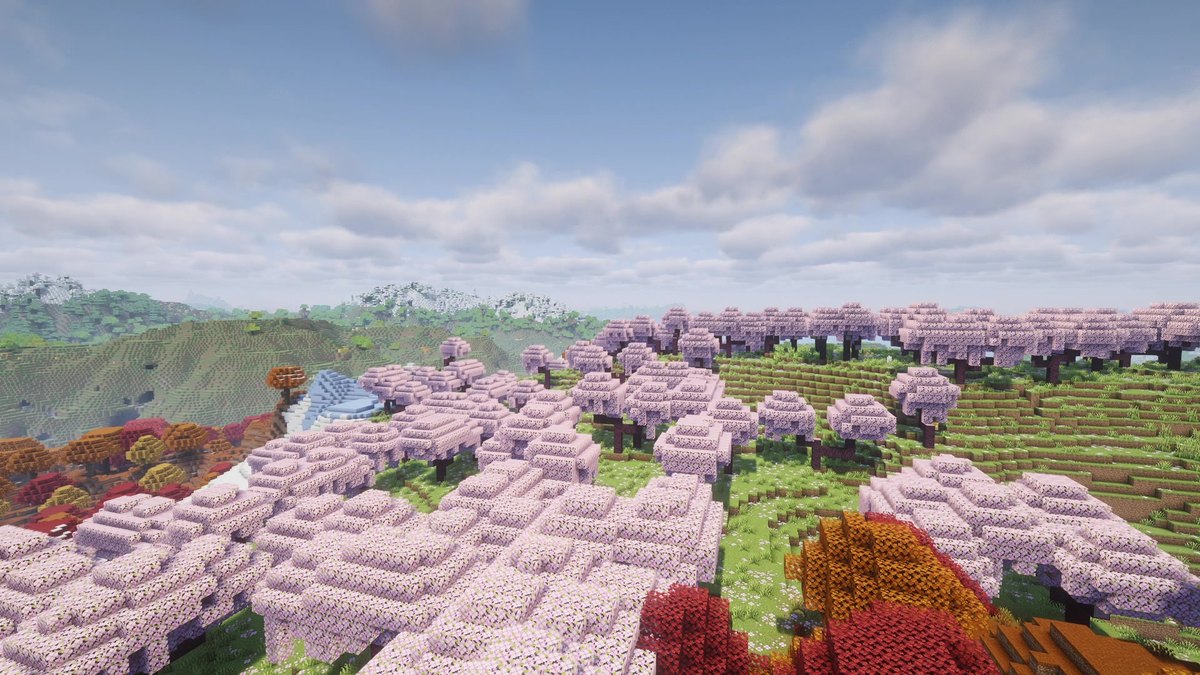
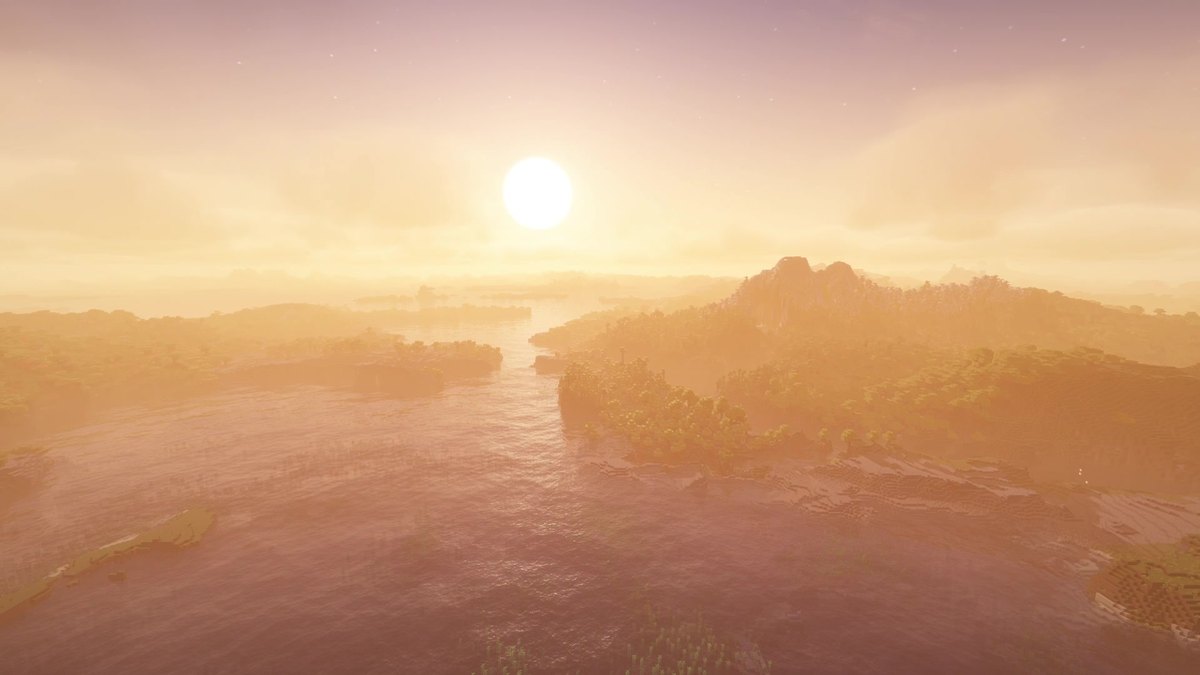
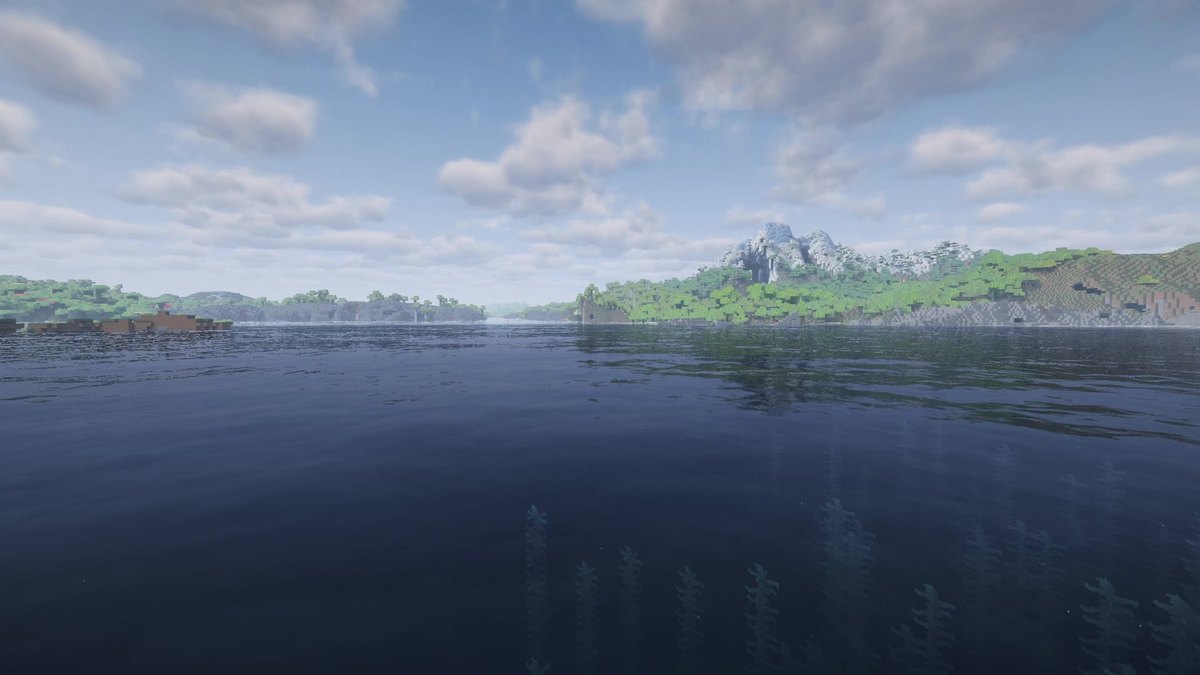
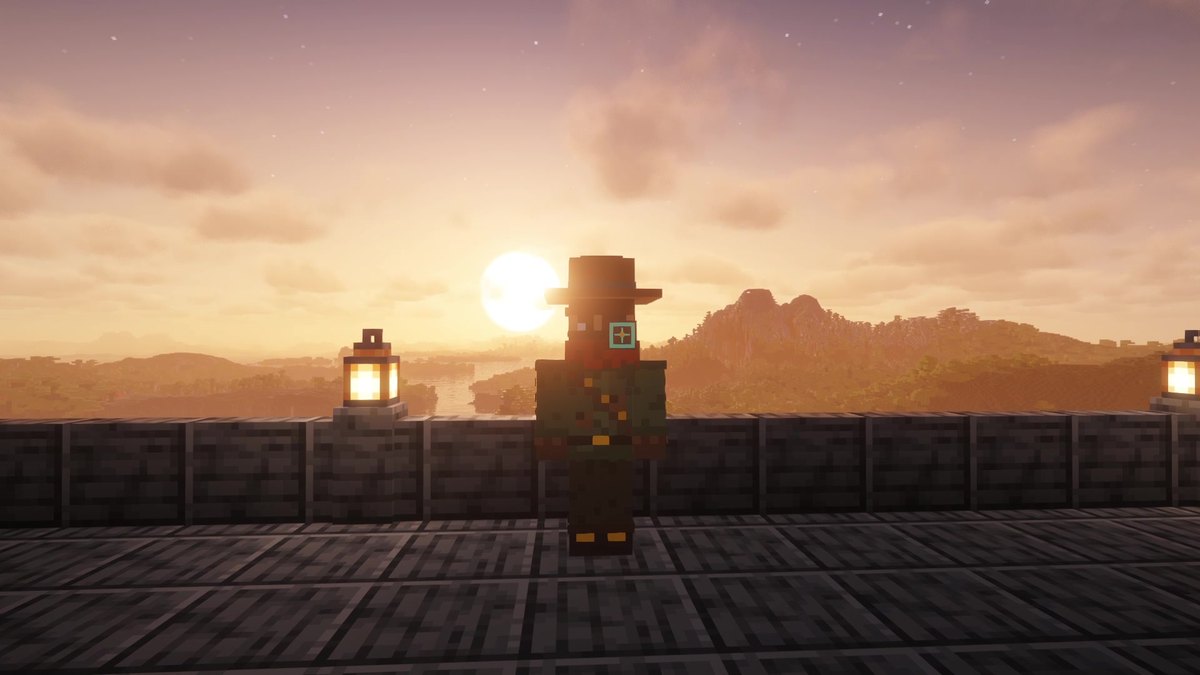
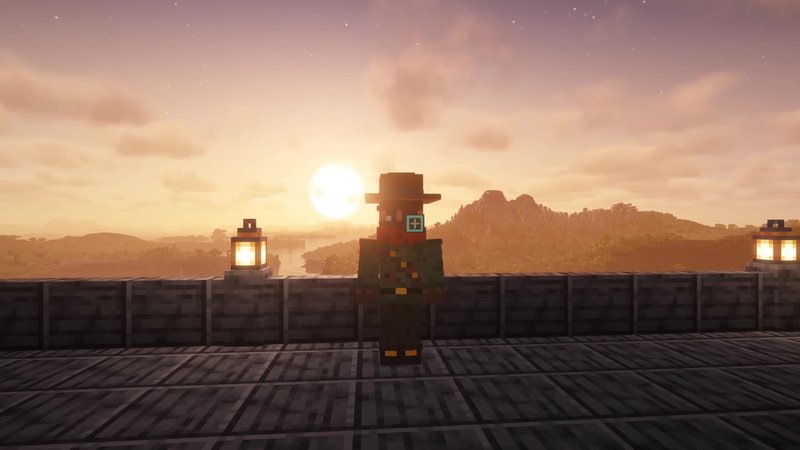
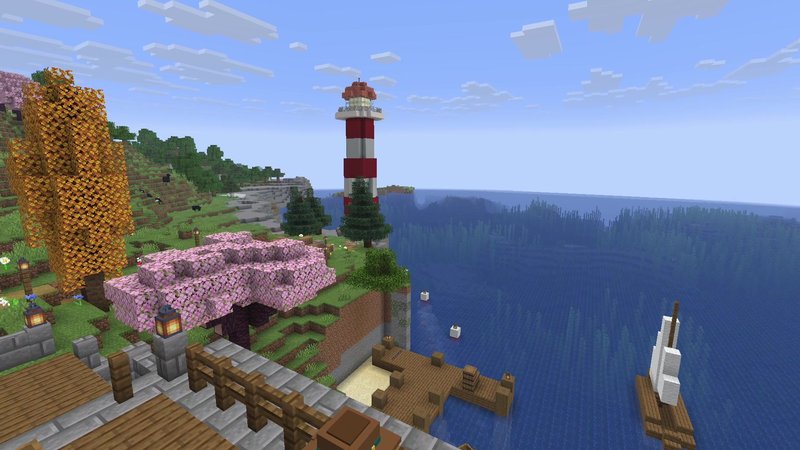
Real in-game screenshots from Minecraft 26.3, recorded on October 15, 2026 in The Mod Hunter's world Valley of Mods with Distant Horizons 3.3.4, Iris 1.11.7, Sodium 0.9.2 and Complementary Unbound r5.9.3 (default settings). The vanilla shots use the same camera paths; they were set to render distance 12, but Minecraft's graphics preset may have changed that (see the FPS section).
FAQ
Which mods do I need for this look?
Distant Horizons for the far terrain, Iris to load shader packs and Sodium, which Iris needs. Then the shader pack Complementary Shaders - Unbound. All of it is free on Modrinth.
Does Complementary work with Distant Horizons?
Yes. Complementary has supported Distant Horizons since r5.2.2, and since r5.8 the far terrain also gets shadows and proper water reflections. You need Iris 1.7 or newer.
How much FPS does it cost?
On my PC (RTX 4070 Ti SUPER, Ryzen 9 3900X) the setup ran at 55 to 57 fps while recording, with the default settings of all mods and the shader pack. Distant Horizons without shaders stayed mostly between 110 and 120 fps on the same PC, but 120 was a frame-rate cap of my graphics driver at the time. If you need more frames, Complementary has profiles from Potato to Ultra.
Do I need Fabric API?
No. Distant Horizons, Iris and Sodium list no Fabric API requirement for 26.3.
Why is the far terrain missing when I load a world?
Distant Horizons builds the far terrain in the background the first time you load a world. Give it a few minutes, after that it’s saved for your next session.
Does this work on servers?
Yes, everything here is client-side. On a server, Distant Horizons builds the far terrain as you explore, or receives it from the server if the server runs Distant Horizons too.
Can I use Sodium's Vulkan option with this?
No. Iris doesn’t support Sodium’s experimental Vulkan option, so stay on OpenGL for shaders.
Does this work on Bedrock or Pocket Edition?
No, these are Java Edition mods. On Bedrock, the built-in Vibrant Visuals option is the closest thing.