Xaero's World Map Mod: Download and Install Guide (26.3)
Xaero's World Map: a full-screen map of everything you explored (Minecraft 26.3)
Press M for a full-screen map that draws itself as you explore. Waypoints, right-click teleport, cave mode, PNG export and server features, plus how to install version 1.46.4 on Minecraft 26.3.
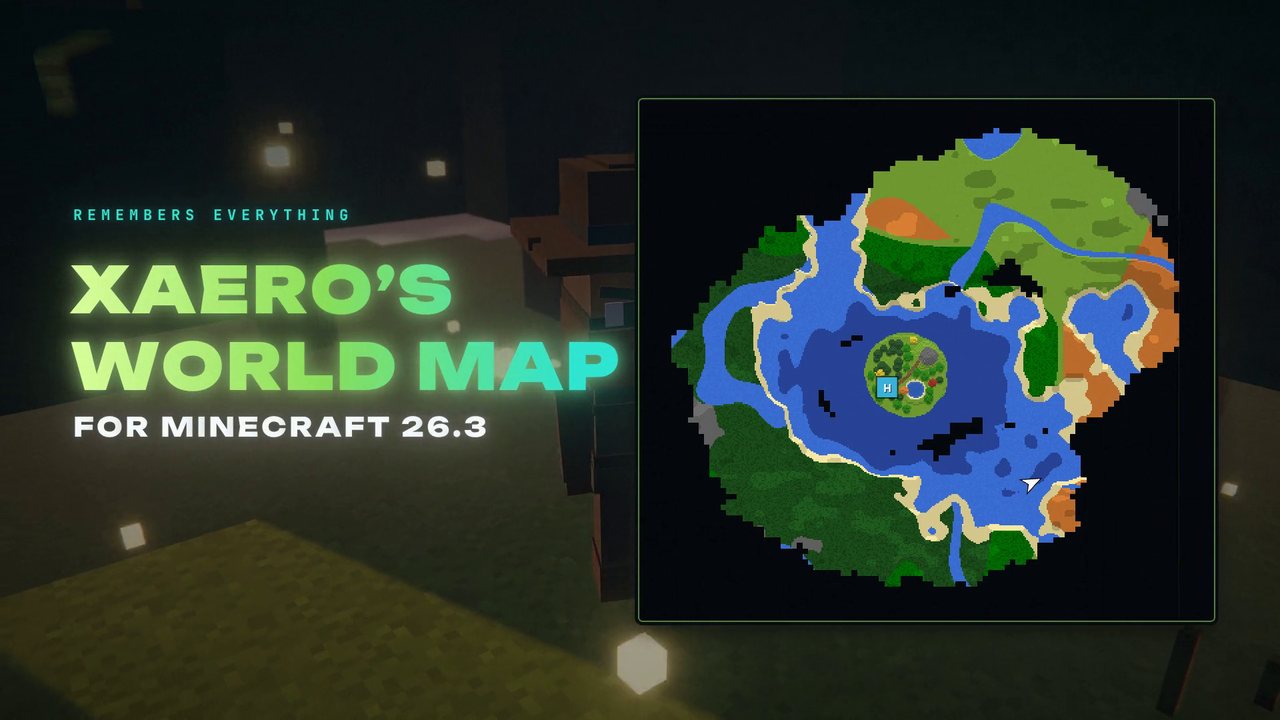 1:36
1:36 The short version
Xaero's World Map for Minecraft 26.3
Playing loads the video from YouTube (privacy-enhanced mode), which may set cookies and process your data. Details.
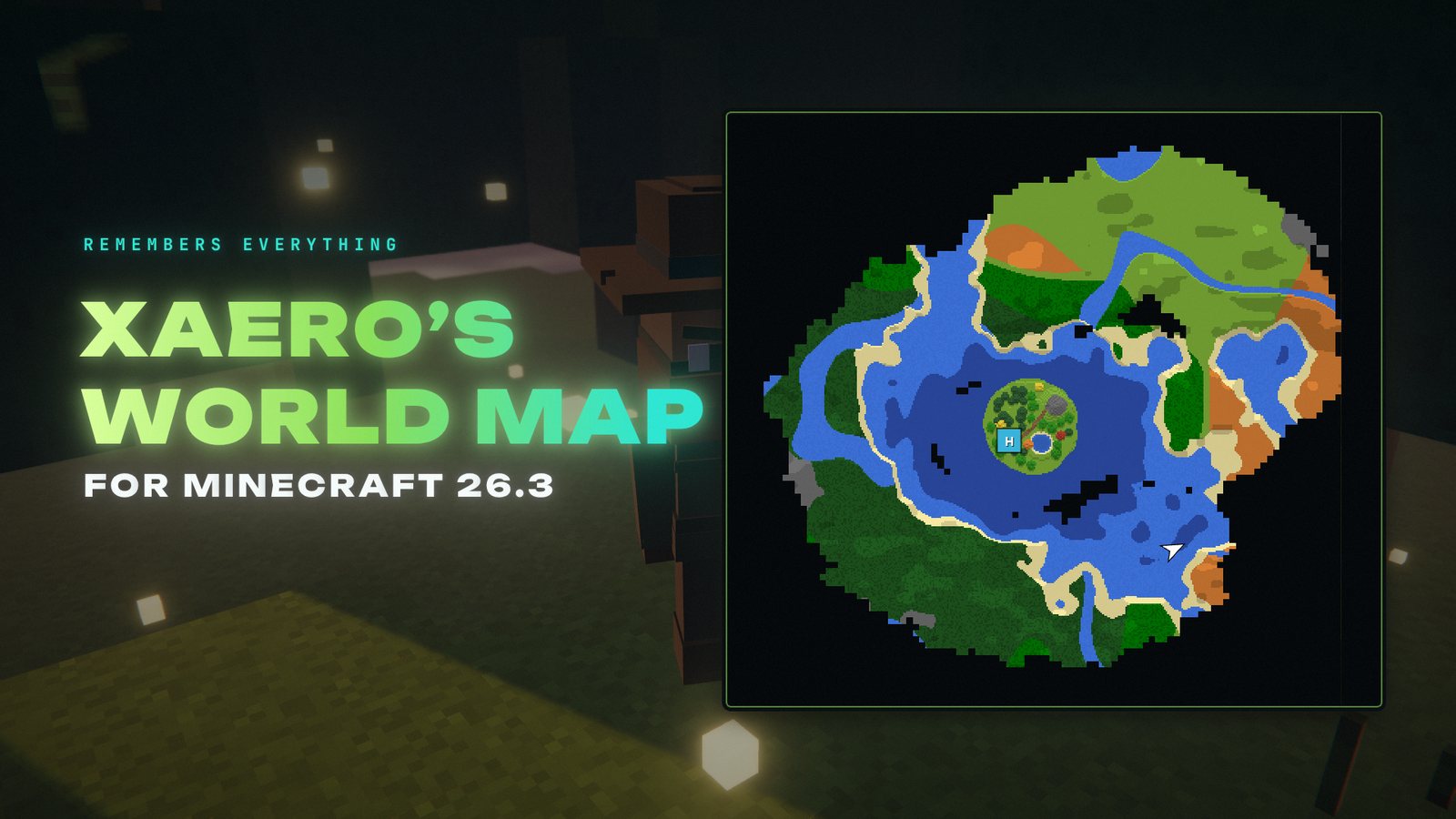
Your minimap only shows what’s around you. Xaero’s World Map remembers everything you’ve explored: press M and you get a full-screen map that draws itself as you play. Version 1.46.4 is out for Minecraft 26.3.
What Xaero’s World Map does
It adds a self-writing world map to your game, no paper maps needed. Open it with M, drag it around with your mouse and zoom with the mouse wheel, like Google Maps. It works in singleplayer, multiplayer and on Realms.
- Waypoints: with Xaero’s Minimap installed, your waypoints show up on the world map. You can create and edit them right on the map, and open a waypoint list with the icon at the bottom right.
- Right-click teleport: with cheats on (or OP on a server), right-click a spot on the map to teleport there.
- Footsteps show the path you took most recently.
- Cave mode for caves and cave dimensions like the Nether.
- Export as PNG: save the whole map as an image file.
- Vanilla maps mode: an optional look like the vanilla paper maps, plus terrain shading options.
- Resource pack support: changing resource packs regenerates the whole map.
Better with Xaero’s Minimap
The world map is a separate mod so that Xaero’s Minimap stays as light as possible. Together, the minimap displays chunks provided by the world map, and the world map shows the minimap’s waypoints.
On servers
The mod is mostly client-side. On a server it keeps separate maps for different worlds, and you choose how it picks them (Map Selection at the bottom left of the map screen). With the mod also installed on the server, Server mode picks the right map automatically, and admins get server-side settings to control how players can use the mod, based on ranks or permissions. The map can even be bound to an item: add mapItemId:minecraft:compass to the config and it only works with a compass in the hotbar.
It also shows chunk claims and allies from Open Parties and Claims, and lets you claim or forceload chunks from the map.
Xaero’s World Map for Minecraft 26.3
The current release is 1.46.4 for Minecraft 26.3: Fabric and Quilt and NeoForge since September 18, 2026, Forge since September 20. Xaero’s World Map has more than 98 million downloads on Modrinth.
How to install Xaero’s World Map
- Install your mod loader for Minecraft 26.3: Fabric, Quilt, NeoForge or Forge.
- On Fabric, add Fabric API. NeoForge and Forge need nothing else.
- Download Xaero’s World Map for 26.3 from Modrinth, filtered by your loader.
- Put it into your mods folder (
.minecraft/modsfor the vanilla launcher, or your instance’smodsfolder in Prism, the CurseForge app or the Modrinth App). Add Xaero’s Minimap for waypoints.
One tip
In singleplayer, optimize your world for the Minecraft version you play first (Singleplayer, Edit, Optimize World), and do it again after every update. Maps from unoptimized worlds take a lot longer to generate.
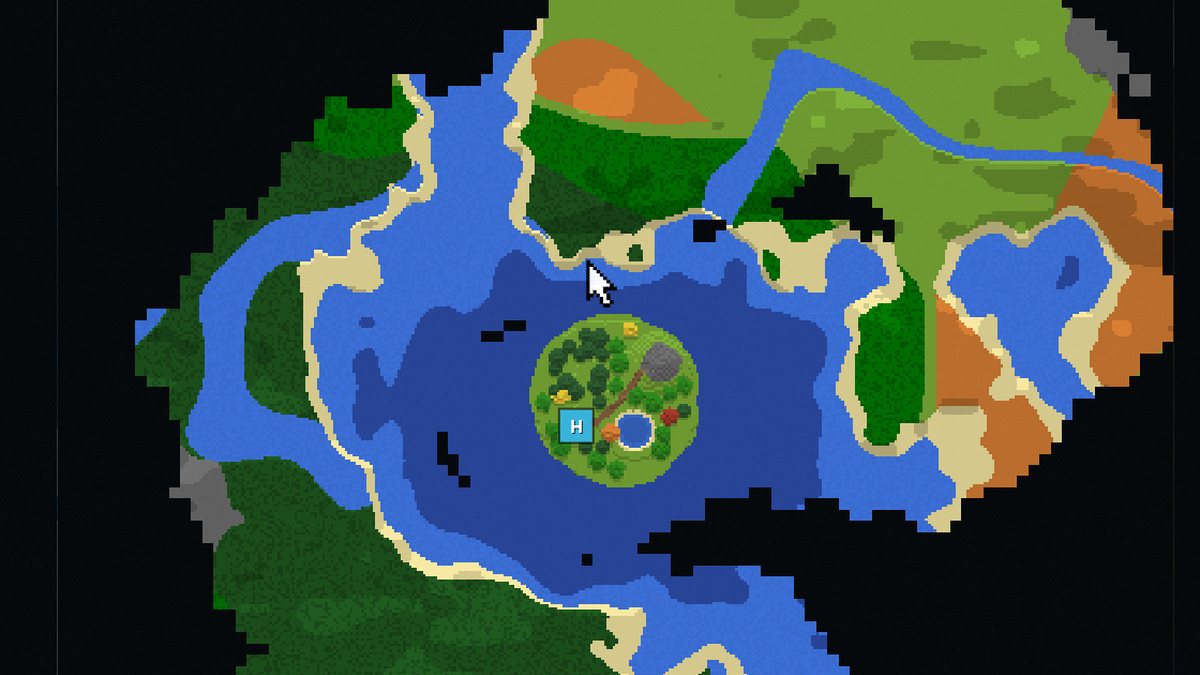
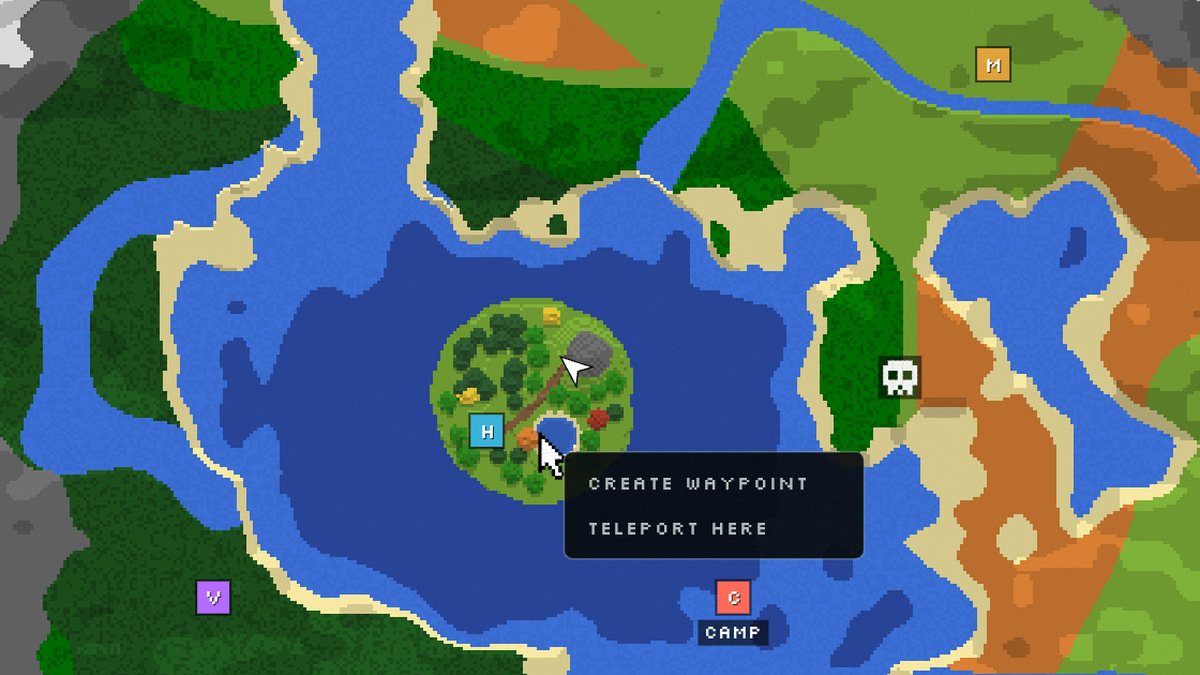
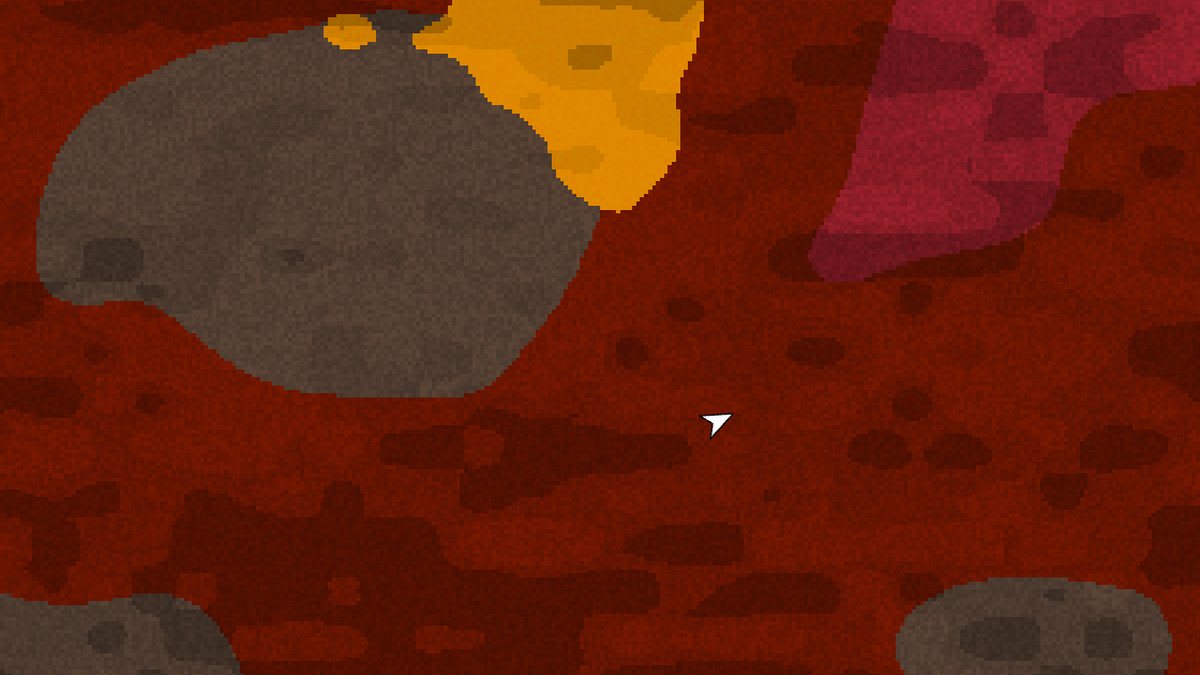
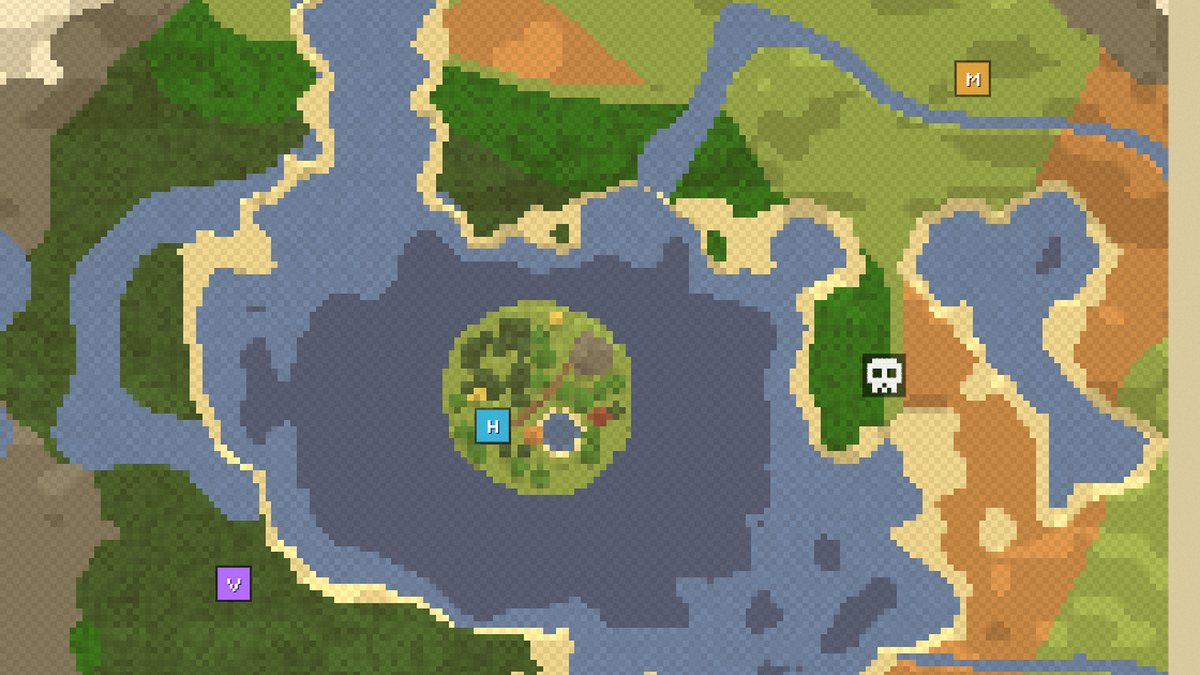
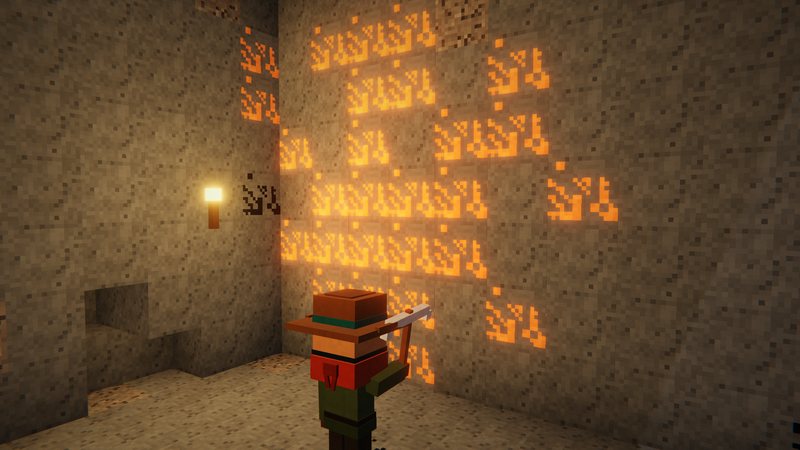
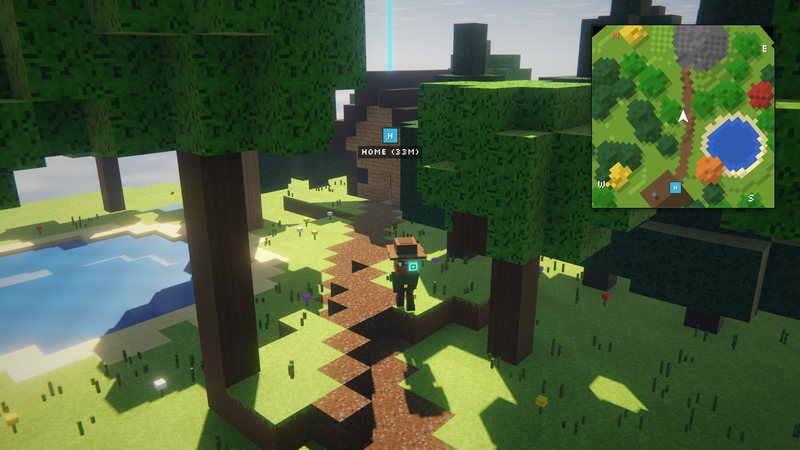
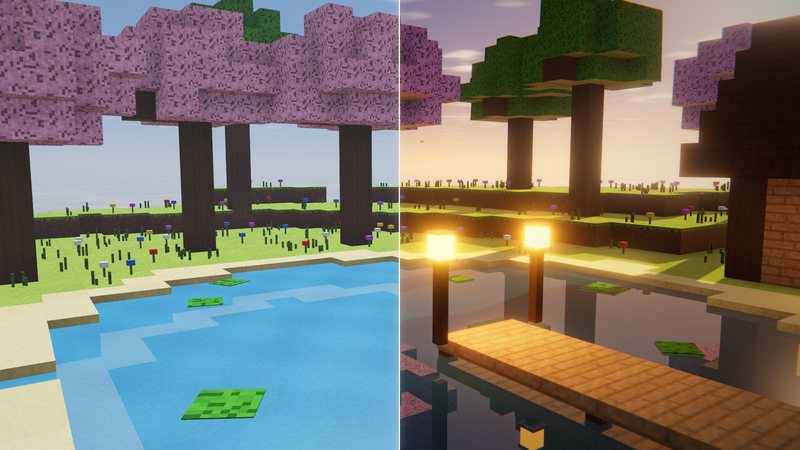
Stills from my world map video, rebuilt in a voxel renderer. The map screens are our own illustration of the mod's features, not in-game screenshots.
FAQ
Is Xaero's World Map available for Minecraft 26.3?
Yes. Version 1.46.4 is a release for Minecraft 26.3 on Fabric and Quilt, NeoForge (both September 18, 2026) and Forge (September 20, 2026).
How do I open the world map?
Press M. Move the map with your mouse and zoom with the mouse wheel. All relevant controls are listed in a tooltip on the map screen, and many of them can be changed.
Do I need Xaero's Minimap?
No, it works on its own. It’s better together with Xaero’s Minimap: the minimap shows chunks provided by the world map, and the world map shows your minimap waypoints, which you can create, edit and teleport to from the map.
Why does right-click teleport not work?
The map sends a teleport command (/tp @s x y z by default), so you need permission to use it: cheats enabled in singleplayer or OP on a vanilla server. The command can be changed in the world map settings (Map Teleport Command).
Does every player need the mod on a server?
It’s mostly client-side. Installing it on the server is optional and adds features like world identification (Server map selection mode) and server-side settings that control how players can use the mod, including cave mode.
Why does the map ask which map to use on a server?
One server address can have several worlds, so the mod can keep several maps per address. Choose a Map Selection mode in the menu at the bottom left of the map screen. Server mode works best but needs the mod on the server, Manual mode works everywhere.
Can I export the map?
Yes, as a PNG image file. The mod tries to export the whole map, so it may not work for maps that are millions of blocks across.
Can I limit the map to an item like a compass?
Yes. Adding mapItemId:minecraft:compass to the config binds the map to the compass, so it only works with a compass in your hotbar or equipped.
Why does the map build so slowly in singleplayer?
Optimize your world for the Minecraft version you play (Singleplayer, Edit, Optimize World), and repeat that after every Minecraft update. Maps from unoptimized world saves take a lot longer to generate.