Waystones Mod: Download and Install Guide (26.3)
Waystones: teleport between waystones in Minecraft 26.3
Activate waystones, then teleport between them with a click. Warp Scrolls, Warp Stone, Warp Plates, Sharestones and server options, plus how to install version 26.3.0.1 on Minecraft 26.3.
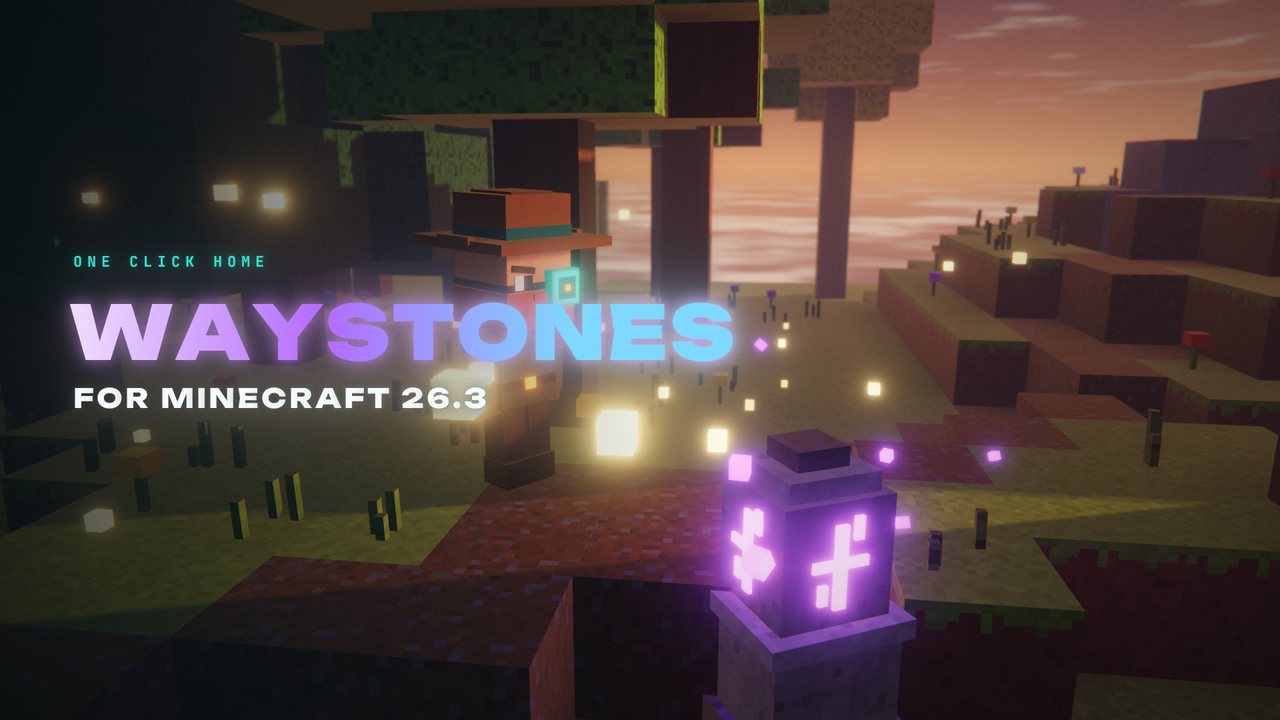 1:39
1:39 The short version
Waystones for Minecraft 26.3
Playing loads the video from YouTube (privacy-enhanced mode), which may set cookies and process your data. Details.
Your base is far away? Place or find a waystone, activate it, and from then on you can teleport between all your activated waystones. Version 26.3.0.1 is out for Minecraft 26.3.
What Waystones does
Waystones adds waystone blocks that work as a fast-travel network, a great alternative to /warp and /home on servers.
- Find or craft them: waystones generate in villages and in the wild. You can also craft one from 8 matching blocks around a Warp Stone, in variants like stone bricks, sandstone, deepslate, blackstone or end stone.
- Activate and name: right-click a waystone to activate it, shift-right-click to give it a name.
- Teleport: right-click an activated waystone and pick any other one you’ve activated.
- Costs are configurable: by default a trip costs experience points depending on distance, and cooldowns or other rules can be set up with warp rules.
Scrolls, Warp Stone and Warp Plates
- Warp Scrolls teleport you to any of your activated waystones, single use. Return Scrolls take you to the nearest activated waystone, also single use.
- The Warp Stone lets you teleport to any of your activated waystones from anywhere, at the cost of durability. Mending repairs it.
- Warp Plates teleport players, mobs or items to a linked warp plate, like teleporting pressure plates. They are linked with Attuned Shards.
Sharestones and global waystones
Sharestones come in eight materials (amethyst, copper, diamond, emerald, gold, lapis, prismarine, redstone) and connect to other sharestones of the same material. They don’t need to be activated and are always available to all players, which makes them ideal for server hubs. Waystones can also be made global, so every player can use them.
Waystones for Minecraft 26.3
The current release is 26.3.0.1 for Minecraft 26.3, for Fabric and NeoForge since September 16, 2026. Waystones has almost 26 million downloads on Modrinth.
How to install Waystones
- Install your mod loader for Minecraft 26.3: Fabric or NeoForge.
- Add the libraries: Balm and Shogi, and on Fabric also Fabric API.
- Download Waystones for 26.3 from Modrinth, filtered by your loader.
- Put everything into your mods folder (
.minecraft/modsfor the vanilla launcher, or your instance’smodsfolder in Prism, the CurseForge app or the Modrinth App). On a server, the server and every player need it.
One tip
Want to move a waystone? Break it with a Silk Touch pickaxe, and nobody loses access to it.
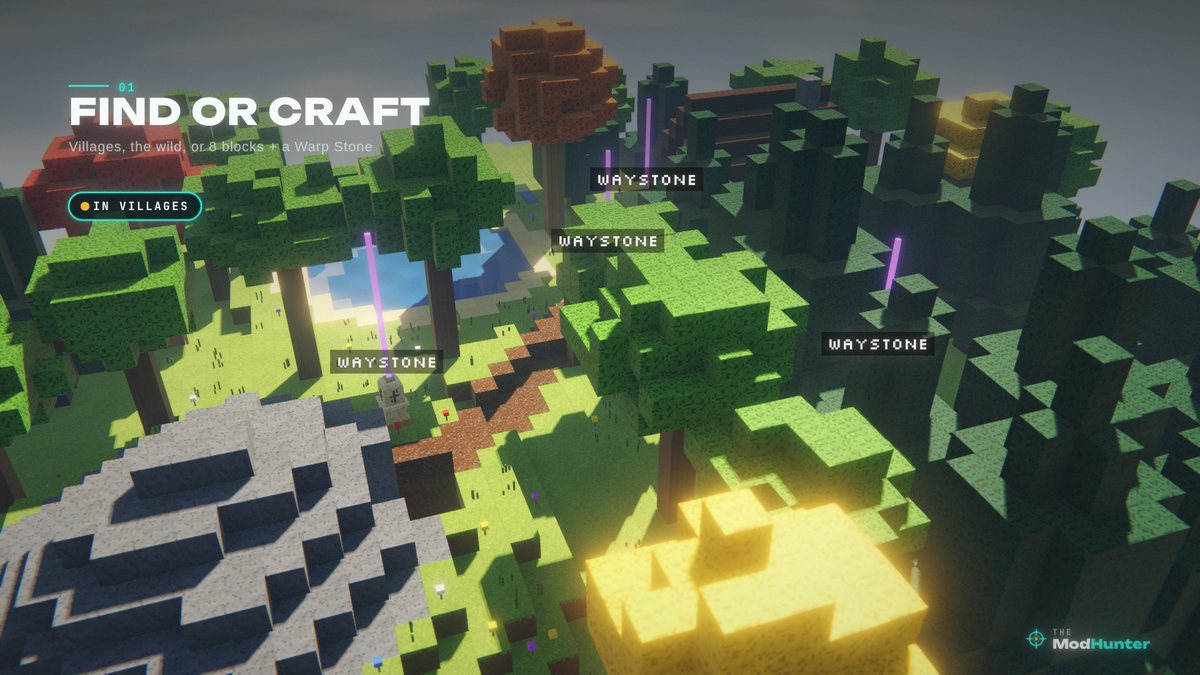
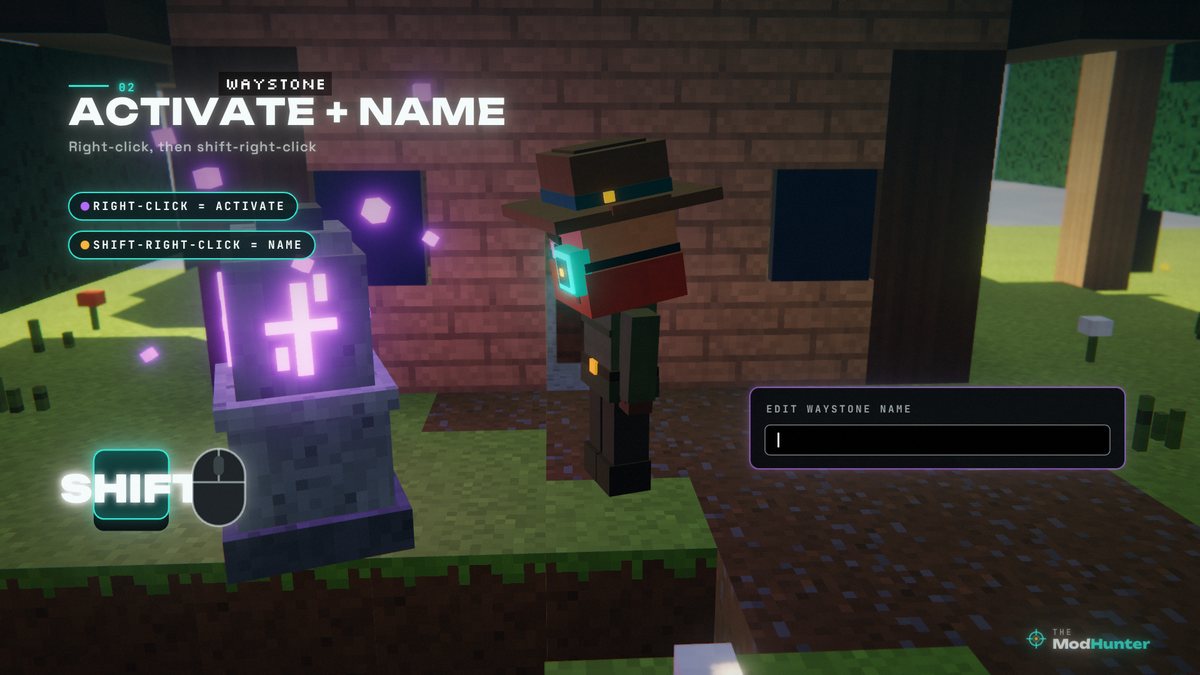
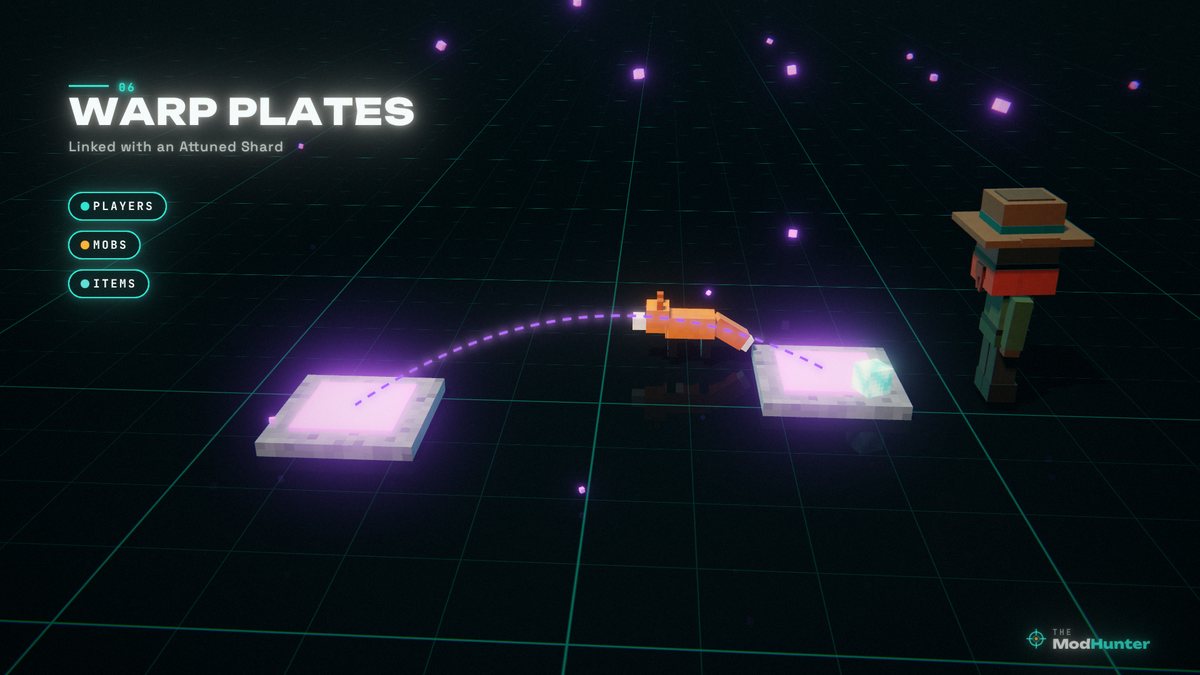
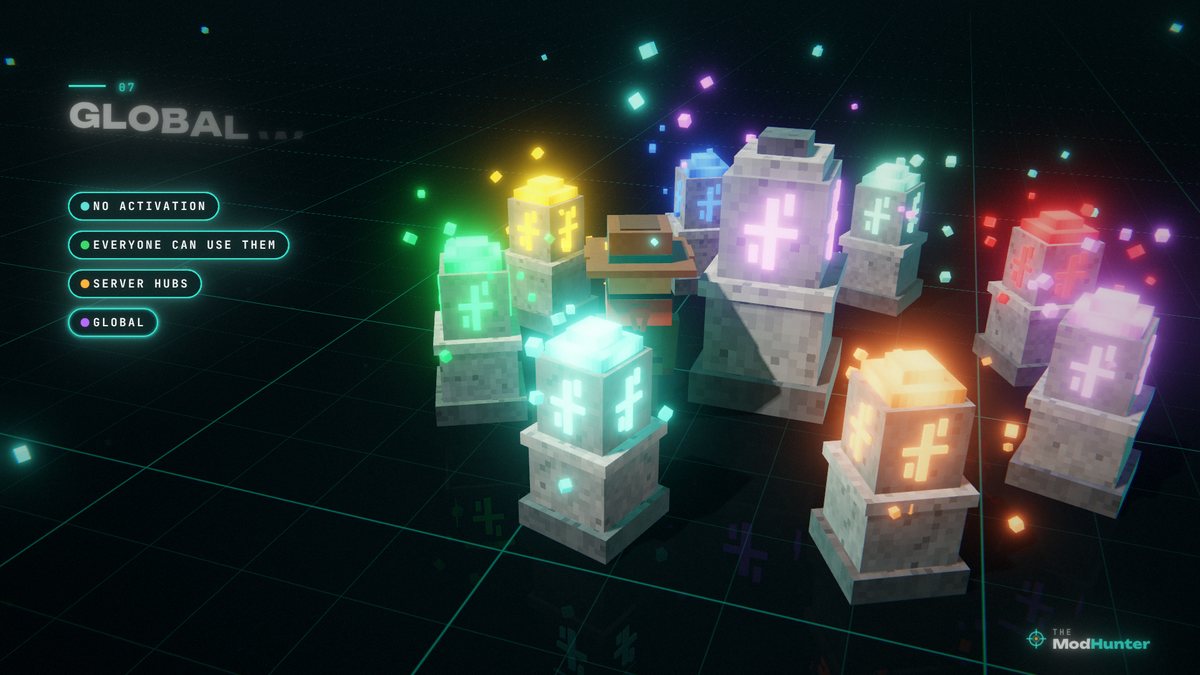
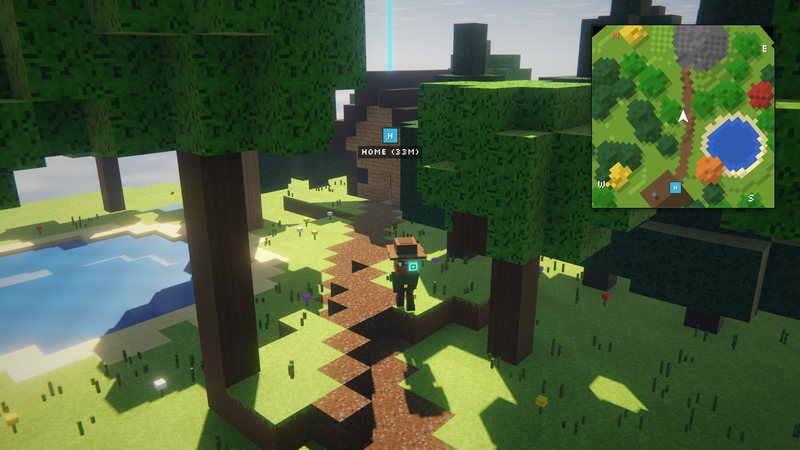
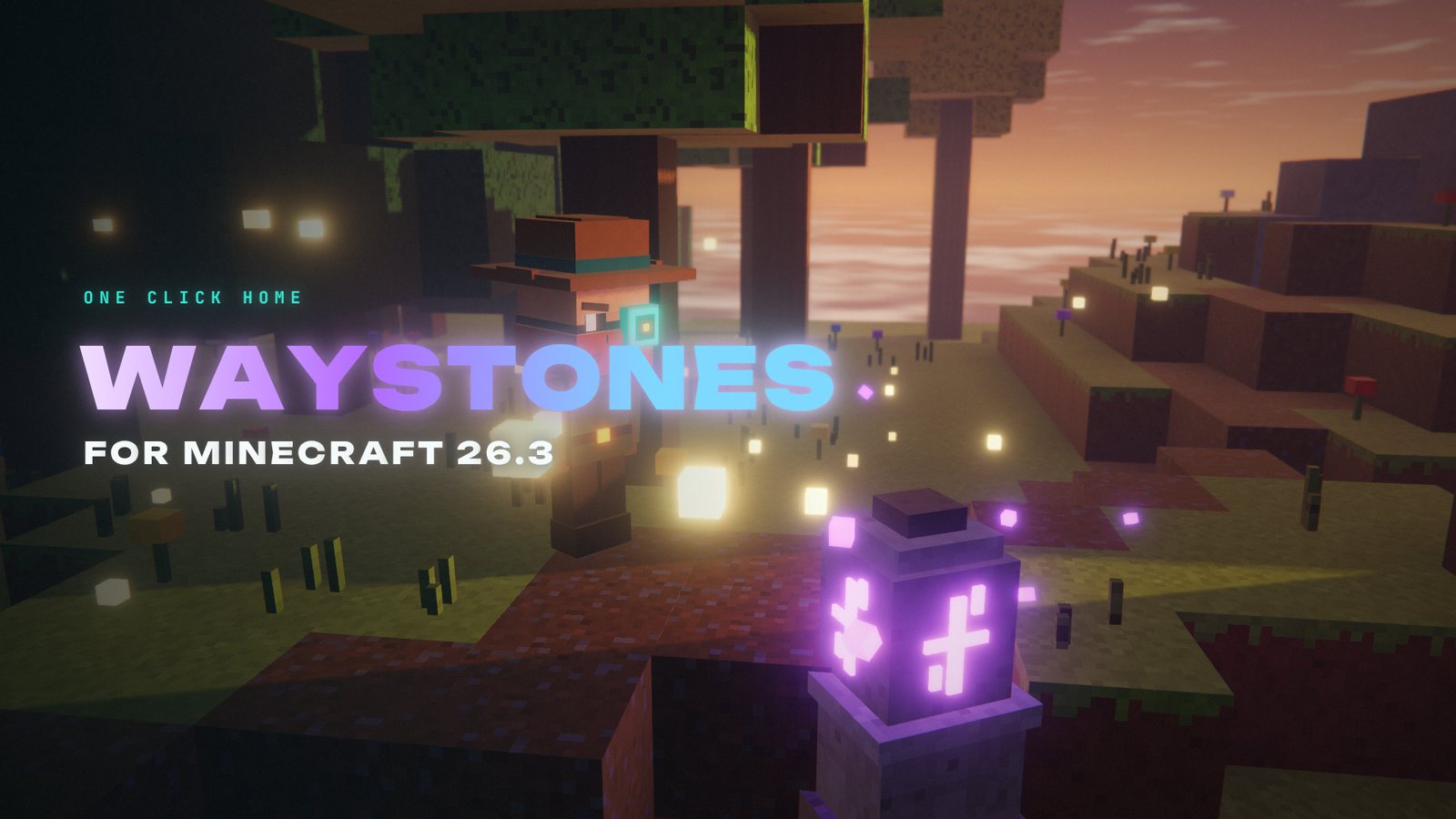
Stills from my Waystones video, rebuilt in a voxel renderer. Not in-game screenshots.
FAQ
Is Waystones available for Minecraft 26.3?
Yes. Version 26.3.0.1 is a release for Minecraft 26.3 on Fabric and NeoForge (September 16, 2026).
What do I need besides Waystones?
Balm and Shogi on both loaders, plus Fabric API on Fabric. Shogi is new since Minecraft 26.1 and handles the configurable warp rules.
Does every player need the mod on a server?
Yes. Waystones adds new blocks and items, so the server and every player need it.
How much does teleporting cost?
By default, regular waystone trips and the Warp Stone cost experience points based on distance (0.01 points per block, at most 27 points), and trips to another dimension cost 27 points. Scrolls are excluded from the default XP cost. Everything is configurable, and enableXpCosts set to false turns XP costs off completely.
Why can't I use or place a waystone at spawn?
You are most likely a non-op player inside the spawn protection area.
How do I move a waystone without losing it?
Break it with a Silk Touch pickaxe. Then you can move it without everyone losing access.
Is there a teleport button in the inventory?
Yes, but it’s disabled by default. The inventoryButton option can be set to nearest, any, or the name of a specific waystone.