Xaero's Minimap Mod: Download and Install Guide (26.3)
Xaero's Minimap: never get lost in Minecraft 26.3
A map of everything around you in the corner of your screen: entity radar, waypoints, deathpoints and automatic cave mode. What Xaero's Minimap does and how to install it on Minecraft 26.3.
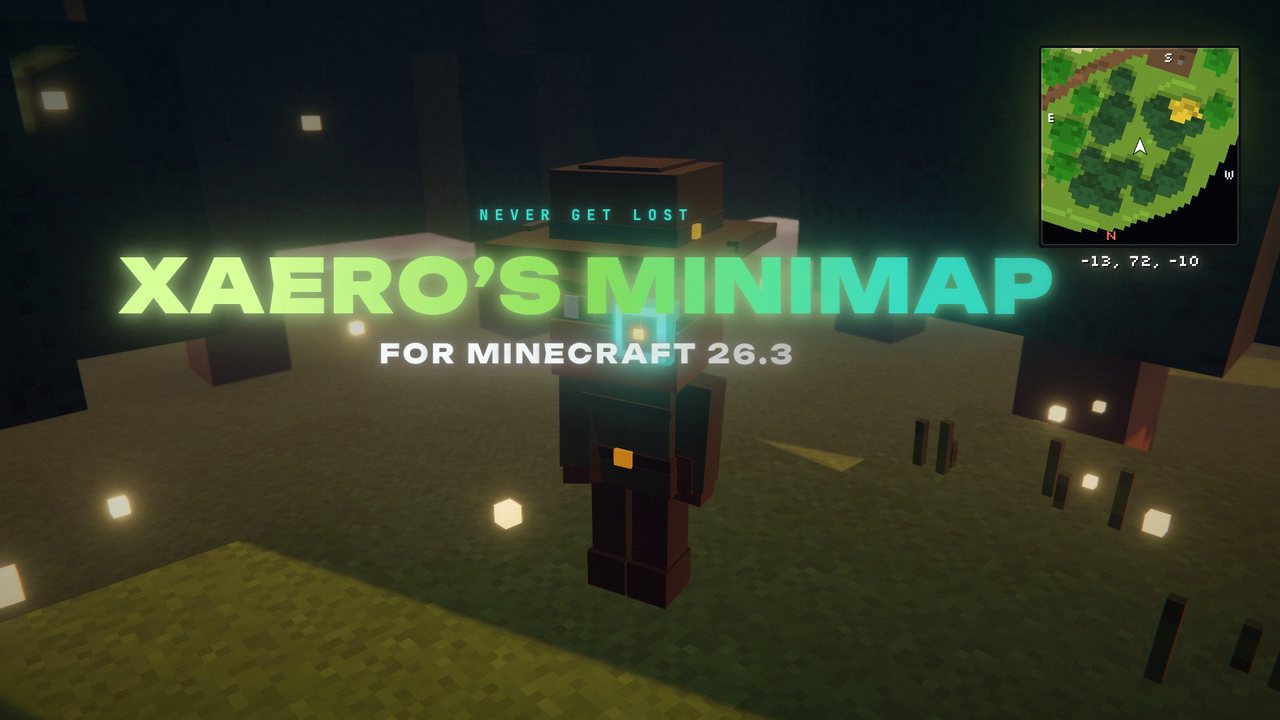 1:30
1:30 The short version
Xaero's Minimap for Minecraft 26.3
Playing loads the video from YouTube (privacy-enhanced mode), which may set cookies and process your data. Details.
Xaero’s Minimap puts a map of everything around you in the corner of your screen, and it keeps the look of vanilla Minecraft while doing it. Add the entity radar, waypoints, automatic deathpoints and a cave mode that switches on by itself, and it’s hard to get lost again. For Minecraft 26.3, version 26.5.3 is out for every major loader.
What the minimap shows
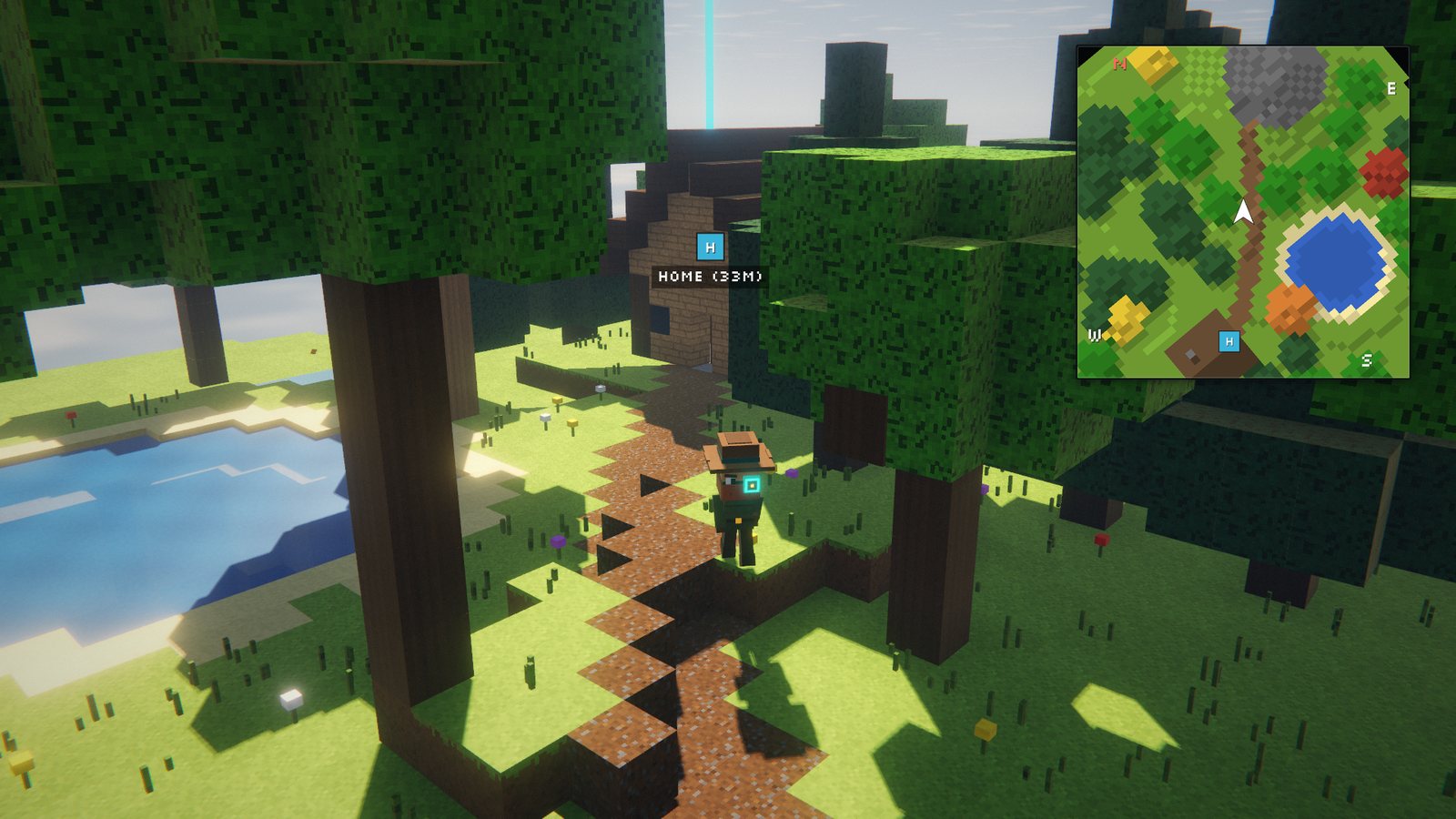
The map draws the terrain around you in the colors of vanilla Minecraft maps, with height shading so you can read hills and valleys. An Accurate mode uses the colors of block textures and biomes instead. You choose the shape and the behavior:
- Square or circle.
- Rotating with you, or locked to north with an arrow that shows where you’re facing.
- Size, zoom and position on screen are all adjustable, down to a single pixel.
Coordinates sit right under the map. The biome name, light level and game time can be switched on in the settings.
Entity radar
The radar shows what’s around you: mobs as yellow dots, players as white dots and items as red dots, while other entities like arrows show up in purple. Hostile and friendly mobs can get different colors, and instead of dots the map can show little icons, usually the mob’s head.
Waypoints and deathpoints
Press B to create a waypoint. It appears on the minimap and in the game world, so you always find your way back. Press U for the full list, where you can edit, sort, sort into sets and share waypoints in chat. Teleporting to a waypoint works if you have permission for the teleport command.
Every time you die, the mod sets a skull-shaped deathpoint at the spot automatically.
Cave mode
Underground, cave mode switches on by itself and maps the tunnels around you. It should also kick in inside buildings, and you can set how big the “roof” above you has to be before it activates.
Xaero’s Minimap for Minecraft 26.3
The current release is Xaero’s Minimap 26.5.3 for Minecraft 26.3. It came out for Fabric, Quilt and NeoForge on September 17, 2026, and for Forge on September 20. On Fabric it requires Fabric API. The mod has more than 112 million downloads on Modrinth.
How to install Xaero’s Minimap
- Install your mod loader for Minecraft 26.3: Fabric, Quilt, NeoForge or Forge.
- On Fabric, also download Fabric API for 26.3.
- Download Xaero’s Minimap for 26.3 from Modrinth or CurseForge, filtered by your loader.
- Put the file into your mods folder. That’s
.minecraft/modsfor the vanilla launcher, or your instance’smodsfolder in Prism, the CurseForge app or the Modrinth App.
It’s a client mod. On a server it’s optional, and a fair-play edition without entities and cave maps exists for PvP servers.
Keys and tips
- Z enlarges the map, I and O zoom, Y opens the settings. All keys are in the vanilla Controls menu.
- In the settings you’ll also find a chunk grid, a slime chunk overlay and a light overlay that marks blocks where mobs can spawn.
- Want the whole world? Xaero’s World Map adds a full-screen map of everything you’ve explored and works together with the minimap.
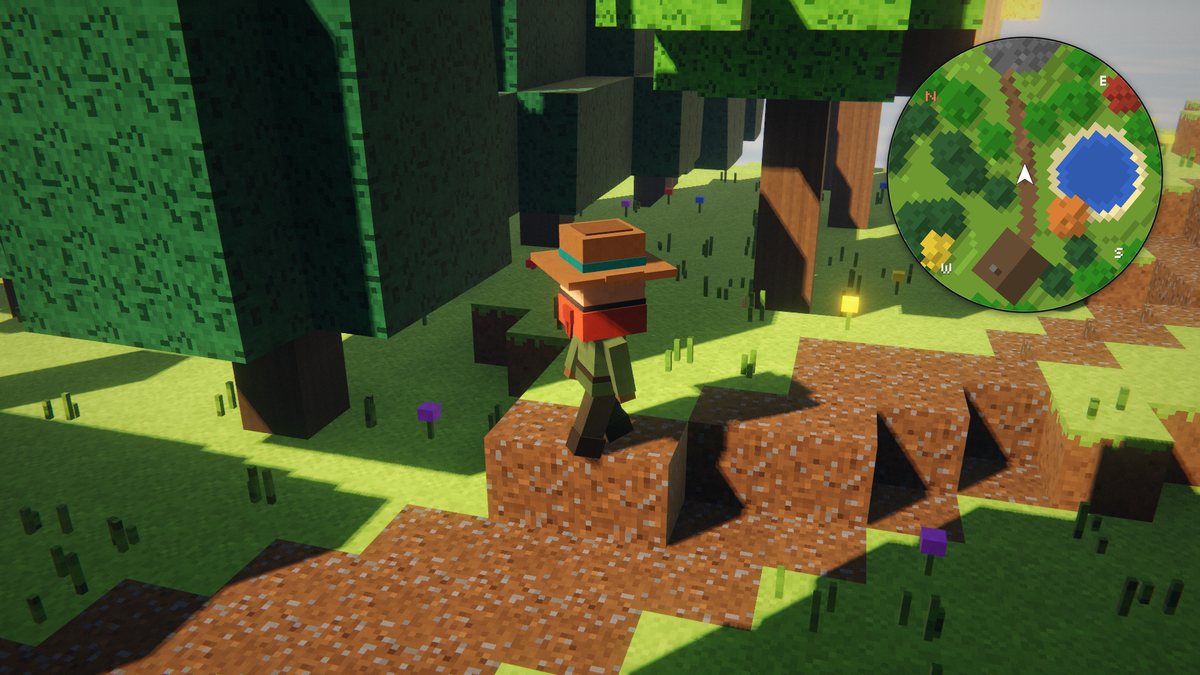
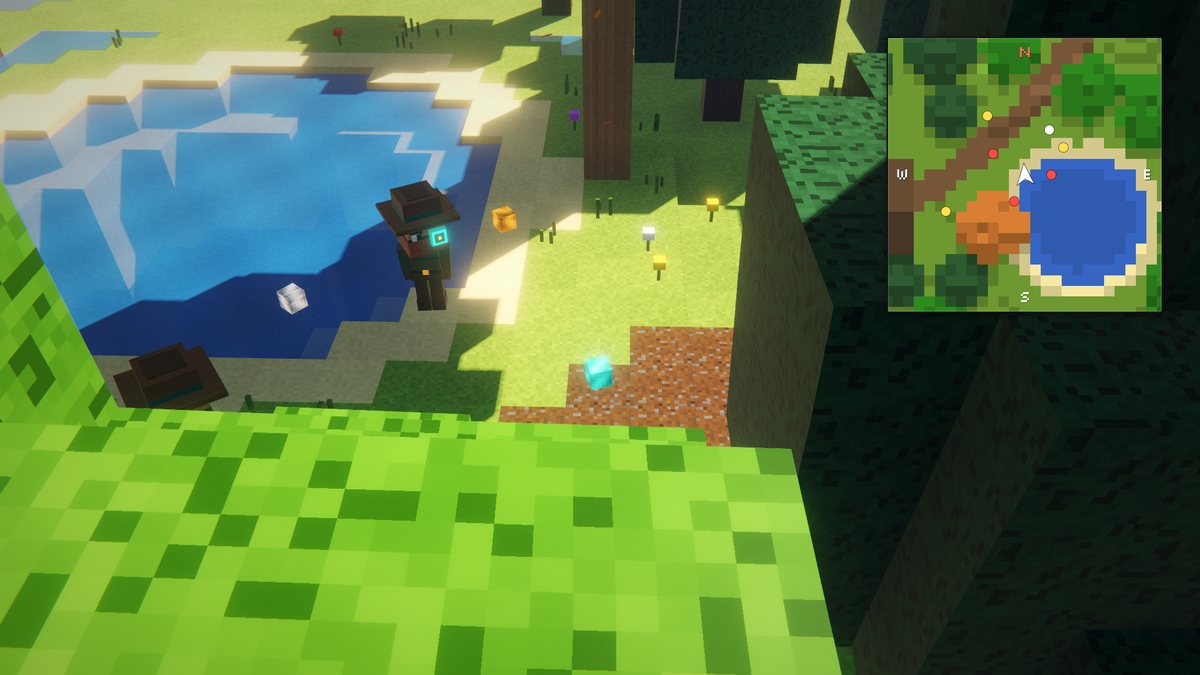
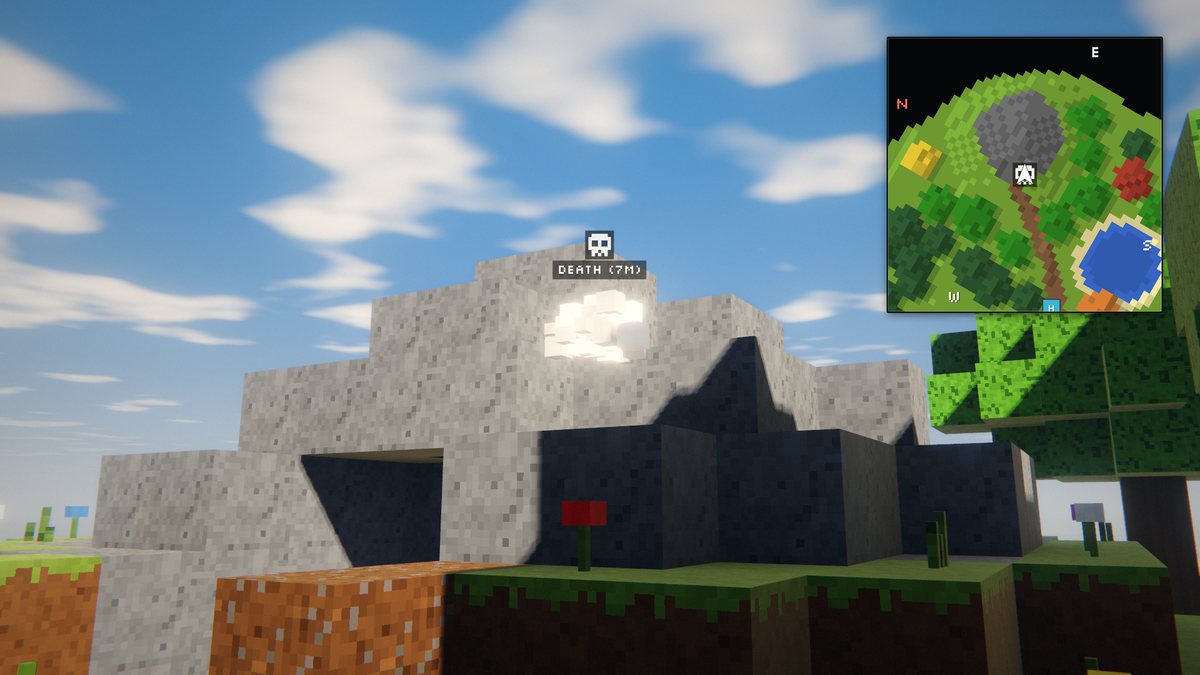
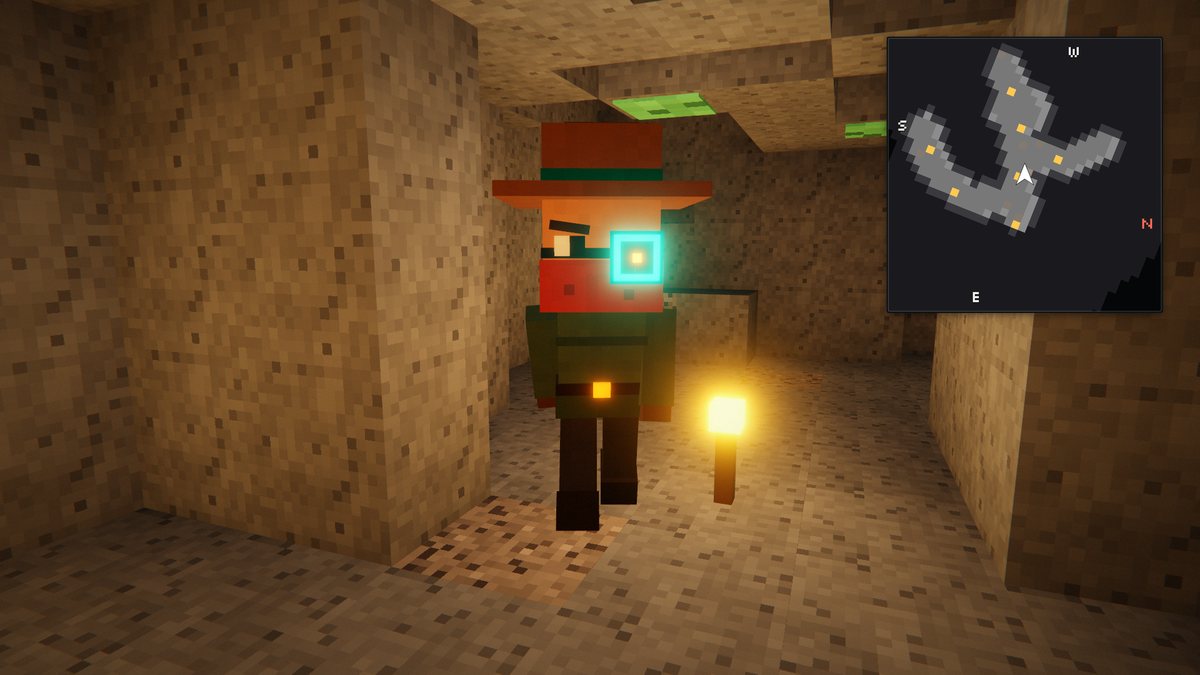
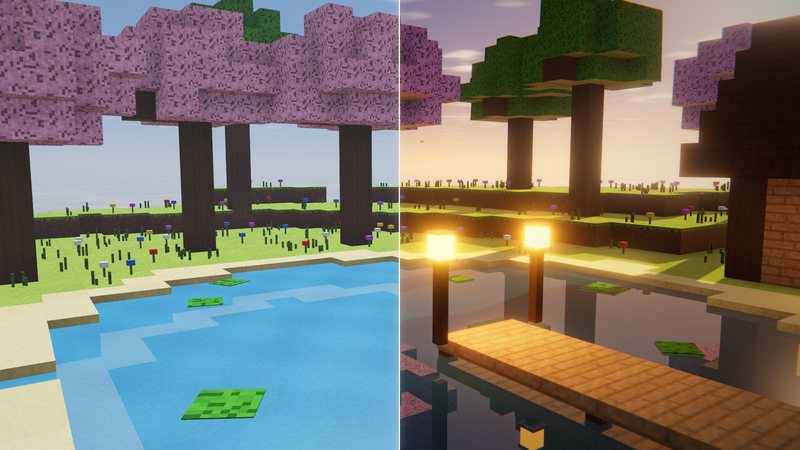
Stills from my minimap video, rebuilt in a voxel renderer. The minimap is our own illustration of the mod's features, not an in-game screenshot.
FAQ
Is Xaero's Minimap available for Minecraft 26.3?
Yes. Xaero’s Minimap 26.5.3 is out for Minecraft 26.3 on Fabric, Quilt and NeoForge (released September 17, 2026) and on Forge (September 20, 2026).
Do I need Fabric API?
On Fabric, yes: the Fabric version lists Fabric API as a required dependency on Modrinth. On NeoForge and Forge you only need the mod itself.
Do I need to install it on the server?
No. The mod is mostly client-side. Installing it on the server is optional and adds features like reliable world identification for waypoints and server-side settings.
What are the default keys?
B creates a waypoint, U opens the waypoint list, Z enlarges the minimap, I and O zoom in and out, and Y opens the settings. All key bindings are in the vanilla Controls menu.
What is the fair-play edition?
A separate version that doesn’t display any entities or cave maps. It’s meant for PvP servers where other players don’t use a minimap.
Can server owners turn off cave mode or the entity radar?
Yes. With the mod installed on the server (version 25.3.0 or newer), the Minimap Server Settings key binding opens server settings where almost any option can be enforced, including cave mode and the entity radar.
Why doesn't teleporting to a waypoint work?
The mod teleports you with a chat command, /tp by default, so you need permission for it. In singleplayer that means cheats enabled, on servers operator status or a matching permission.
Does it work with Xaero's World Map?
Yes. Xaero’s World Map adds a full-screen map of everything you have explored. When both are installed, the minimap uses the map textures from the world map by default, which improves performance.
Is it compatible with XaeroPlus?
The developer asks you not to use XaeroPlus with this mod. It isn’t affiliated with him and, according to the mod page, causes hard-to-track bugs and crashes.