VeinMiner Mod: Download and Install Guide (26.3)
VeinMiner: mine one ore, get the whole vein (Minecraft 26.3)
Break one block and the whole ore vein goes with it. What VeinMiner does in a real survival test, which settings are worth changing, the Hotkey addon, and how to install version 2.12.3 on Minecraft 26.3.
Tested on Minecraft 26.3 (Fabric), October 20, 2026, survival mode, diamond pickaxe and axe, render distance 12. How I test
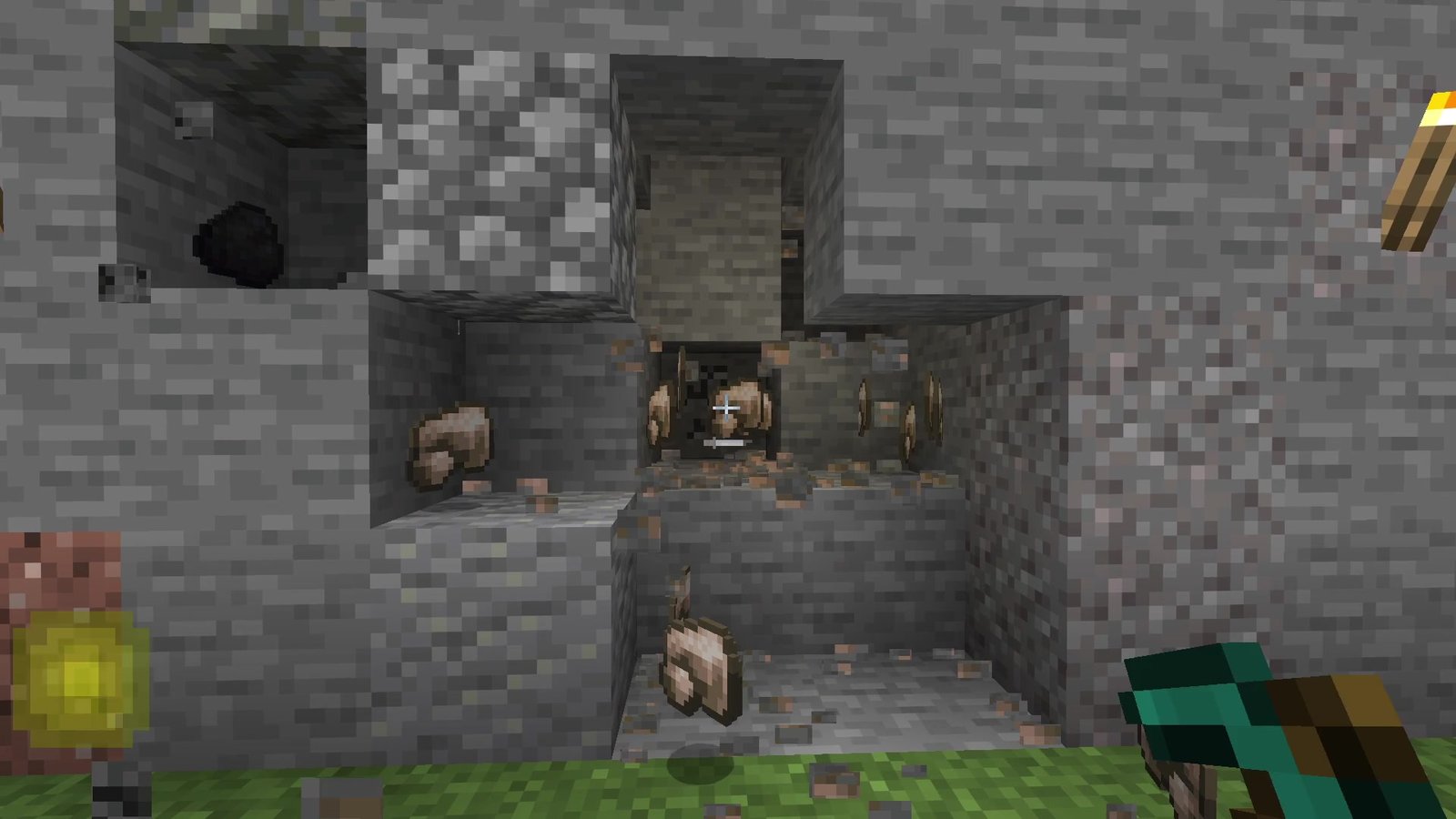
VeinMiner turns mining one block into mining the whole vein: break a single ore and every connected ore breaks with it. It runs on the server side, so it works for every player without them installing anything, and version 2.12.3 is out for Minecraft 26.3. My short verdict: a huge time saver for survival worlds and servers, as long as you set a few limits.
 1:37
The short version
VeinMiner for Minecraft 26.3
Playing loads the video from YouTube (privacy-enhanced mode), which may set cookies and process your data. Details.
What VeinMiner does
Out of the box, VeinMiner is set up for ores and pickaxes. Mine one ore block and the rest of the vein follows, one block per tick. Your tool still has to be able to mine the block normally, so you still need the right pickaxe for diamonds.
The defaults that matter most:
- Up to 100 blocks per chain (
maxChain). - Every block costs durability, like normal mining (
durabilityDecrease). - A cooldown of 20 ticks between vein mines.
- No sneaking needed (
mustSneakis off).
Which other blocks can be veinmined is up to you: a simple block list for blocks any tool may veinmine, and block groups for blocks that count as one vein and can be limited to certain tools. That’s how you add trees, gravel or anything else.
What I saw in my test
I tested VeinMiner on October 20, 2026 in my own world on Minecraft 26.3 with Fabric, in survival mode. For the recording I built three test walls on a meadow and gave myself Haste, so the clips wouldn’t take forever.
- Iron: the iron vein in my stone wall had 14 ore blocks, six of them visible on the front. I held the mouse on one block with a diamond pickaxe. When it broke, the whole vein cracked at once and the raw iron dropped out of the hole.
- Diamonds: same test with eight diamond ore blocks in deepslate. One block mined, all eight came out, and the diamonds were lying in the empty holes.
- A whole tree: I created the Logs group with the three commands from the developer’s README (below) and chopped one log at the bottom of a big oak with a diamond axe. The trunk and the branches came down together and the logs rained onto the meadow.
What I liked: it felt like normal mining, just faster. You still need the right tool and you still pay durability per block. In my Minecraft 26.3 tier list VeinMiner lands in B tier at #15: very satisfying, but it changes survival balance a lot.
Settings worth changing
All settings are commands: /veinminer settings <name> <value>. Leave out the value to see the current one. You need operator permissions; in single-player the world needs cheats on (when you create it, or later via Open to LAN). These are the ones I’d look at first (defaults from the developer’s README):
mustSneak(defaultfalse): set it totrueand you only veinmine while sneaking. The easiest way to keep normal mining as the default.maxChain(default100): the maximum number of blocks per chain. Lower it if you want to keep some of the work.mergeItemDrops(defaultfalse): drops all items at the first block instead of all over the vein.hungerPerBlock(default0.0): drains saturation for every veinmined block. The README gives vanilla’s 0.005 as a reference. AppleSkin shows you what that does to your saturation.searchRadius(default1, max 5): how far around a block VeinMiner looks for the next one.needCorrectTool(defaulttrue): if a block needs a certain tool, you must use it. Jade shows which tool a block needs before you start.permissionRestricted(defaultfalse): only players with the permissionveinminer.usecan veinmine.
Block groups: trees and more
/veinminer groups create Logs
/veinminer groups edit Logs add-block #minecraft:logs
/veinminer groups edit Logs add-tool #minecraft:axes
Block and item inputs take tags like #minecraft:logs. If a group has no tool, every tool works. /veinminer presets sets up a few useful groups for you. The groups are also stored in a file called default_groups.json in VeinMiner’s folder under config/ (mod) or plugins/ (Paper plugin), if you’d rather edit them there.
Compatibility
- Loaders: Fabric, Quilt and NeoForge (2.12.3 for 26.3), plus Paper, Purpur and Folia as a plugin. On Fabric it needs Fabric API and Fabric Language Kotlin, on NeoForge KotlinLangForge.
- Server-side: only the server needs it, players can join with any client. In single-player, your own game is the server.
- Datapack (1.x): a lighter version for vanilla servers and worlds without a mod loader, snapshots included. Its settings open in chat with
/function veinminer:_config. - Permissions: operators have every permission. For other players, the README points to LuckPerms (not supported on NeoForge yet). Each subcommand has its own permission, for example
veinminer.settingsorveinminer.groups. - Hotkey addon: a client mod that only works if VeinMiner is on the server too. Without it on the server, the addon switches itself off.
Troubleshooting
- Nothing happens when I mine an ore: check the tool first (
needCorrectTool). Then checkmustSneak, the 20-tick cooldown and, on servers,permissionRestricted. If the block isn’t an ore, it has to be on the block list or in a block group. - It stopped working after I installed the Hotkey addon: that’s by design. With the addon installed, you only veinmine while you hold the hotkey (Y or Z, depending on your keyboard layout; change it in Controls). A server admin can also block the addon with
/veinminer settings client allow false. - The commands don’t work: you need operator rights. In single-player, turn on cheats.
- Lag with big veins: the developer says huge, unnatural veins can lag client and server because of the item drops. Lower
maxChainor turn onmergeItemDrops.
Alternatives
VeinMiner comes in a few official flavours, so pick the one that fits:
- VeinMiner Hotkey (client addon): veinmine only while holding a key, with a block preview. Hold the key and scroll to switch patterns, add shift to change depth and width.
- VeinMiner Enchantment (addon): turns vein mining into an enchantment called Veinmine, so you have to earn it. Settings like
maxLevel(default 1) go through/veinminer enchant. - The 1.x datapack: no mod loader needed, fewer settings.
How to install VeinMiner
- Install your mod loader for Minecraft 26.3: Fabric, Quilt or NeoForge.
- Add the libraries: on Fabric Fabric API and Fabric Language Kotlin, on NeoForge KotlinLangForge.
- Download VeinMiner 2.12.3 from Modrinth, filtered by your loader, and put everything into the mods folder of your server, or of your own game in single-player.
New to Fabric? My Fabric install guide for 26.3 walks through every step.
Verdict
VeinMiner is for survival players and server owners who are done mining ore by ore.
- Pro: one block, whole vein, with the right tool and normal durability cost.
- Pro: server-side, so players don’t have to install anything.
- Pro: block groups make trees and other blocks work too.
- Con: no settings screen, everything is a command.
- Con: it makes survival much easier. Turn on
mustSneakor lowermaxChainif that bothers you.
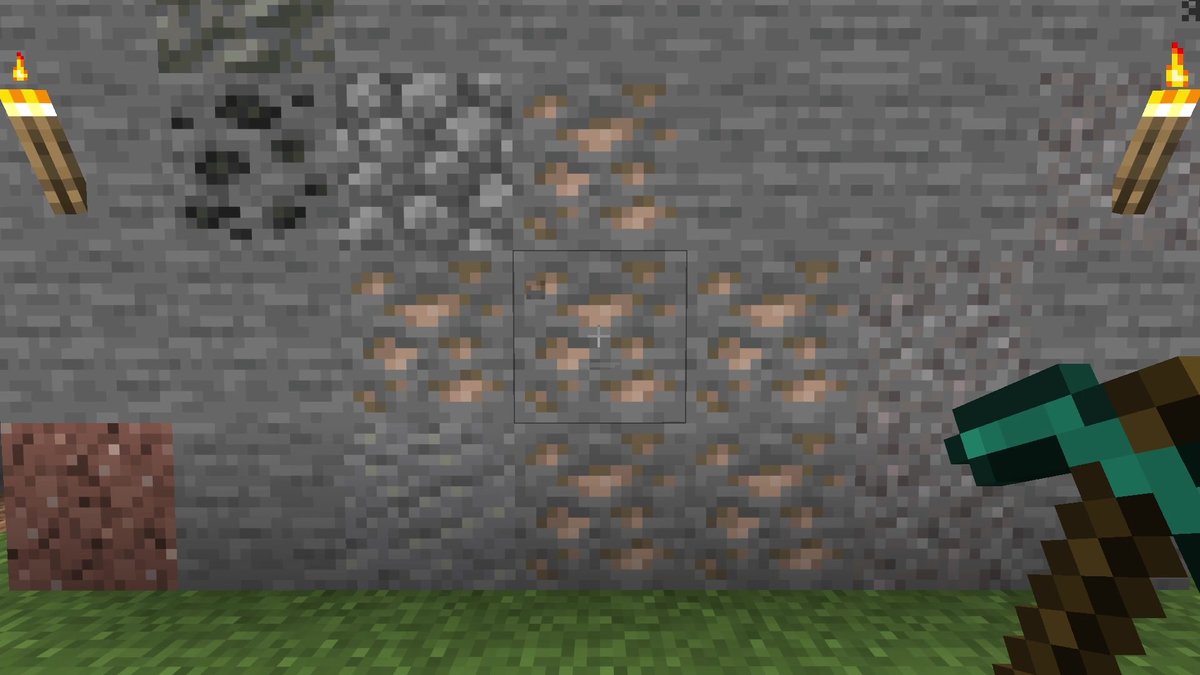
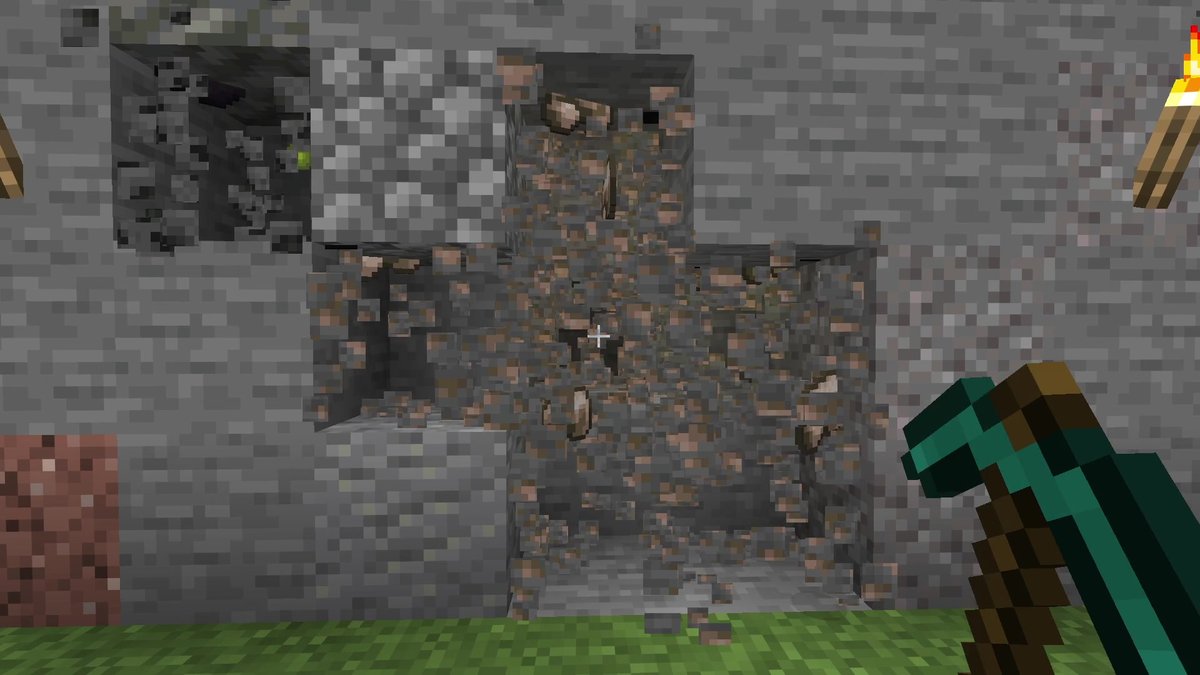
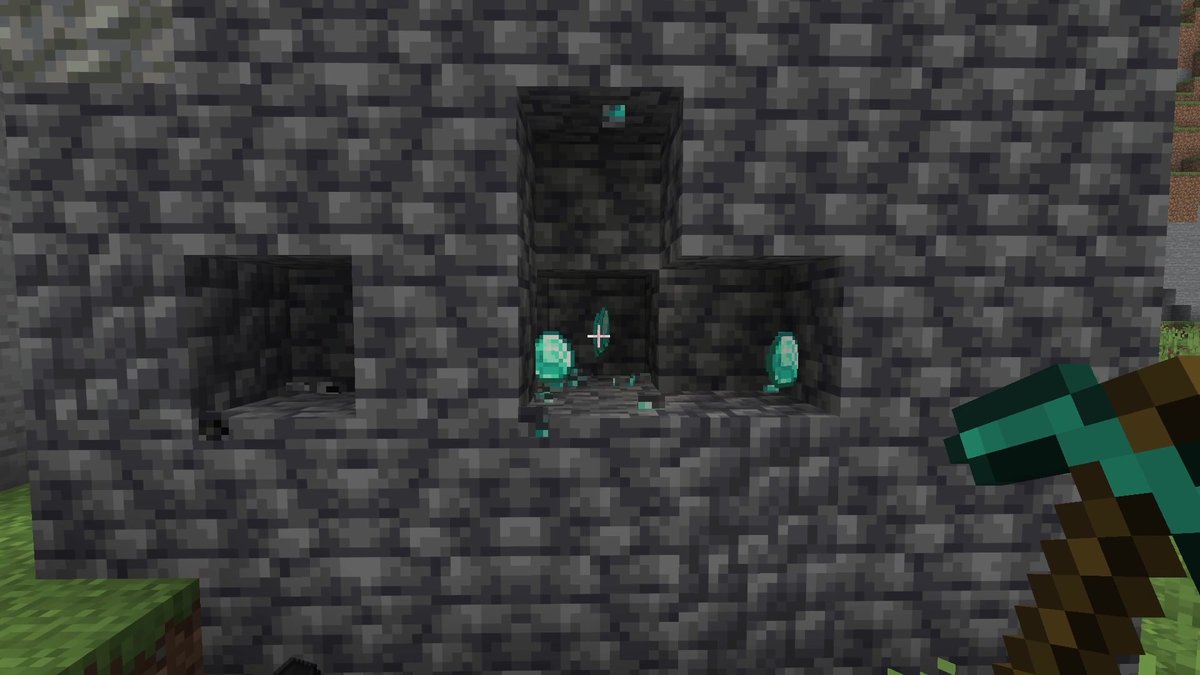
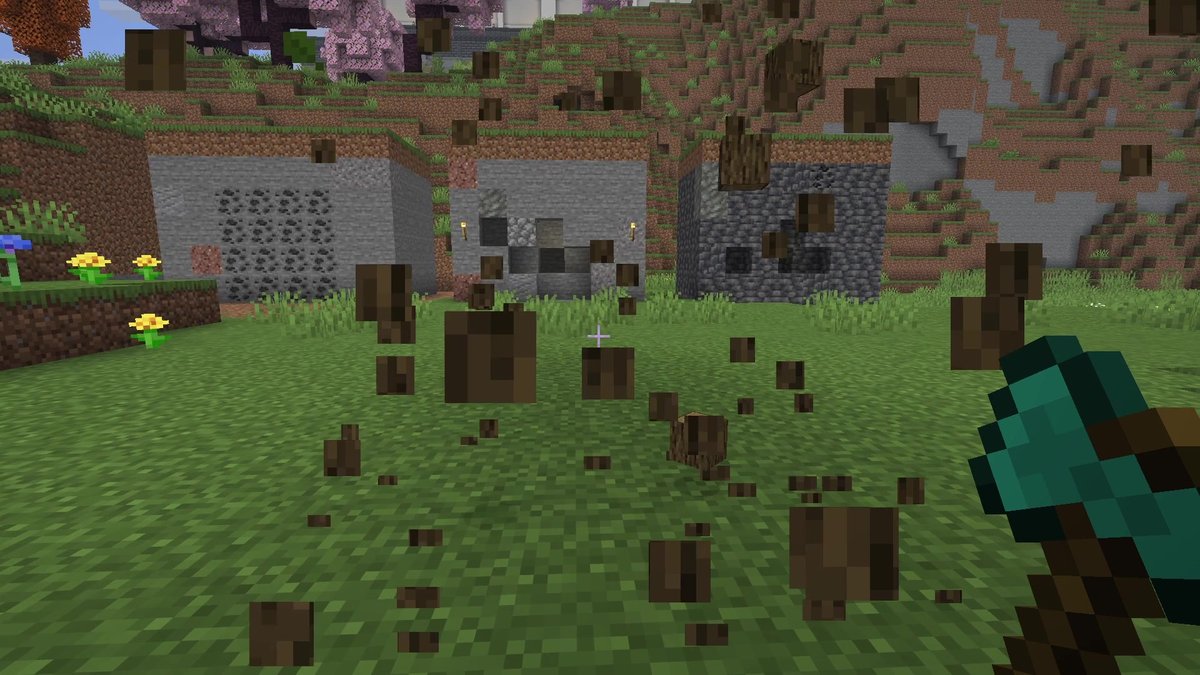
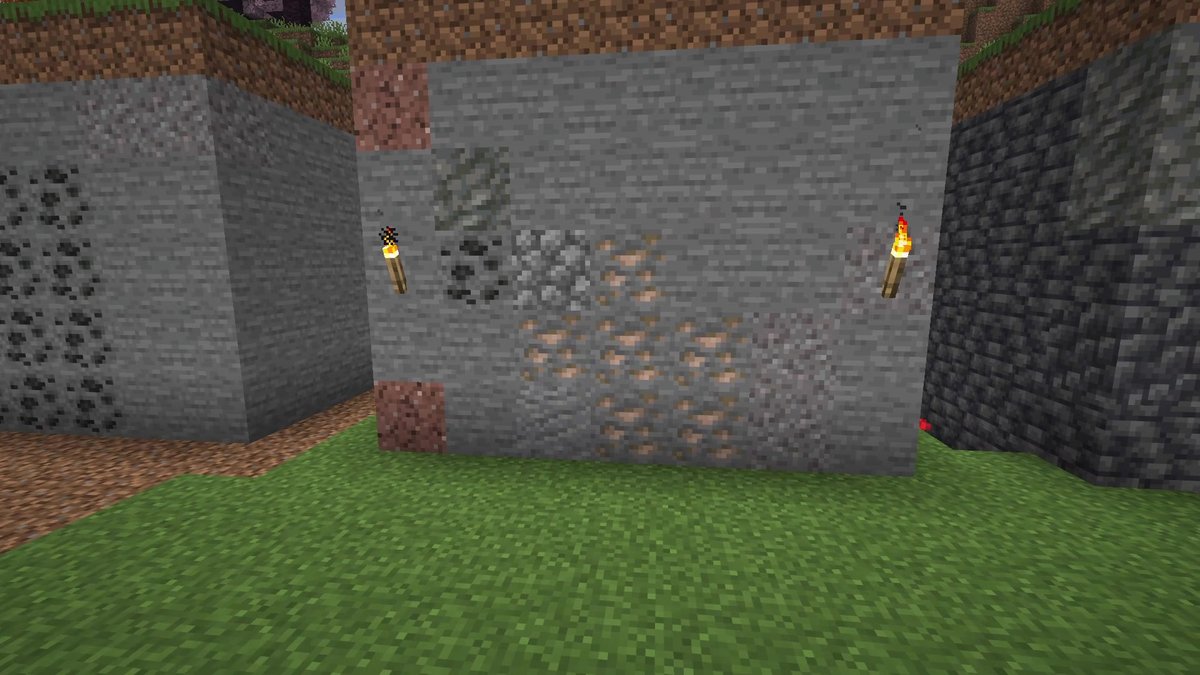
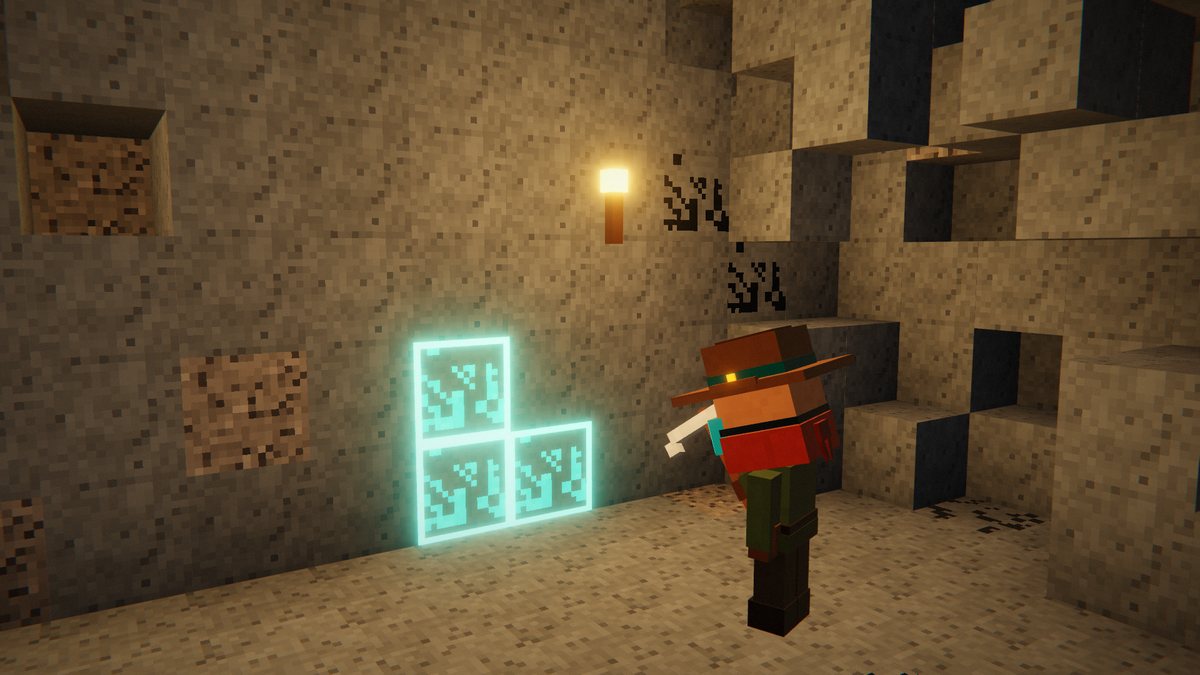
The first five pictures are real in-game screenshots from Minecraft 26.3 on Fabric, recorded on October 20, 2026 in my own world with VeinMiner installed. The last picture is an illustration from my earlier video, not a screenshot.
FAQ
Is VeinMiner available for Minecraft 26.3?
Yes. VeinMiner 2.12.3 is a release for Minecraft 26.3 on Fabric, Quilt and NeoForge (September 30, 2026; 26.3 support since 2.12.2 on September 23). It also runs as a plugin on Paper, Purpur and Folia servers.
Does every player need the mod?
No. VeinMiner works server-side, so all clients are supported. In single-player your game runs the server, so you install it in your own mods folder.
What do I need on Fabric and NeoForge?
On Fabric, Fabric API and Fabric Language Kotlin. On NeoForge, KotlinLangForge.
What gets vein-mined by default?
Ores, with pickaxes. Your tool has to be able to mine the block under normal conditions (the setting needCorrectTool, on by default).
How do I open the VeinMiner settings?
There’s no settings screen. You change everything with /veinminer commands in chat, which need operator permissions (in single-player: cheats on). The datapack version opens its settings in chat with /function veinminer:_config.
How many blocks break at once?
Up to 100 by default. Change it with /veinminer settings maxChain followed by a number.
What does the Hotkey addon do?
It’s a client addon. While it’s installed, veinmining only happens while you hold the hotkey (Y or Z, depending on your keyboard layout), and you get a preview of the blocks. VeinMiner still has to be installed on the server.
Can I make vein mining an enchantment?
Yes, with the official VeinMiner Enchantment addon. It adds a Veinmine enchantment, and as long as the addon is installed, only tools with that enchantment can veinmine.
Is there a version without a mod loader?
Yes. VeinMiner 1.x is a light datapack for vanilla servers and worlds, including snapshots. The full mod/plugin (2.x) has more settings.
Can VeinMiner lag?
It runs lightweight, but the developer warns that mining unnaturally big veins can lag the client and the server because of the amount of item drops.
Sources
What changed
- Replaced the illustrations with real screenshots from my survival test and added my results, the settings worth changing, compatibility notes and troubleshooting.
- First published.