AppleSkin Mod: Download and Install Guide (26.3)
AppleSkin: see saturation, exhaustion and food values in Minecraft 26.3
Your hunger bar only tells you half the story. AppleSkin shows the hidden saturation, the exhaustion and what every food really gives back. Version 3.0.10 for Minecraft 26.3 is out for Fabric and NeoForge.
 1:31
1:31 The short version
AppleSkin for Minecraft 26.3
Playing loads the video from YouTube (privacy-enhanced mode), which may set cookies and process your data. Details.
Minecraft shows you a hunger bar, but not the whole picture. How much saturation you have left, how close you are to losing the next point and what a piece of food will actually give you stays hidden. AppleSkin puts all of that on screen without changing how hunger works. Version 3.0.10 is out for Minecraft 26.3 on Fabric and NeoForge.
Our test: a terrace, a steak and a golden carrot
We tested AppleSkin 3.0.10 with default settings in survival on Easy in The Mod Hunter’s world, Valley of Mods. Before the shots, commands lowered our hunger and health; the hotbar keys and the eating were real inputs while recording.
- The preview: holding a steak, the shanks it will restore flash on the hunger bar, and the hearts it should heal flash on the health bar.
- Eating: after the steak, the hunger bar is full and a yellow outline shows the saturation. With full hunger and saturation, the hearts come back fast.
- Exhaustion: a dark bar behind the shanks fills up, then a point of saturation is gone. For the video, a Hunger effect sped this up.
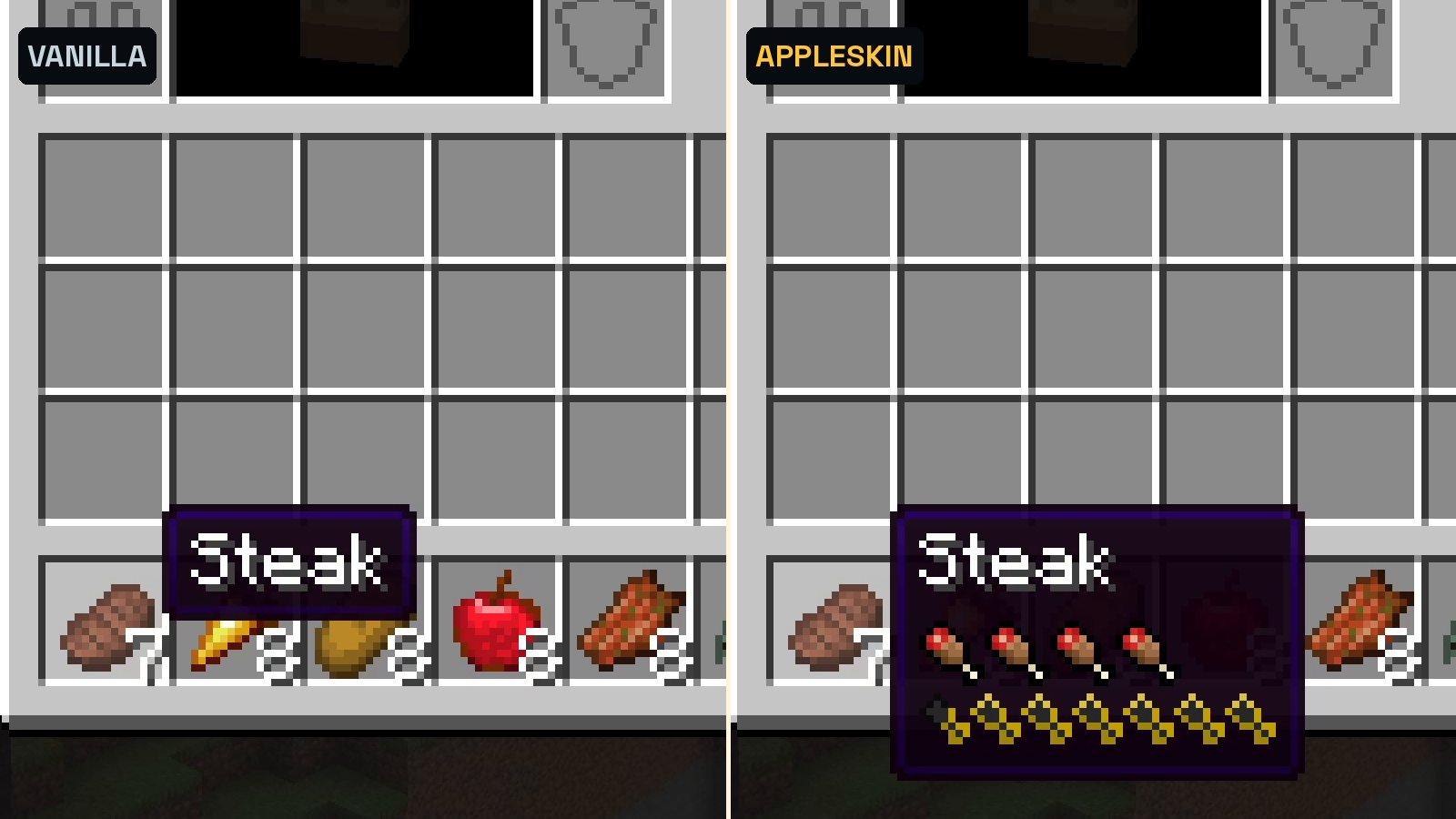
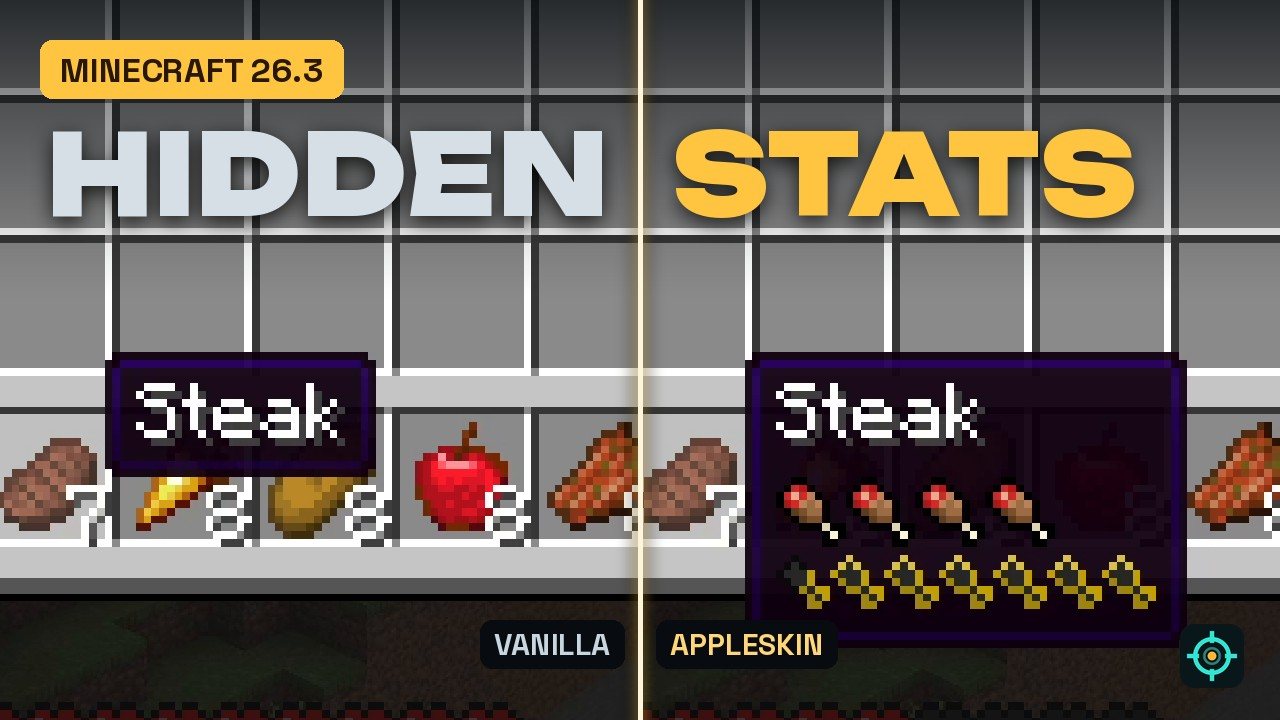
- The tooltips: in the inventory, every food shows its hunger and saturation. Without AppleSkin, you only get the name.
What AppleSkin shows
- Food values in tooltips: hunger as shanks and saturation as yellow icons, for every food. Steak: 8 hunger, 12.8 saturation. Golden carrot: 6 hunger, 14.4 saturation.
- Food preview: while you hold food, the hunger bar flashes what it will restore and the health bar flashes the hearts it should heal (an estimate).
- Saturation: a yellow outline over the hunger bar. As long as it lasts, your hunger doesn’t drop.
- Exhaustion: a bar behind the hunger icons. Sprinting, jumping and fighting fill it; when it’s full, you lose a point of saturation, then hunger.
AppleSkin for Minecraft 26.3
The current version is 3.0.10 from September 17, 2026, with separate files for Fabric and NeoForge. AppleSkin is made by squeek502, is open source under the Unlicense and has almost 94 million downloads on Modrinth. It runs on the client; installed on a server as well, it sends the exact saturation and exhaustion values to players.
How to install AppleSkin
- Install a loader: Fabric or NeoForge for Minecraft 26.3.
- Download AppleSkin 3.0.10 for your loader from the official Modrinth page.
- On Fabric, add Fabric API. On NeoForge, nothing else is needed.
- Drop the files into your mods folder and start the game.
- Playing on a server? Ask the owner to install AppleSkin there too, otherwise saturation and exhaustion won’t be exact.
Tip
Hold a food item before you eat it: the flashing shanks show right away whether it fills you up or if a smaller snack is enough. And when the yellow outline is gone, your hunger bar is the next thing to drop.
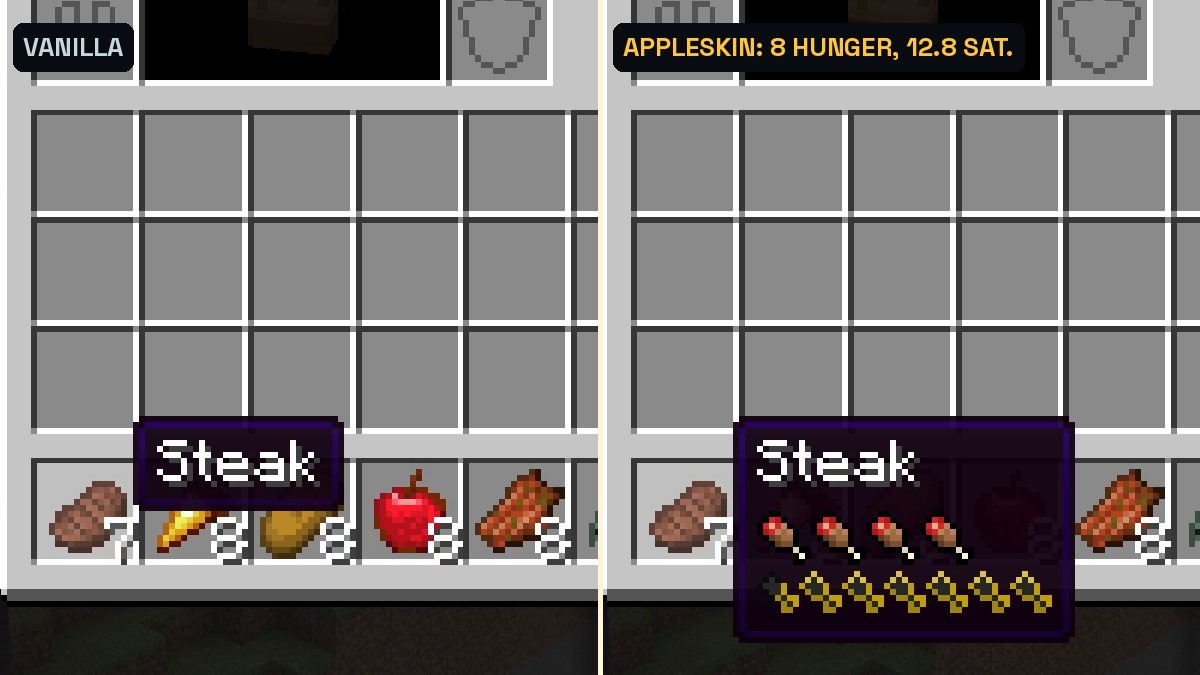
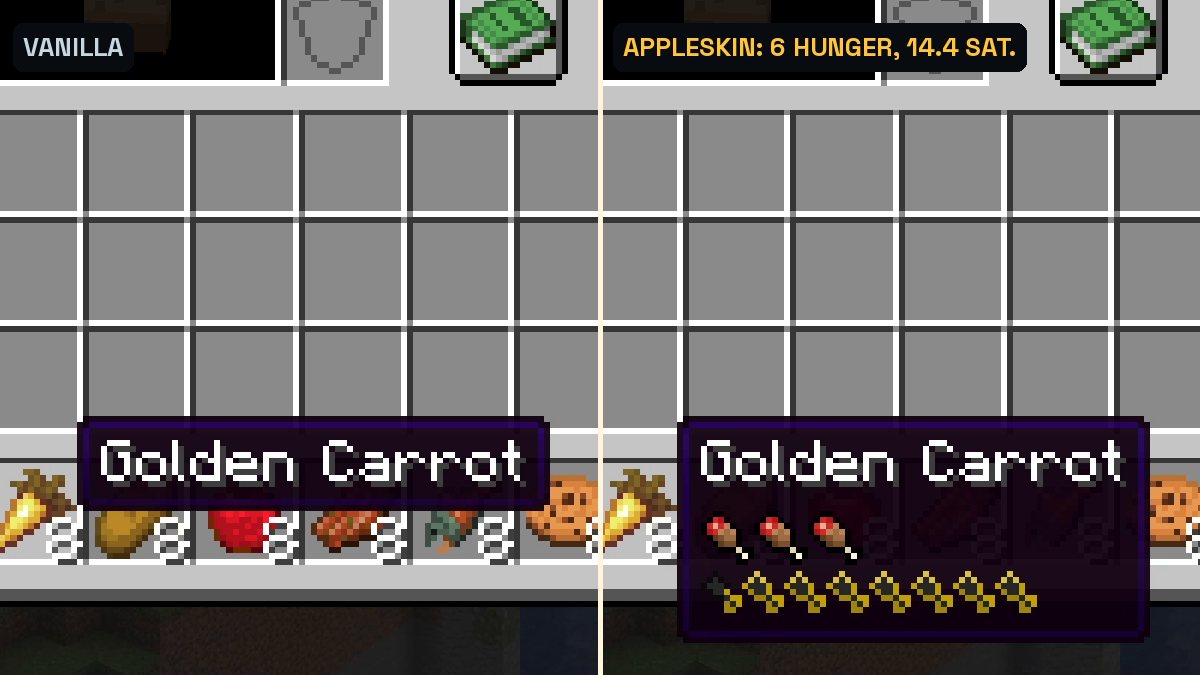
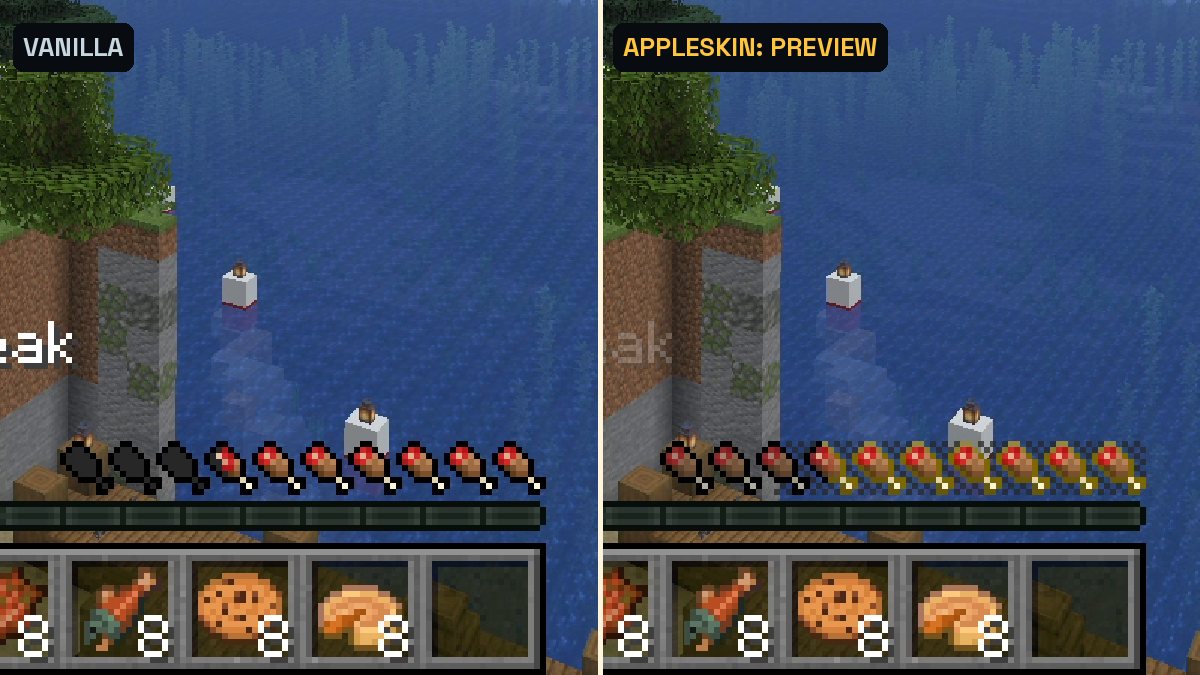
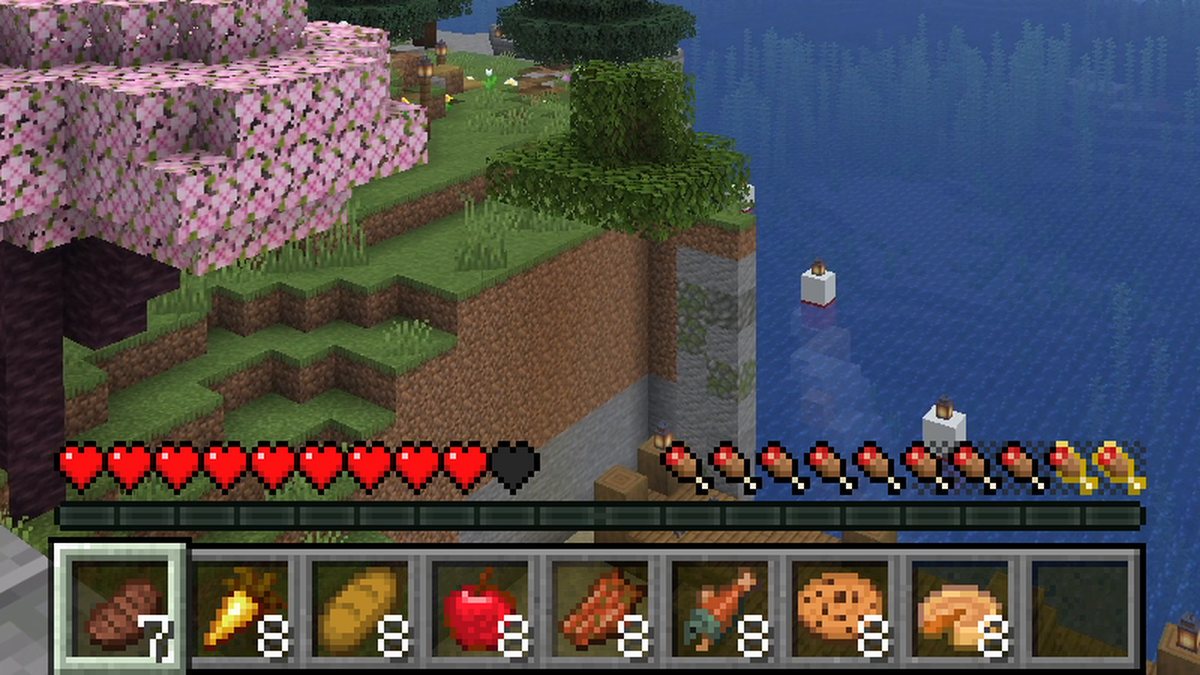
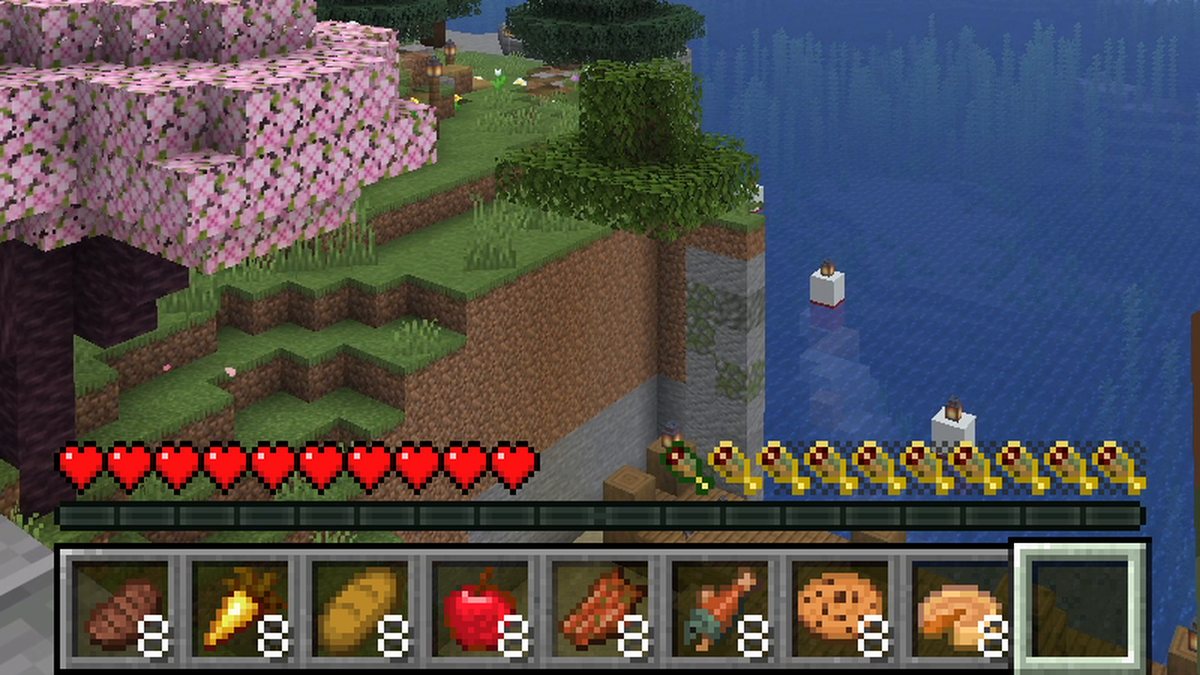
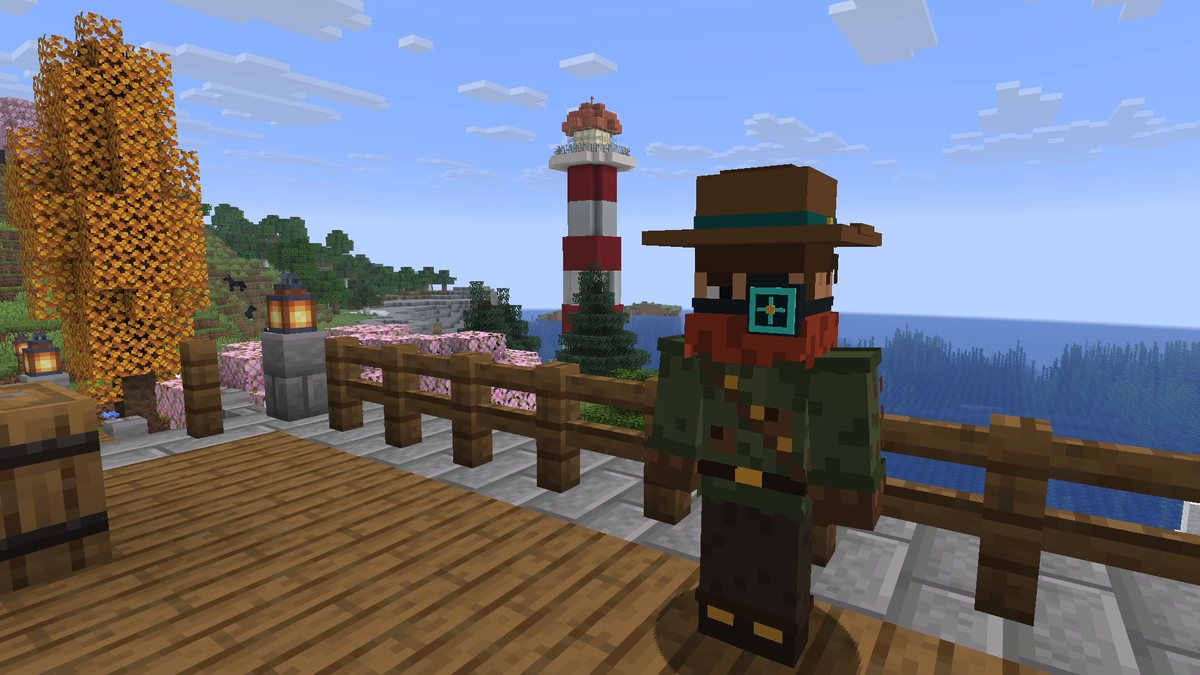
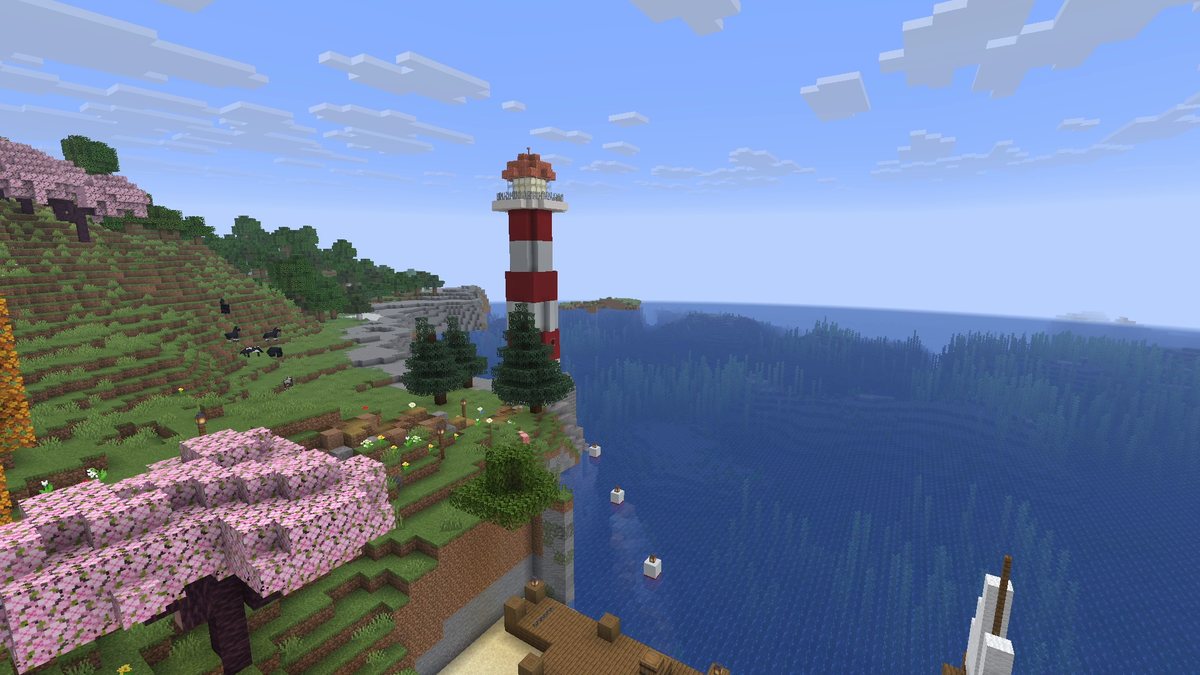
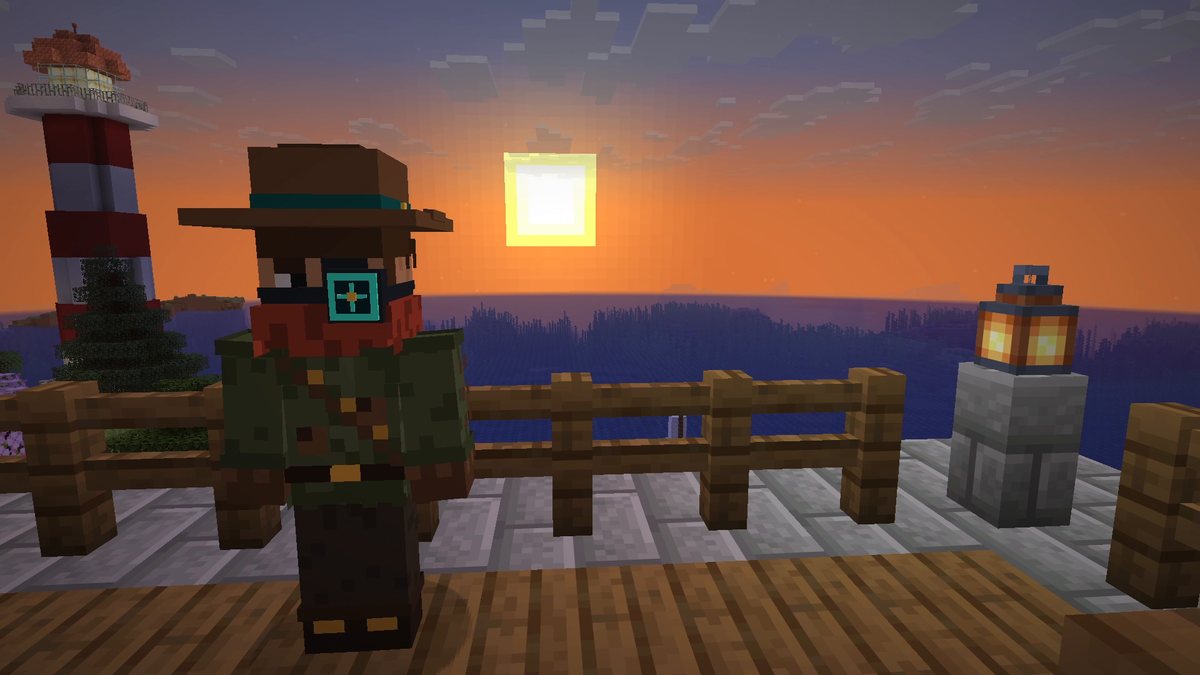
Real in-game screenshots from Minecraft 26.3, recorded in The Mod Hunter's world Valley of Mods in survival on Easy with AppleSkin 3.0.10 and default settings. Hunger and health were lowered with commands before the shots; the keys and the eating were real inputs.
FAQ
Is AppleSkin available for Minecraft 26.3?
Yes. AppleSkin 3.0.10 for Minecraft 26.3 was released on September 17, 2026, as separate files for Fabric and NeoForge.
What is saturation in Minecraft?
A hidden second value next to your hunger. As long as you have saturation, your hunger bar doesn’t go down. It can never be higher than your hunger. AppleSkin draws it as a yellow outline over the shanks.
What is exhaustion?
Sprinting, jumping, swimming, fighting and taking damage add exhaustion. When it reaches 4, it resets and you lose one point of saturation, or one point of hunger if your saturation is already at zero. AppleSkin shows it as a bar behind the hunger icons.
Do I need AppleSkin on the server?
No, it works on the client alone. But a server doesn’t keep players fully up to date on saturation and exhaustion, so on a server those two values are only exact if AppleSkin is installed there as well. In singleplayer you don’t need to think about it.
Does AppleSkin change how hunger works?
No. It only shows values that are already in the game. Hunger, saturation and healing work exactly as in vanilla.
What do I need to install with AppleSkin?
On Fabric, Fabric API. On NeoForge nothing else.
Can I turn parts of it off?
Yes. The tooltip values, the saturation outline, the exhaustion bar, the food preview and the health preview can each be switched off in AppleSkin’s config.