Jade Mod: Download and Install Guide (26.3)
Jade: see what you're looking at in Minecraft 26.3
Point your crosshair at any block or mob and Jade shows its name, the mod it comes from and useful details like health, crop growth or the next egg. What it shows and how to install version 26.3.5.
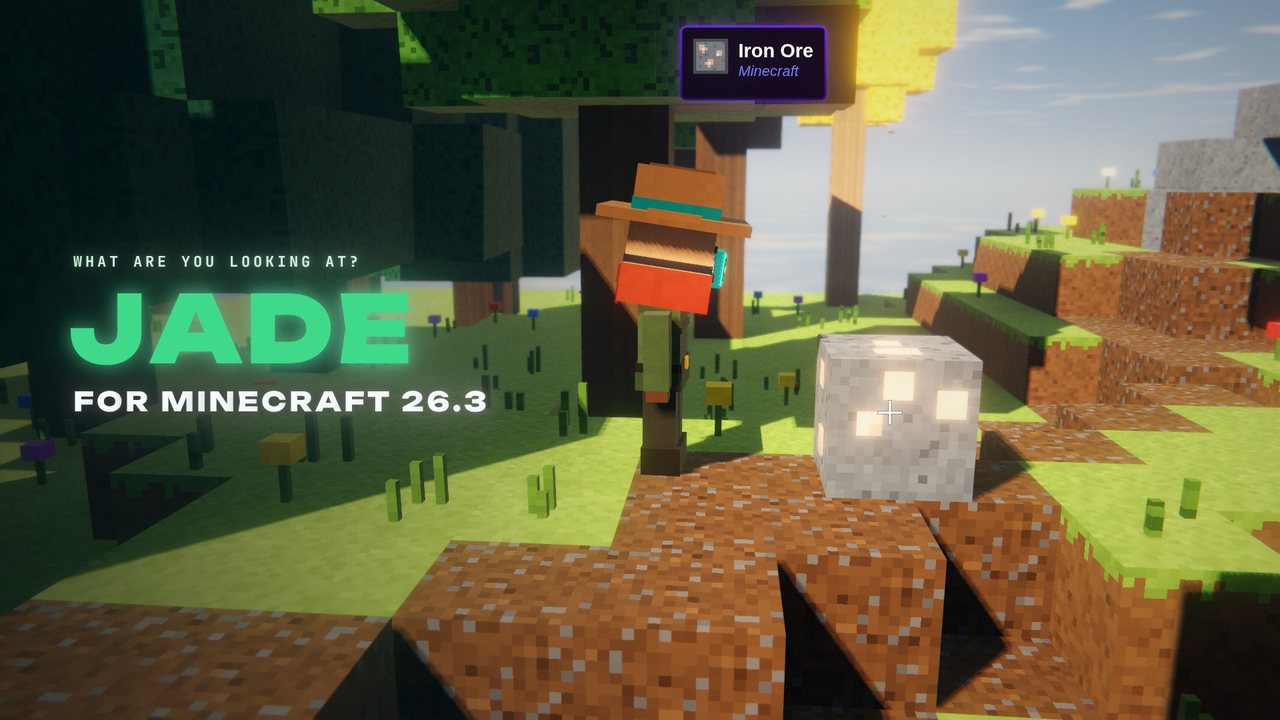 1:28
1:28 The short version
Jade for Minecraft 26.3
Playing loads the video from YouTube (privacy-enhanced mode), which may set cookies and process your data. Details.
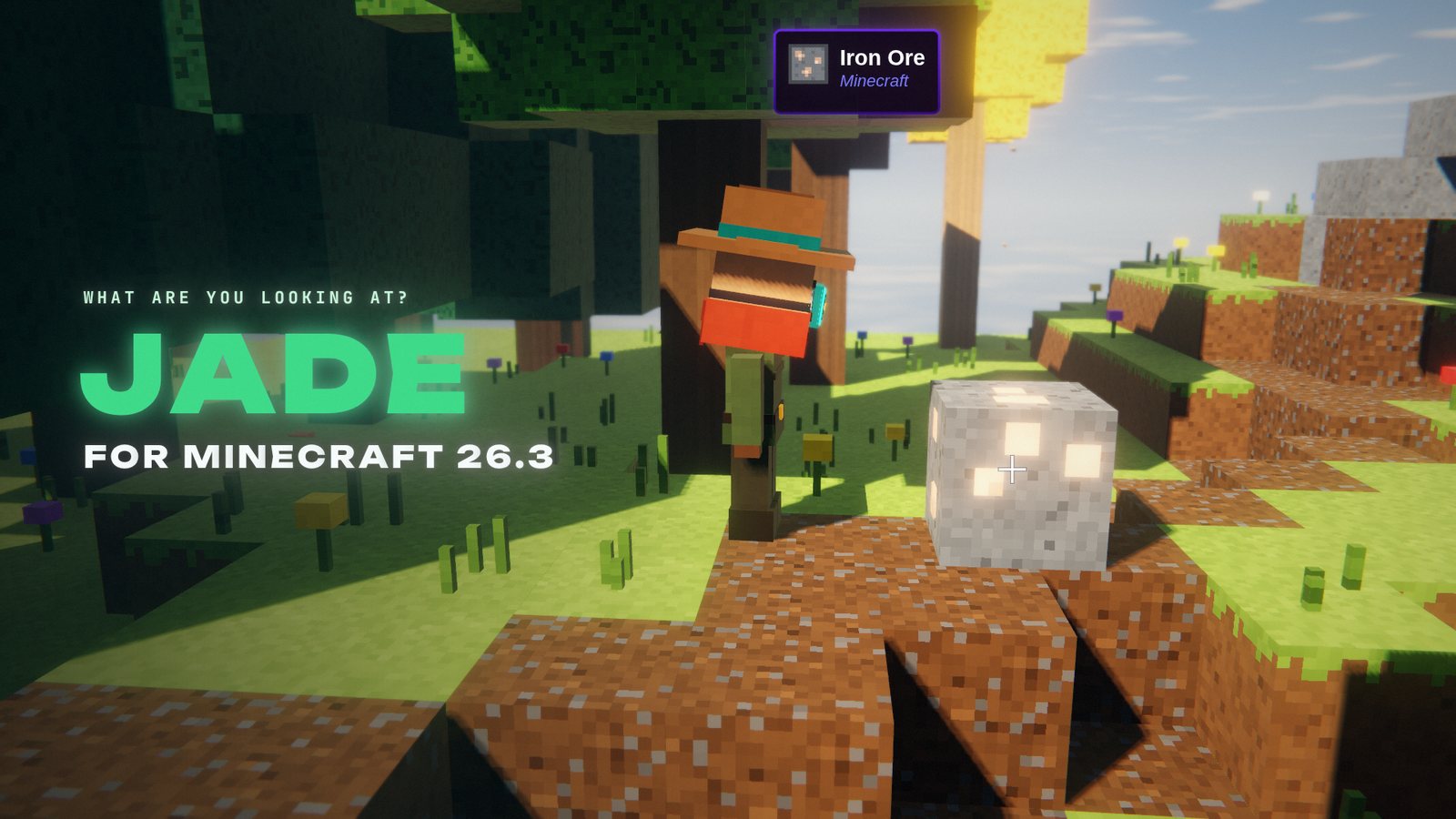
What is that block, and which mod added it? With Jade you just look at it: a small panel shows its name, the mod it comes from and, depending on what you’re looking at, a lot more. Version 26.3.5 is out for Minecraft 26.3.
What Jade shows
Point your crosshair at any block or entity and Jade shows its name and the mod it comes from. Its built-in Minecraft addon adds details for many vanilla things:
- Mobs: health and armor, horse stats like speed and jump height.
- Farms: crop growth, the growing time of baby animals, breeding cooldowns, and when a chicken lays its next egg or an armadillo drops its next scute.
- Mining: the tool a block needs before you start breaking it.
- Blocks: note blocks show their note and instrument, redstone parts their power, plus furnaces, brewing stands, jukeboxes, mob spawners and more.
Client or server
Jade works on your own game alone. Some details need Jade on the server side too, for example the contents of storage blocks, the fuel of a brewing stand and the bees in a beehive.
Jade for Minecraft 26.3
The current release is Jade 26.3.5 for Minecraft 26.3, for Fabric and Quilt and for NeoForge since October 2, 2026. On Fabric it requires Fabric API. Jade has almost 70 million downloads on Modrinth.
How to install Jade
- Install your mod loader for Minecraft 26.3: Fabric, Quilt or NeoForge.
- On Fabric, add Fabric API. NeoForge needs nothing else.
- Download Jade for 26.3 from Modrinth, filtered by your loader, and put it into your
modsfolder. Add it to the server as well if you want the server-side details.
One tip
The number pad controls Jade: Keypad 0 opens the settings (overlay position, display scale, theme and every single detail), Keypad 1 hides or shows the panel, and Keypad 5 reads out what you’re looking at.
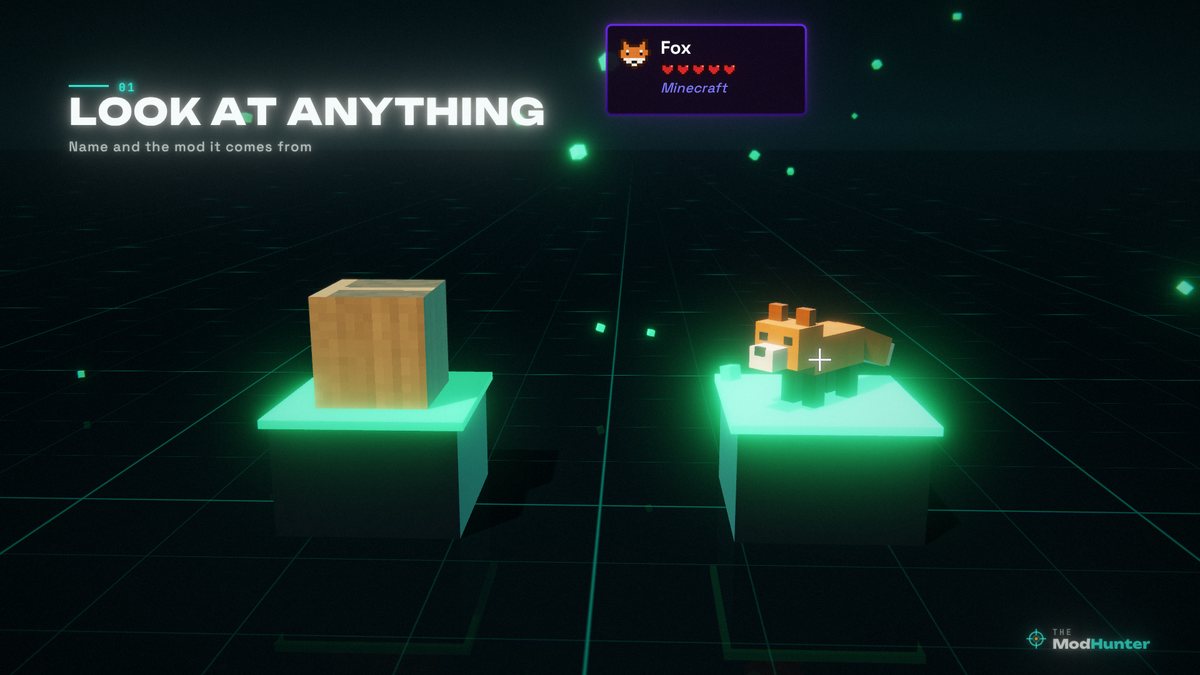
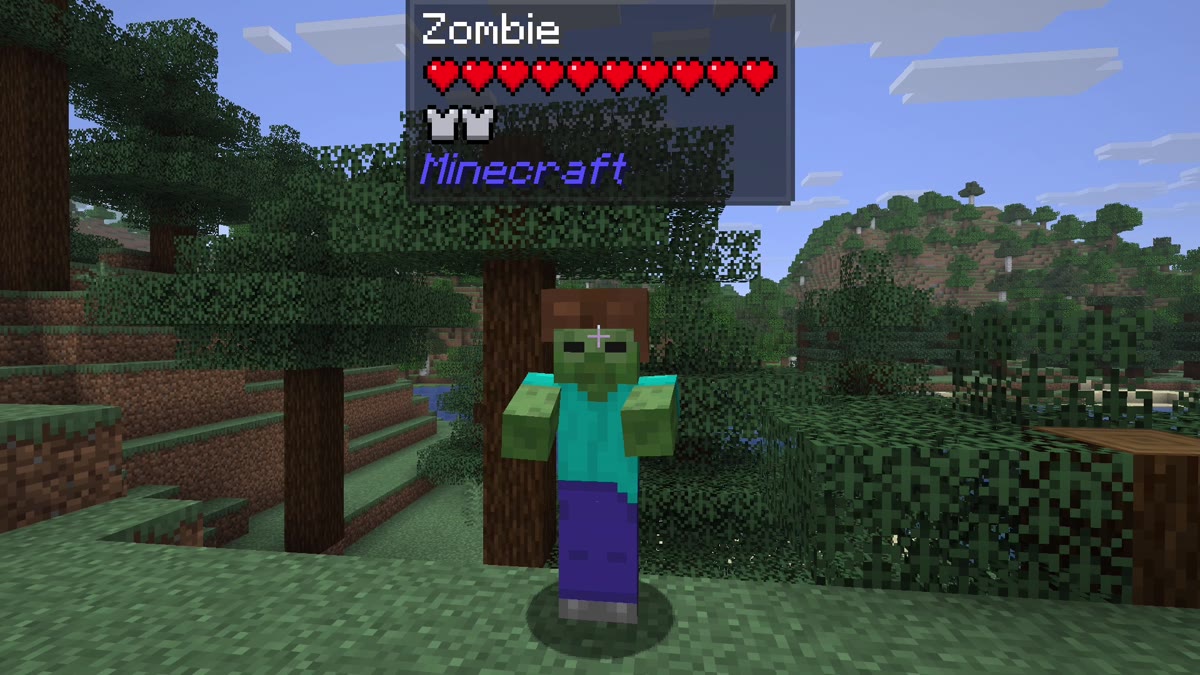
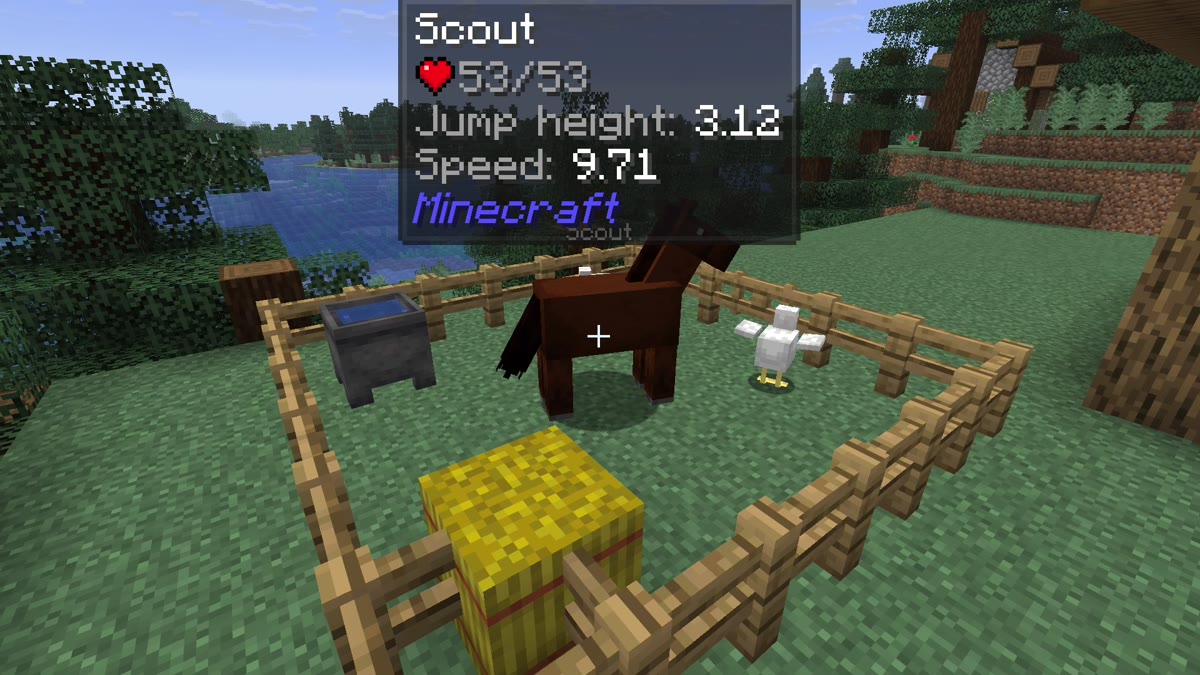
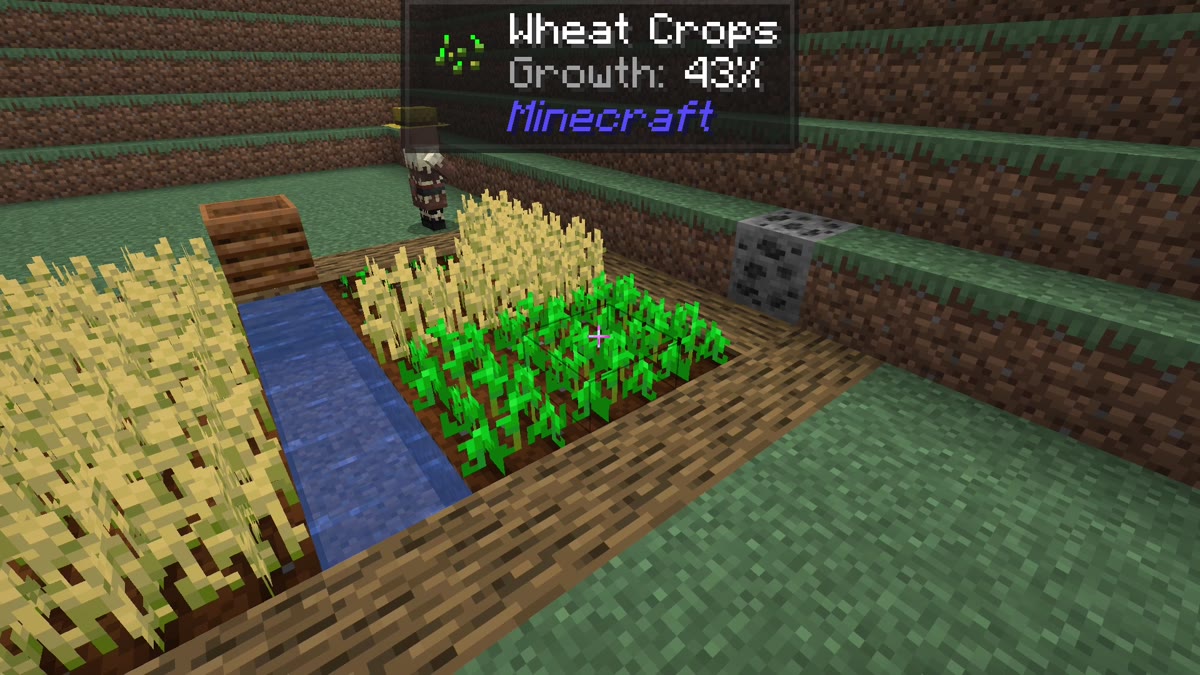
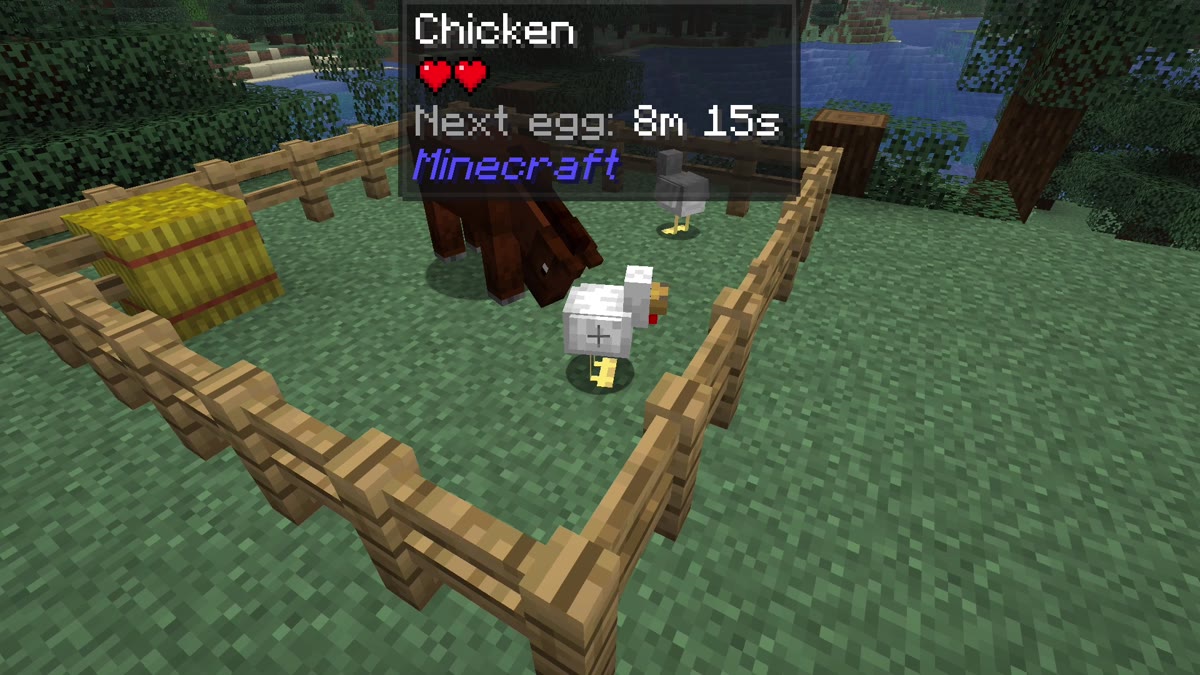
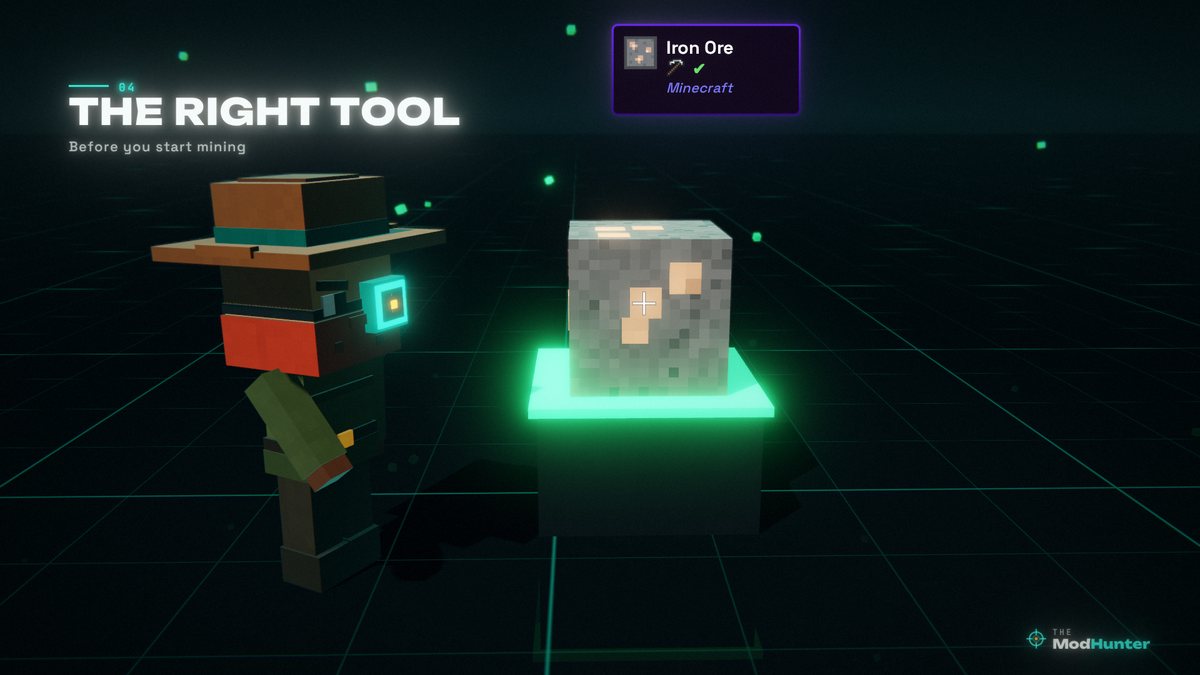
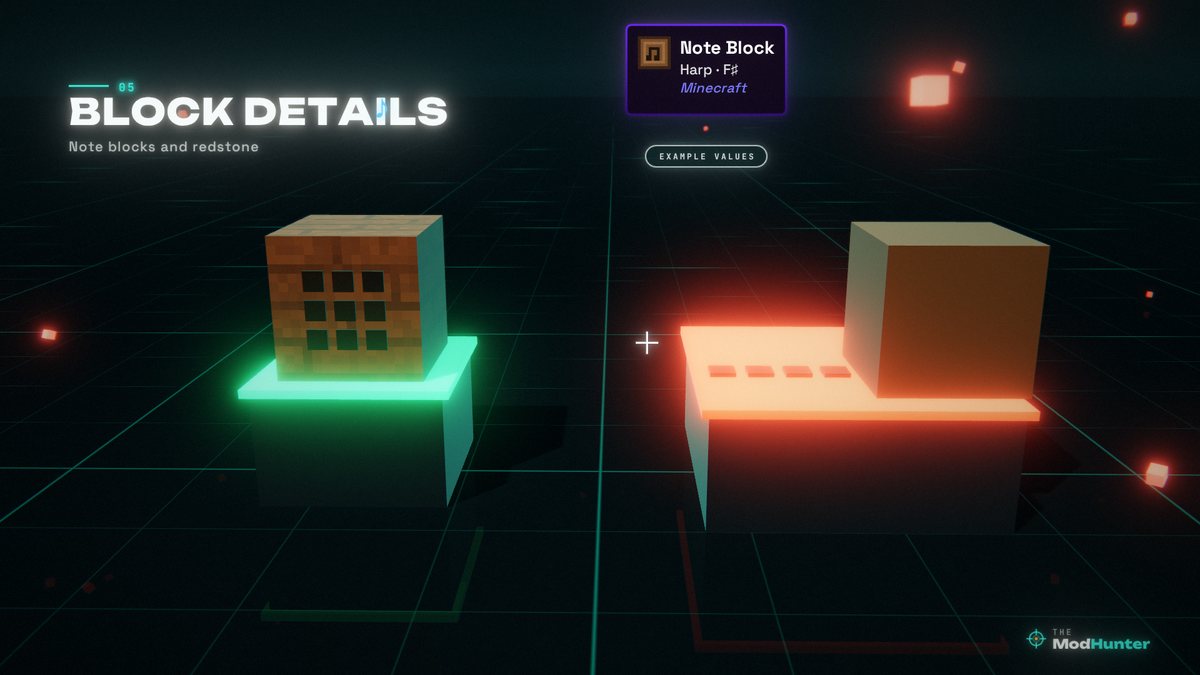
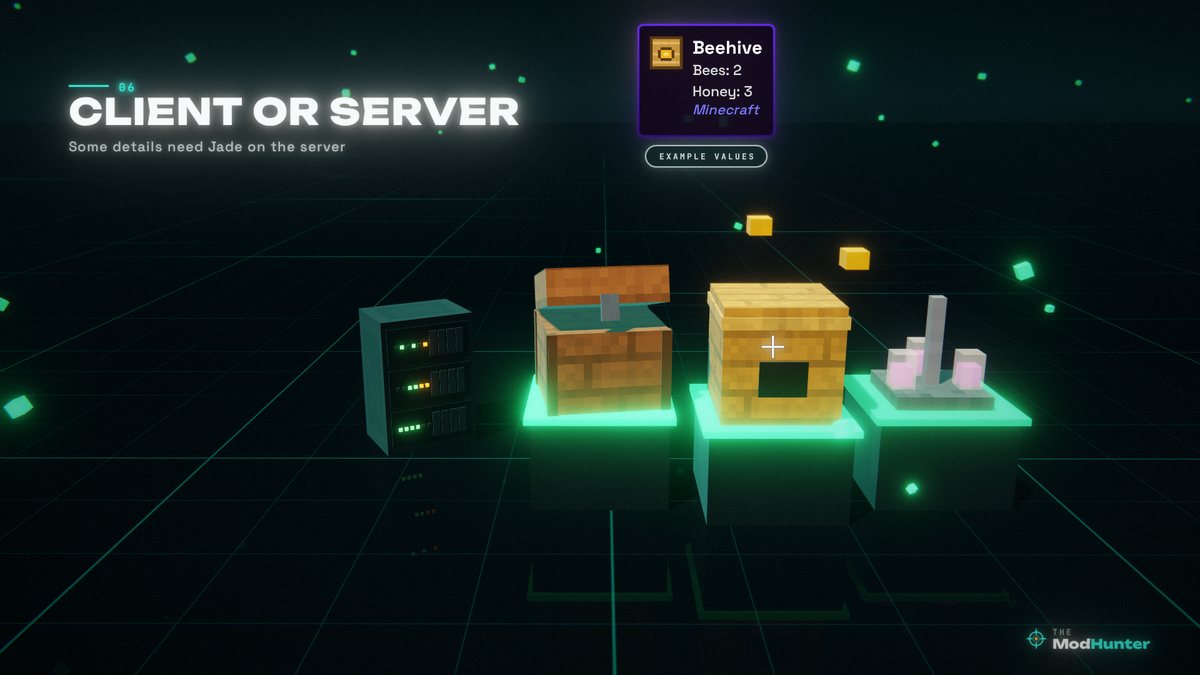
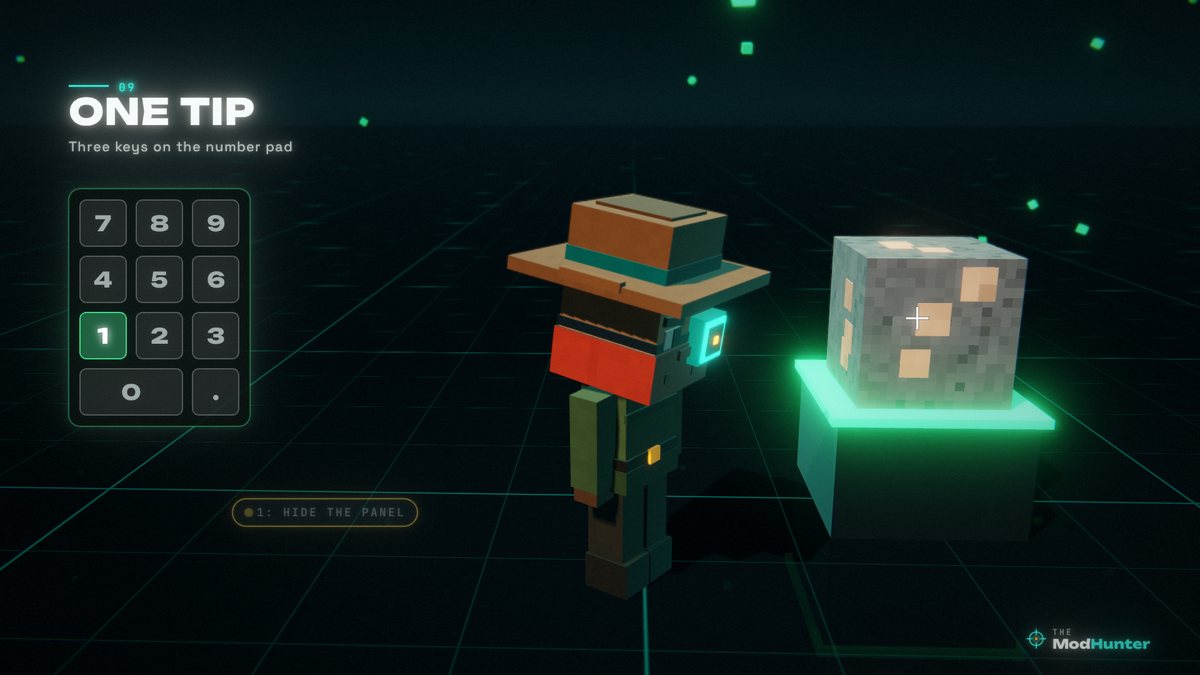
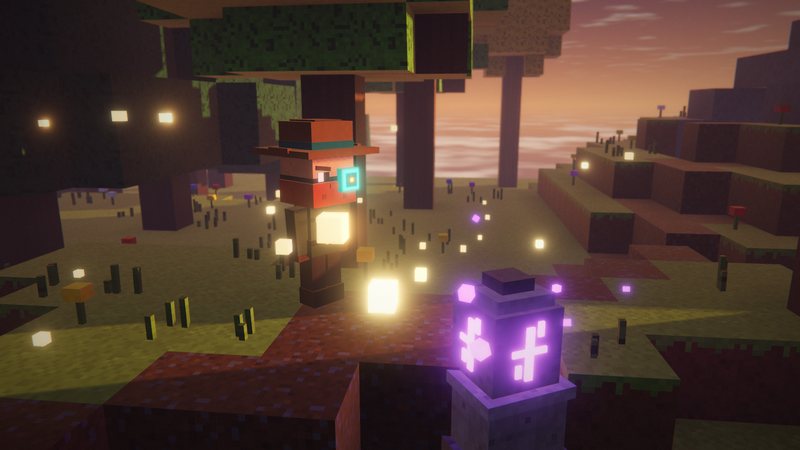
Real in-game screenshots (Minecraft 26.3 with Jade 26.3.5) mixed with stills from my video's voxel illustrations. Each caption says which; values in the illustrations are examples.
FAQ
Is Jade available for Minecraft 26.3?
Yes. Version 26.3.5 is a release for Minecraft 26.3 on Fabric and Quilt and on NeoForge (October 2, 2026).
What does Jade show?
The name of the block or entity you’re looking at and the mod it comes from. On top of that, Jade’s built-in Minecraft addon shows details such as entity health and armor, horse stats, crop growth, the growing time of baby animals, breeding cooldowns, the next egg from a chicken or scute from an armadillo, the harvest tool, note block notes and instruments, redstone power, furnace and brewing stand contents, beehives and more.
Do I need Jade on the server?
No, Jade can be installed on the client only. But many features need Jade on the server side too, for example the contents of storage blocks, the fuel amount of a brewing stand and the bees in a beehive.
Does Jade need Fabric API?
On Fabric, yes: the Fabric version lists Fabric API as a required dependency on Modrinth. On NeoForge you only need Jade itself.
What are the Jade keys?
By default: Keypad 0 opens the configuration screen, Keypad 1 toggles the overlay, Keypad 2 toggles the liquid display and Keypad 5 narrates the target. Keypad 3 and 4 show recipes and uses, but only together with JEI. You can change all keys in Controls.
Can I move the panel?
Yes. In Jade’s settings you can change the overlay position, the display scale and the theme, and switch off single details you don’t need.
Is Jade the same as Waila or Hwyla?
Jade is a fork of Hwyla, which itself continued the classic Waila idea, made for modern Minecraft versions with a redesigned API, more vanilla addons, more settings and better accessibility.