GeckoLib Minecraft Mod: Download and Install Guide (26.3)
GeckoLib: the animation engine behind thousands of Minecraft mods
If a mod ever told you to install GeckoLib first, this is why. What it does, why so many creature mods need it, and how to set it up in two minutes.
 1:43
1:43 The short version
GeckoLib showcase
Playing loads the video from YouTube (privacy-enhanced mode), which may set cookies and process your data. Details.
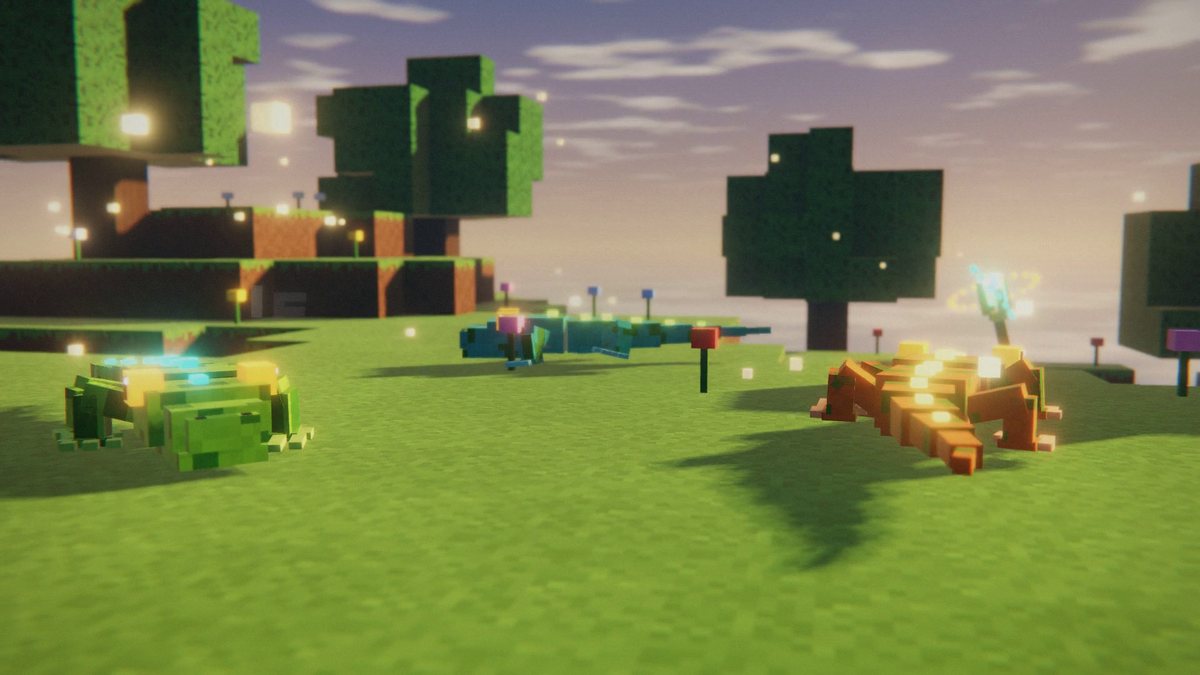
GeckoLib is a 3D animation engine for Minecraft mods. It lets mod developers build models in Blockbench and bring them to life with real keyframe animation, the same way an animator would in a proper 3D tool. That’s why so many creature, boss and furniture mods look alive instead of stiff: under the hood, a lot of them run on GeckoLib.
For players, the short version is simple. If a mod lists GeckoLib as a dependency, it won’t start without it. Install the matching GeckoLib version once and every mod that uses it is covered.
What GeckoLib actually does
Vanilla Minecraft models are animated in code, one hand-written rotation at a time. That works for a cow. It gets painful fast for a dragon with a tail, wings, a breathing chest and a head that tracks the player.
GeckoLib swaps that for an animation pipeline. Artists model and animate in Blockbench, export the files, and GeckoLib plays them back in game with smooth interpolation, easing and blending. Developers then decide in code which animation plays when: walk while moving, attack when hitting, idle otherwise.
Why so many mods depend on it
GeckoLib is a library, not a content mod. Instead of every developer building their own animation system, thousands of mods share this one. The upside for you as a player: one small install unlocks a huge part of the modding scene. The one catch is versions. GeckoLib and the mod that needs it have to be built for the same Minecraft version and the same loader.
It has been downloaded more than 480 million times across CurseForge and Modrinth, which makes it one of the most installed files in Minecraft modding.
Features at a glance
- Keyframe animation built in Blockbench with the GeckoLib plugin, exported as JSON.
- 30+ easing curves, from simple linear motion to bounce and elastic.
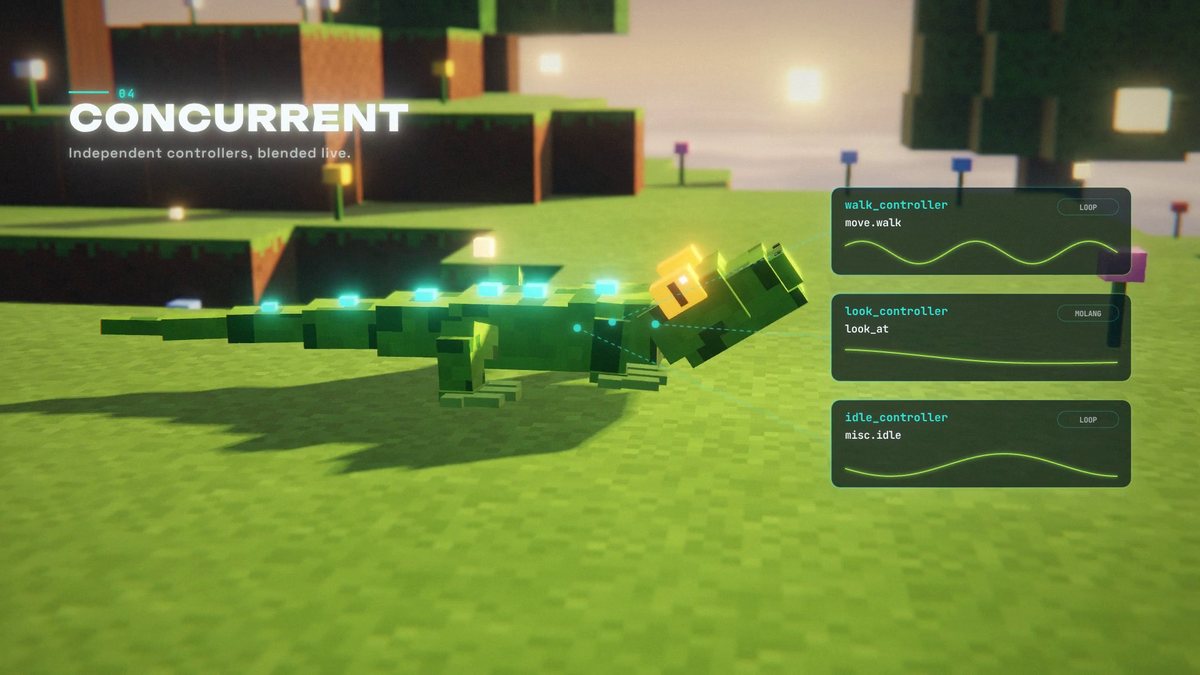
- Concurrent animations: independent controllers for walking, looking and idling, blended live.
- Keyframe events that fire sounds, particles or custom code at exact moments of an animation.
- Molang support for math-driven motion, like a tail that sways with a sine wave or a head that follows the player.
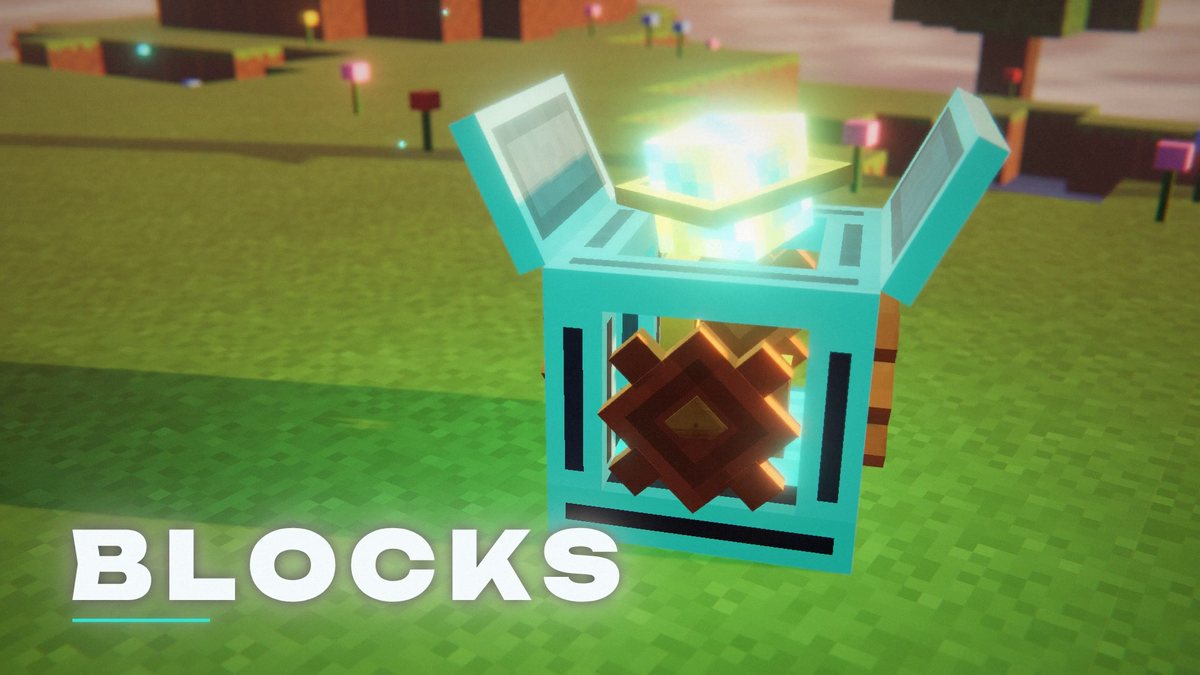
- Not just mobs: animated blocks, items and armor use the same system.
How to install GeckoLib
- Pick your loader. GeckoLib 5.5.7 for Minecraft 26.3 is available for Forge, NeoForge and Fabric. The Forge build needs Forge 66 or newer.
- Download the right file. On CurseForge or Modrinth, filter by Minecraft 26.3 and your loader, then grab the newest file.
- Drop it into your mods folder. That’s
.minecraft/modsfor the vanilla launcher, or your instance’smodsfolder in Prism, the CurseForge app or the Modrinth App. - Add the mod that needs it and launch the game with your loader profile.
- Running a server? Put the same GeckoLib file into the server’s
modsfolder too.
Using the CurseForge app or the Modrinth App? They install required dependencies like GeckoLib automatically when you add a mod that needs it.
For mod developers
GeckoLib is free and open source under the MIT license. The source code and issue tracker live in the GitHub repository, the project site is geckolib.com. The current version is maintained by Tslat, with credits to Gecko, Zigy and Witixin.
FAQ
Is GeckoLib a mod or a library?
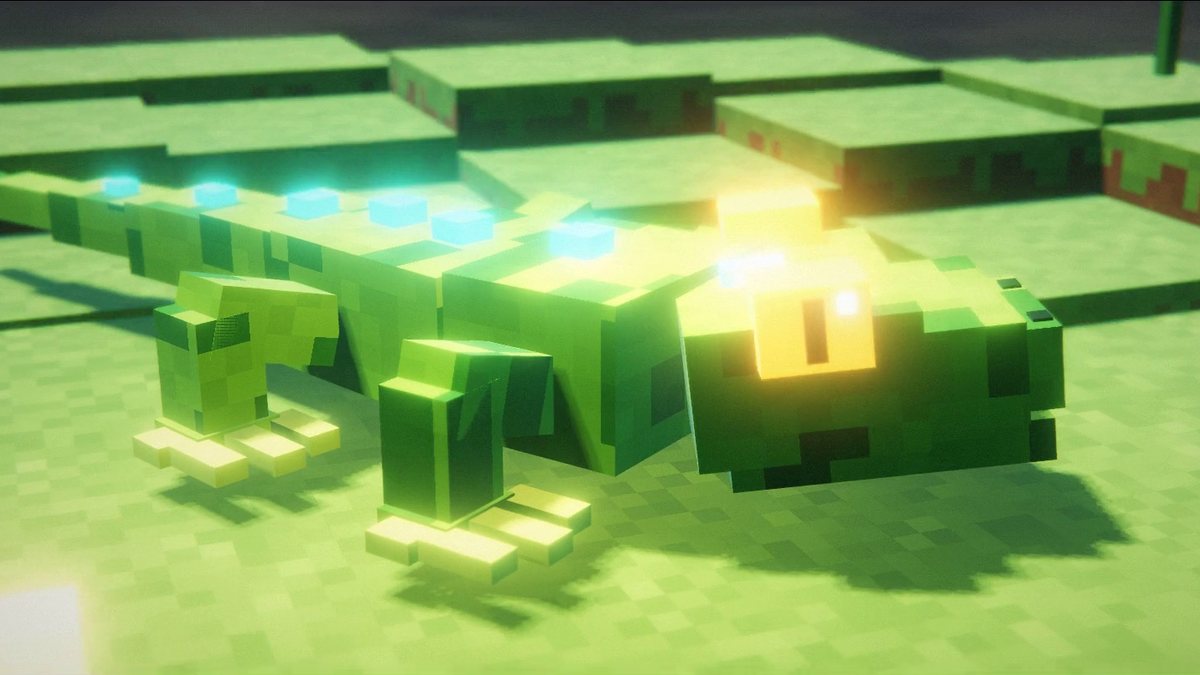
Both, technically. You install it like any other mod, but on its own it adds nothing you can see in game. It’s the engine other mods use to animate their creatures, blocks, items and armor.
Do I need GeckoLib on my server too?
Yes. GeckoLib declares itself as required on both sides, so if a mod on your server depends on it, the server and every player need the same GeckoLib version installed.
Which GeckoLib version do I need?
The one that matches your Minecraft version and your loader. For Minecraft 26.3 that’s GeckoLib 5.5.7, and the Forge build needs Forge 66 or newer. If a mod asks for a specific minimum GeckoLib version, its download page will say so.
Will GeckoLib slow down my game?
Not by itself. With no GeckoLib-based mods installed it does nothing at all. The cost depends on how many animated models the mods you use put on screen at once.
Where is it safe to download GeckoLib?
From the official CurseForge and Modrinth pages linked on this page. Re-upload sites are the most common way players end up with tampered .jar files, so skip them.