Zoomify Mod: Download and Install Guide (26.3)
Zoomify: a smooth, fully adjustable zoom for Minecraft 26.3
Hold C and Minecraft zooms in smoothly, scroll for more, no spyglass needed. Zoomify 2.17.0 for Minecraft 26.3 is out for Fabric and, new in this version, NeoForge. Client-side only.
 1:37
1:37 The short version
Zoomify for Minecraft 26.3
Playing loads the video from YouTube (privacy-enhanced mode), which may set cookies and process your data. Details.
Minecraft has exactly one way to zoom: the spyglass, which you have to craft, hold in your hand, and which blacks out the edges of the screen. Zoomify adds a smooth zoom to a single key. Hold C, and the view glides in. Version 2.17.0 is out for Minecraft 26.3 on Fabric and, for the first time, NeoForge.
Our test: a lighthouse, a sign and a sunset
We tested Zoomify 2.17.0 with default settings in The Mod Hunter’s world, Valley of Mods, and pressed the keys for real while recording.
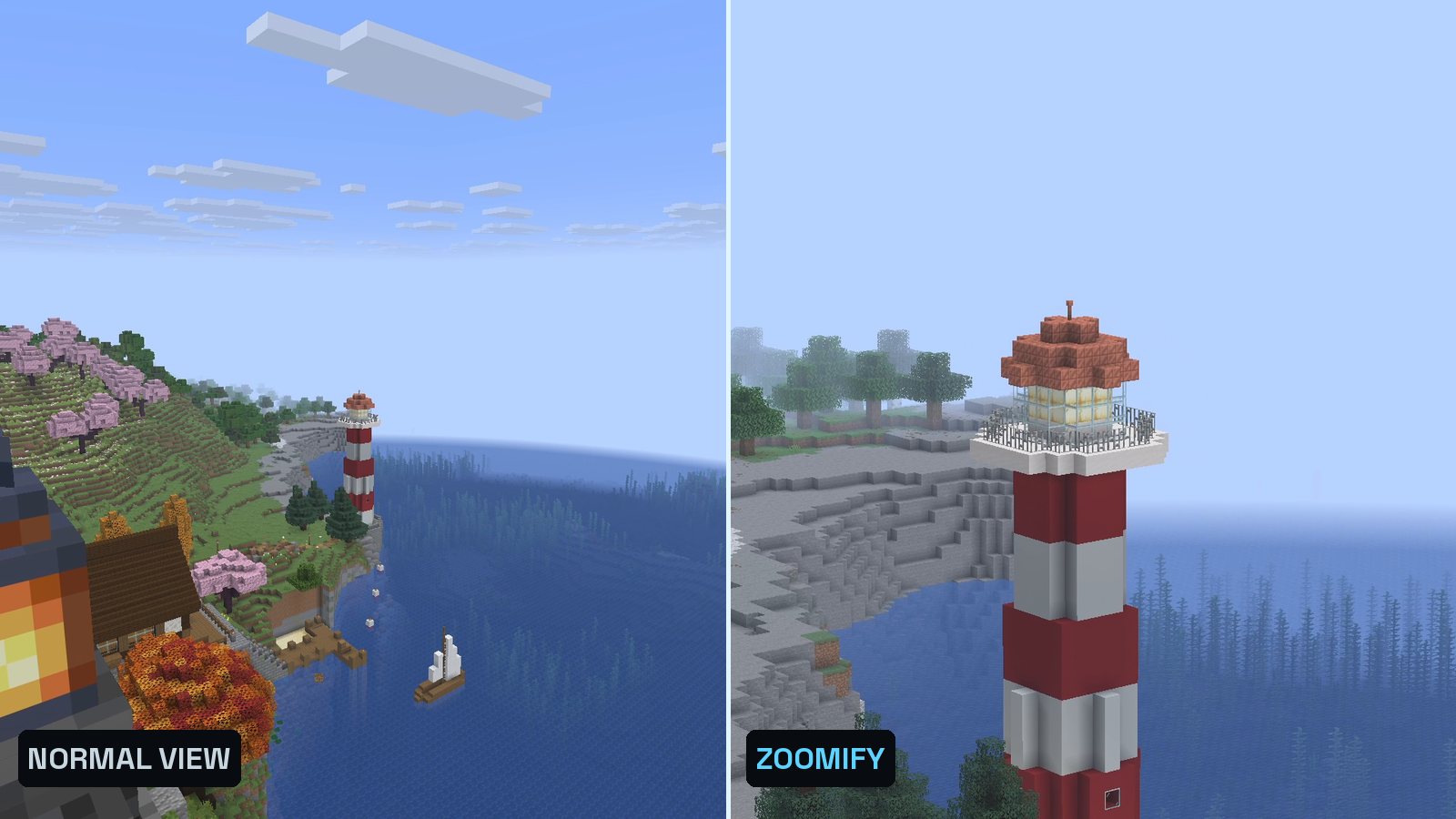
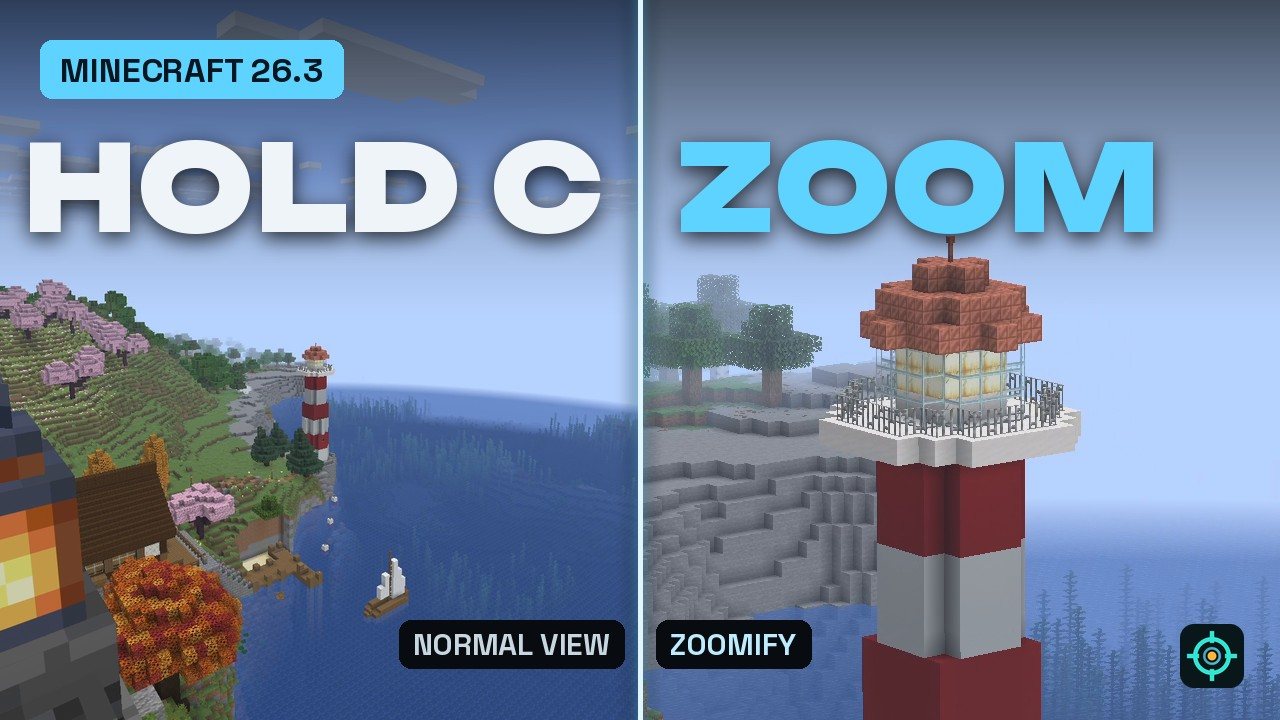
- The lighthouse: from the Belvedere of our Block Archive, the lighthouse across the bay is 136 blocks away and looks tiny. Holding C zooms in four times in about a second.
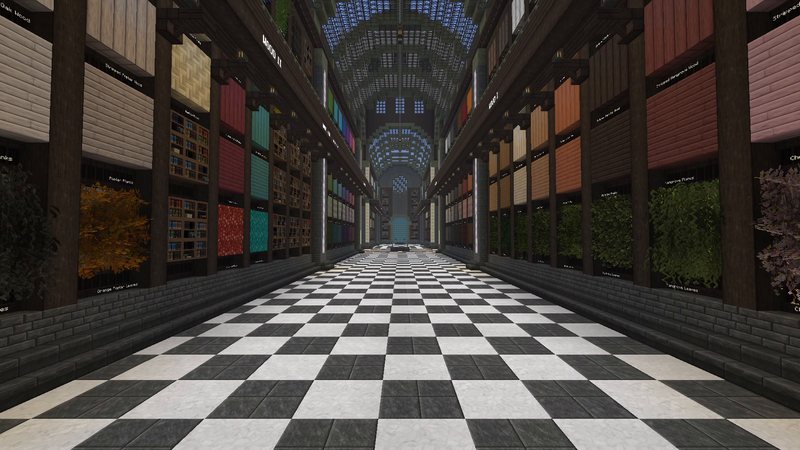
- The sign: inside the Block Archive, the sign at the far end of the hall is 144 blocks from the front door. With three steps of the mouse wheel (13.5x) the letters become readable.
- The spyglass: the same view through the vanilla spyglass. It zooms further, but only with the item in your hand and with a black frame around the image.
- The secondary zoom: at sunset, F6 starts a slow, ten-second zoom with the HUD hidden.
What Zoomify does
- Hold to zoom: C by default. The zoom eases in instead of jumping, and eases back out when you let go.
- Scroll zoom: while zooming, the mouse wheel zooms further in, by default 1.5 times per step, up to ten steps.
- New in 2.17: you can scroll back out past the starting zoom, down toward the normal view.
- Secondary zoom (F6): a separate, slow zoom for content creators that toggles on and off and hides the HUD.
- Spyglass integration: optionally allow zooming only while you hold or carry a spyglass, or let Zoomify replace the spyglass zoom, with its overlay and sounds.
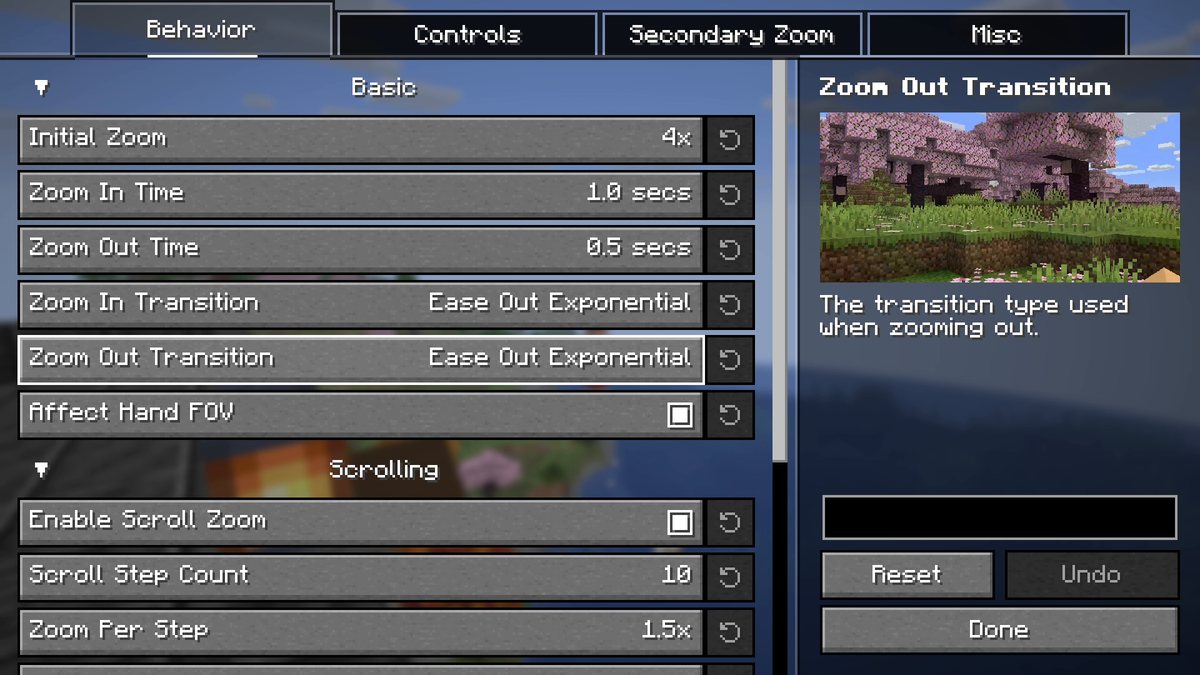
- Everything is adjustable: zoom strength, zoom time in seconds, 14 transition curves, relative sensitivity and view bobbing, a cinematic camera, whether your hand is zoomed too, and presets like an OptiFine-style zoom.
Zoomify for Minecraft 26.3
The current version is 2.17.0 from October 8, 2026, one universal file for Fabric and NeoForge. Zoomify is made by isXander, is open source under the LGPL-3.0 and has more than 68 million downloads on Modrinth. It runs only on the client.
How to install Zoomify
- Install a loader: Fabric or NeoForge for Minecraft 26.3.
- Download Zoomify 2.17.0 from the official Modrinth page.
- Add the required mods: - Fabric: Fabric API, Fabric Language Kotlin and YACL. - NeoForge: KotlinLangForge and YACL.
- Drop everything into your mods folder and start the game.
- Check the key: under Options > Controls, make sure C isn’t shown in red. Minecraft’s Save Toolbar Activator uses C too.
Tip
Open the settings with the command /zoomify. If you record videos, try the secondary zoom on F6: it’s slow, smooth and hides the HUD on its own.
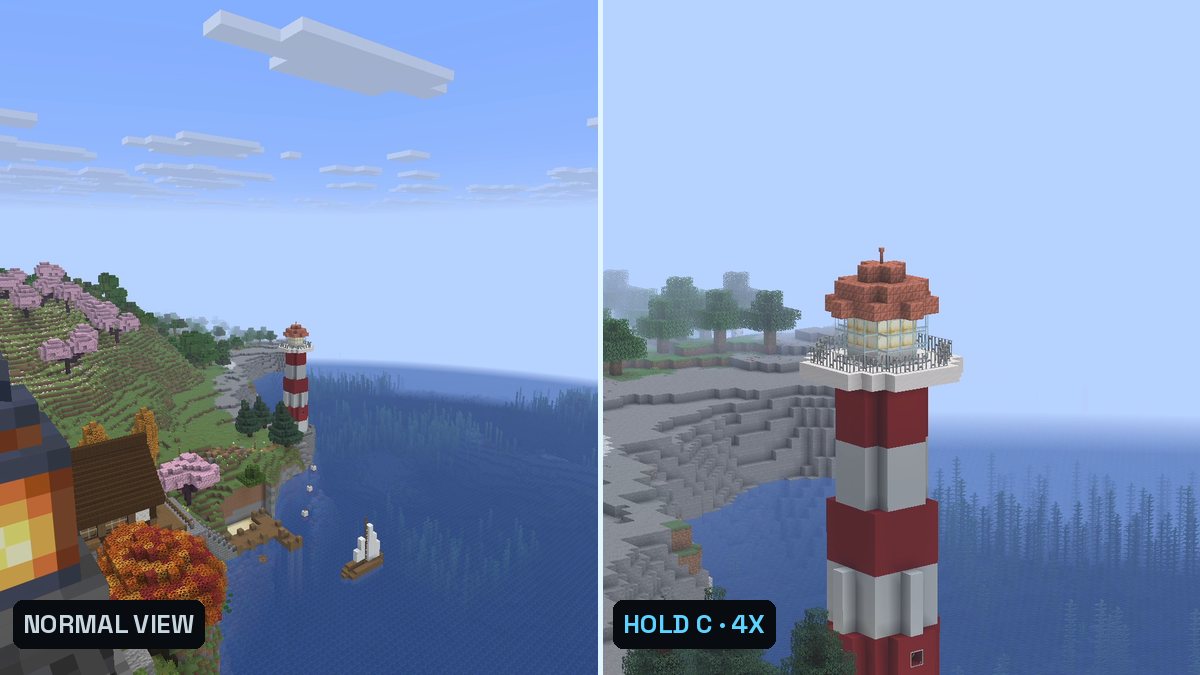
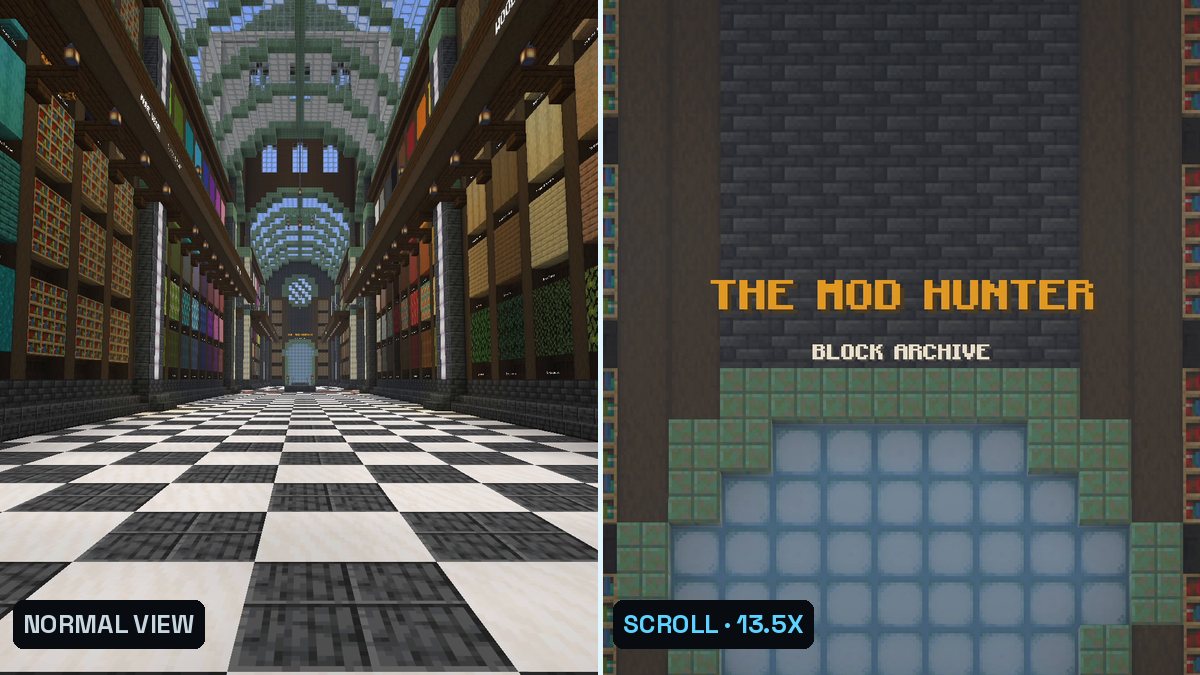
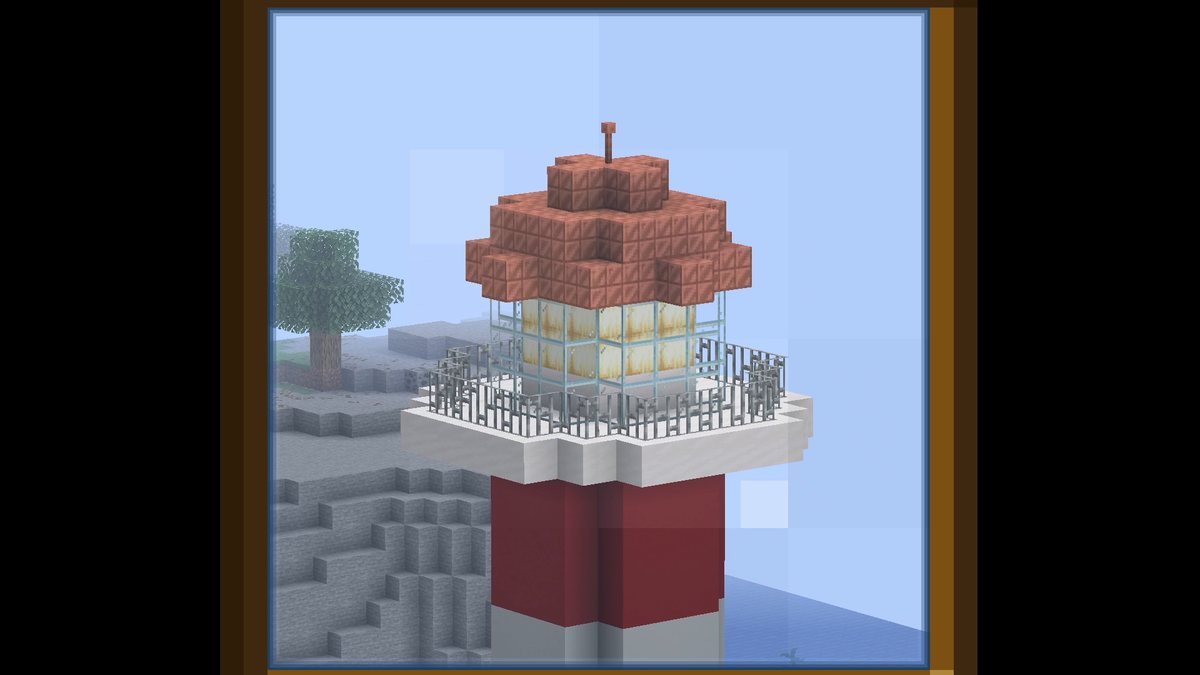
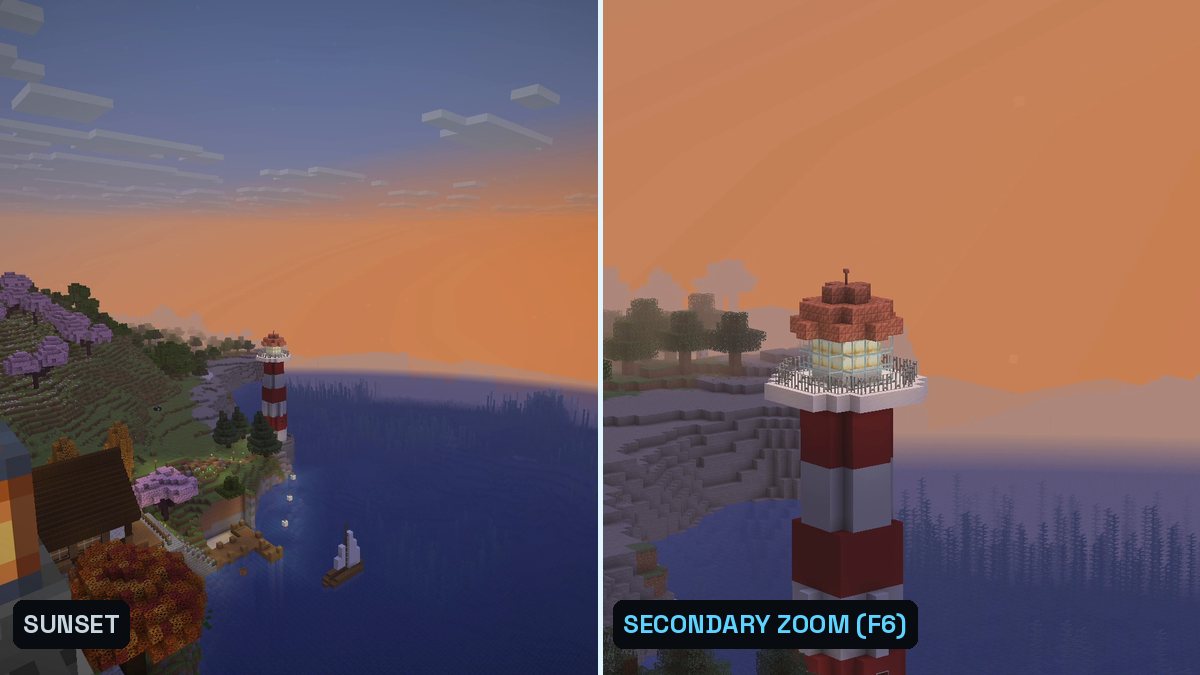
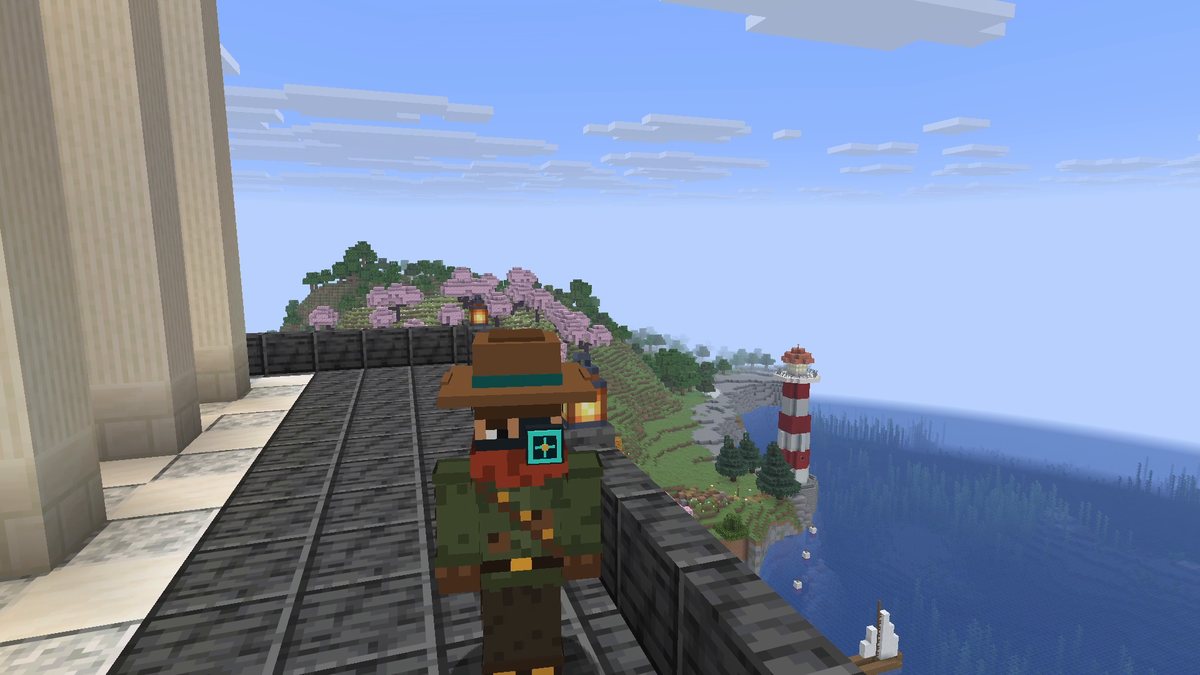
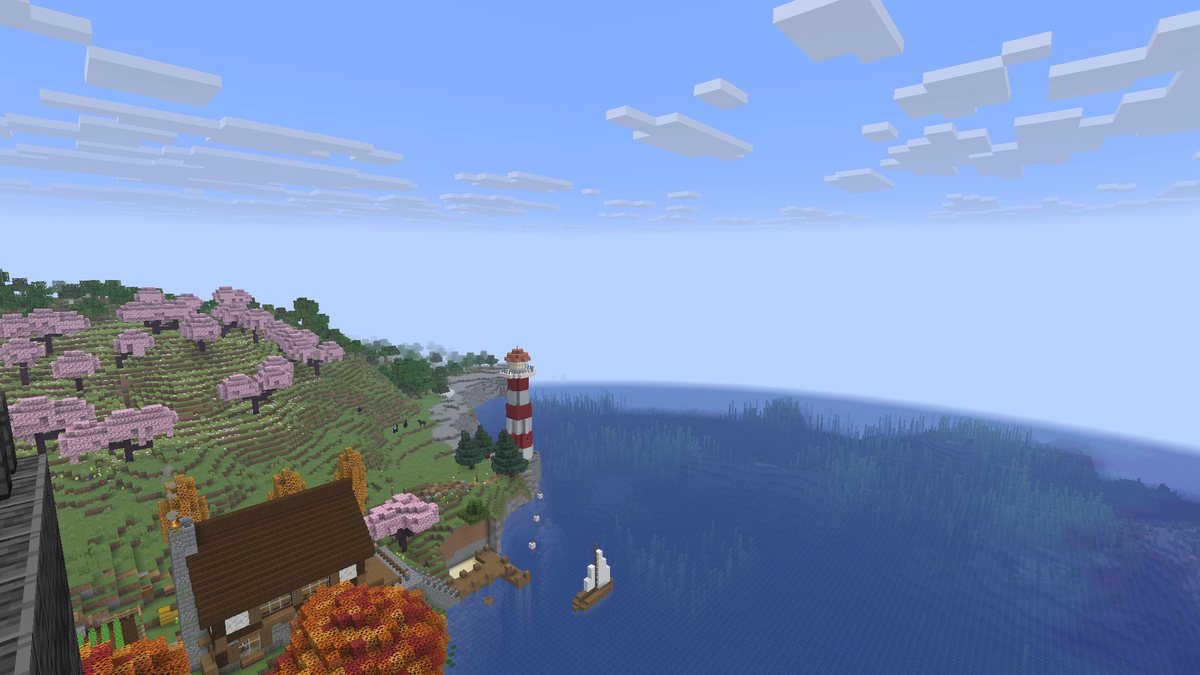
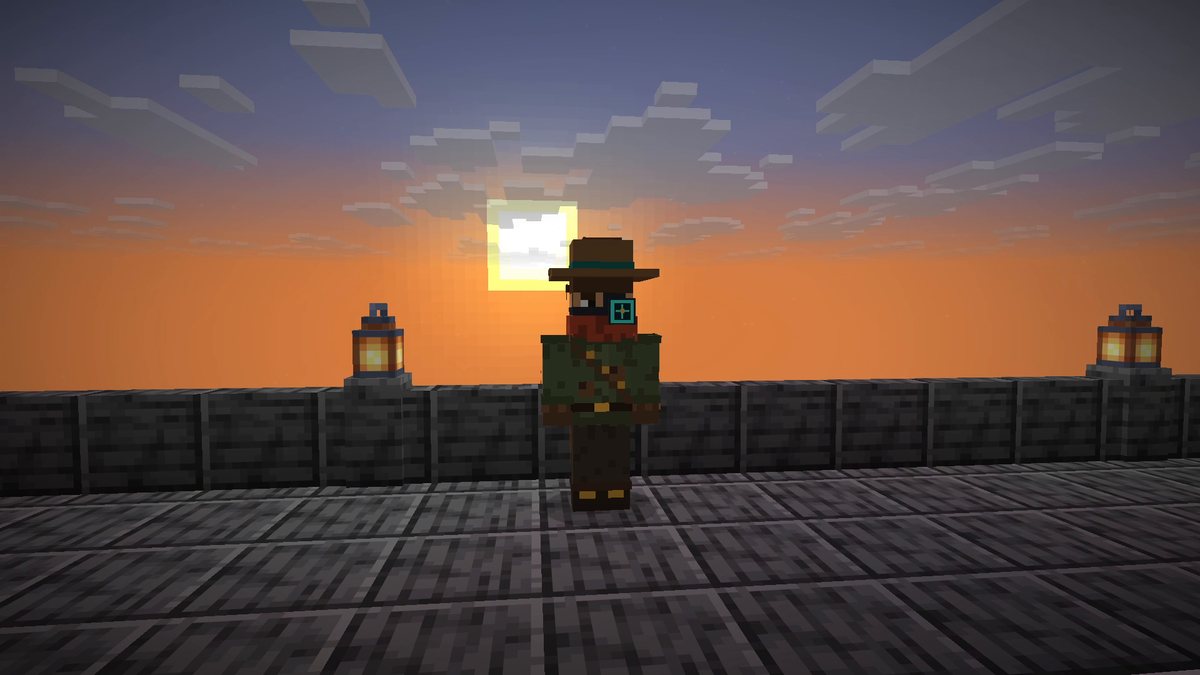
Real in-game screenshots from Minecraft 26.3, recorded in The Mod Hunter's world Valley of Mods with Zoomify 2.17.0 and default settings. The zoom was triggered with real key presses (C, mouse wheel, F6).
FAQ
Is Zoomify available for Minecraft 26.3?
Yes. Zoomify 2.17.0 for Minecraft 26.3 was released on October 8, 2026. It is a single file for Fabric and NeoForge; NeoForge support is new in this version.
How do I zoom with Zoomify?
Hold C. By default Zoomify zooms in four times over one second with a smooth ease-out curve and zooms back out in half a second when you let go. While you hold the key, the mouse wheel zooms further in or back out.
Zoomify doesn't zoom when I press C. Why?
Minecraft also uses C for the Save Toolbar Activator (saving creative hotbars). If the key shows red under Options > Controls, give one of the two a different key. Zoomify also shows a notification on first launch if its key is in conflict.
What do I need to install with Zoomify?
On Fabric: Fabric API, Fabric Language Kotlin and YetAnotherConfigLib (YACL). On NeoForge: KotlinLangForge and YACL. Mod Menu is optional and adds a settings button.
Do I need Zoomify on the server?
No. Zoomify is client-side only. Servers don’t need to install anything.
What is the secondary zoom?
A second, separate zoom on F6 (default) aimed at content creators: it toggles on and off, zooms in slowly over ten seconds by default and hides the HUD while zooming.
Can I change how the zoom feels?
Yes, almost everything is a setting: zoom strength, zoom in and zoom out time in seconds, 14 transition curves (separately for zooming in and out), scroll steps, relative mouse sensitivity, relative view bobbing, a cinematic camera, spyglass behaviour and presets such as an OptiFine-like zoom. Open the settings with the command /zoomify or the Mod Menu button.